While I was typing in kerning groups and tabbing from left to right kern group, most of my glyphs vanished! I had successfully done most of the glyphs but while I was doing one of them, the problem occured. Apparently, the glyphs are still there, they just don’t appear in “font view”
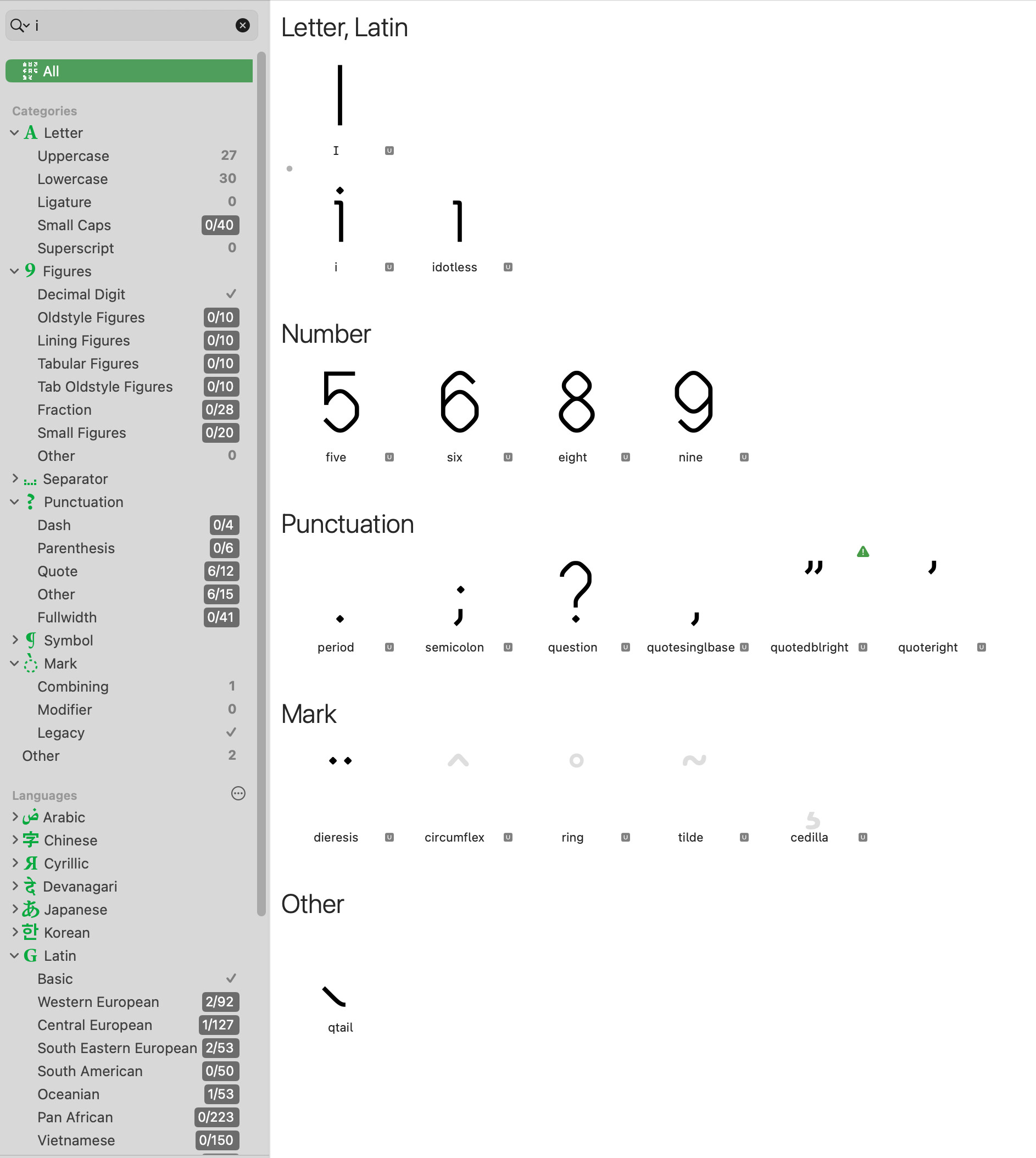
You typed “i” in the search field.
So what do I do about it to get the screen back?
and what would that matter?
It filters your glyphs by name. Only those that contain your search string are shown – so in your case, only those glyphs that contain ‘i’.
Clear the search bar contents to show all glyphs again.
1 Like
Thanks, Sebastian! That helps. I must have typed it accidentally. I have never used the search field “on purpose” 