In a UI font all the glyphs are sitting about 100 units above the baseline. Normally I’d use flipped components for many letters, but the Body Height parameter doesn’t take into account the raised glyphs so the flipped things are sitting on the baseline rather than at y=100. Any suggestions how to manage that?
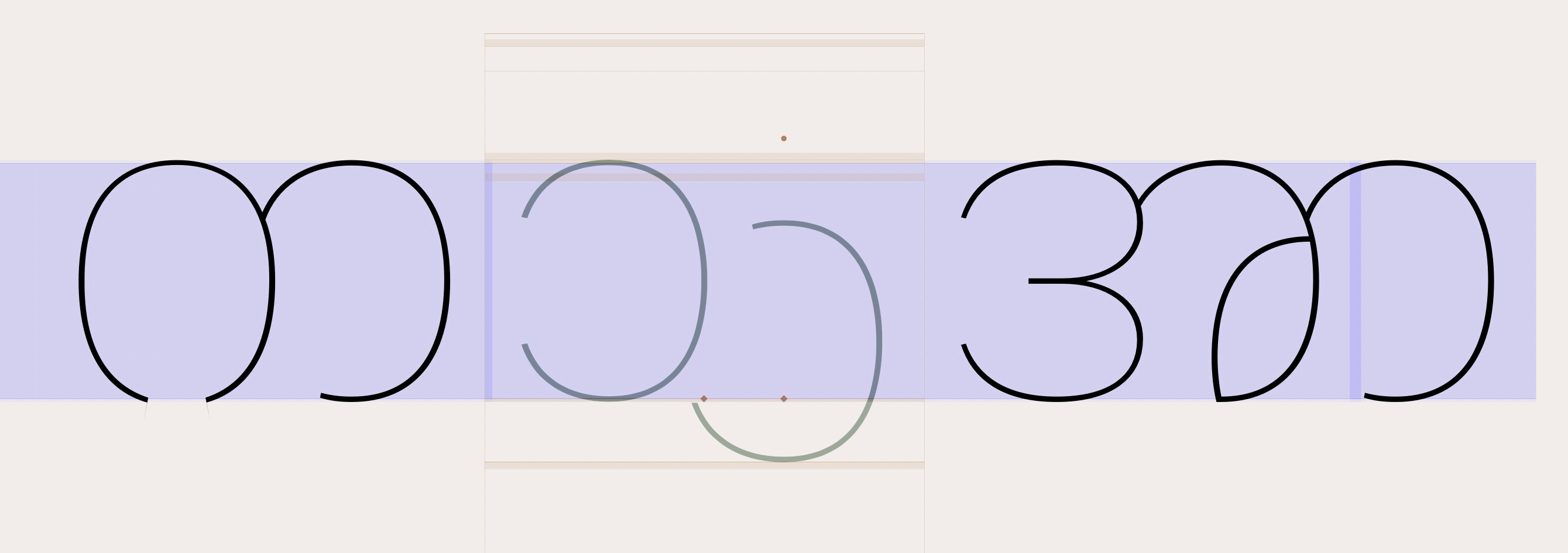
You can use GSComponent.alignment = 3 (horizontally fixed, vertically free) for this. Are you comfortable with scripting?
- Set the alignment type to 3 for the component
- Set the transformation origin to half the body height
- Rotate the component
But I assume you want to use multiple components in the same glyph with automatic alignmend? Sadly, alignment type 3 doesn’t work with multiple components in one glyph.
1 Like
Ah, this sounds like a lot of fiddling as there are many, many glyphs that need flipped components. Yes, several components in most glyphs. I’m now wondering whether it would be better to draw everything on the baseline and do the baseline shift on export with a custom transformation parameter.
Can you show how exactly you have the components set up? Or you can send me a test file in a private message and I’ll see whether some smart solution can be found.
it should work by setting a vertical metric. But I have never seen a use case like this. Can you send me a test font that I and figure out how to set it up.
Or can you use the normal baseline and use the BASE table (manually build afterwards) to align the scripts?
I think I figured it out with a simple transformation filter rather than drawing the glyphs above the baseline. But would using the BASE table give different results? Is there any info on how to make a BASE table so I can check?
There’s a script for that. Try Alignment Manager.