glyphs export "./X.glyphs"
Using Glyphs 3.4.1 (3436)
No Python framework path configured.
Set the Python framework path in the Glyphs settings or pass it with the '--python' option.
See `glyphs export --help` for more information.
And my output from that defaults read is:
2026-05-22 13:15:08.900 defaults[9355:15526001]
The domain/default pair of (com.GeorgSeifert.Glyphs3, GSPythonFrameworkPath) does not exist
When you have no Python version selected in the Glyphs app, Glyphs will use the latest Python installation on your Mac and the CLI will currently not use Python. I’ll fix this discrepancy in the CLI update so it will works like in the app.
Ah yeah I didn’t consider the network access. Though a bit detoured, but it’d probably align with users’ expectation better if you cache the last result of the latest stable version. Issue a warning when the network connection fails: “No network connection. Last known stable version: 3.4.1 (3436).”
I thought about this, but there is no approach I like. A stable release is not a separate version that is published; instead, the latest cutting-edge is declared a stable release and thus the same version that was just tested by cutting-edge users is now available to regular users. A local cache could thus get out-of-sync and cause confusion on which version is selected.
Further, I like the speed of the command-line tool. With a latest-stable-version selector, the tool first has to connect to a server and await its response before version selection (and thereby any processing) can happen. That is not ideal, especially when using the tool from inside a loop or similar context.
The tool could use a cache and kick off a background task to update the cache. That would maintain quick launch time, but repeated runs could end up selecting different app versions for the same invocation which again can be quite confusing.
I would suggest pinning the app version using the --app option. That will not automatically increment to the latest stable version, but I think most type projects that need this kind of reliability are best served using a fixed, manually incremented version anyway instead of a dynamic, even if stable, version.
@FlorianPircher This is incredibly useful, thanks for providing access to this tool! I was wondering if this will stay closed-source or if there’s a plan to release it under an open source license?
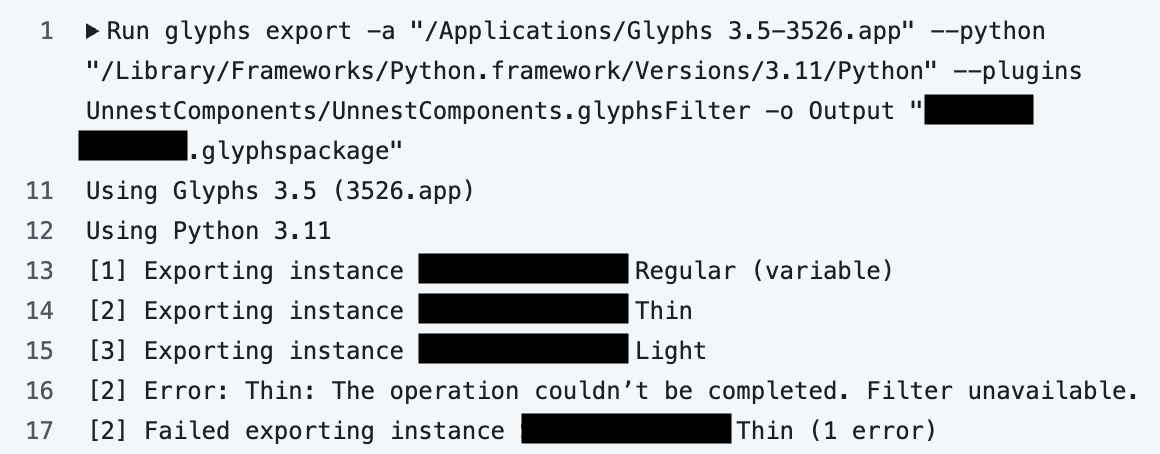
An early question for me was whether this would apply the filter UnnestComponents when that is set up in Exports of a Glyphs doc. It seems to work well!
I do somewhat wish the output was (or could optionally be) a bit more verbose. It would probably be helpful information to see which filters are run in a build.
You can set the LOG_LEVEL environment variable to debug to see more details of what the tool is doing. For example, run your command prefixed with LOG_LEVEL=debug like so:
LOG_LEVEL=debug glyphs export ...
To get more details for each export, you might be interested in the JSON output format:
Hi, this is a GREAT feature. thanks for finally making it possible!
I ran some tests and it works perfectly. I do have a question though: in one of my tests, the script changes the source and exports the font itself, but the program still generates fonts automatically too. Is there a way to prevent it from generating fonts?