You should be able to update. But maybe ask you sys admin? The license doesn’t care.
I updated to the cutting edge version 3.3.1
It still crashes when I export to TTF if the pixel is a star shape:
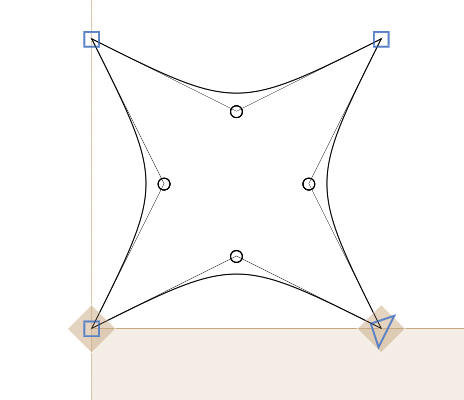
but it reverts to a square pixel when I set the grid and then it will export without crashing.
Is there a way to decompose components that were created using the pixel unit all at once so that they are released from their group but not decompose the individual pixels?
I tried a few things with your file. I plan to improve the automatic decomposition but that will take some time.
Until then:
- Build all glyphs only from the building blocks (e.g. SelmaX). So the beh can’t use the behDotless but needs to be a copy of the components.
- add a “Decompose Glyphs” that list all of those building block glyphs.
- add “Keep Overlapping Components” and “Keep Transformed Components” parameters in the instance.
Hi Georg, I did stick to the guidelines you mentioned, and I built the letters from the blocks and not from the other glyphs. When I export I can see some the components and some of the latin letters but none of the Arabic. When I decompose so that everything is made up of just the pixel sometimes it works, but for most of the letters they are simply not appearing. It doesnt matter if the letter is composed of building blocks or just of the individual pixel..I am really trying to understand why certain letters appear and others dont?
When I export to a TTF and then open the TTF file with Glyphs, and the export that back to TTF all the letters appear in Illustrator…but there is inconsistency as it seems to be crashing when I tried that process again.
Would updating to the new version help?
tatreez-Regular 2.07.38 PM.ttf (551.2 KB)
tatreezpixelFINAL18.glyphs (3.0 MB)
The file still has a lot nested components. Can you give some examples what letters are not working?
Hello,
So when I decompose the beh dotless appeared, so I went ahead and decomposed a few more but they didnt appear. I can see the letters in the TTF if I install it in fontbook but even then the letters won’t appear, and the glyphs panel only include the beh dotless. So all the Arabic letters do not appear…even the ones I tried decomposing. I have to go into each glyph and decompose otherwise it will decompose my pixel too and then the file crashes. Here is the latest file:
tatreezpixel22outline.glyphs (3.7 MB)
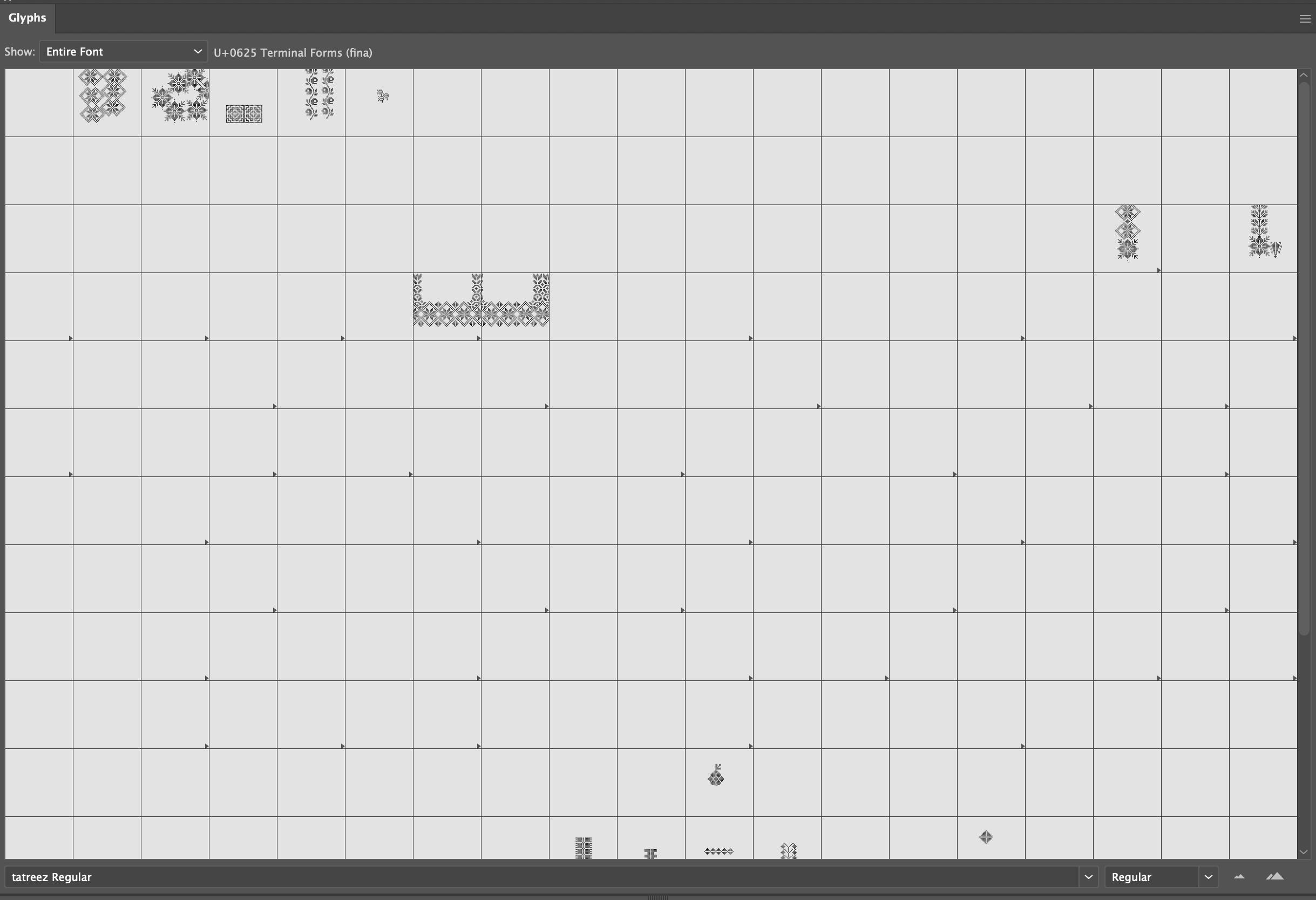
ok. i think I figured it out, some components were components within components, everything has to be decomposed. But I have to go into each glyph and do it manually, because the “decompose components” decomposes things down to the pixel. I would like the pixel to stay intact but all the components decomposed. If there is a shortcut to help me with that it would save me hours of manual labor. Thank you!
Hi, the letters will appear only if the pixel is a square, when i try to export using the star pixel the letters do not appear.