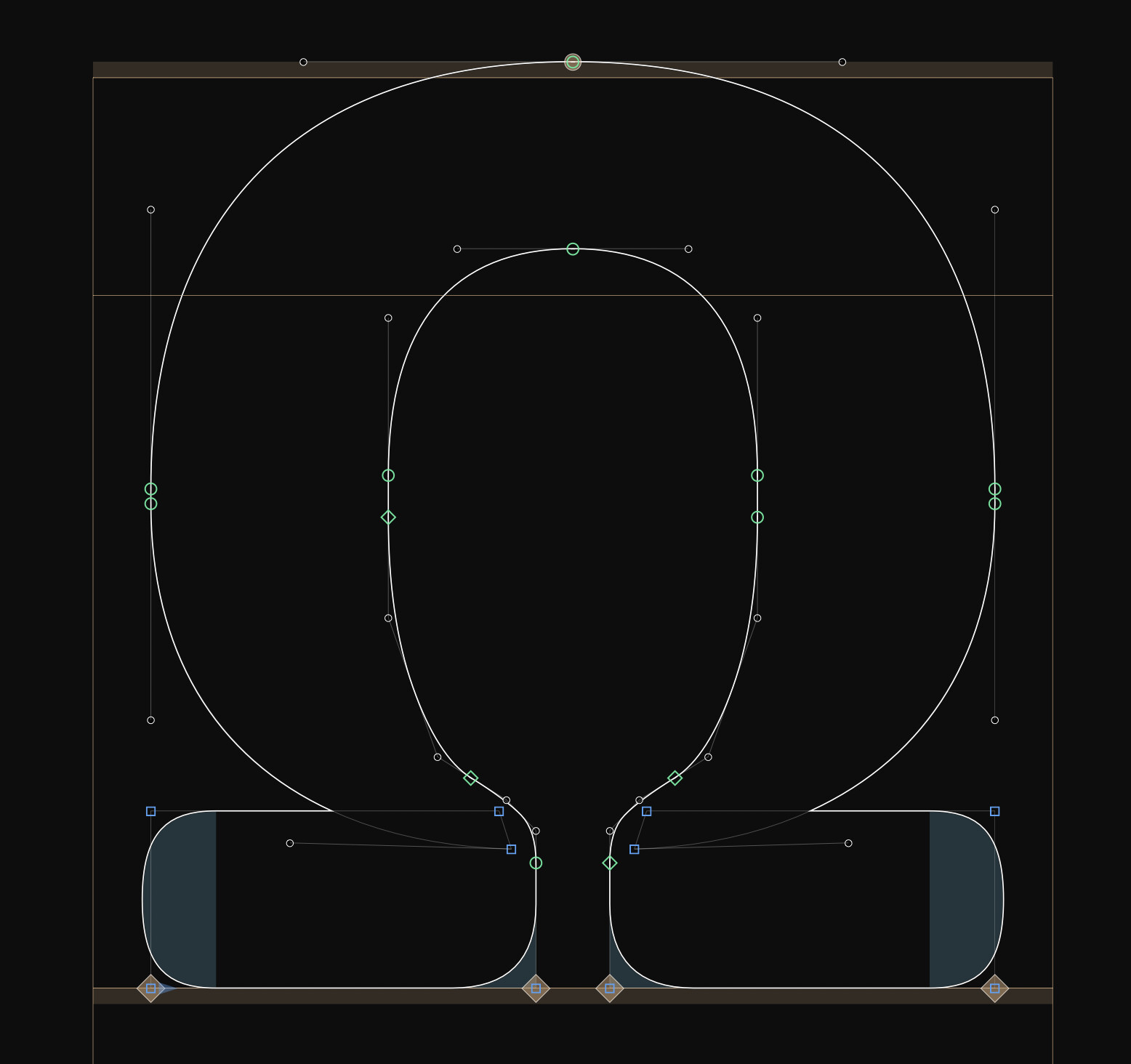
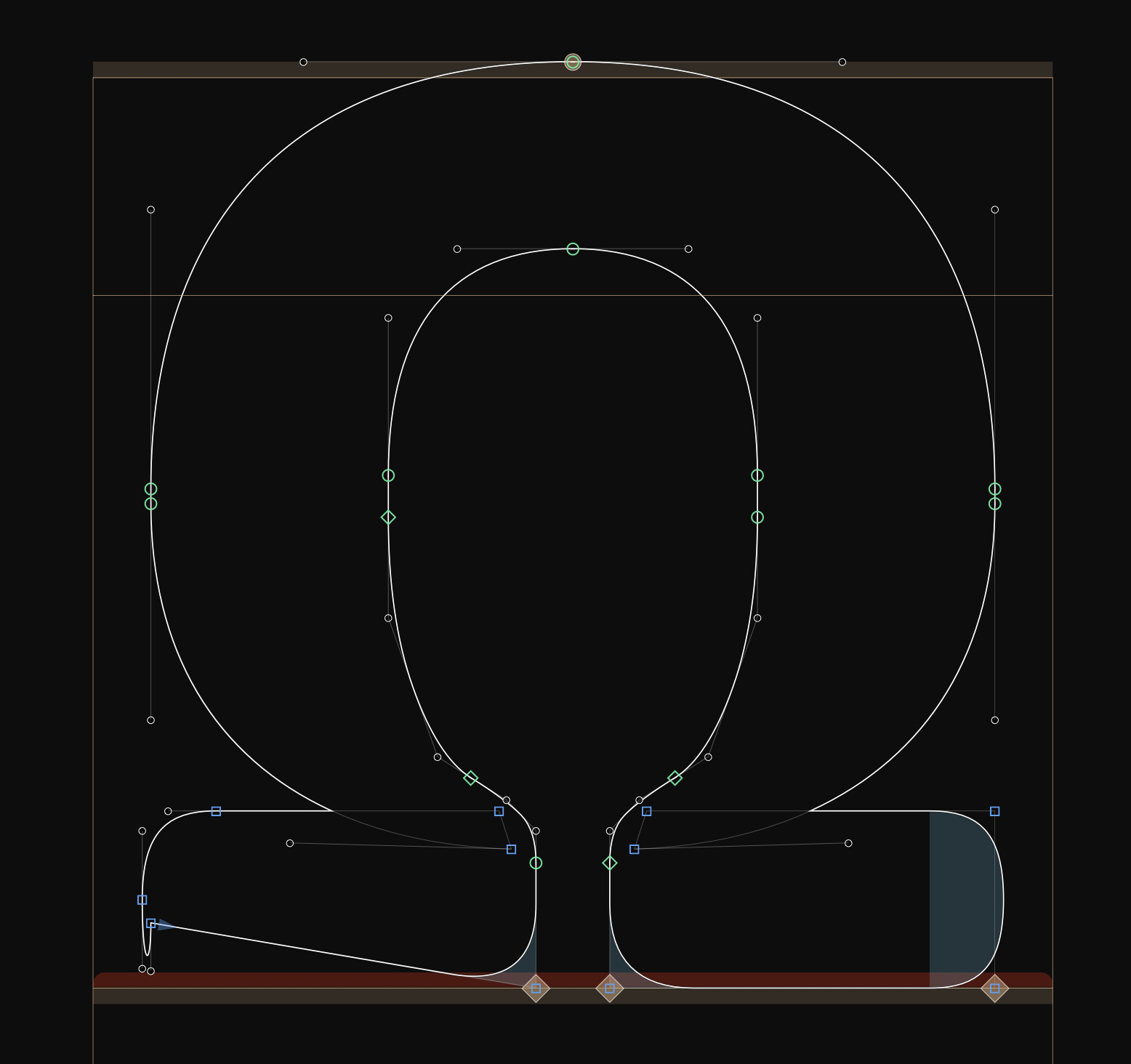
On some cases, when decomposing corners, the shape changes to something different (G4). On other cases it works just fine. I couldn’t figure out what the pattern is for the cases where it doesn’t work, yet I figured when I change the alignment to X it works just fine.
For some reason “decompose corners” doesn’t work for me properly at all. Here is two examples of a “v”. The first one without any anchors in the _corner. glyph and second one with origin, left and right.
Also here. What is the status about it? Do you need a file? @FlorianPircher@GeorgSeifert (sorry for tagging, but the latest question about news on this is 2 days old )
Having the same issue here, components not decomposing in G4. However, when using the mekkablue script ‘Decompose Corner and Cap components’, it works really well. The only thing is that all the glyph’s components are decomposing, so it’s not possible to only decompose one corner/cap at a time. I hope this helps for now !
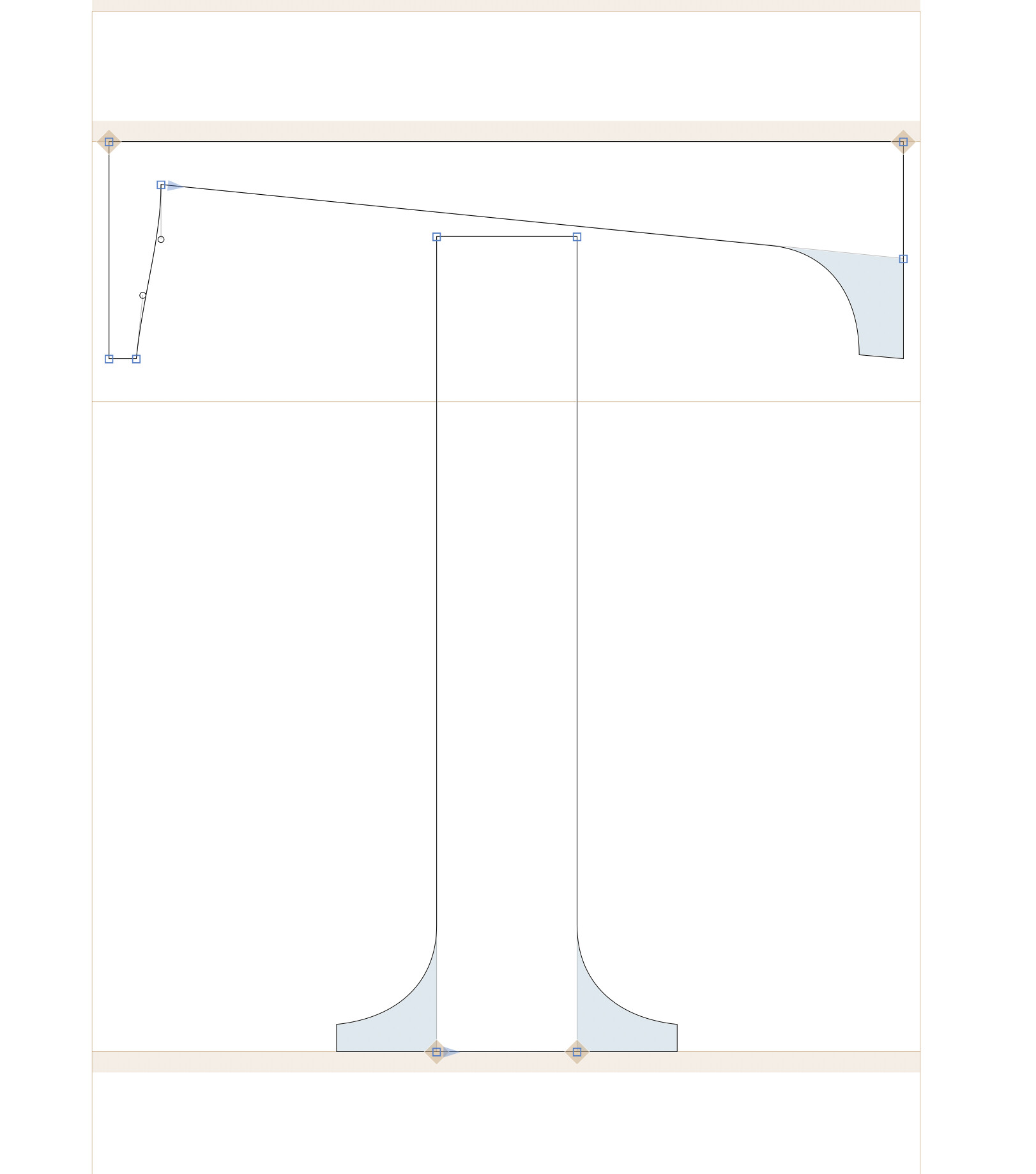
 )