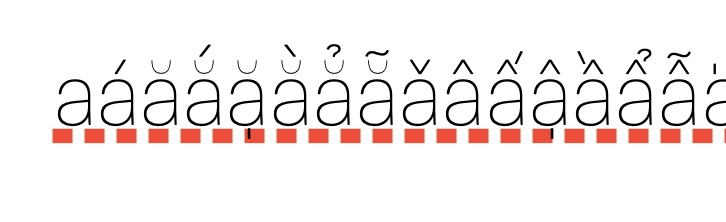
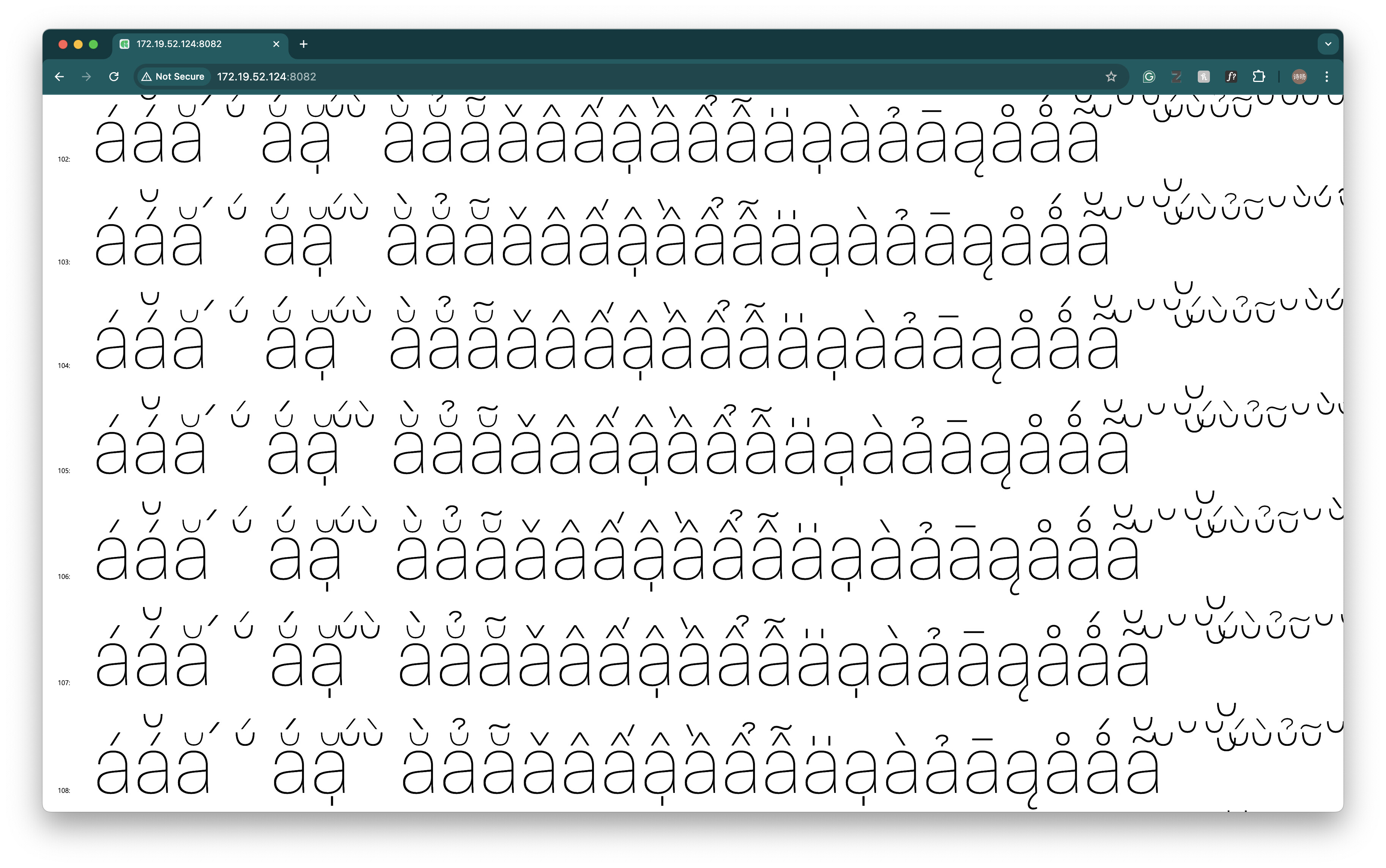
I found my brevecomb looks much too thin on pages and Chorme app. How could I solve this?
Can you show the outlines in Glyphs?
Could be:
- Interpolation error → verify the start point in all masters via View > Show Master Compatibility (⌤⌥⌘N)
- Path direction → Paths > Correct Path Direction in All Masters (⌘⌥⇧R)
Sorry for the late reply,
This issue has been solved. It is caused by the path directions.
Thank you!