Icon font: I have manually assigned each icon a letter – A-Z, a-z.
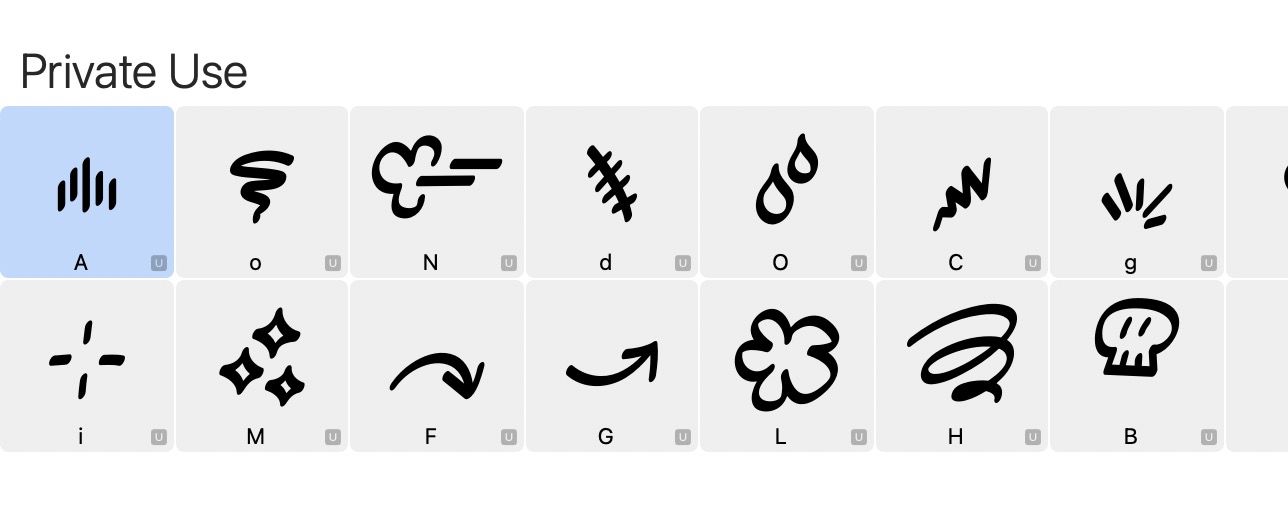

Not sure what do here – a way to update all the glyph info at once and assign each icon to a letter as indicated would be very useful.
Remove the Unicodes as I mentioned above. You can edit all Unicodes in the lower left of the font view.
How do I do that as a batch?
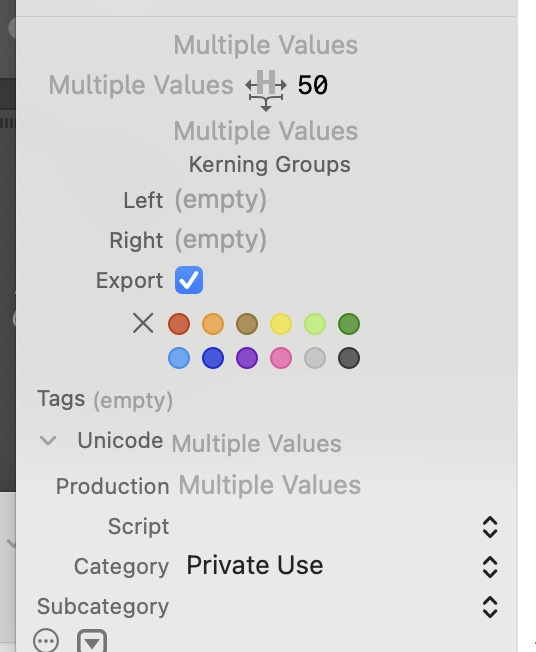
Typing in the Unicode field just repeatedly returns “Multiple Values”, however many times I retype. Rather not do it for every glyph individually!
I suggest that “force Unicode update” that would look at the assigned letter(s), and update the Unicode accordingly.
as I mentioned, you need to type something (like a space) to overwrite the “multi” placeholder. Then remove it again.
I’m doing that and it doesn’t work – I made a video here:
OK, that video doesn’t look like it’s running. Anyway. Yes, I type stuff, and delete it, and it returns to this:
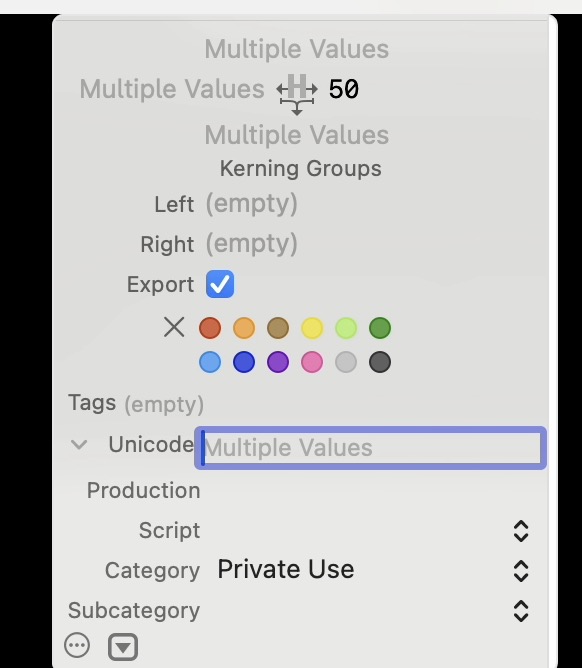
I am selecting all the glyphs, BTW, not just one.
Yes. Select all, type “space” and delete it right away. Then hit Enter. Then run "Update Glyph Info.
Thanks, Georg. It finally took after I manually edited a few individually, then ran the “Update Glyphs” on them all.