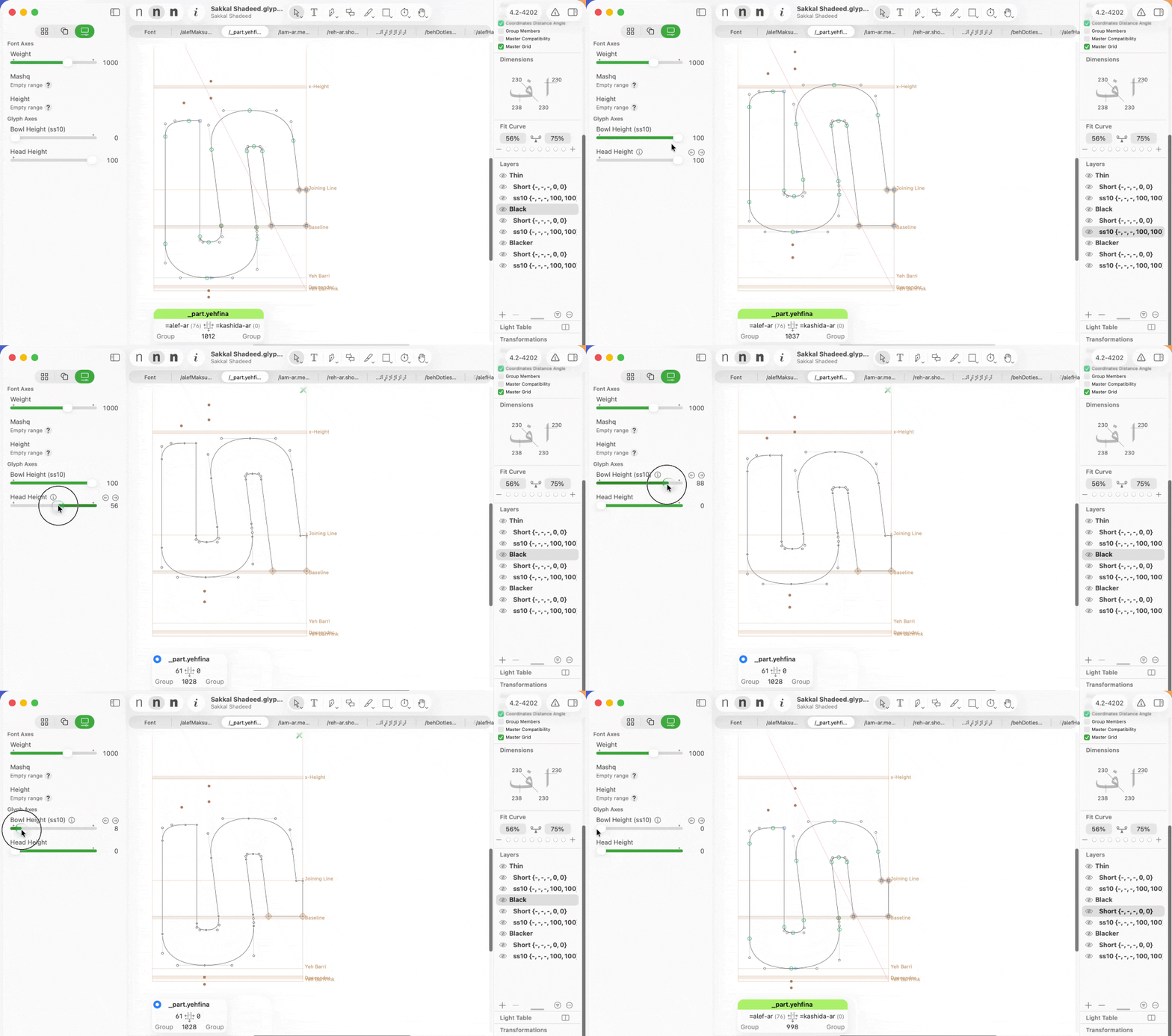
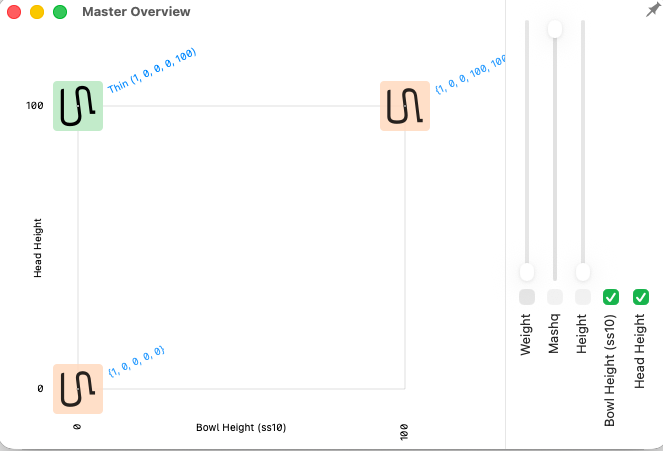
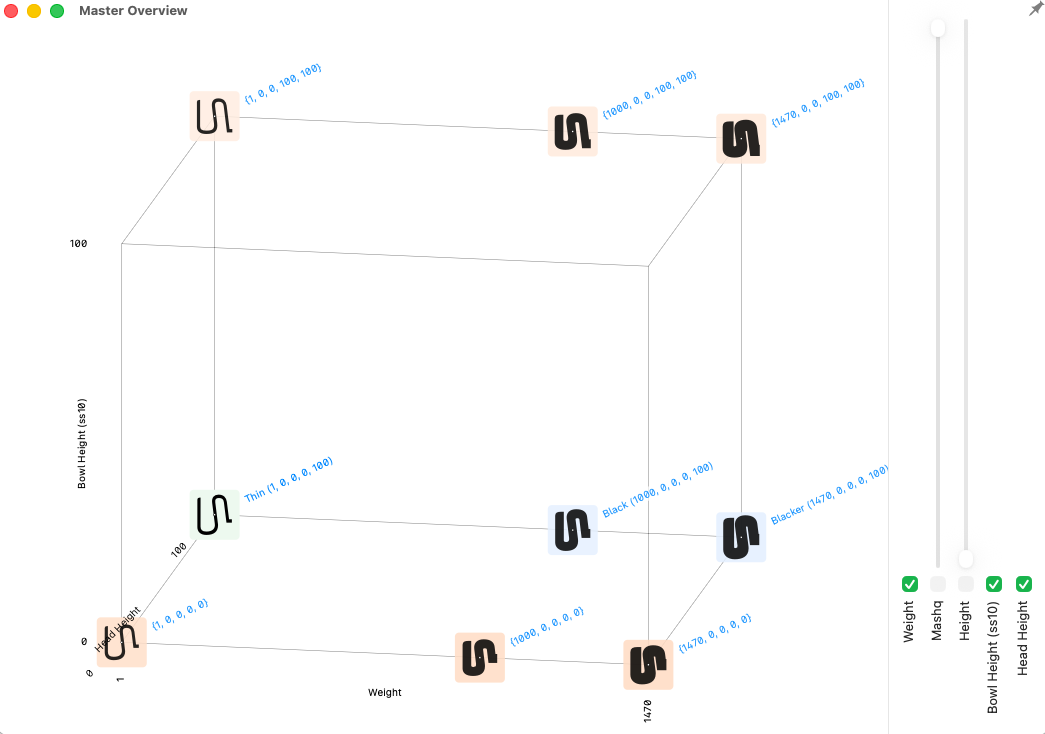
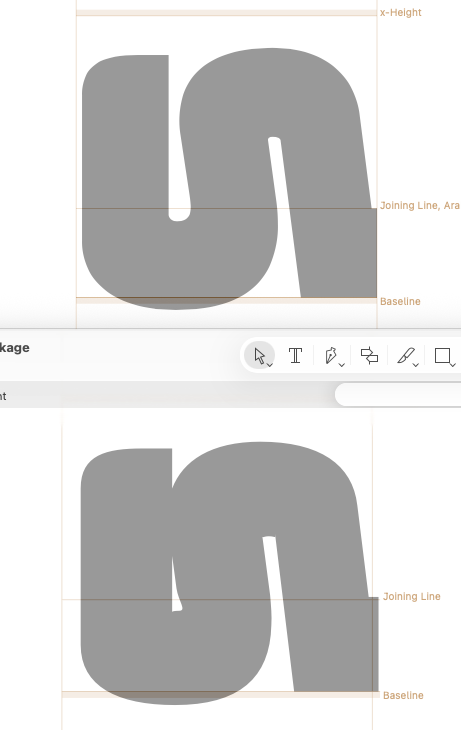
I have a smart glyph with 3 of 4 axis combos defined as outlines and one is fully interpolated; the default layer here is Bowl=0 Head=100, the one that’s not drawn is Bowl=100 Head=0. In Glyphs 3 this was a smooth transition, but in Glyphs 4 I’m seeing big jumps at the two extreme ends when it goes just past the original defined edge (plus one additional strange jump in the middle).
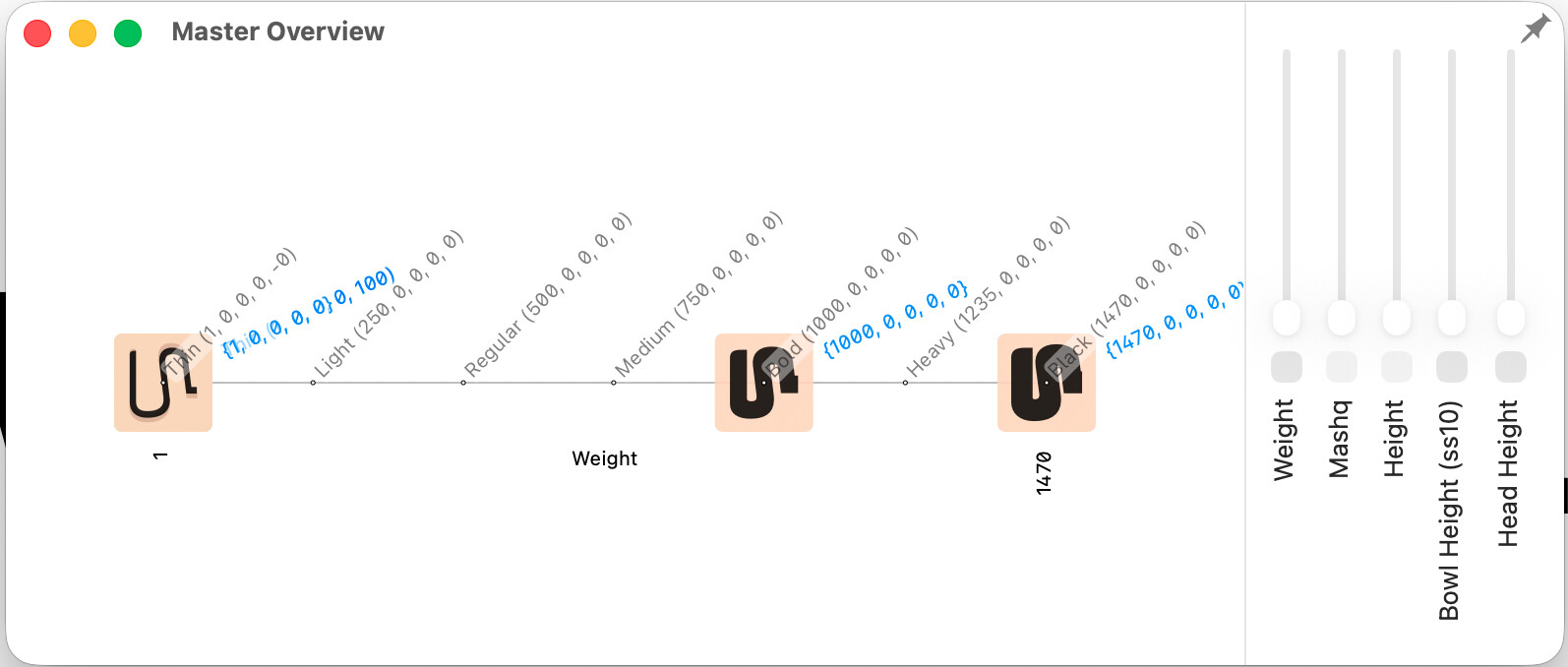
Do you mean the two up top that say “Mashq” and “Height”? Those are virtual axes which are used in many other letters (happens to not be in this one). Removing the axes has no effect on the outline jump.
In addition to the interpolation in Glyphs 4 compared to Glyphs 3 being jumpy, G4 also has a completely different look at the extremes with the fully interpolated axis as you can see here (G3 on top and G4 on bottom):