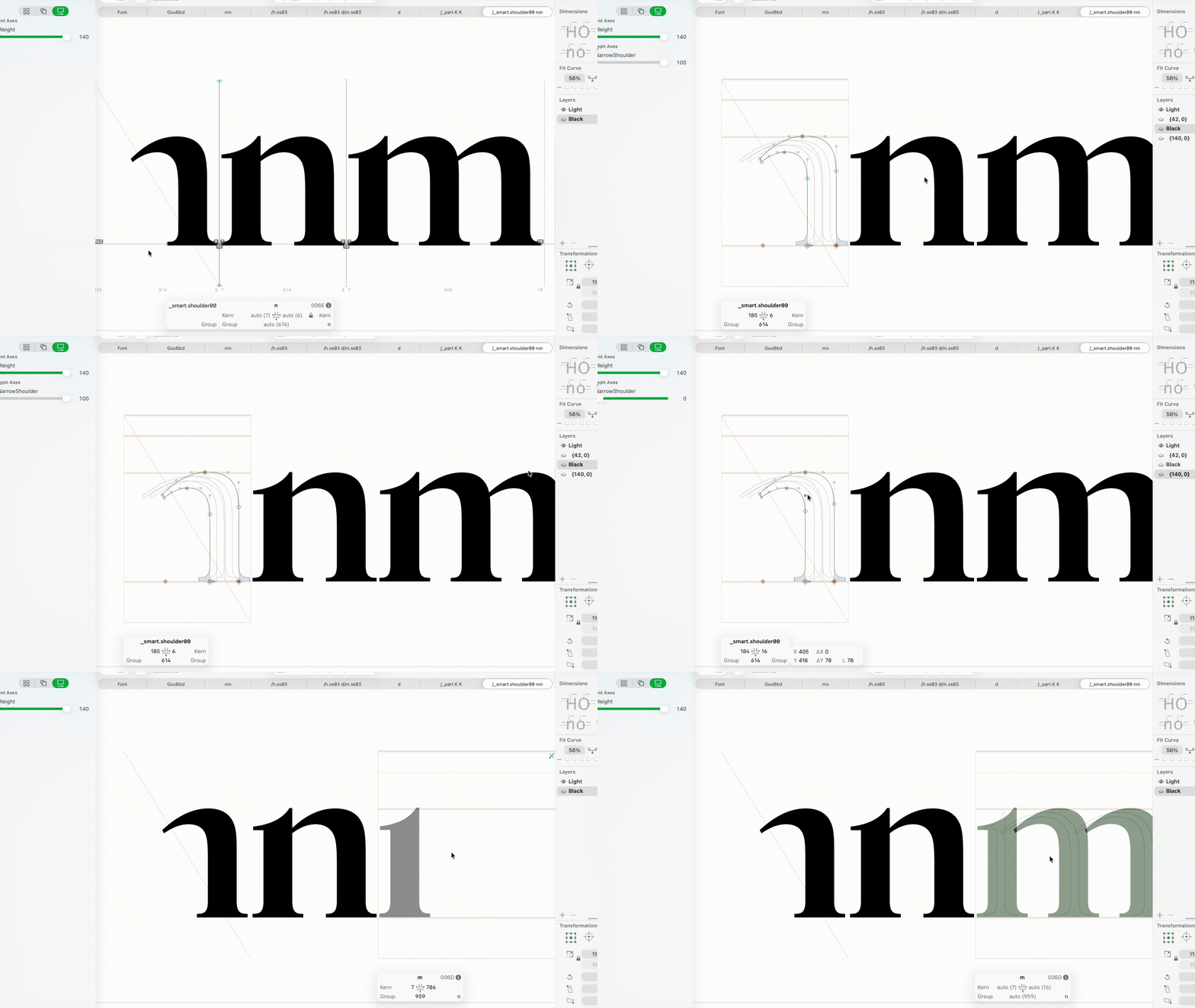
Any action within smart component layer leads to it being displayed differently. You can’t really do much with it rather than delete. Once deleted, it reappears once you switch to another glyph
I think I have figured out what caused this and have fixed it as part of the next release.
If you can send me the file, I’ll have a look to make sure your case is covered.
Thank you so much for looking into this issue, Florian!
It looks like it was fixed in the last update (unintentionally?). I cannot reproduce it now. If it reappears, I’ll make sure to let you know.