At the risk of sounding old and cranky, I am wondering if there’s any tutorial or forum post anywhere on getting G3 interface features to show (and preferably to show by default) in G4. Here’s just on example (images attached of the G4 sidebar vs the old G3 sidebar) – I really would love to have my sidebar back the way it was in G3 but I can’t see a way to do so. I see the little menu button at the bottom in G4, but that doesn’t make it stay there. And I can’t at all figure out how to see metrics over there in the sidebar.
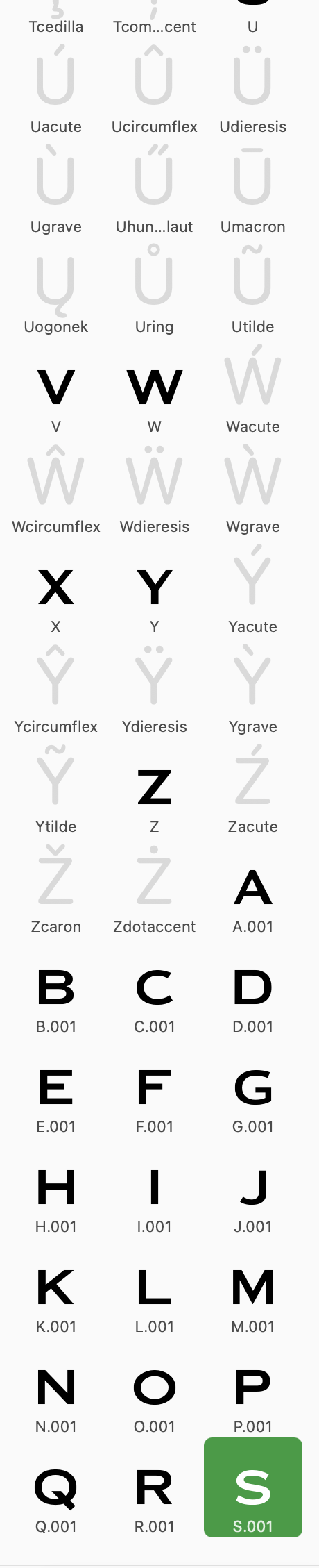
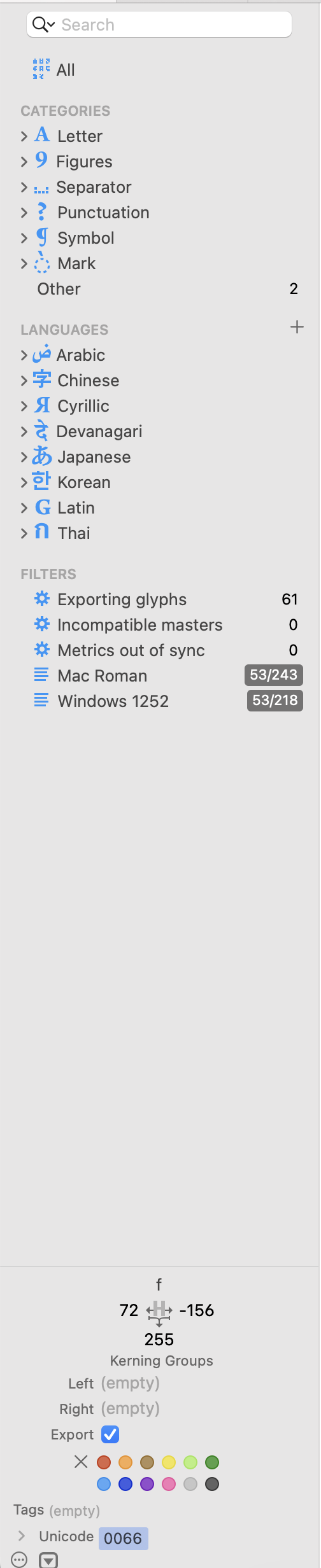
Are you sure you attached the right screenshots?
I think you’re confusing things. The original sidebar is still there in Glyphs 4, you just need to switch to the first tab (font view, it’s the same in G3). It’s just that in G4 you additionally have the optional glyph list view while in edit view.
Everything is still where it was in G3.
1 Like
I see this now, thank you, I thought I was losing my mind. For some reason the difference in how the tabs look in G4 vs G3 made me think that Font tab was just completely gone. And also something about there now being a sidebar in edit view where there wasn’t before was making me think the other view was just gone. Haha I obviously feel like an idiot now, but I really appreciate you pointing that out to me. 
You can hide the new sidebar in the Edit View via the top button (“Show Left Sidebar”) if you find it confusing:
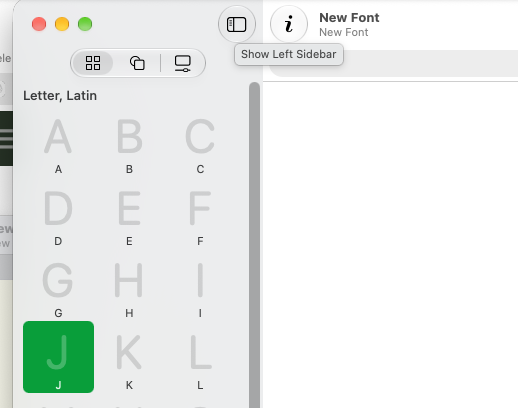
Haha, yes, I did attached the intended screenshots, but I was just being an idiot! I was really thrown by their being a new sidebar in edit view and it made me think Font view was gone. I’ve seen the error of my ways now. 
Ooh I may have to do that. But maybe now that I am aware it’s there and that it doesn’t mean I’m in some weird version of font view, I can get used to it? Time will tell whether this old brain can adjust or not, but it’s helpful to know I can hide that, thank you.