Shapes。However, the characters in both fonts must be in the same order for easy comparison.
Thanks.
I’m using a list filter, but the problem is more complicated than you think because some imports mess with character naming.
Yes, you will need to create separate list filters for both files.
Is renaming the glyphs like suggested above not an option?
efficient.
However, updating the sorting method sometimes fails, or it takes a while, and sometimes there are spaces.
The function is not very stable.
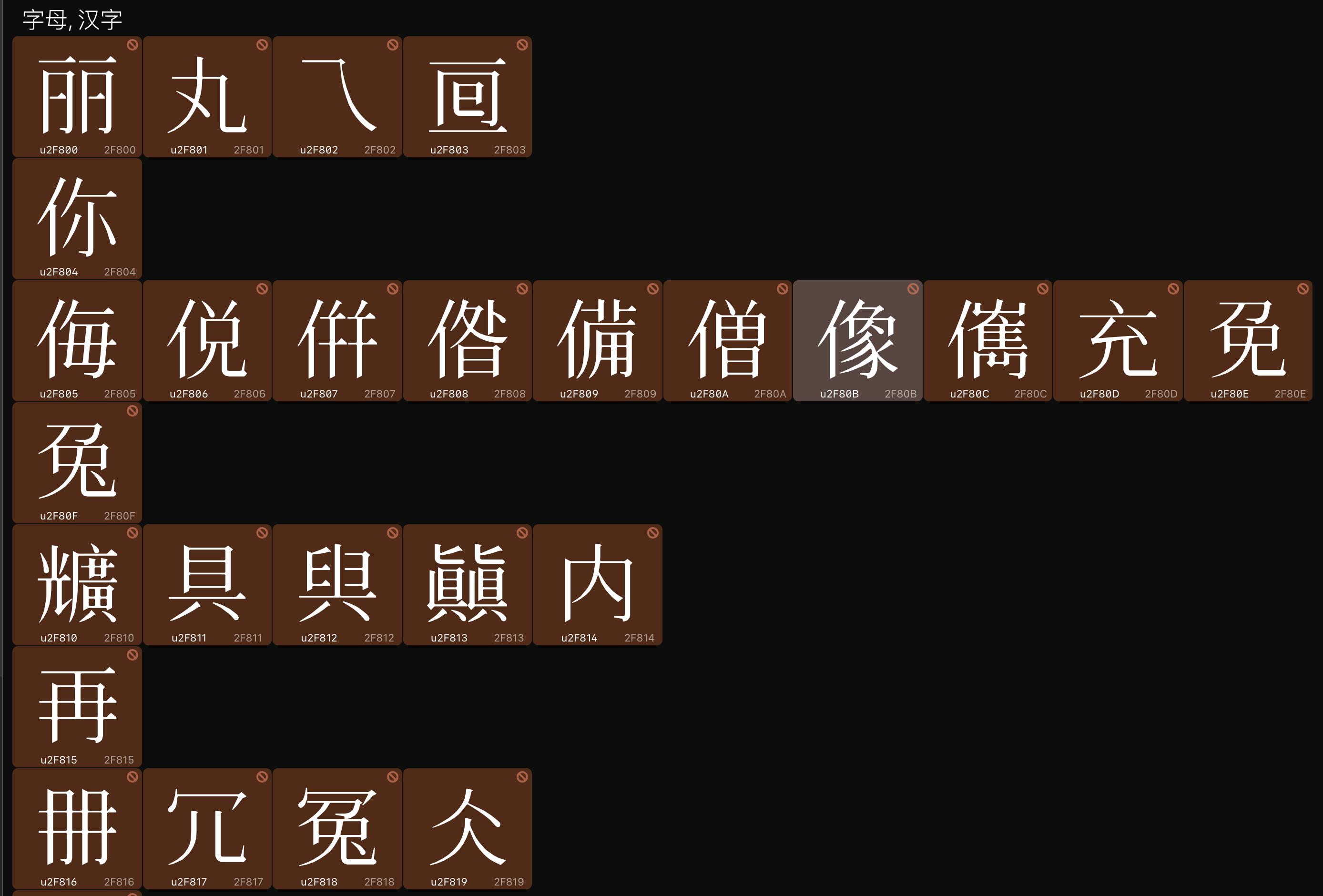
If you’re doing a lot of work like this, you should learn Python, or hire someone to write some scripts for you. Setting up a system to compare two fonts can be automated in many different ways. For example, if you run this script, it will add a glyphOrder custom parameter which will sort all glyphs by Unicode, placing unencoded glyphs at the end.
glyphOrder = []
for g in Font.glyphs:
	code = g.unicode or "110000"
	glyphOrder.append((g.name, int(code, 16)))
glyphOrder = sorted(glyphOrder, key=lambda x:x[1])
glyphOrderParam = [g[0] for g in glyphOrder]
Font.customParameters['glyphOrder'] = glyphOrderParam
You could modify this script to place the unencoded glyphs next to their encoded counterparts if they have a similar name with a suffix added. You could even extend this script to run on two fonts that have slightly different glyph sets, so that all the glyphs with matching codepoints in both fonts are placed first, and the rest are placed at the end of the glyphOrder. Or you could follow @George_Thomas’s idea with background layers, but modify the Mekkablue script to use Unicodes instead of glyph names.
1 Like
As long as the glyph names are the same in both files, you can try Glyph > Compare Fonts.
What I want is the effect in the attached picture, Chinese characters in the same unicode block, the characters in the two fonts are sorted by unicode, and then the subtle differences in their outlines are compared.
Because some subtle differences in Chinese glyphs are important and even determine whether it conforms to the specification.
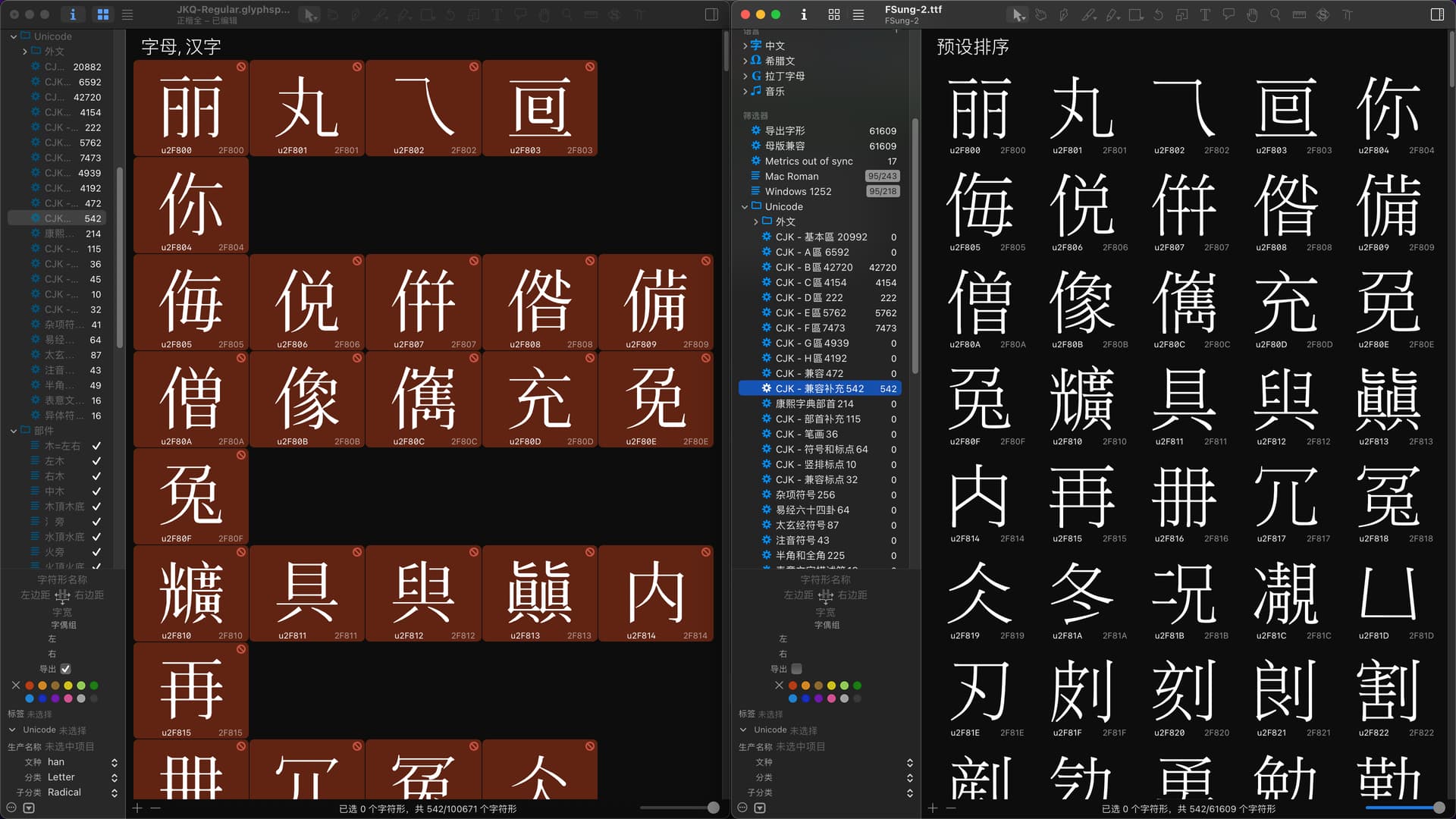
Have you tried the Compare fonts function?
Tried it, it’s not very convenient.
The sorting of G3 may not be stable yet and needs improvement.
It is best to provide the font window with the right mouse button to select the sorting method.
The compare fonts function doesn’t care about the sorting. It uses the glyph names to match the comparisons.