Hello, I just published a free plugin, available directly in the plugin manager. It allows you to have your issues collected on a repository in a floating window while working in Glyphs. Write, edit, delete issues, comment, assign collaborators, all within Glyphs. It has a compact view, as well as a wide view (useful when keeping it on a second display).
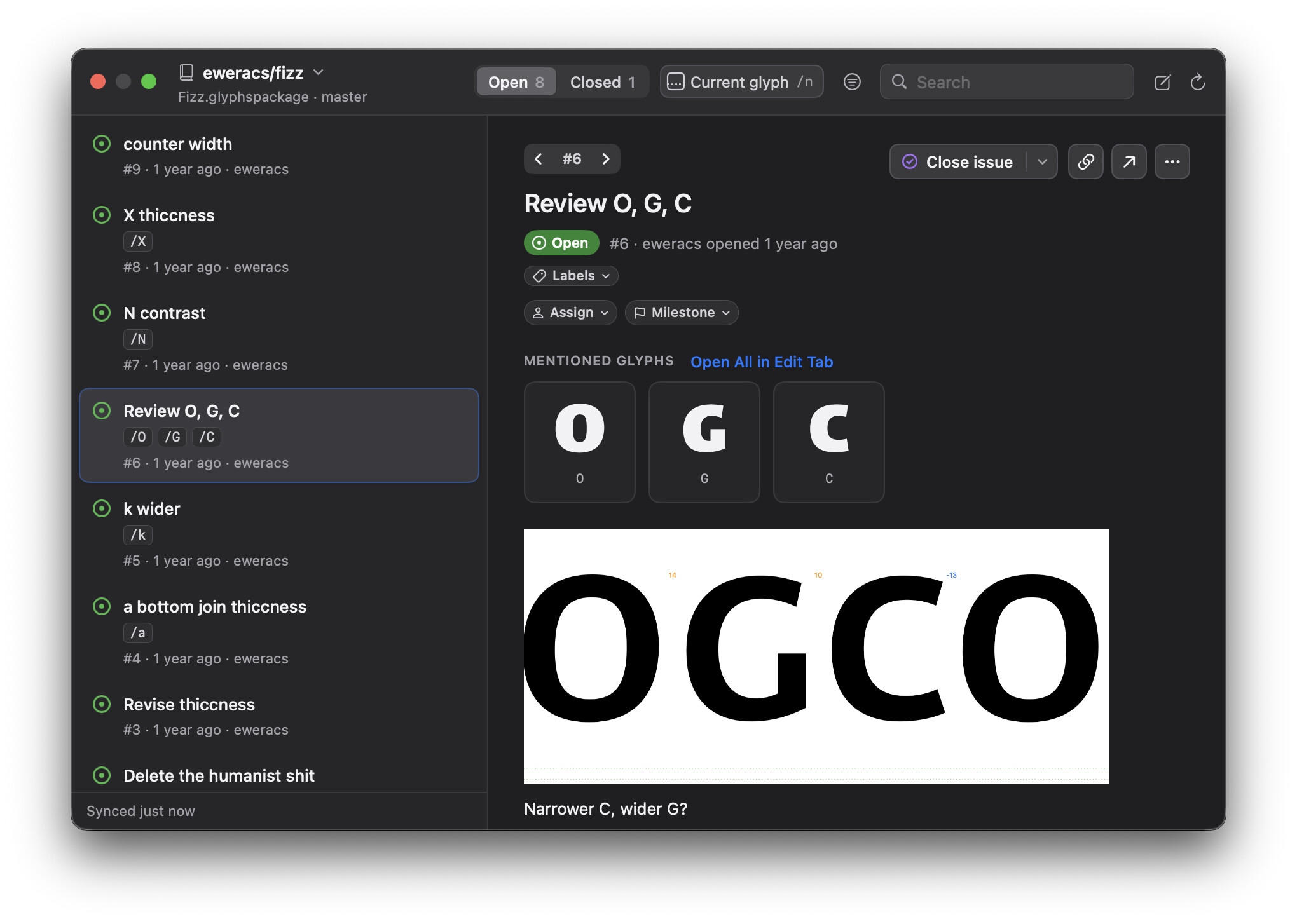
Of course, it has some Glyphs-specific functionalities: If you mention a glyph with a slash, it will appear as a mentioned glyph, like so:
/a/b/c
You can also mention glyphs in a specific master:
@Regular/a/b/c @Bold/a/c
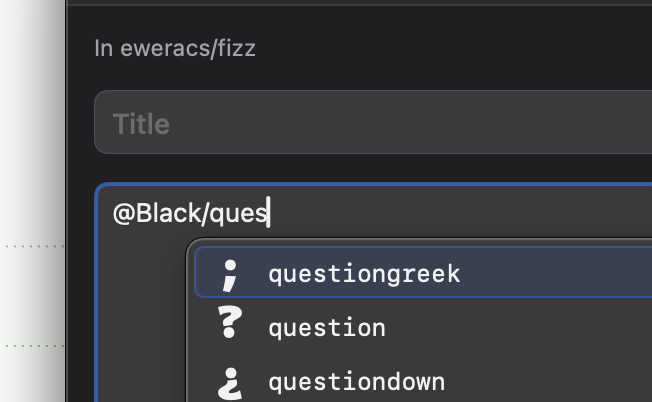
Clicking on a glyph chip directly opens it in edit view.
While writing issues, you can click on a button that inserts the currently selected glyph in slash notation. Filter by the currently selected glyph to find associated issues, and so on.
Search for “GitHub Issues” in the plugin manager.
Please add issues or feature requests here: GitHub - eweracs/glyphs-issue-manager: Glyphs plugin to manage GitHub issues of the font you're working on · GitHub