These are too small for me to easily read on my external display (a Word document matching this font size is less than 2.5pt)
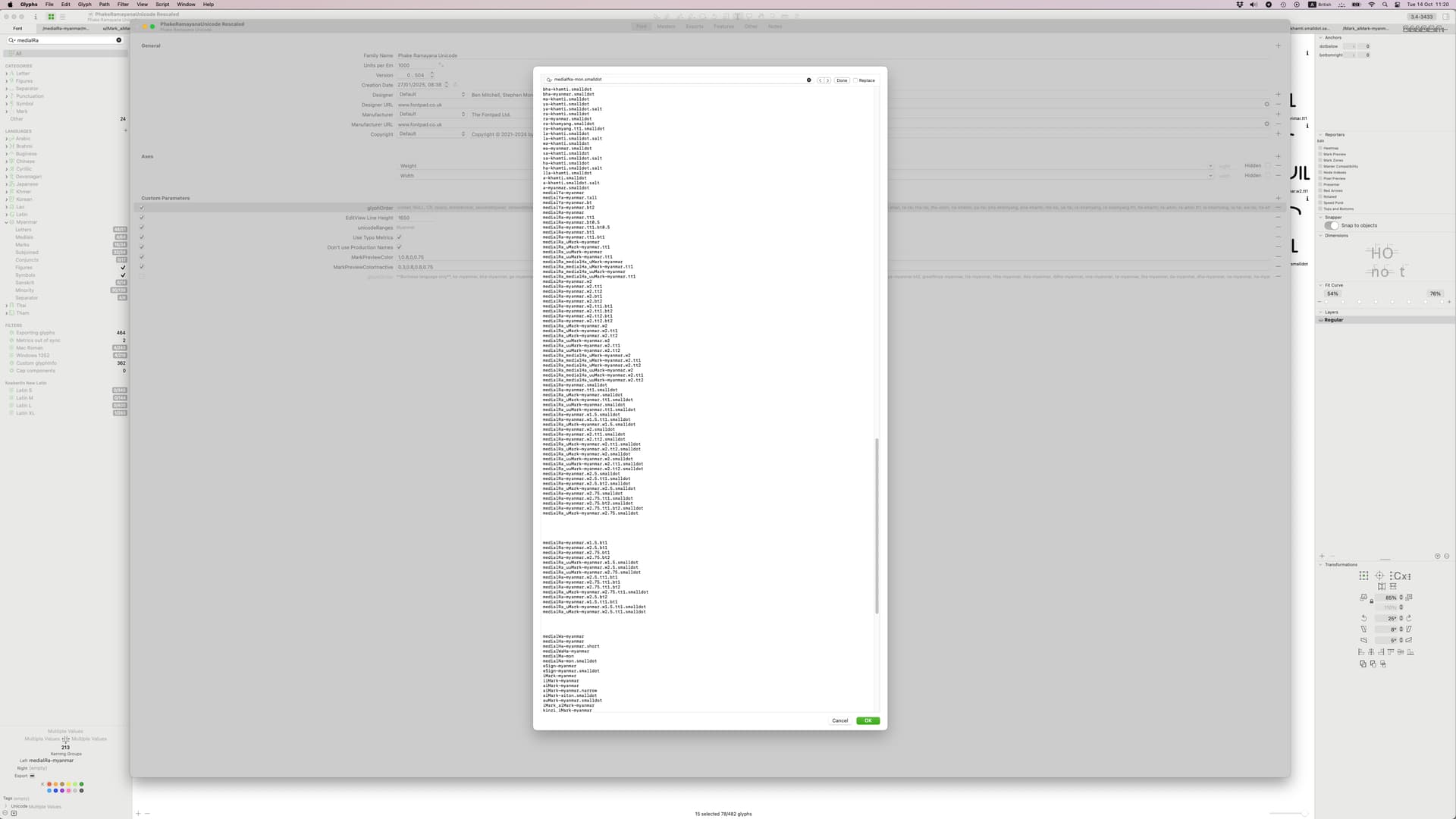
I linked it to the macro window font size. In the macro window and feature code editor, you can change font size by pressing Cmd +/–.
But you seem to have an unusual screen resolution. I can’t really tell because the forum resizes the image bit it seems that you use one of the “more Space” settings. What screen and screen resolution do you use?
I have increased the size in the features editor but it didn’t change the glyphOrder size.
My screen is 3840×2160, the display is a Benq EW3270U. I don’t know about ‘more space’ do you mean the preview panel? That’s not got ‘more space above/below’ enabled currently though I do need to use it for some fonts
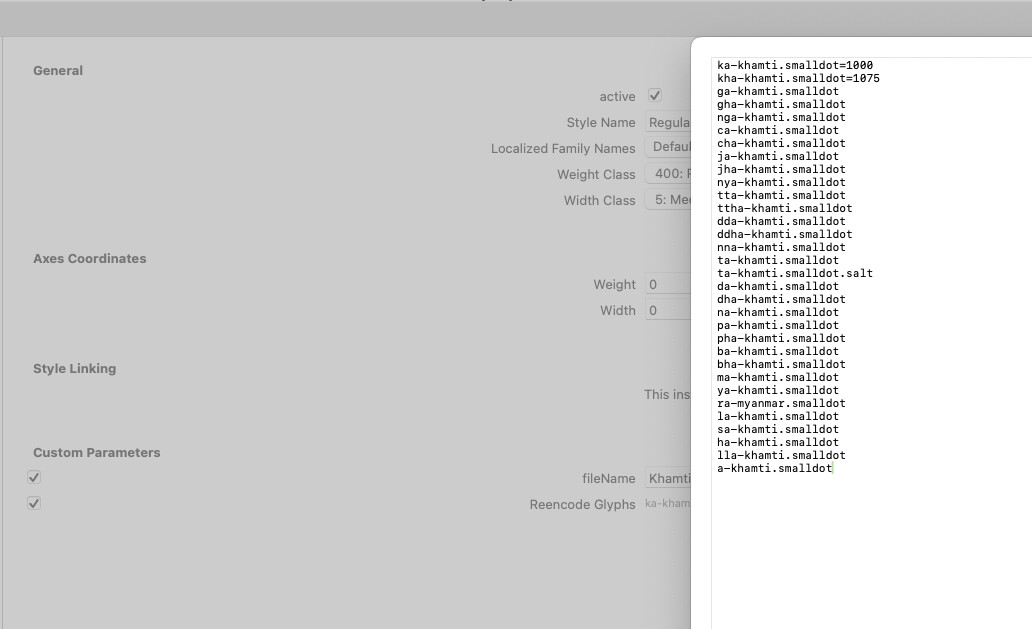
That will work in the next update.
1 Like