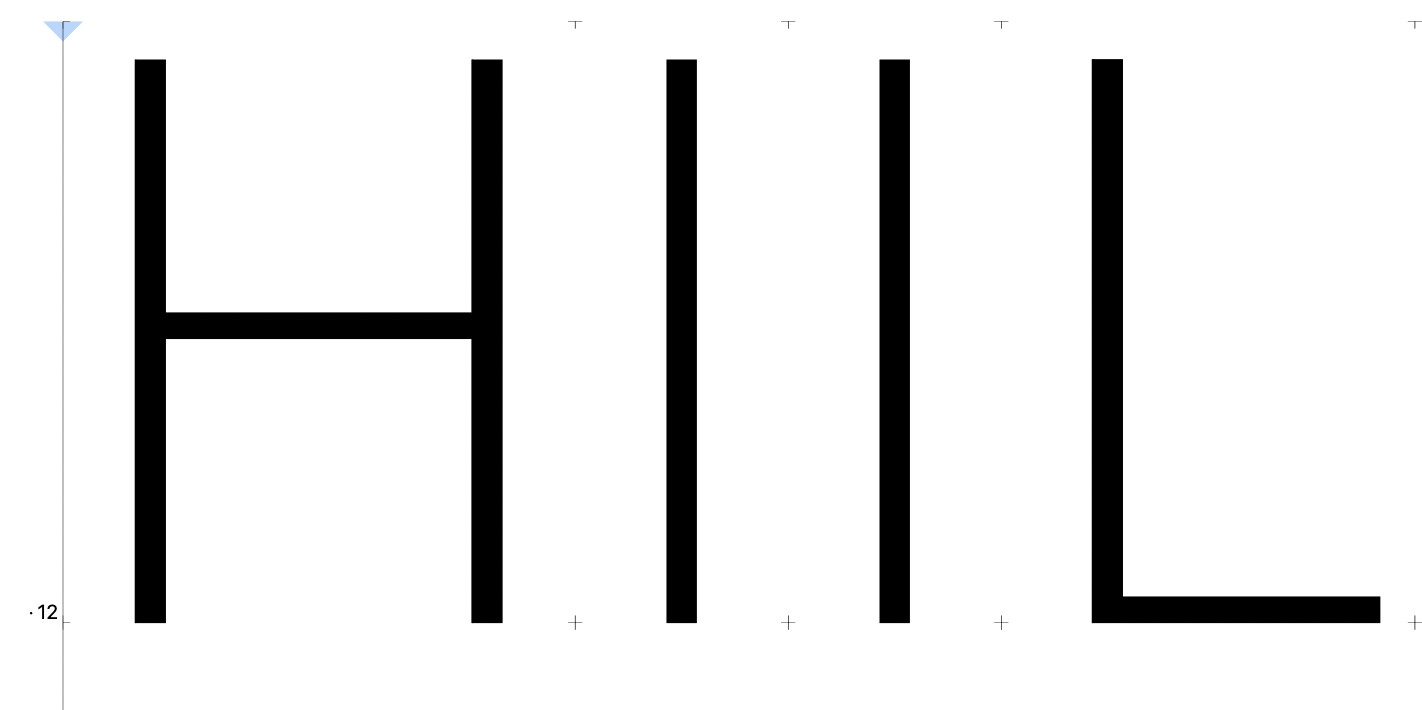
These stems are all the same width, but the I gets rendered much lighter as I zoom out. I’m on a retina display so it’s unlikely this is due to hinting. Could it be anything on Glyphs side?
There are also other preview glitches I never saw, like this little step at the junction of n’s right shoulder.
Solved, and it’s Glyphs (3.5.1): when a corner is attached to a shape but the corner has no paths, the stems get distorted. Worth checking!