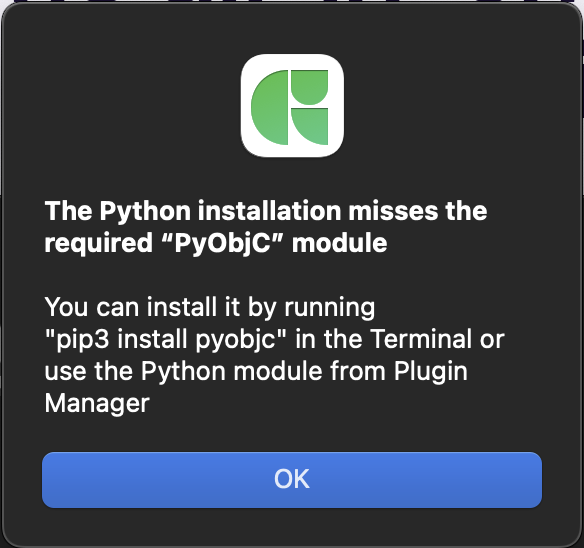
I keep getting this error after updating to 3.4.1.
I tried running “pip3 install pyobjc” but that also does not solve this problem (I had issues with it as well).
I’ve uninstalled Glyphs completely, downloaded it fresh, installed all the modules again, and then the moment I install any plugin from the plugin manager I get this error message.
It seems unusual that pip doesn’t use precompiled packages for pyObjC, but tries to compile them on your machine.
When I check on pypi, indeed there are no files for pyObjc-framework-Metal for pyObjc 12 and Python 3.9. Maybe you can upgrade to a newer Python version? Or downgrade pyObjc to 11.1, which still supplied Python 3.9 files.
Ran into the same issue. I was on a homebrew Phyton version Python – switching it back to the Glyphs version (inside preferences) solved all issues for me.
This seems to be related to the homebrew python. I fixed it that it would pick it up again. So you need to ether install pyobjc in the homebrew python (and get that up to date when you are at it) or switch to the Glyphs python.