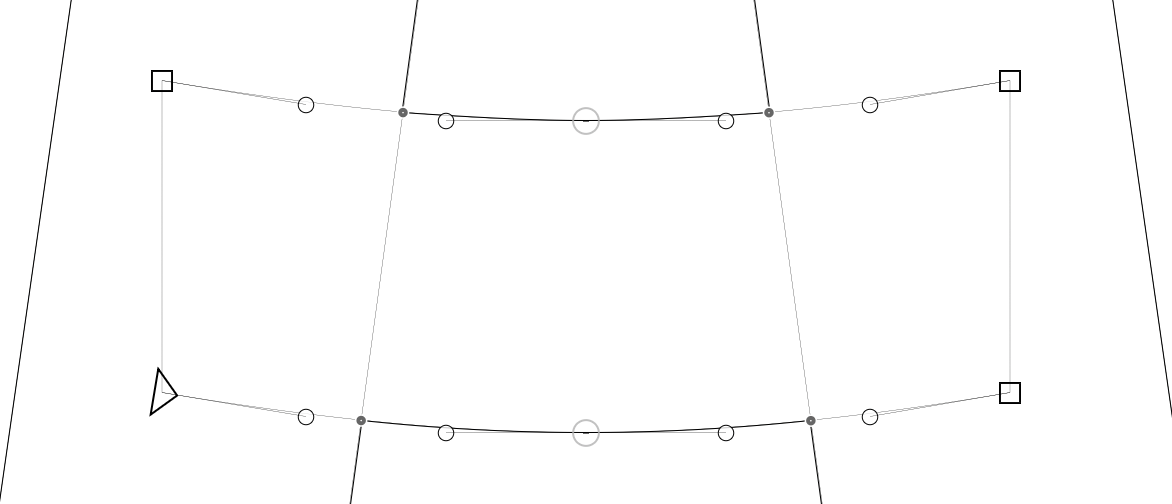
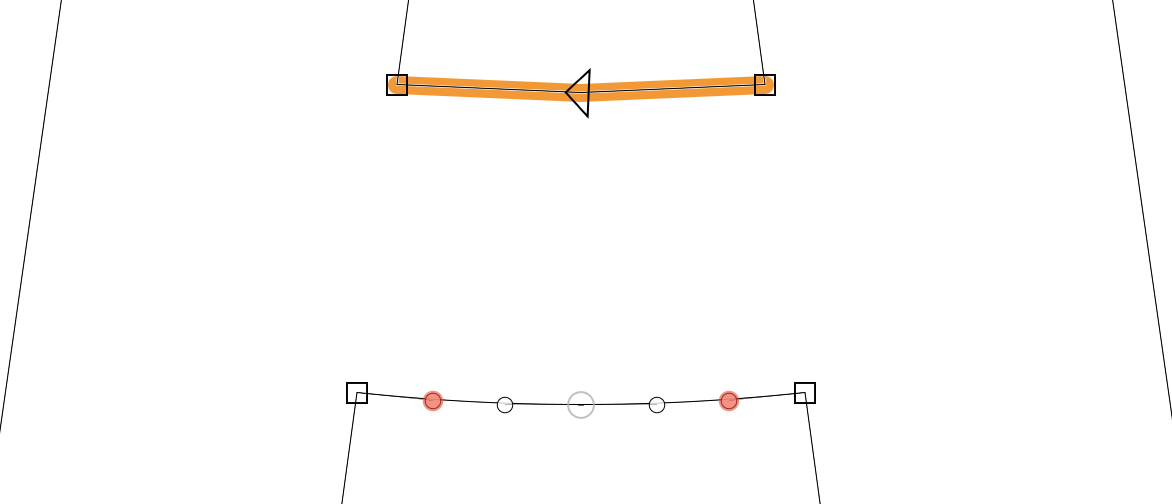
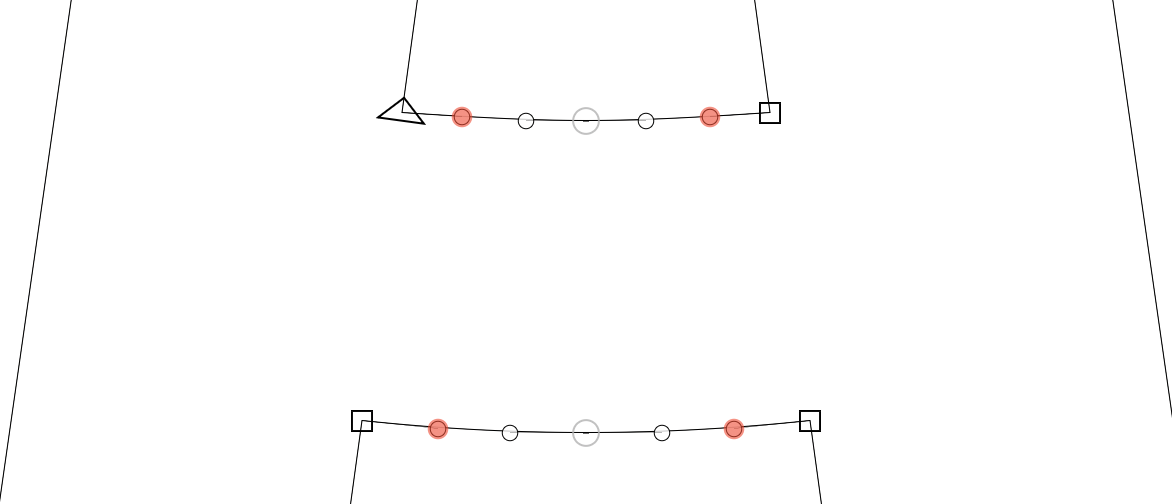
I am having an issue with a typeface I am working on. The point is that in small segments like this one, when exporting a static file removing the overlap what inside Glyphs looks like this:
Why is this happening? Is there any way I can prevent this to happen? Just to give a bit of context, I am applying a RoundCorner pre filter on each export because I need external corners to be rounded. I have tried applying RemoveOverlap as a filter in custom parameters but it keeps doing the same kind of simplification.
It is probably just too subtle. The curve remaining between the intersections bends less than a unit. Impossible to place curve handles in a sensible way. Consider removing the extremum point.
Thank you @mekkablue and @GeorgSeifert . I assume the best option would be to disable somehow tidying up the paths on export but I’m not sure whether this can be disabled, right?
Otherwise I will check if removing the extremum point would work in this case.
For those really flat segments, you need a really tall font size to actually see a difference. There is a user default to control the threshold to control that flattening. But relying on this is dangerous. I’ll add an explicit setting to control this.
I added a parameter “Curve Flattening Threshold” (for font and instances). Using a smaller value than 0.075 lets your control what curves should be preserved.