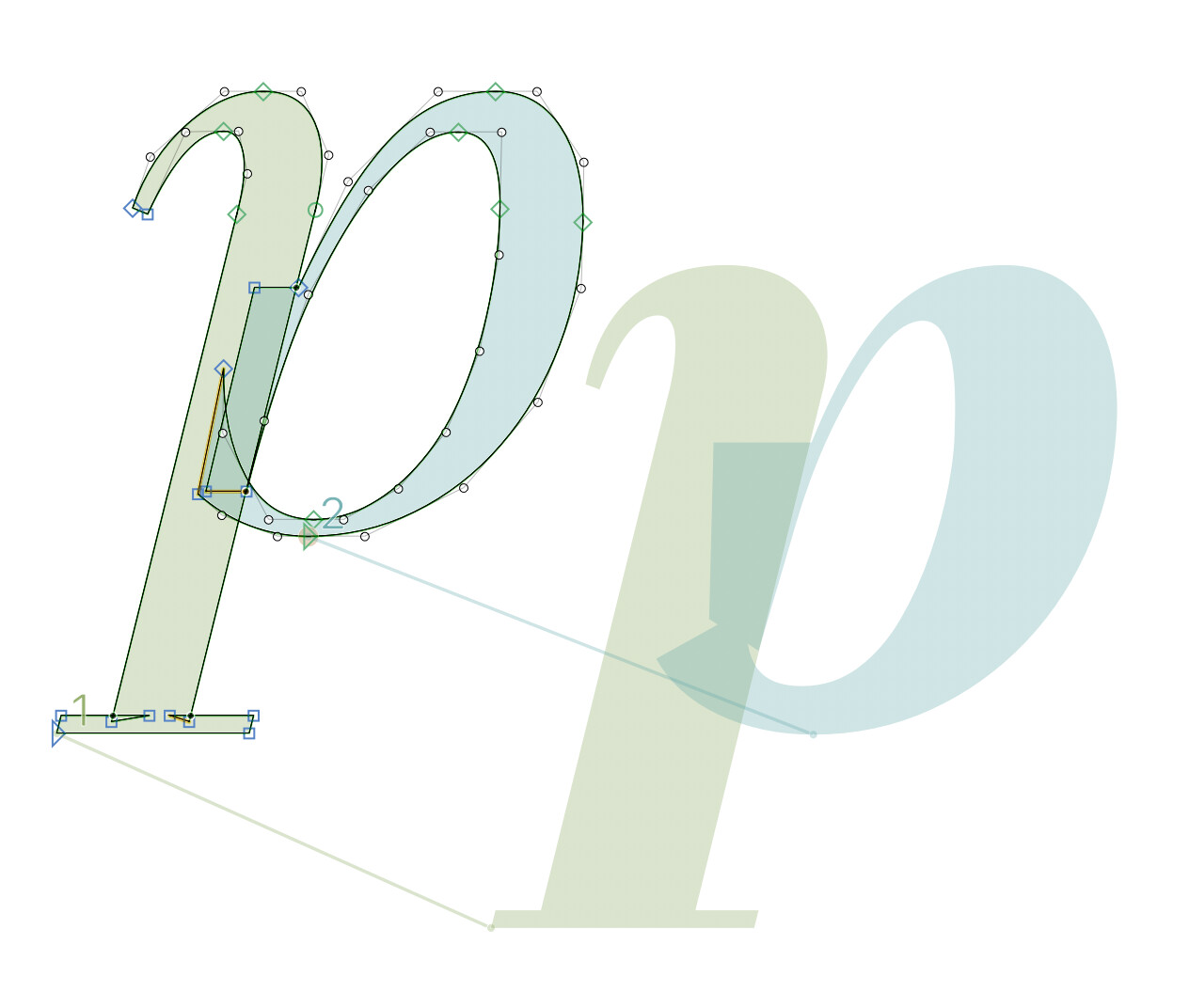
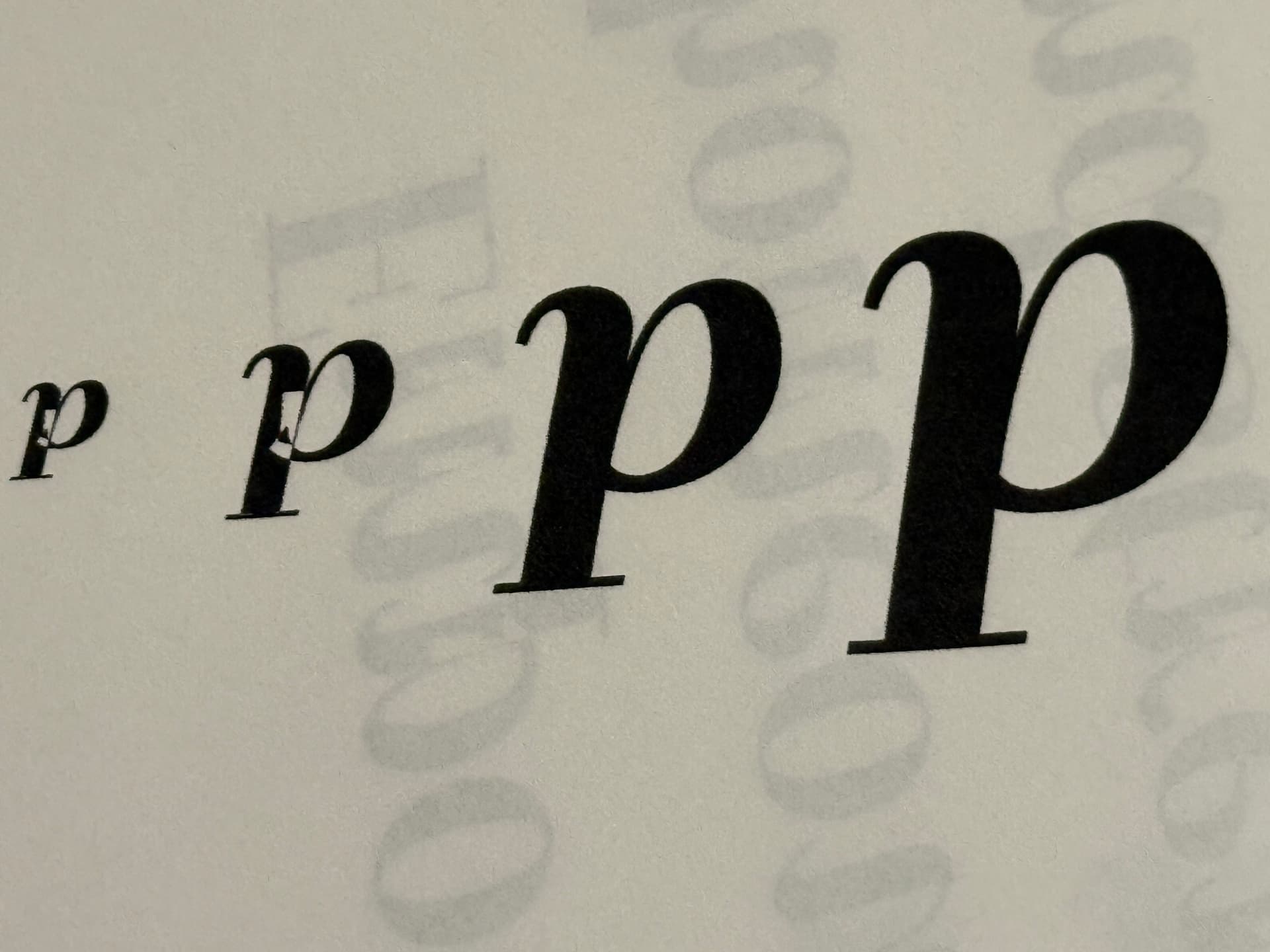
Hi everyone, I am new to Glyphs and am working on my first italic font. I designed 2 masters with 6 total weights. When I export as OTF with Remove Overlap checked and open the font in Illustrator, the overlaps appear and show up when printed as well.
In the attached image the left side shows how it looks and prints from Illustrator. The right side shows how it should look.
I exported as a variable font and a TTF, and those seem to work fine, but not sure why it would work differently for OTF.
I think the path direction is OK. I tried correct path direction, exported, and printed again. The same thing happens.
I tried different sizes on the page and when the type is larger than 27pt the issue goes away. It is only happening when the type is smaller than 27pt.
@SCarewe I am new to type design and am working with an OFL font. I am learning, so thank you for your suggestion. Does using either type of outline affect the outcome as far as my issue is concerned? Thanks!
If you’re working based on an OFL font, check if there are source files available. It’s always easier to modify those, than to import from the font file. E.g. most fonts available on Google fonts have Glyphs source files published on GitHub.