When I generate accented glyphs, the glyphs + accents combined show up like I didn’t set anchors. When I open the accented glyph, however, it shows up fine. It is an unworkable situation, because now I don’t know whether the accented glyphs will turn up the right way.
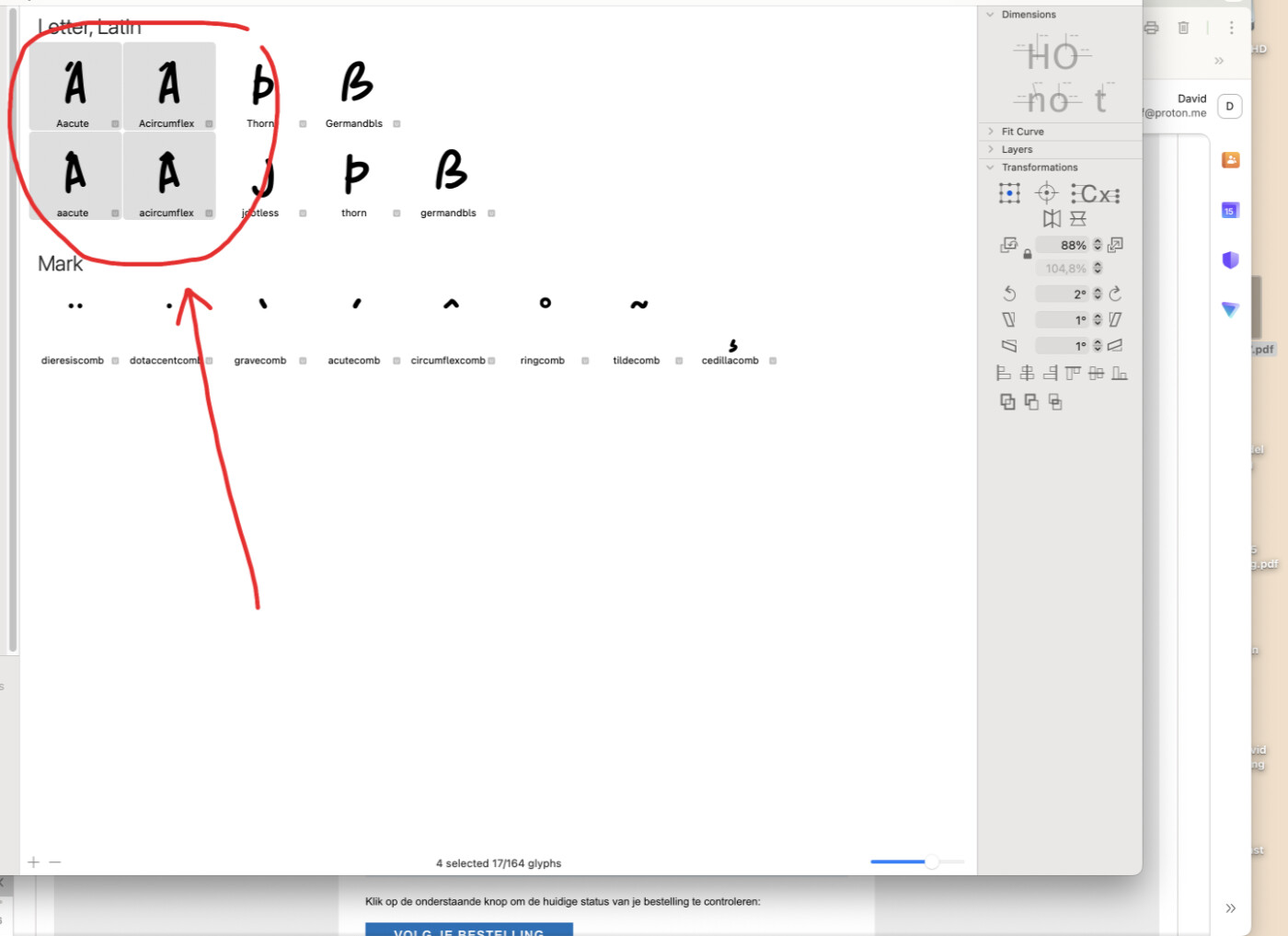
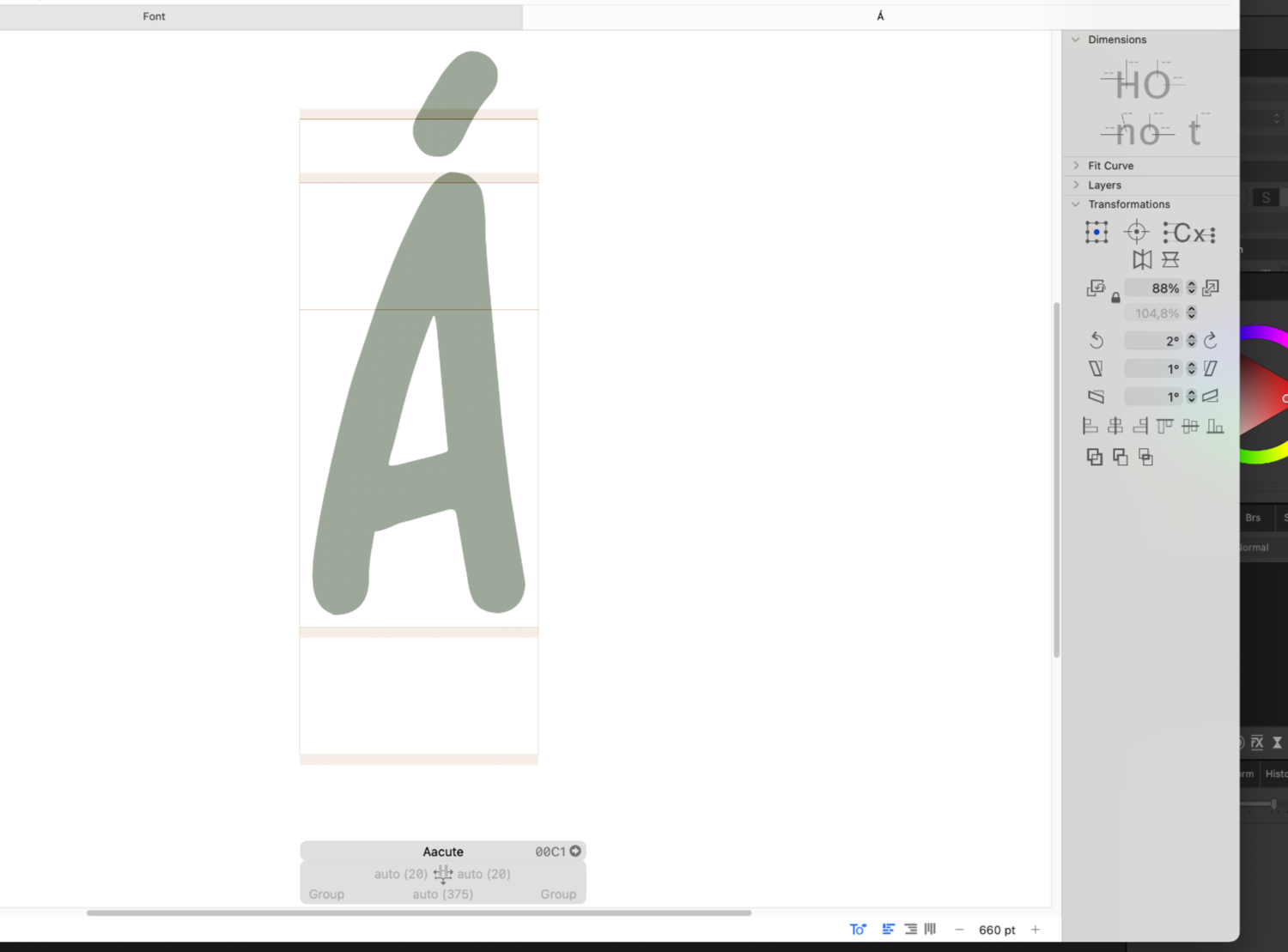
This is a bug introduced in a recent Glyphs version and it has been annoying me an extreme amount. Something changed in the behaviour of automatic alignment and you need to view a layer once before the automatic alignment snaps into place.
Thanks for the report. I fixed it.
Thanks!!
Installed the update, it doesn’t work
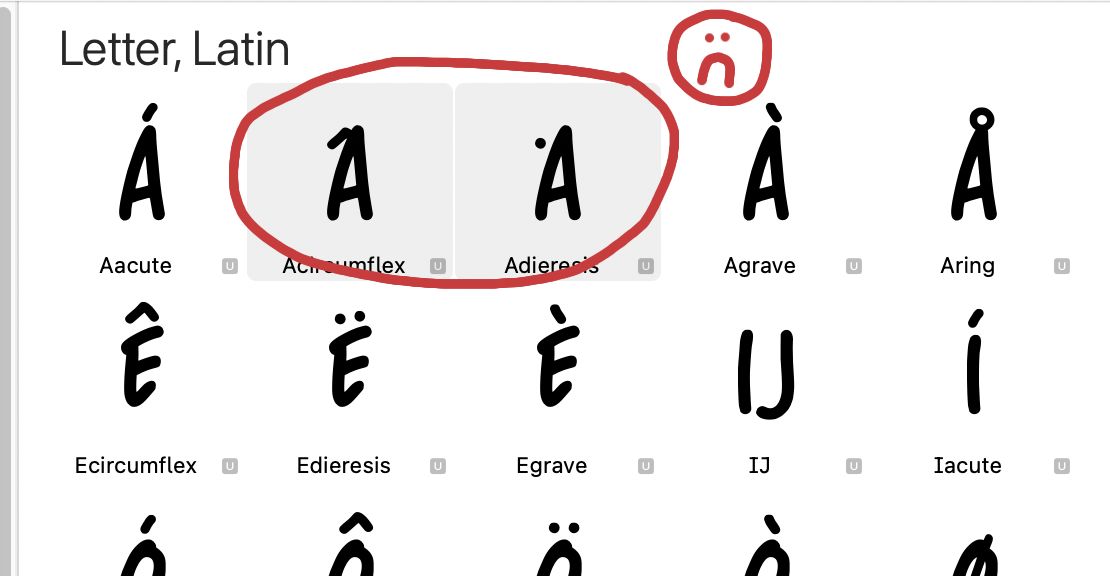
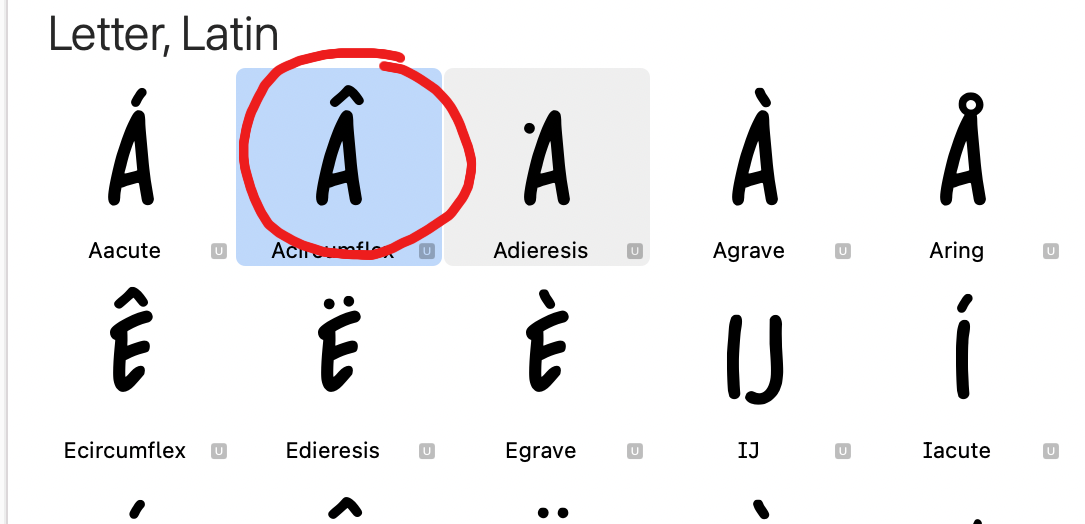
As you can see: after the update, the accents won’t align (pic 1). Only when I click on a glyph (I did just one, the Acircumflex in pic 2) does the accent snap into place
Any news on this, because it is not fixed (yet)
I fixed it just after I uploaded the last update. Will be in the next version.
 thanks!
So, any news on this bug? It drives me crazy, I have to do hundreds of glyphs by hand now
While waiting for the update, you can use the “Automatically align in all masters” script in the eweracs scripts, available in the plugin manager.
Yeah, well that doesn’t work
What doesn’t work? What happens/doesn’t happen?
It doesn’t allign. Maybe because I never set a master. I don’t need one with the fonts I make
How are you using the script? You need to select the glyphs in the font view (or with the cursor in text view) and run the script.
Does something show up in the console of the macro panel?
I select the glyphs, hit ‘run automatically align in all masters’ script and…. nothing. Nothing happens, no pop up, no nothing. I run various scripts and they all have one thing in common: something happens. This one: nothing happens.
I deleted it just now.
But does anything show up in the console of Window > Macro Panel? An error message?
Otherwise try the Alignment Manager mekkablue script.