I’ve been having the same issue for a while now. Have you discovered anything about what might be happening?
Can you try the latest cutting edge version?
still happening here with the latest cutting edge version.
FYI: Not checked in a CE version (due to lack of time) but in 3310 I had it again, and it happens even when I just click on the file path of the export window (meaning, I don’t even need to change it). Only a G restart solves it, but when clicking the filepath, the export fails again.
I thought I had fixed that recently. At least I fixed one reason.
Do you have any of the “woff” options selected?
Is there a “fileName” parameter in the instances?
No “woff” option selected, no “fileName” parameter.
For me it happens with every single file, whichever the settings.
Yeah, that’s why I said that I tested in an old version, hoping it could still help you find the cause, as it is 100% reproducable for me with that build – and since other users seem to still have the issue with newer versions (?)
In my case: no, only .otf was selected. And Remove Overlaps and PostScript flavour.
No.
And sorry for referring all that to an older G build. Will check soon with a CE, when I have time to do some type work again.
Having the same issue. No matter what file every time I change the destination folder, I get the same notification (no woff involved).
I had fixed it just after the last update. I just uploaded a new version.
1 Like
I am getting this now again with a font that is a copy of a formerly working file where I now added a lot of cap and corner components. The formerly working font will also not export anymore.
Setting the file format does not make a difference as well as any other of the OTF export settings.
G 3343
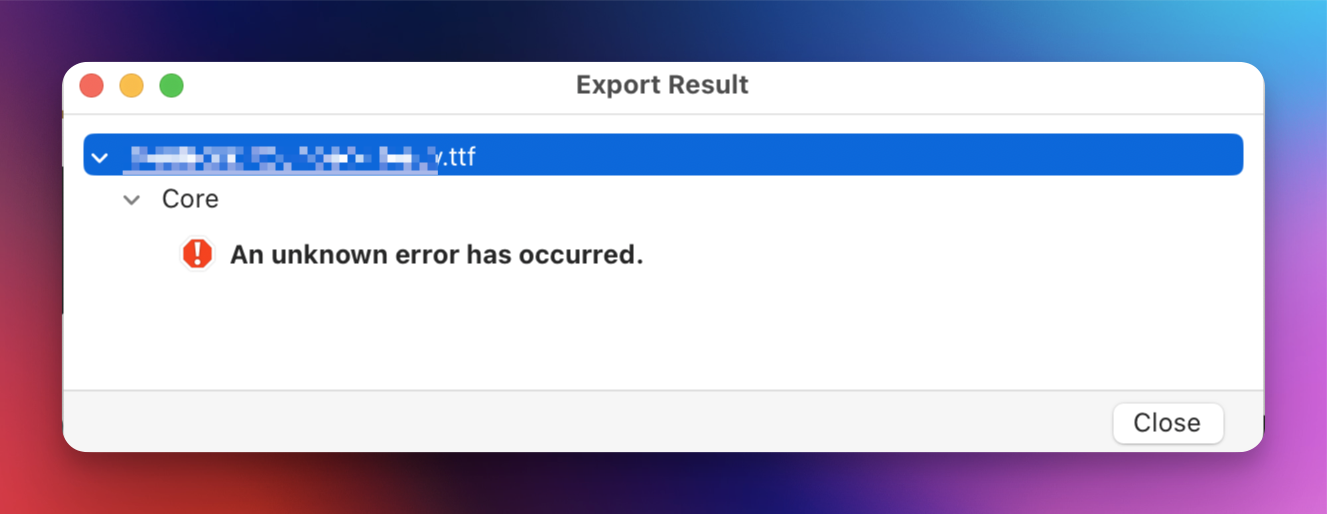
EDIT
Is this new, that one can uncheck all of the file formats? For some after the app update I had nothing checked, when I select at least one file format, the export works.
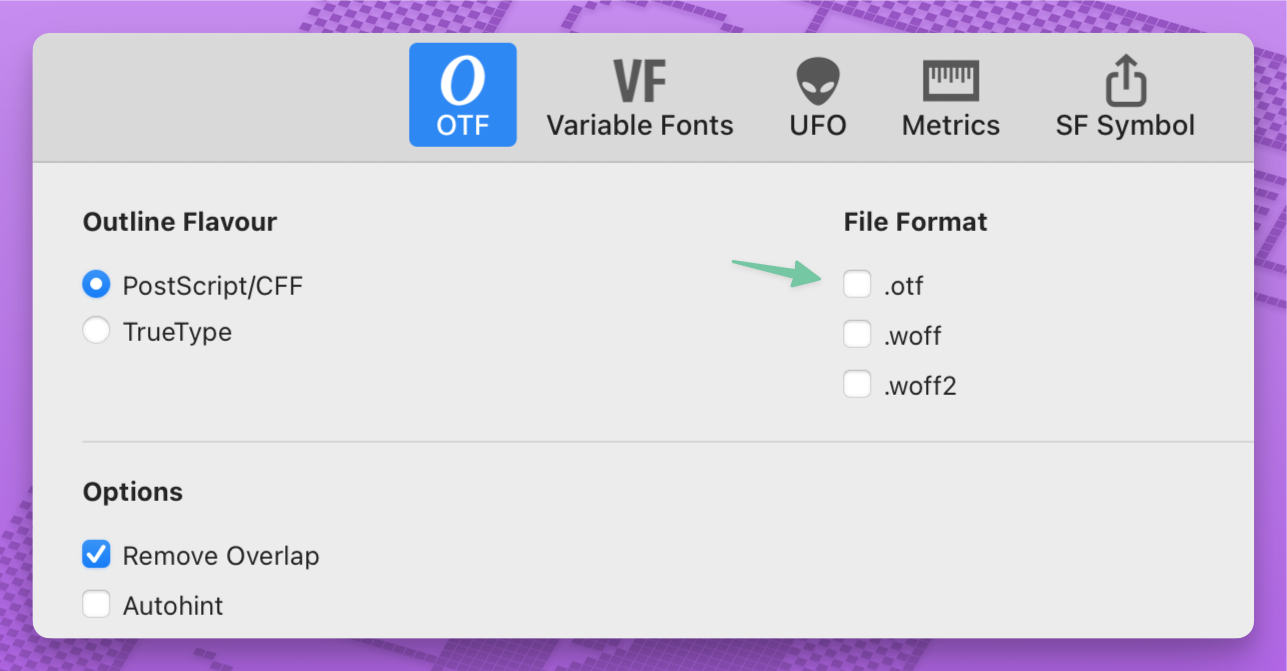
I just tried and it was possible for some time. I just recently fixed this error. Will be fixed in the next cutting edge version.
1 Like