Hey Gents,
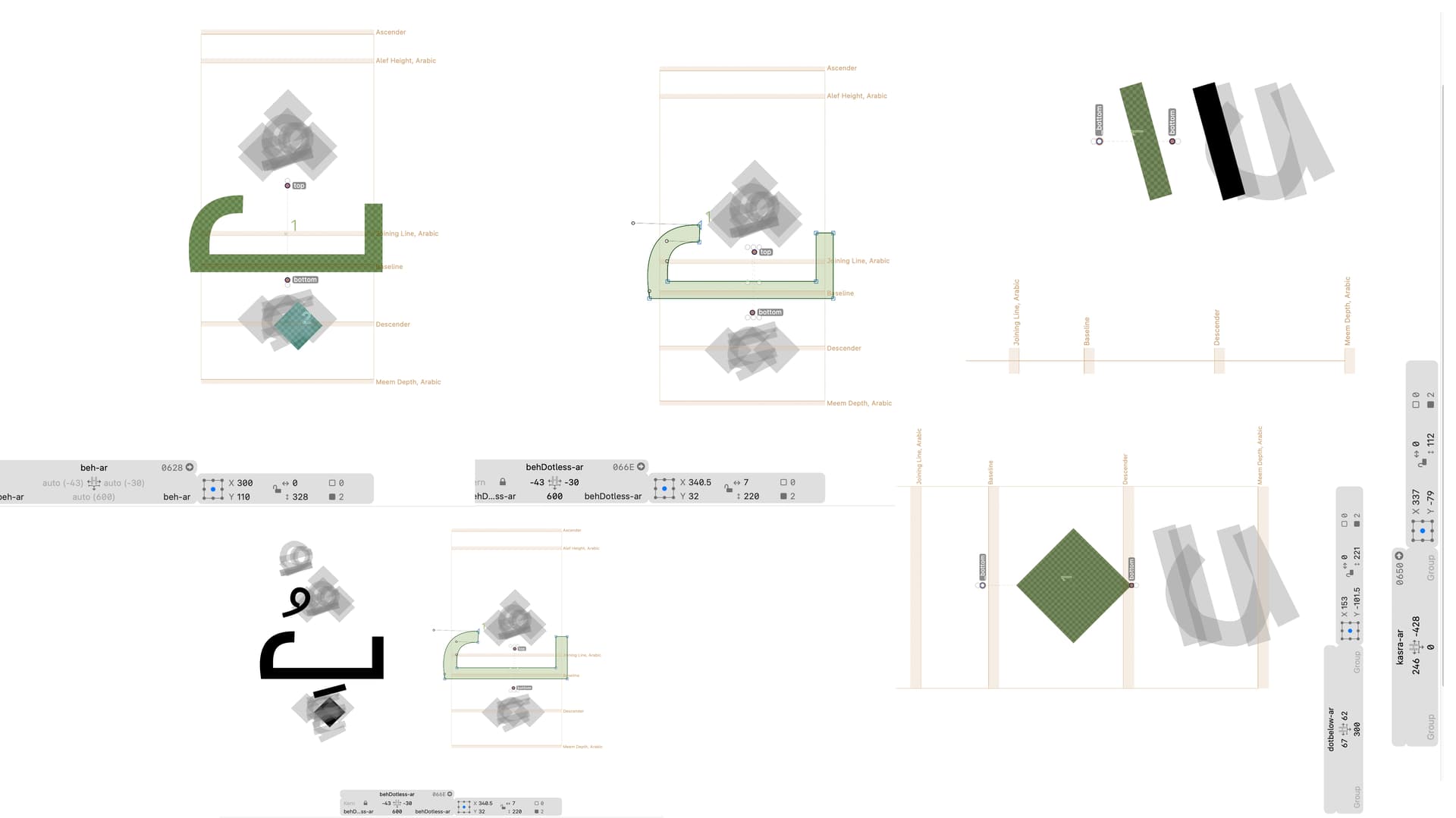
Can anyone help me to figure out what’s the issues with automatic aligning arabic dots and marks, as show in pics I tried to initiate “behDottles-ar” & “dotbelow-ar” to form the letter “beh-ar”, since I have activated the anchors and their names and you can check; when I move the anchor around in “behDottles-ar” it’s worked and appeared in “beh-ar” , My problem how to fit the Arabic marks such as “kasra-ar” its position should be below the “dotbelow-ar” not above it, actually I read the manuals but I’m still confusing, finally I think it’s bug in the app ?!
You should not add anchors to glyphs that have components (beh-ar). The anchors from the base glyph are used.
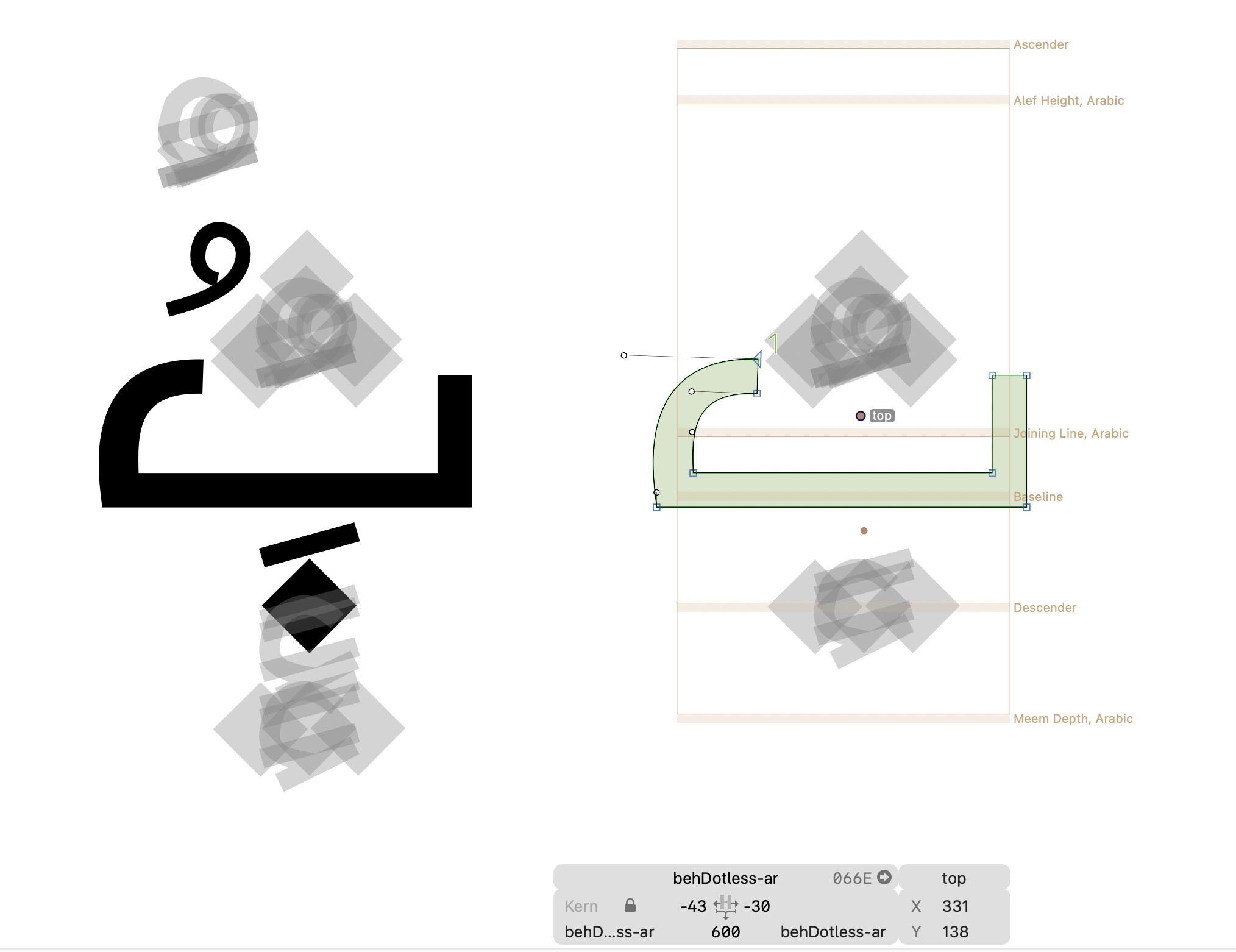
I have try this but still the same issue, the anchor only aligning the “dotbelow-ar” in beh-ar but not allow to align the marks such as “kasra-ar” and “damma-ar”
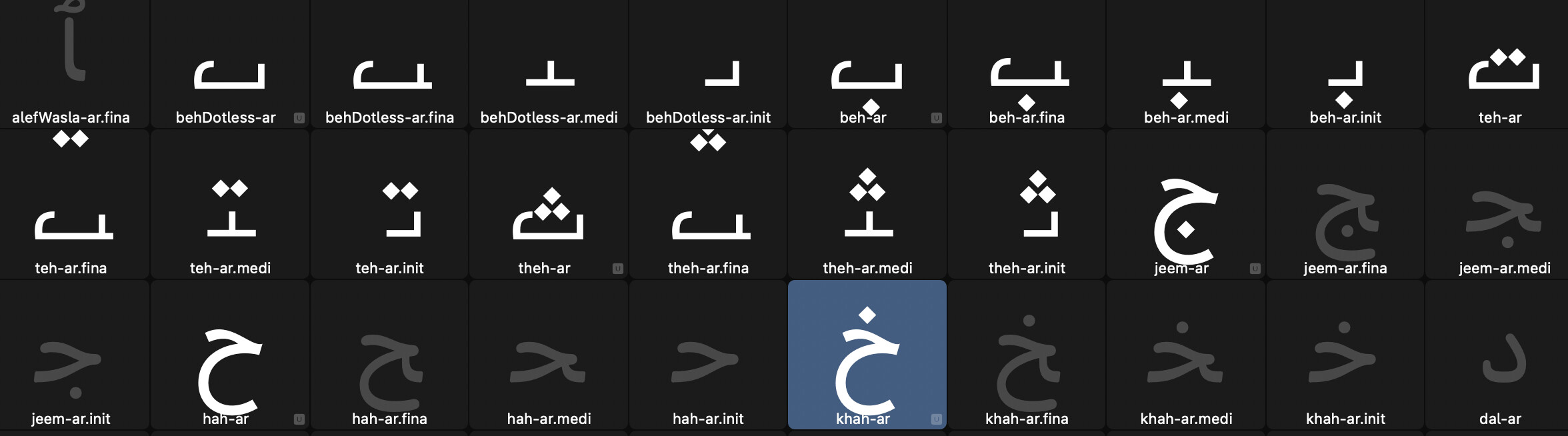
Also another issue when I press double click on “beh-ar” did not move me to “behDottles-ar” but it move me to “behDottles-ar.init” should move me only to the exact base “behDottles-ar”, since my original project is confidential, this is another form just to show the problem in fast way.
I’m using Glyphs 3.3.1 (3343)
the pics above for your notice
Have you enable automatic alignment? it’s on Font Info (CMD + i) → go to “Other” menu → make sure uncheck disable automatic alignment
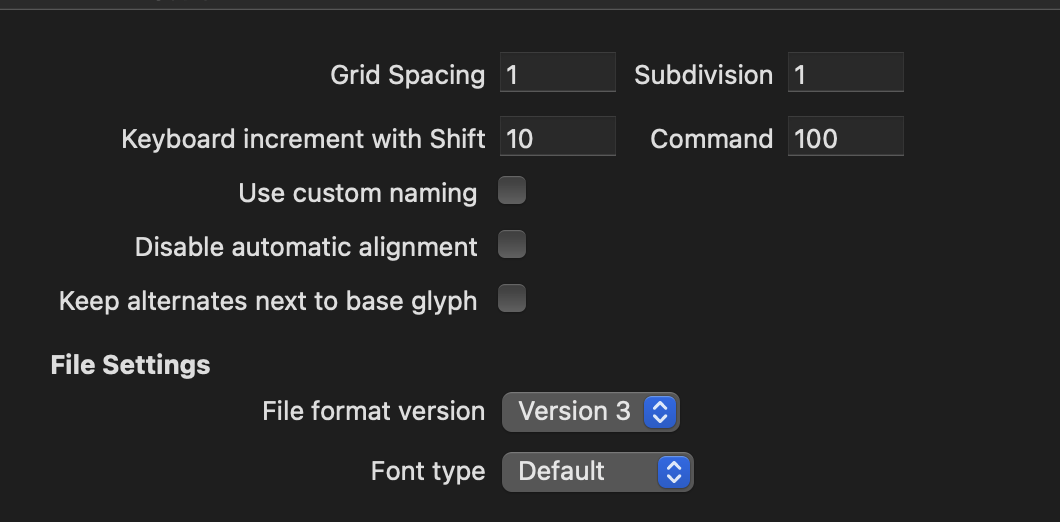
You mean you like to move points to fractional coordinates?
I meant for Node shifting when i nudge some point it’s like have a magnet, i need it to move around smoothly, Since I’m new with this glyphs system.. your coop. are highly recommended.
What snapping do you mean. That it aligns with other nodes (showing red lines). Or that the coordinates are rounded to full integers?
Exactly aligned with other nodes and showing red lines, sometimes i need to nudge it freely.
While dragging, press the CTRL key to temporarily disable snapping.
But I strongly recommend to move nodes with the cursor keys. It is much more precise and most importantly it is repeatable.