Hi
In my font I have a serif corner component with an intermediate layer at 50% width.
Everytime I reopen Glyphs, the serifs that are scaled appears at 100% width. To fix it, I have to go back to the serif component, disable the Intermediate layer and set it again.
Can you send me the file. And please explain the problem a bit more in detail: what you like to achieve and what happens.
Ok I just sent it.
I use corner components for the serifs. I want to make some serifs shorter than others, but I’m not satisfied with the basic scaling. So I made an intermediate layer on the corner component at 50% width. It works fine, I’ve set the inner serifs of my n 70% shorter for instance.
But when I close this Glyphs file and reopen it, these serifs are still set at 70 but they appear at 100% width. So everytime it happens I have to go back to the corner component, right click/disable the intermediate layer, and set it again at 50%.
Then they all appear at the right size again.
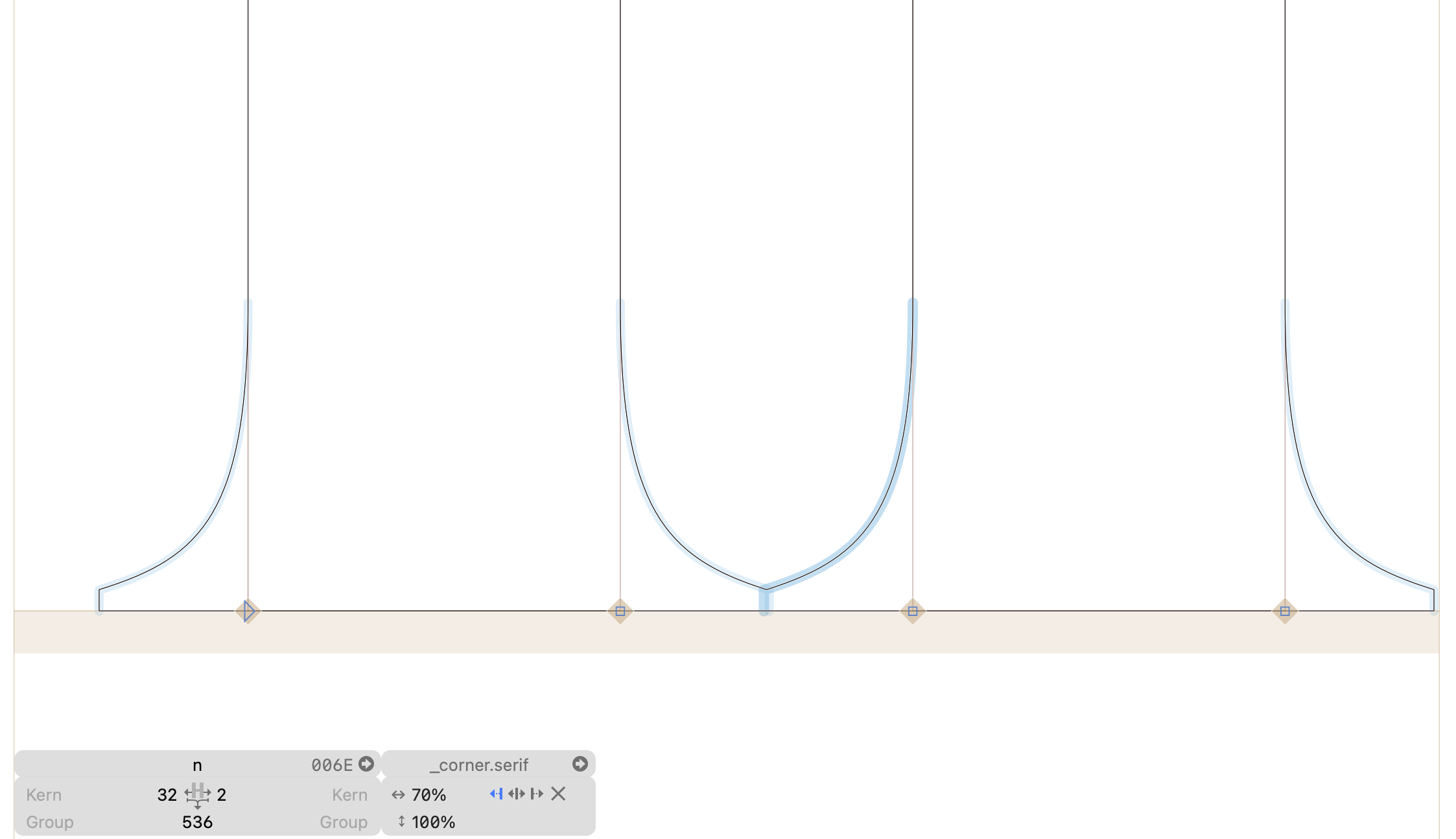
Is there a reason you set the “Height” if the brace layer to zero?
Ho thanks I didn’t notice!
Actually I never set it I left it empty, but when I reopen the file it sets it to zero. I just reproduced it.
I set the Height to 100% and it fixed the issue. It might be a good idea disabling this automatic 0% setting though.
That issue came up before. But it needs to write out something …
1 Like
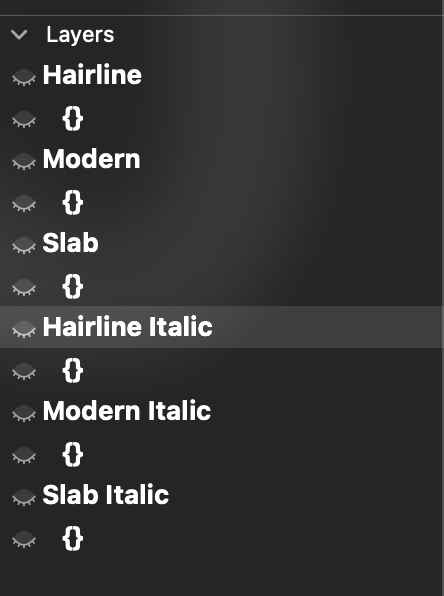
Hi! I’m also getting a bug. When I quit and reopen the glyphs file, intermediate values have desapeared (see screenshot).
V 3.4 (3430)

Can you send me the file?
1 Like
The same thing is happening to me, it seems to have a bug. Every time I reopen the document, it adds 0 to the height, and as a result it stops interpolating.
Can you check if the file is saved as Version 3 (Font Info > Other)?
Yes, it is
Could you send me the .glyphs file?