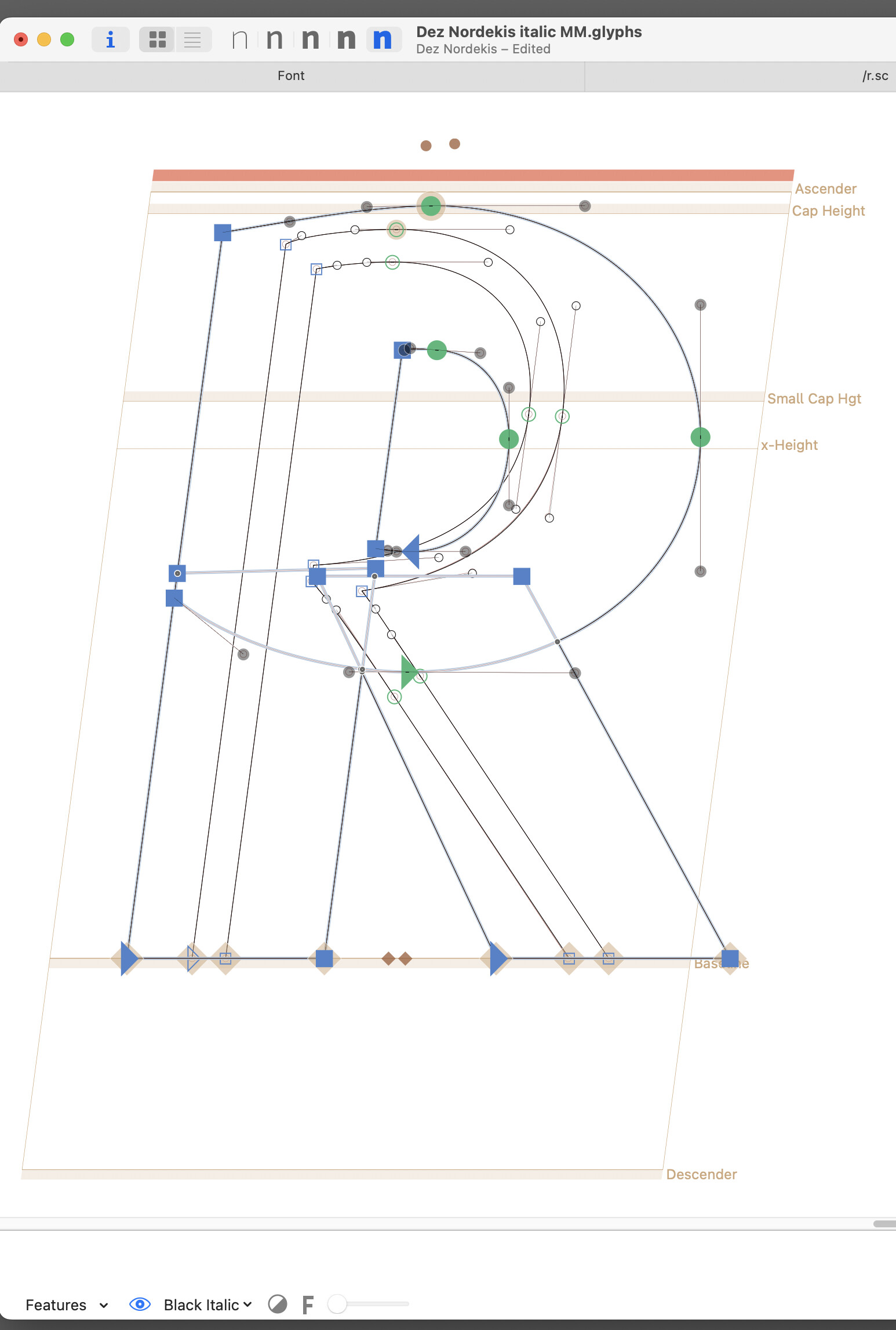
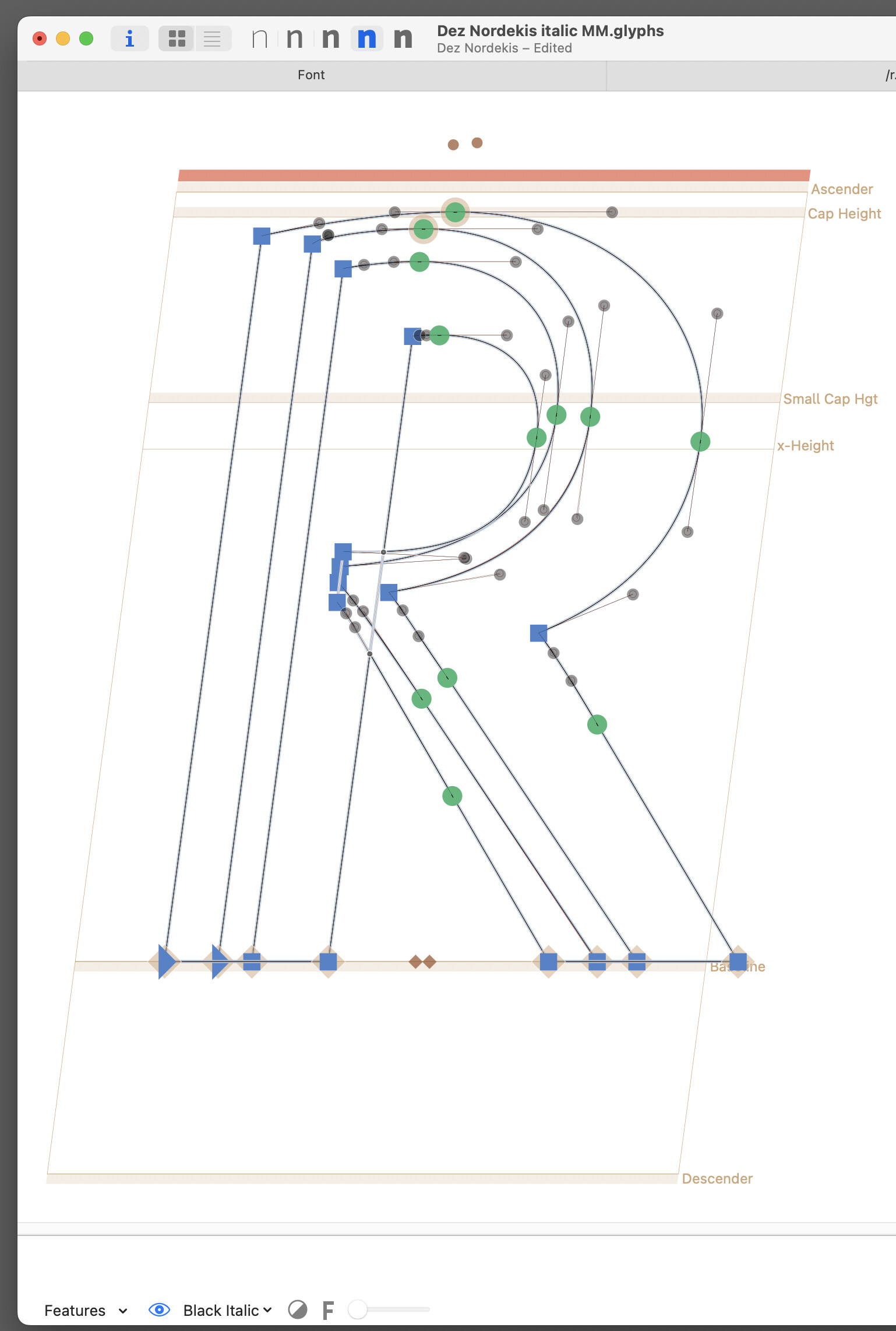
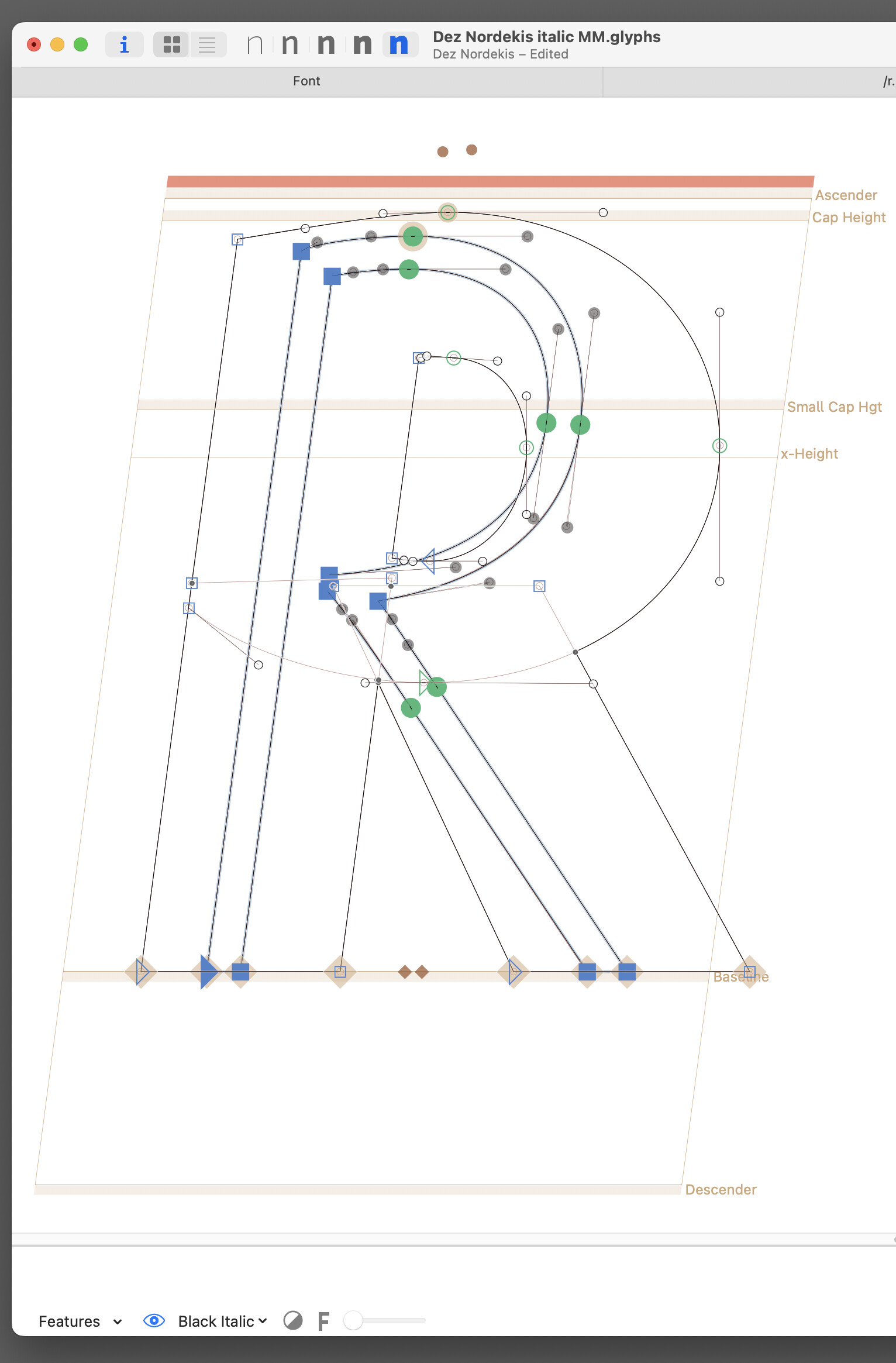
Some how a glyph, including its anchors, got pasted on both the background and foreground of a different master. It will not allow me to delete it. I rebooted with extensions off but does not help.
Sequoia 15.7.3 (24G419) and latest Glyphs 3.509
Some how a glyph, including its anchors, got pasted on both the background and foreground of a different master. It will not allow me to delete it. I rebooted with extensions off but does not help.
Sequoia 15.7.3 (24G419) and latest Glyphs 3.509
Make sure you have the Select tool active, not the “Select All Layers” tool. Long-click the arrow (Select) tool in the toolbar.
THANKS SO MUCH, Sebastian!
I think I might know what happened. I have been going back and forth, clicking on the “Select” tool and the “Text” tool so many times to get the damn “Text” tool to activate (hope they fix this soon) that I must have inadvertently switched it to the “Select all Layers” tool. I did not even know that tool existed until right now.