It seems that Glyphs can’t access the server that contains the plugin information.
Can you try opening this link in a browser and tell what happens: https://raw.githubusercontent.com/schriftgestalt/glyphs-packages/glyphs3/packages.plist
Hi, I can see what the problem is now - it appears that somehow Glyphs had been blocked on my Firewall, possibly when I ran the demo sometime ago. It’s all working OK now. Thank you.
Hi, after installing the Python Module and a plugin in the Plugin manager, then restarting the app, the “Phython version” field doesn’t offer any option in the in the Glyphs > Preferences > Addons section.
The Plugins + Python show up in the Repositories folder + there is an alias of the plugin in the plugins File, but they do not show up in the “View” tab in the software.
When I restart the app once more, this message shows up.
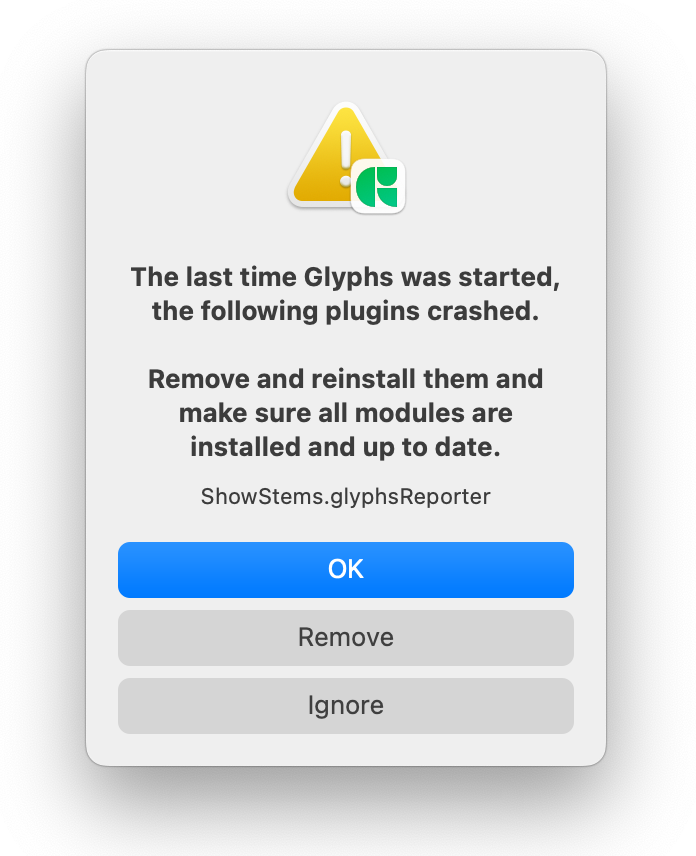
I tried uninstalling the app and reinstalling it after deleting all the Glyphs 3 Application support, to no avail. Can someone please help me? Thanks!
Can you remove the python module and re-install it again from the plugin manager. Should work now.
it works! Thank you so much 