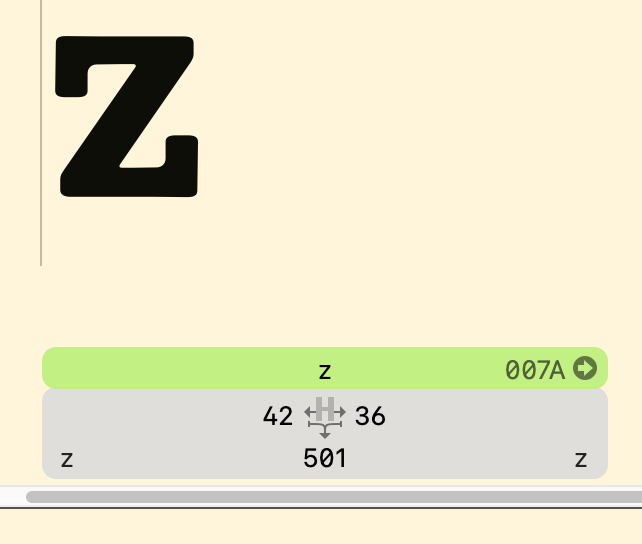
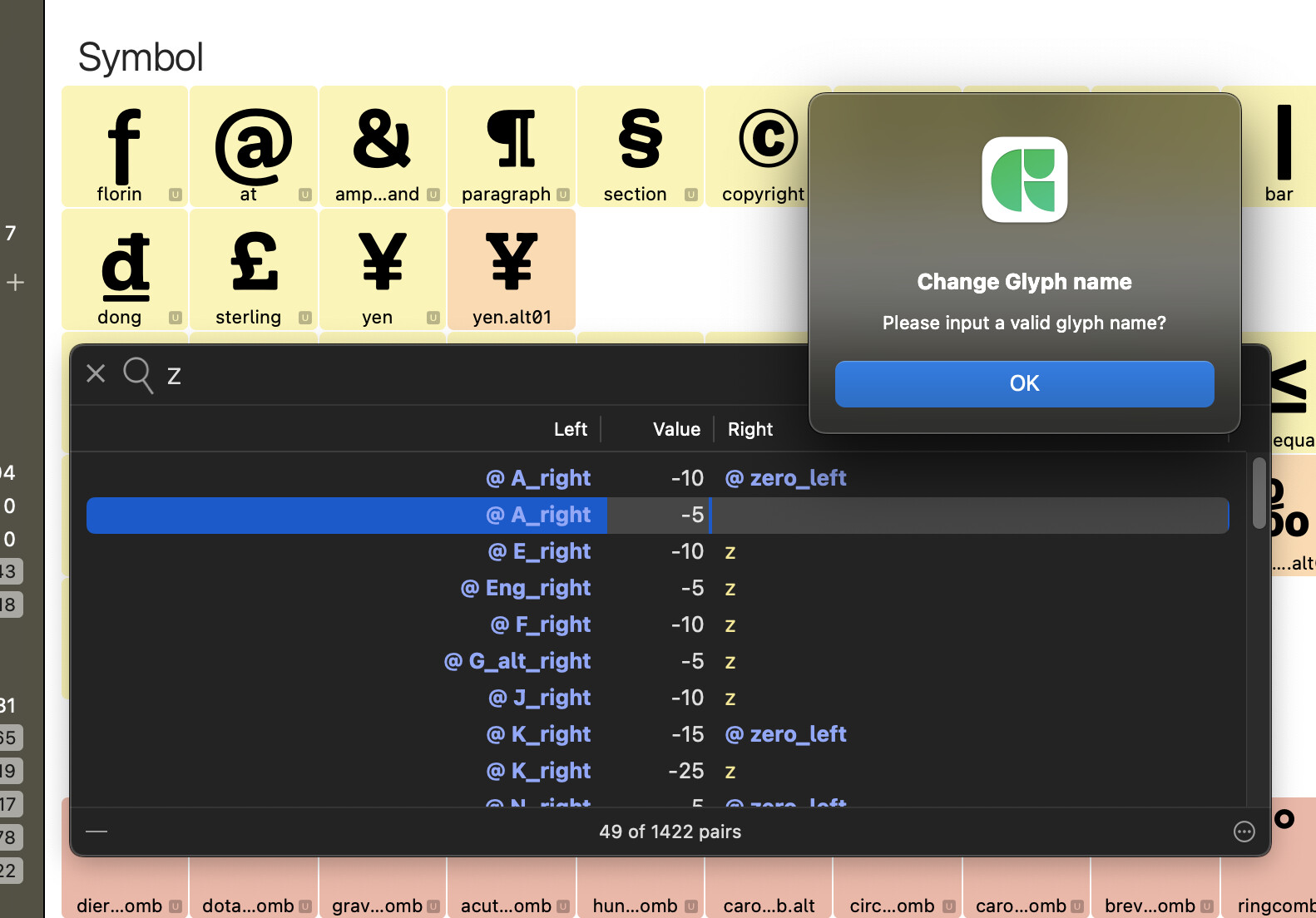
Change class name in kerning panel

I just can’t do it. One dialog appears that asks me if I want to change or rename, both do nothing.
Please help.

To contextualize:
I had a kerning group named ‘g’ and I want to call it ‘u’ now so it matches other file with which I will interpolate, so the kern classes need the same name.

Thanks

What version of Glyphs do you have? That might be fixed in the latest cutting edge version.

I have the latest stable version. I normally don’t install cutting edge versions. But I can if that fixes it. I’ll let you know

It doesn’t work on version 2.4b (933)

You are right. I did though that I had fixed this. Not it works.

I tried to change the name of a kerning class in the panel, this didn’t work.

Or is there another way to change the name of a kerningclass and have it (automatically) changed in the panel/list ?

This should work. There’s a dialogue that pops up that asks whether you want to rename the occurrence or the class. Did that not happen when you renamed a class in the kerning panel?

Nope…

I tried to rename the “z” into z_right.

Ah. As you can see by the yellow colour of the list item (and the fact that it’s not prefixed by an @), that’s not a kerning class, but a glyph name. You can’t change that.

Have you added a kerning group for the glyph /z?

Yes, I did. I named it ‘z’ and want to change that.

But I also noted another behavior. I added /zdotaccent afterwards, and now all kerning with /z is an exception and there no kerning with /zdotaccent.

When I close one of the locks, I get automatically a /@z class.

I now compressed everything and it seem to work as expected … :sweat_smile:

Yes. This makes sense. In your initial screenshot, you are showing glyph kerning, not class kerning. So you are looking at kerning exceptions. Something must have got missed while kerning.

Glad it works now.

There is a script for partial compressing too. The actions menu in the Kerning window only offers you the full master-wide compression.

1 Like