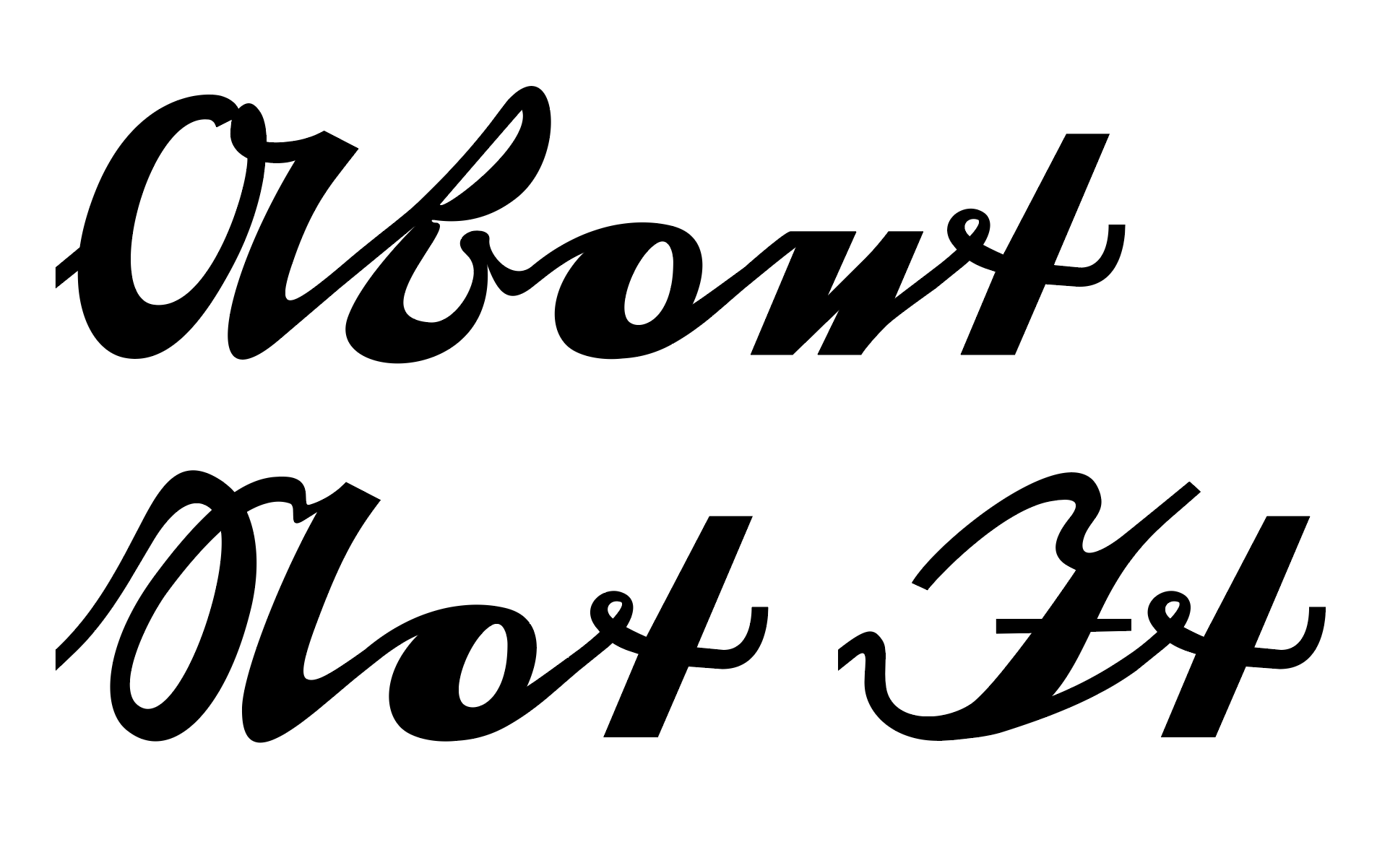
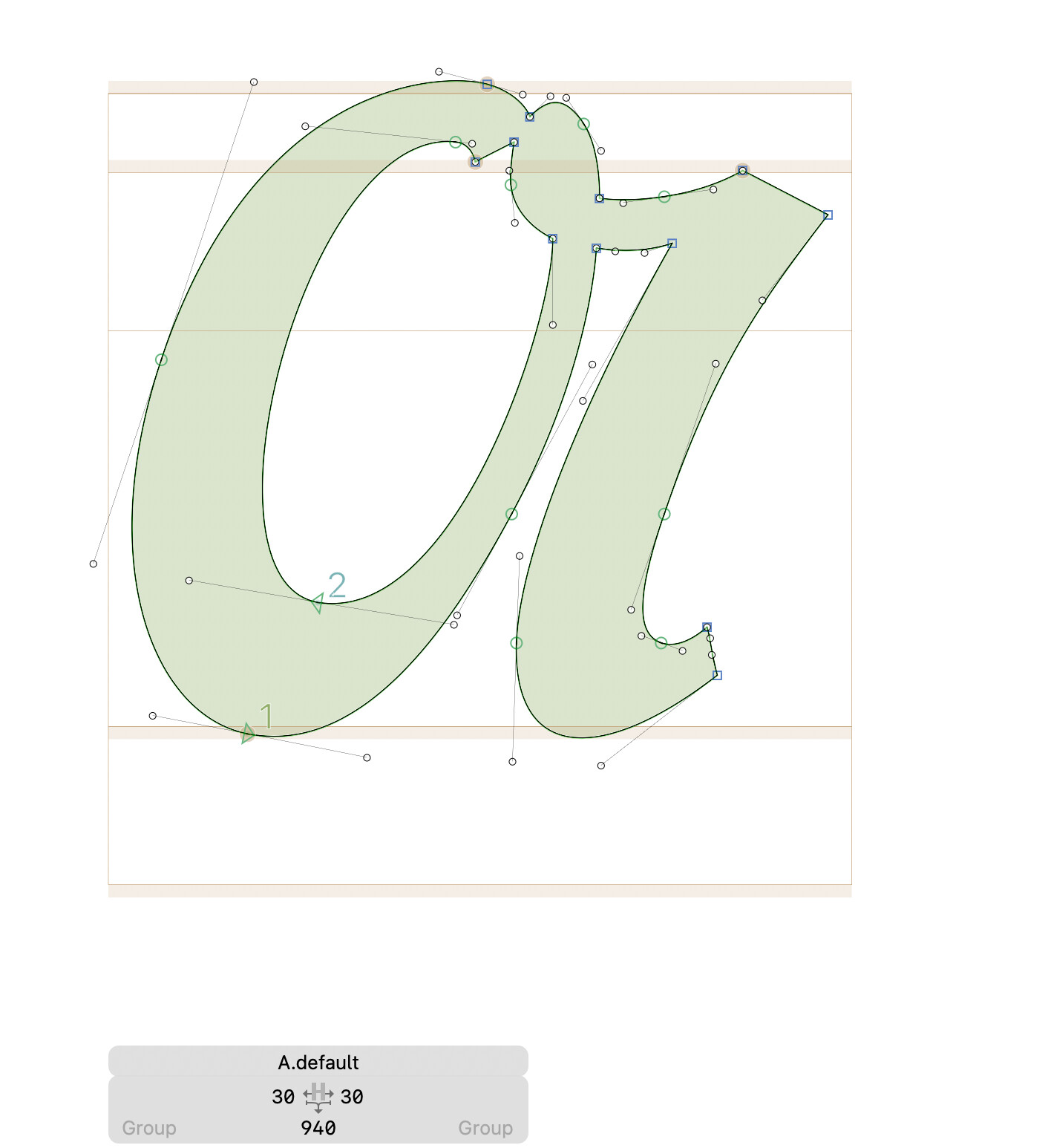
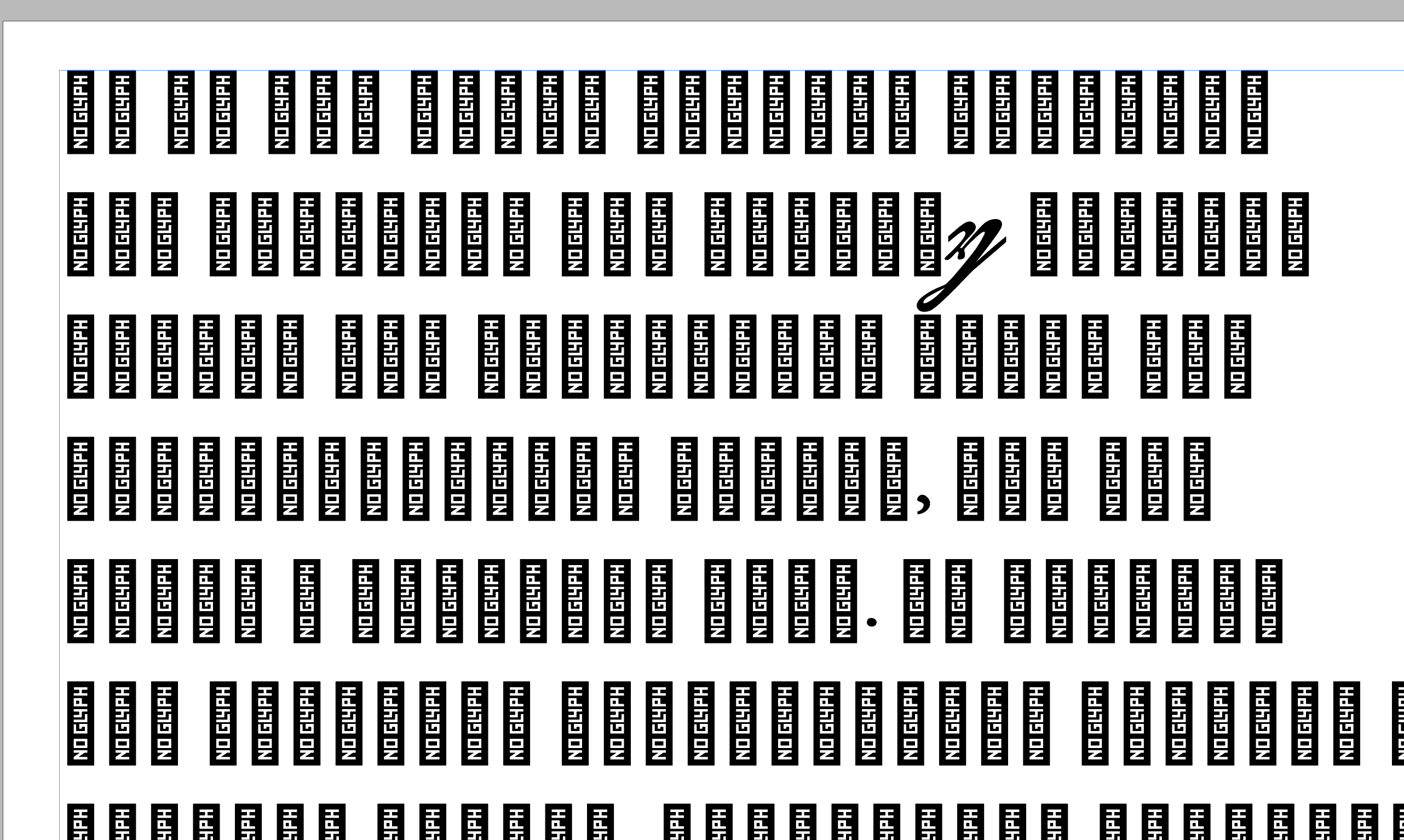
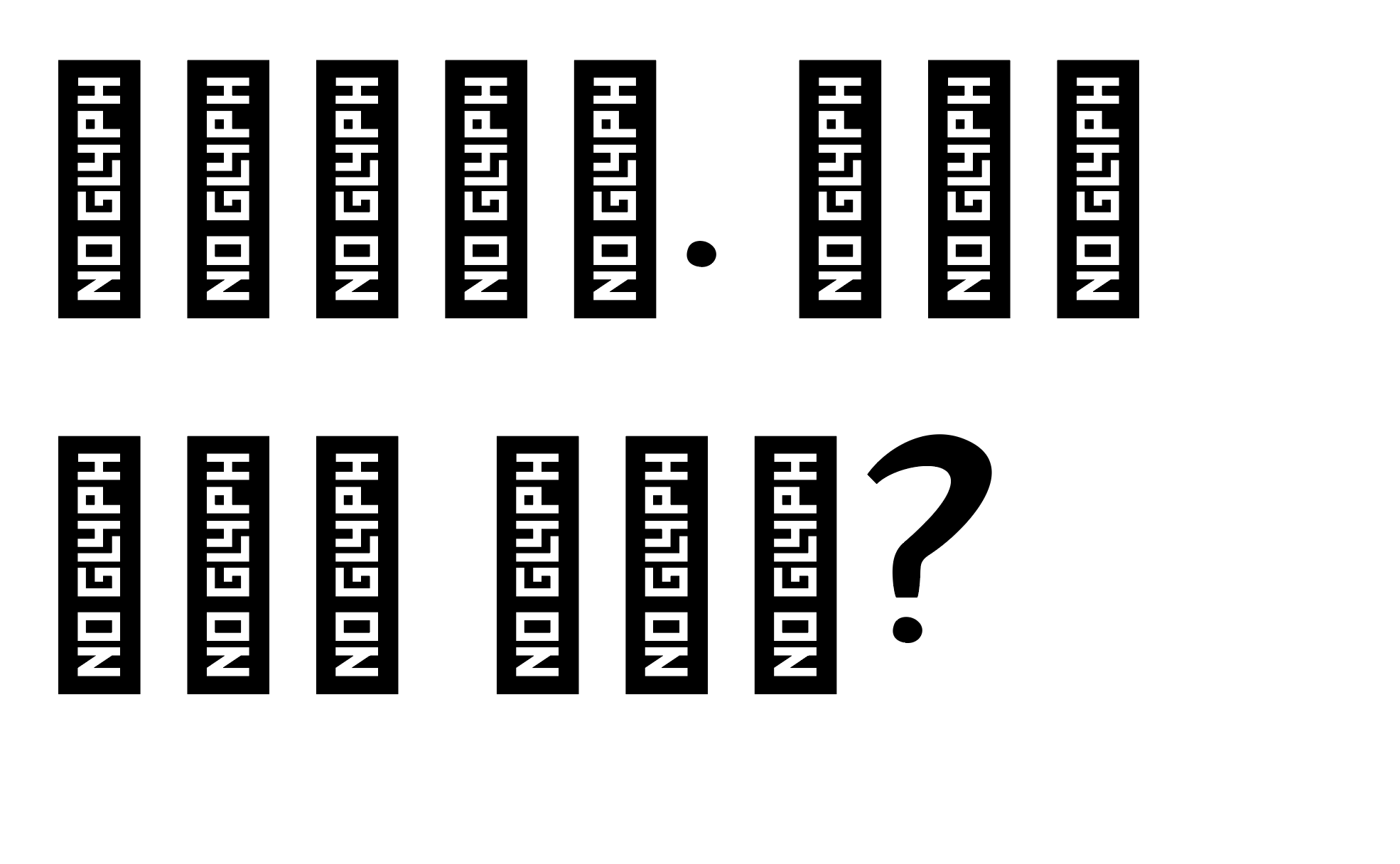
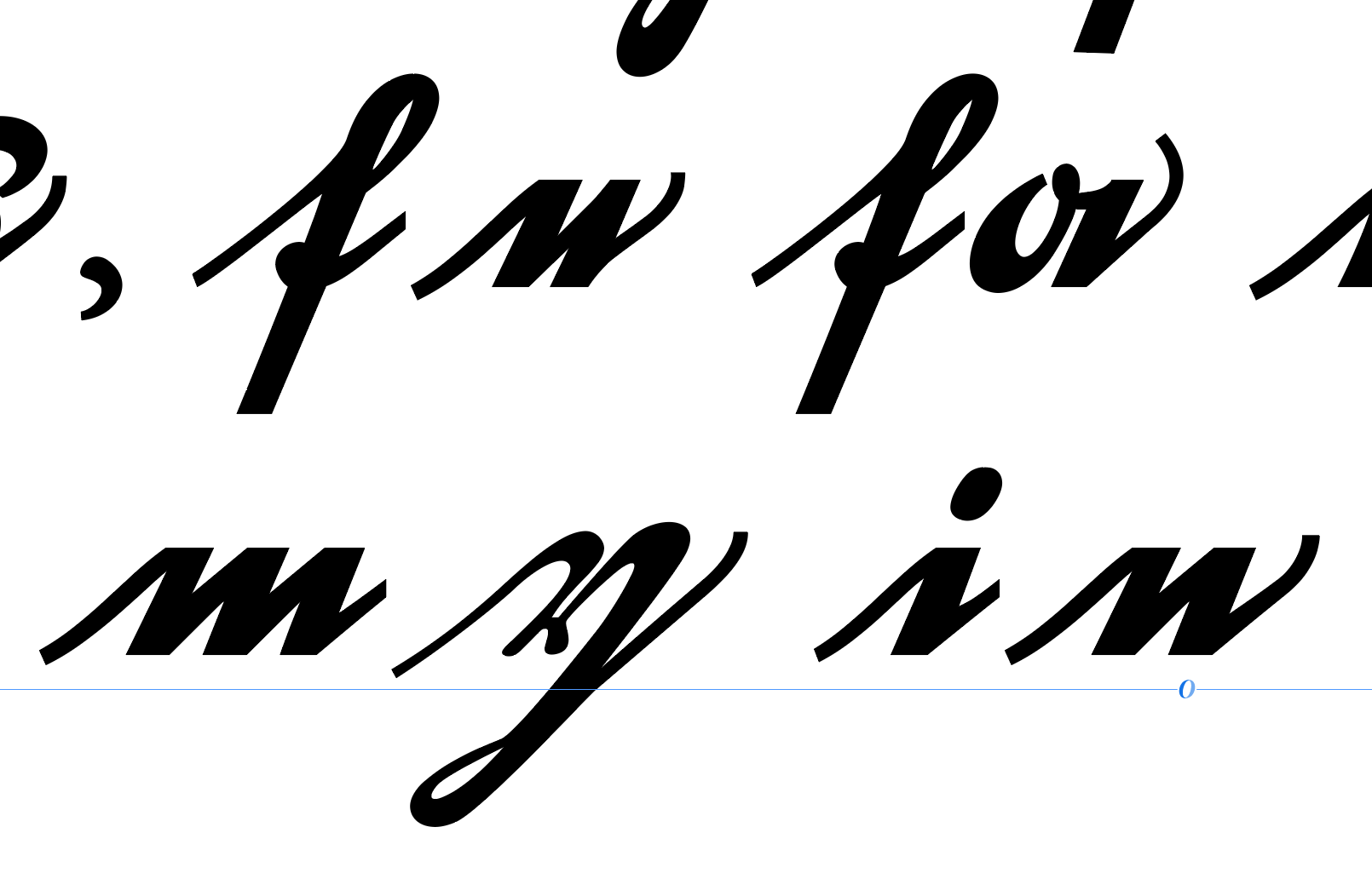
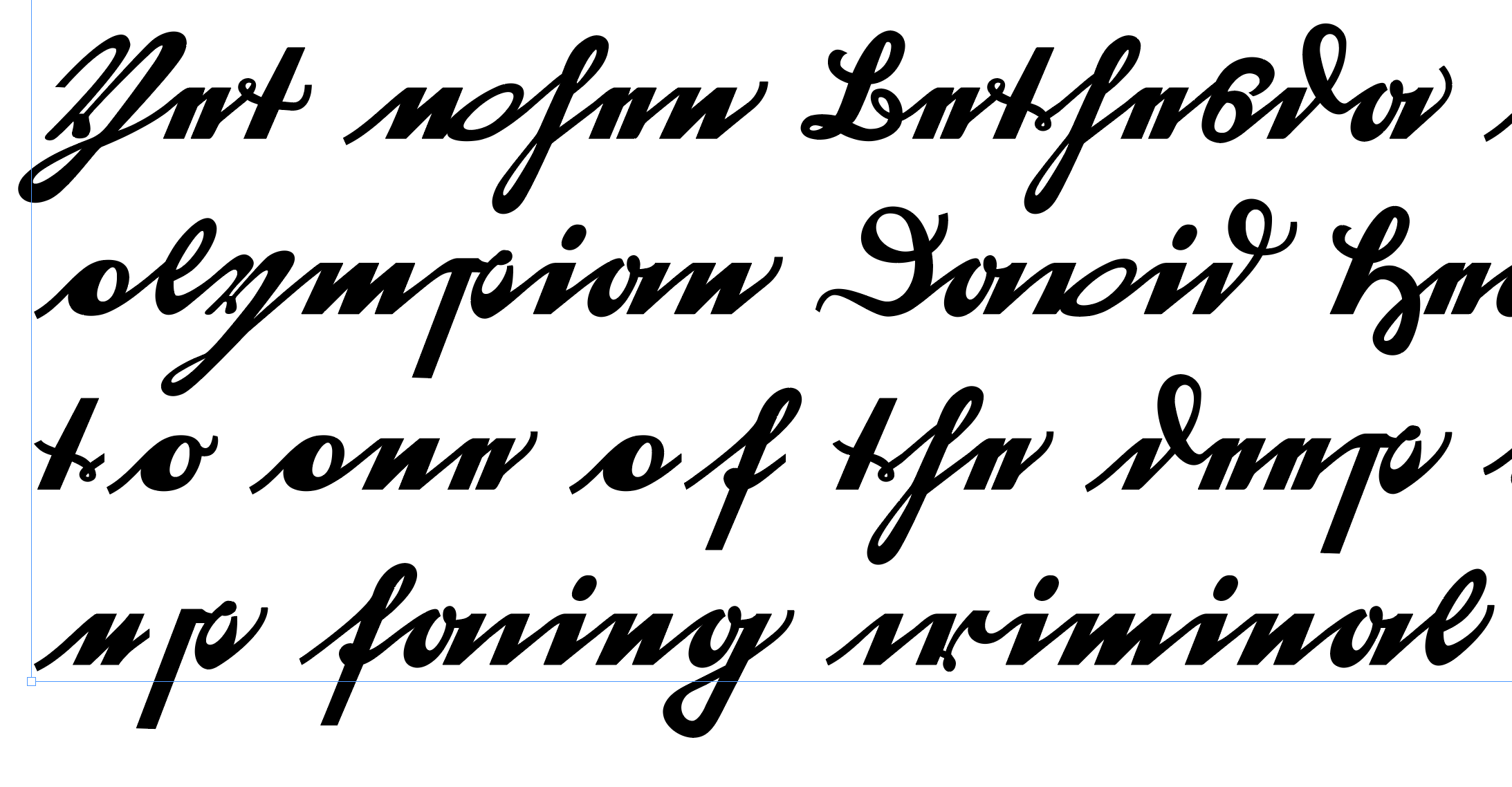
Having some trouble getting my Uppercase to connect to Lowercase in my script typeface.
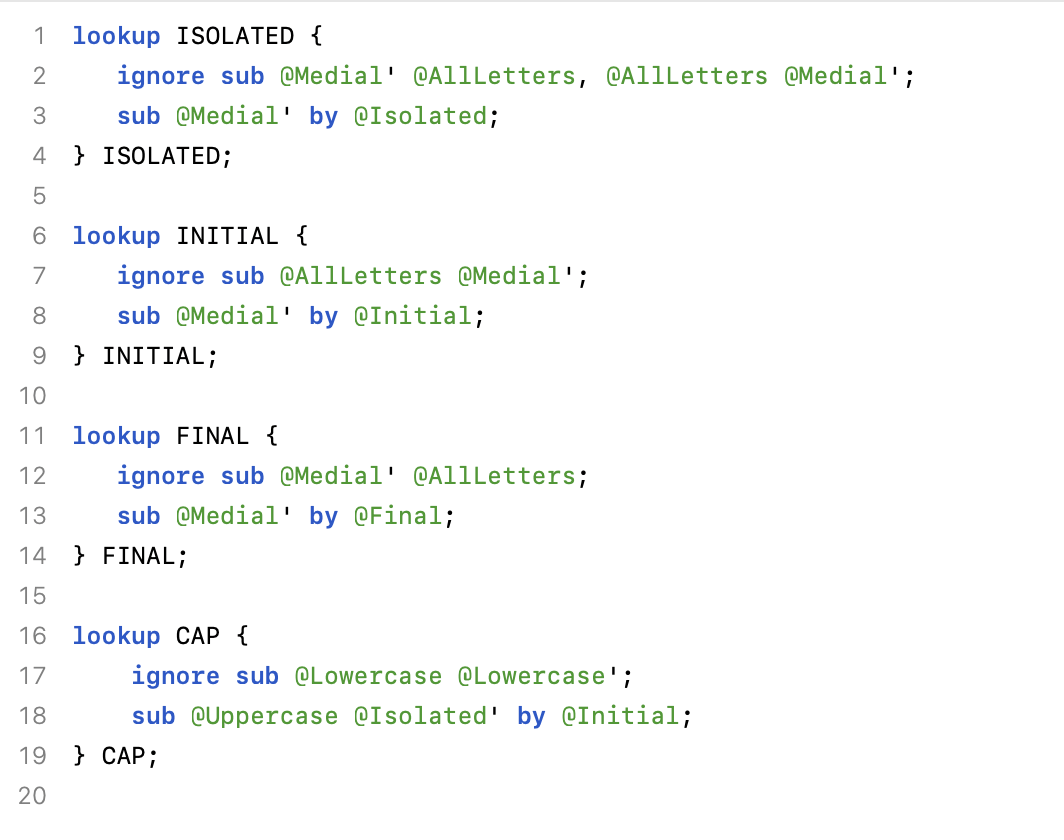
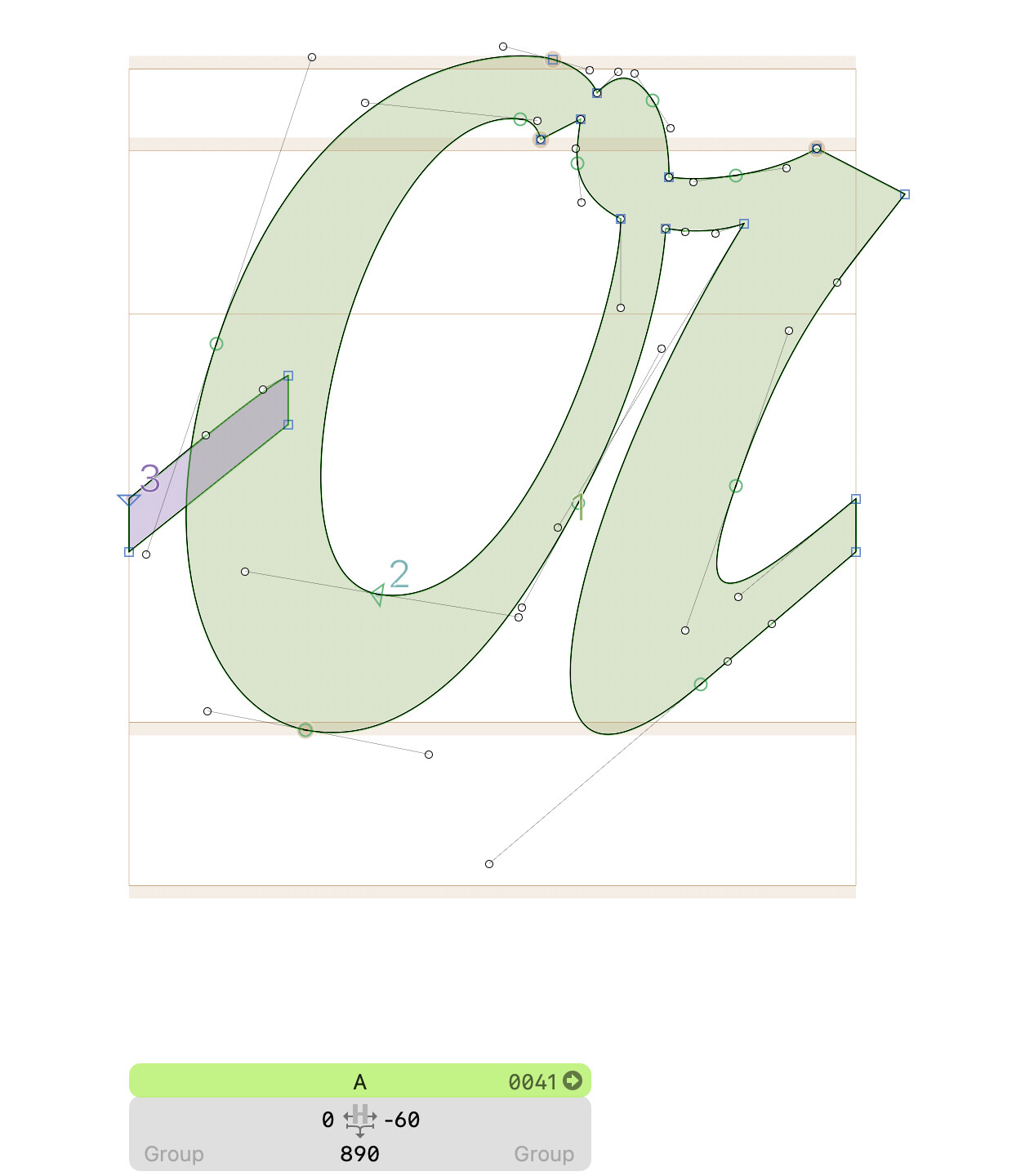
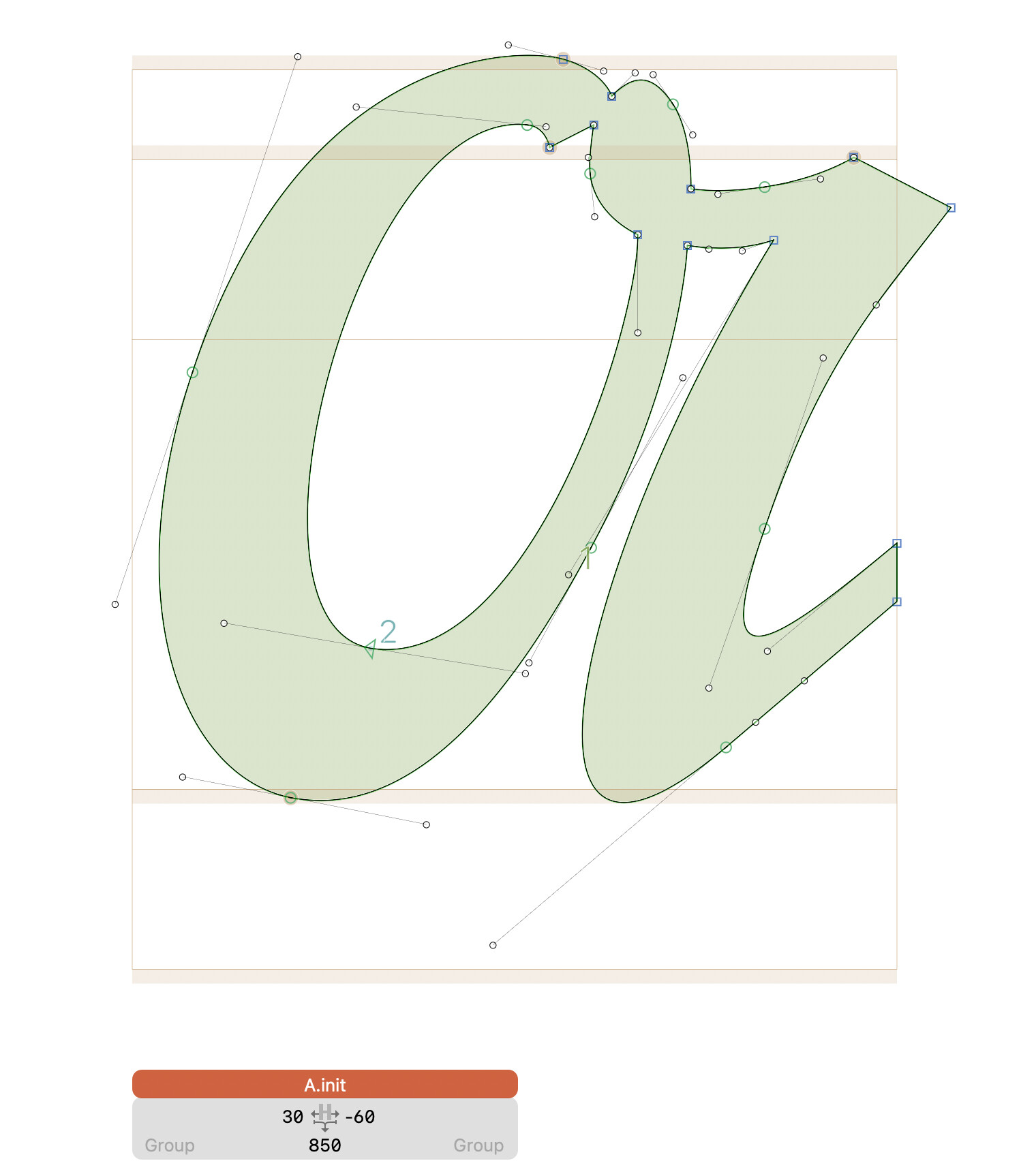
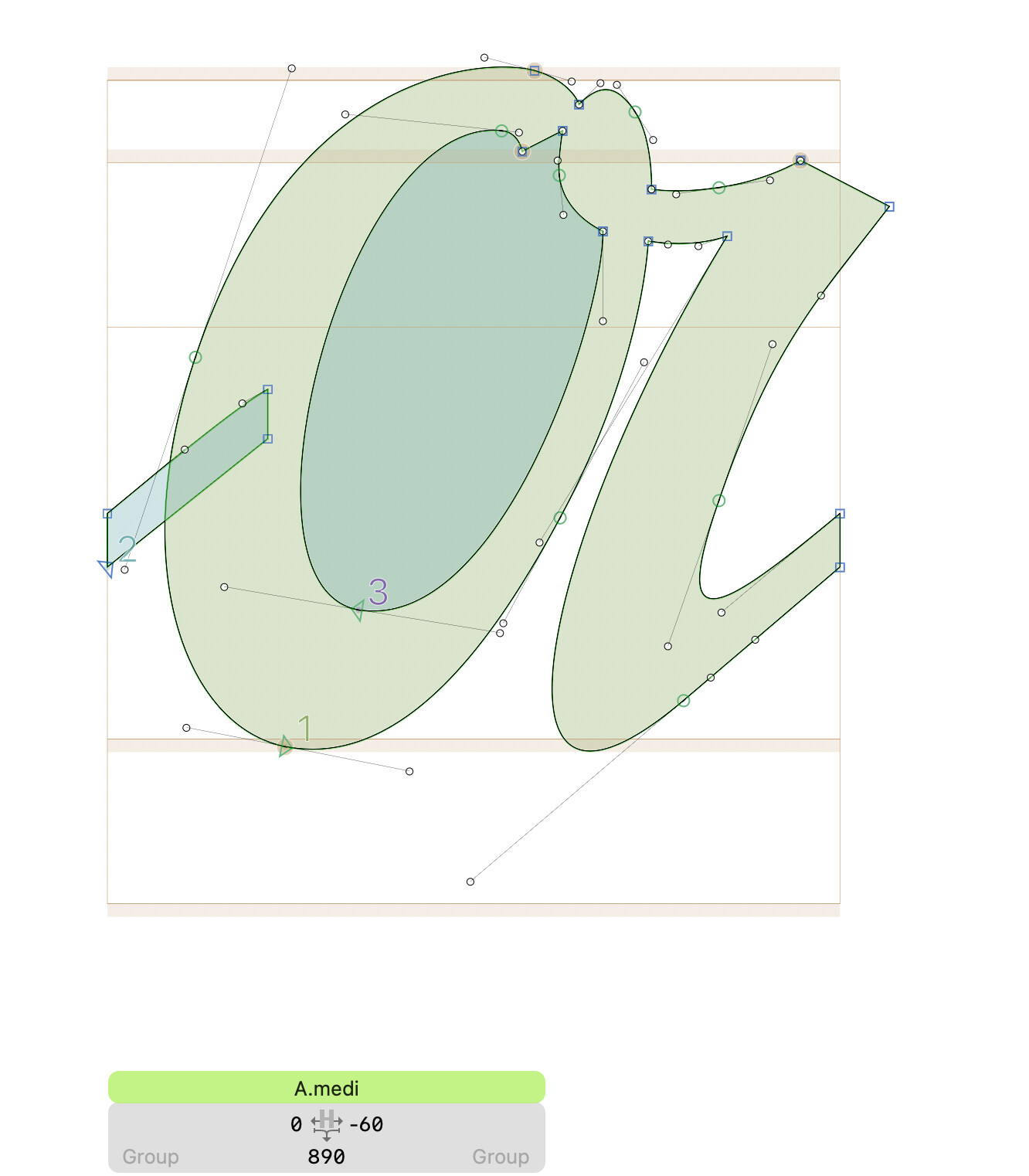
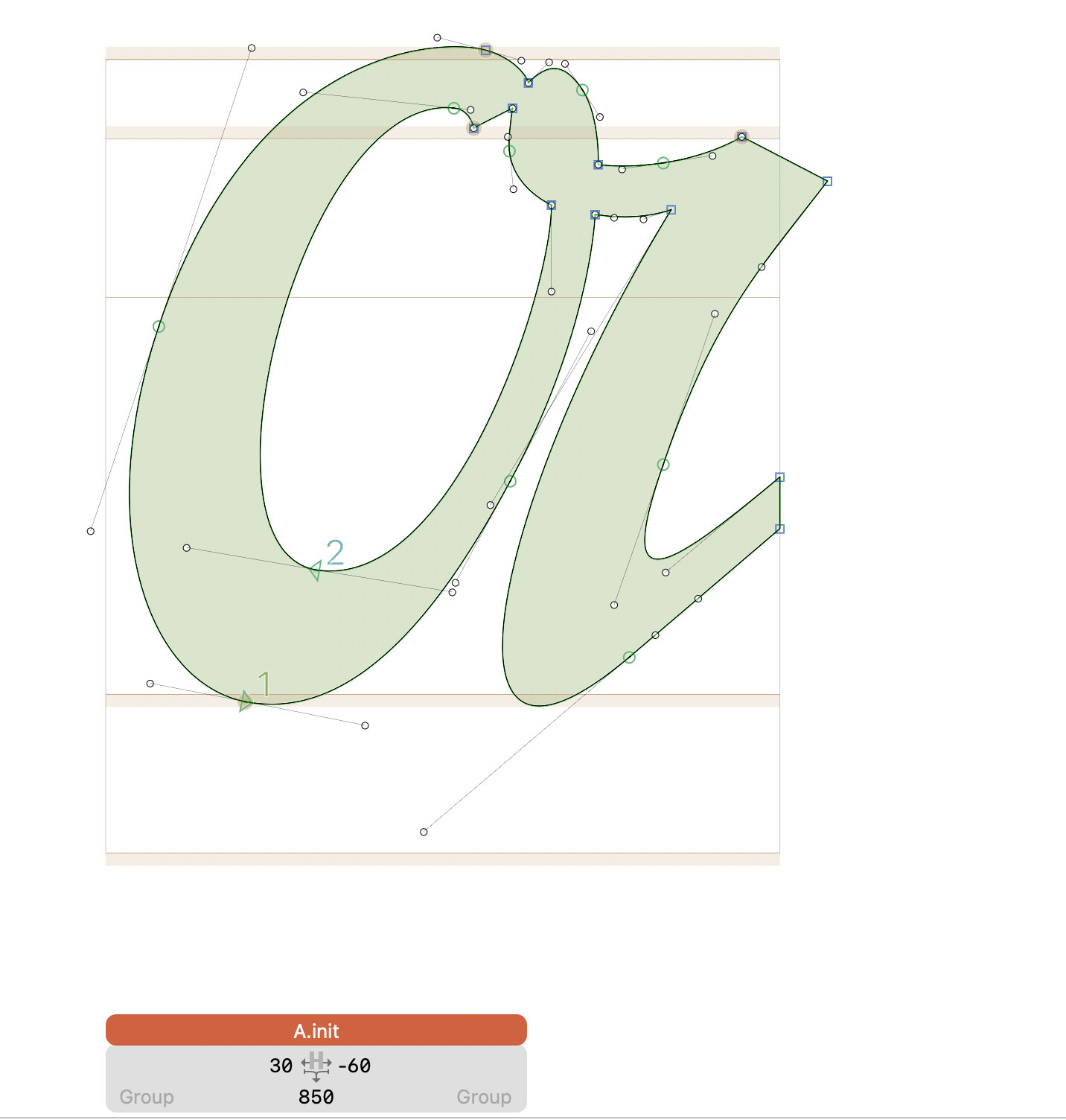
I have one set of my Uppercase set as ‘Medial’ (has connectors on both sides), and another set of Uppercase set as ‘Initial’ (connector on right side only). The ‘Initial’ Uppercase should be connecting to the Lowercase.
Guessing I have something swapped in the ‘Lookup Cap’ section that is incorrect?
Help!
Examples below:
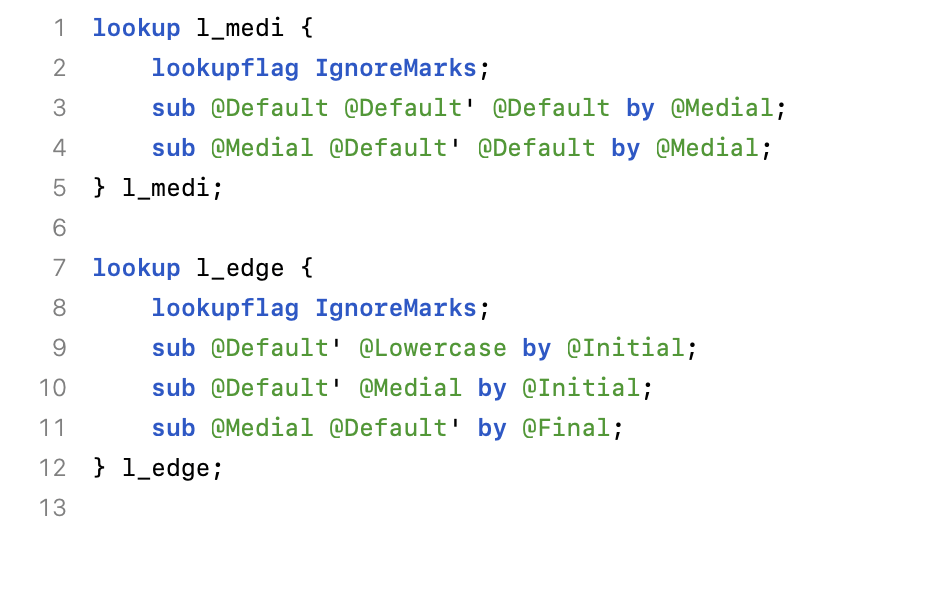
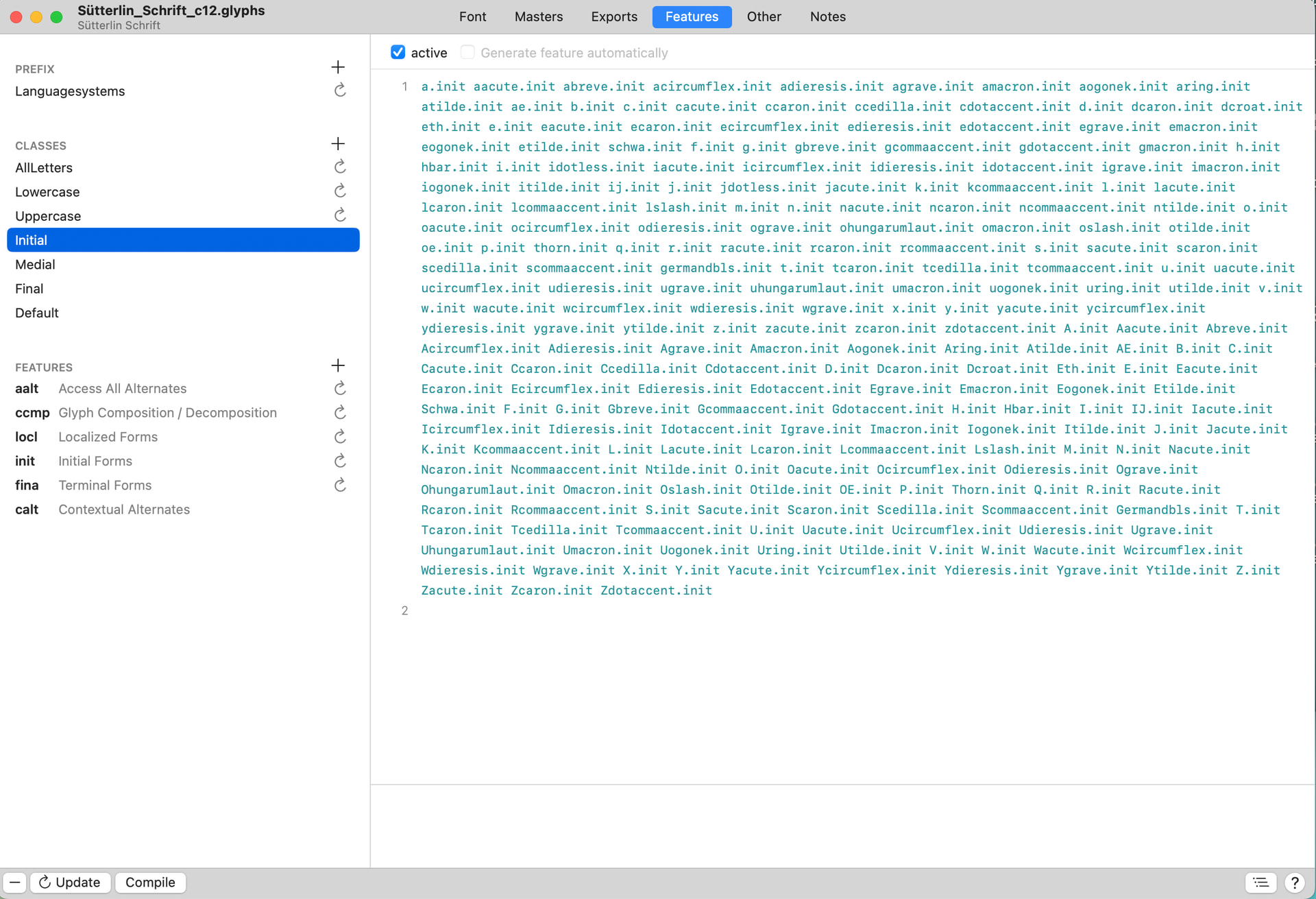
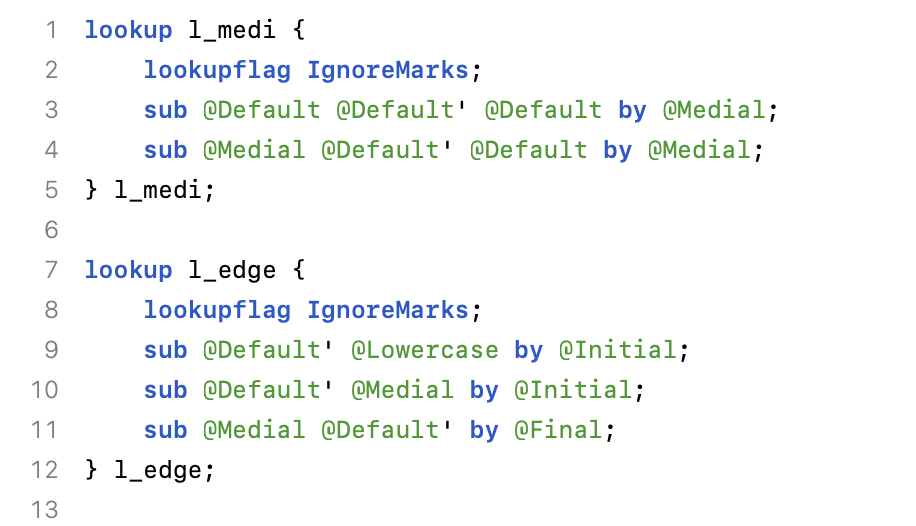
- Contextual Alternates I am using
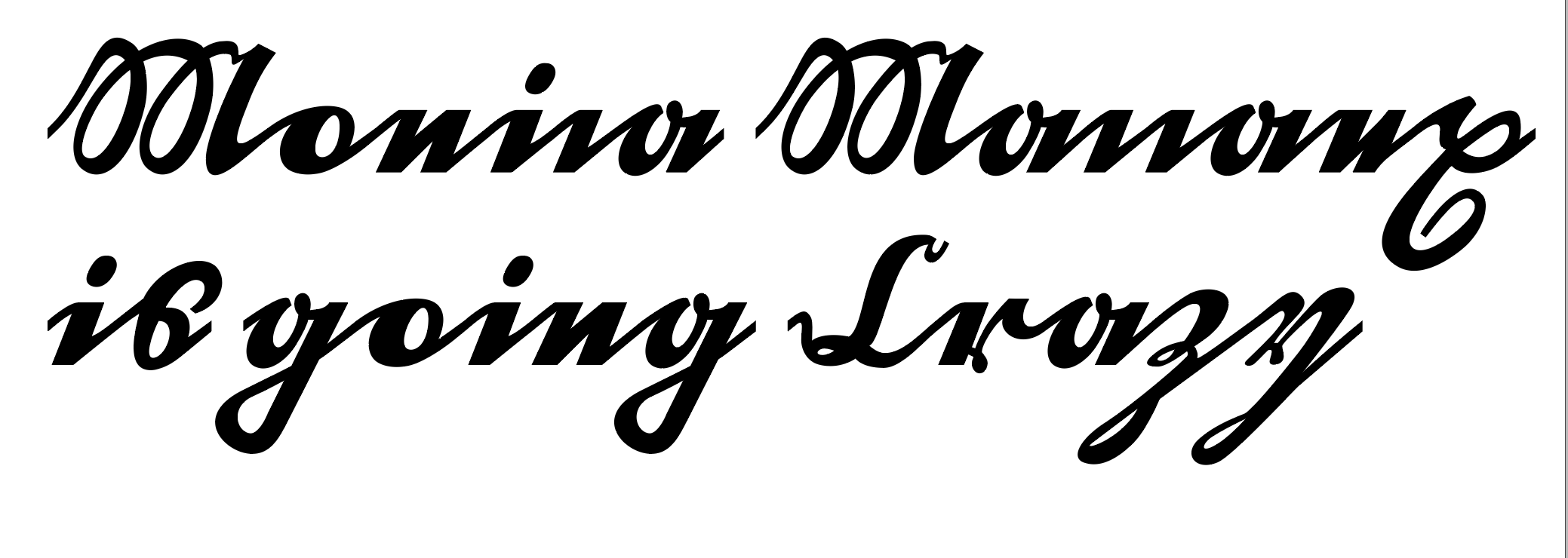
Current way UC is connecting to LC (it’s swapping Medial for Initial?)
It would be a bit easier to understand if the class definitions were shown.
Maybe make the isolated the default. Then do:
lookup l_medi {
	sub @default @default' @default by @medi;
	sub @medi @default' @default by @medi;
} l_medi;

lookup l_edge {
	sub @default' @Lowercase by @init;
	sub @default' @medi by @init;
	sub @medi @default' by @fina;
} l_edge;
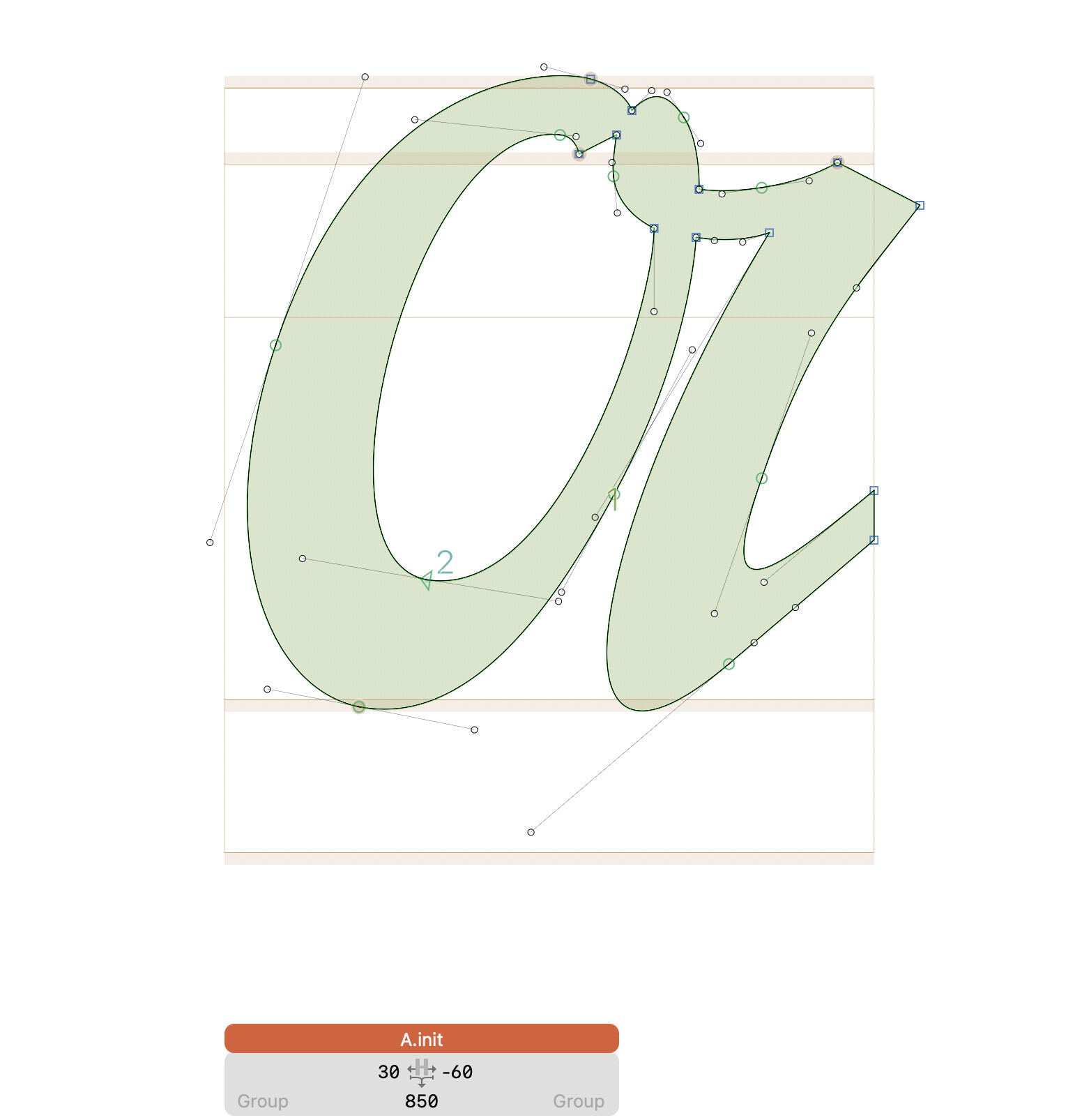
And you might use components. In the “A”, use a “instroke” and “A.init” as components.
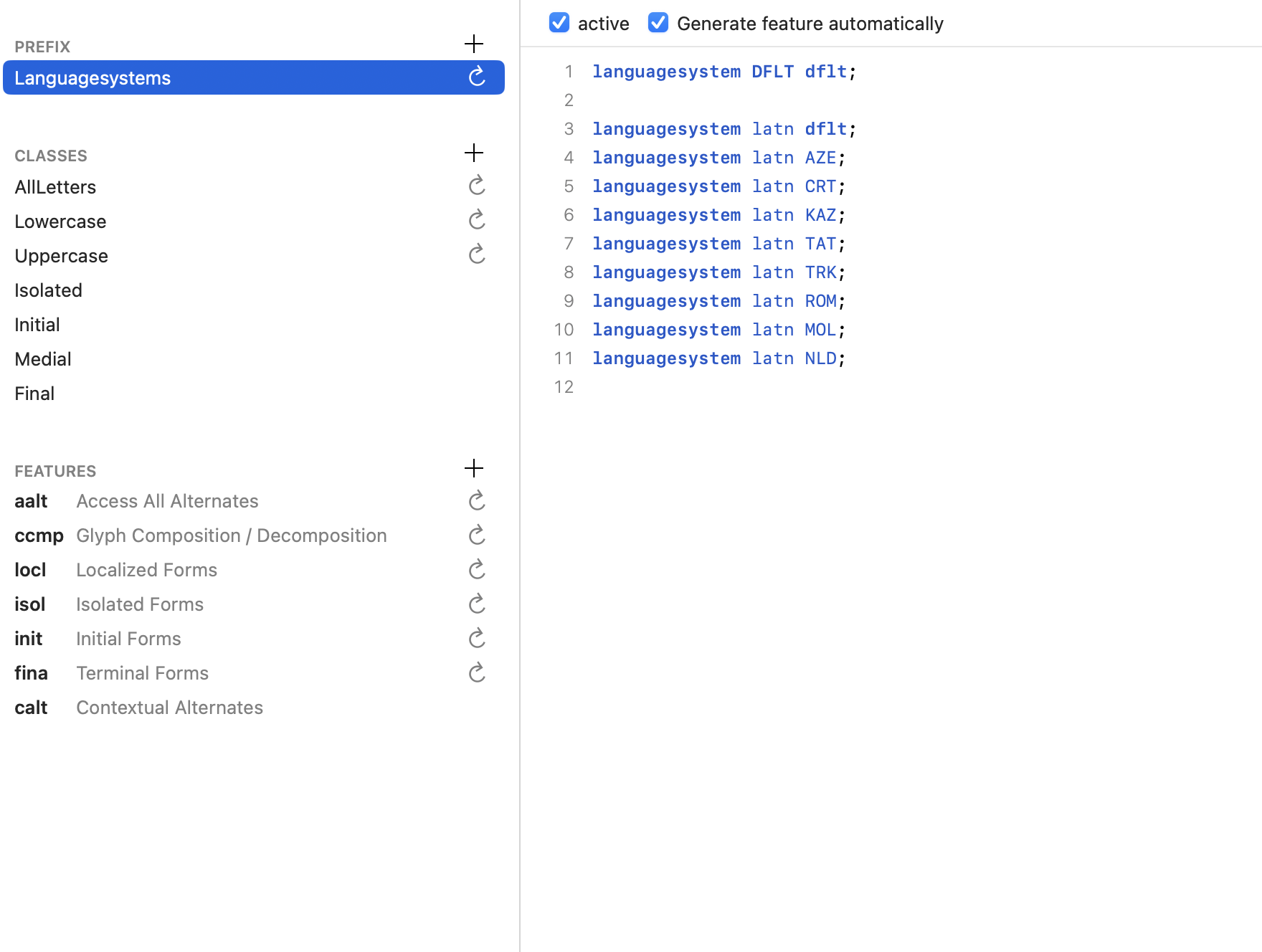
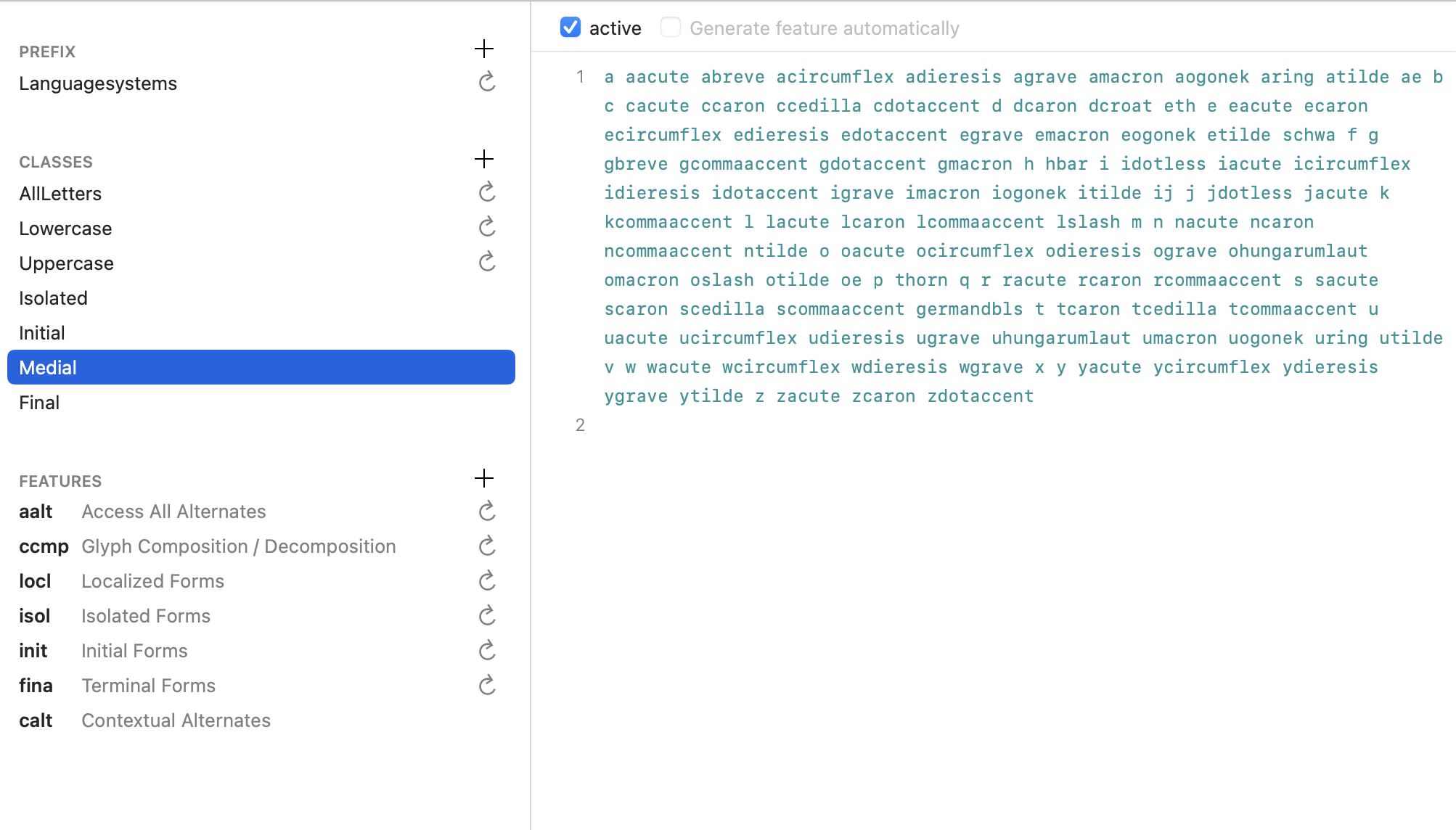
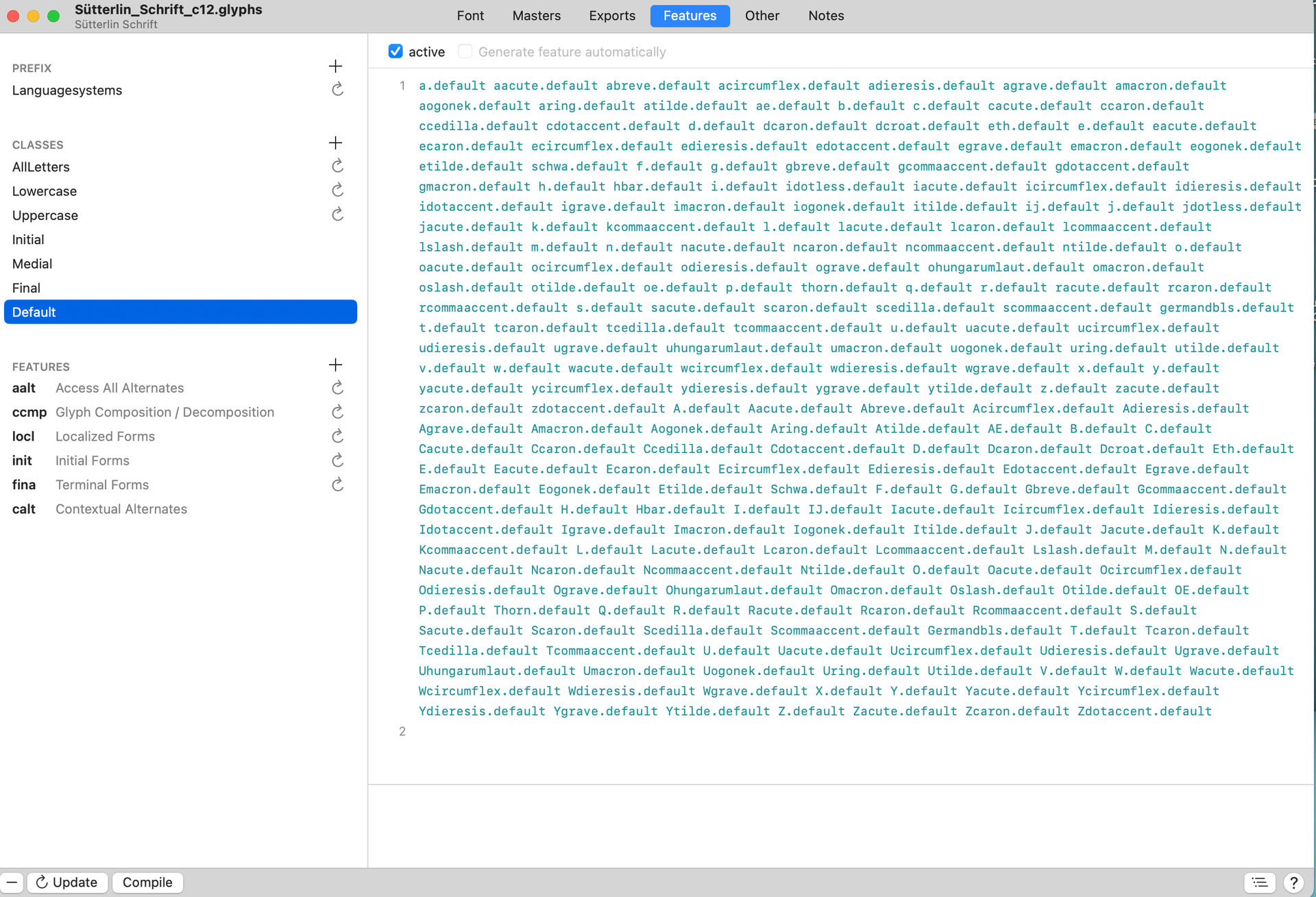
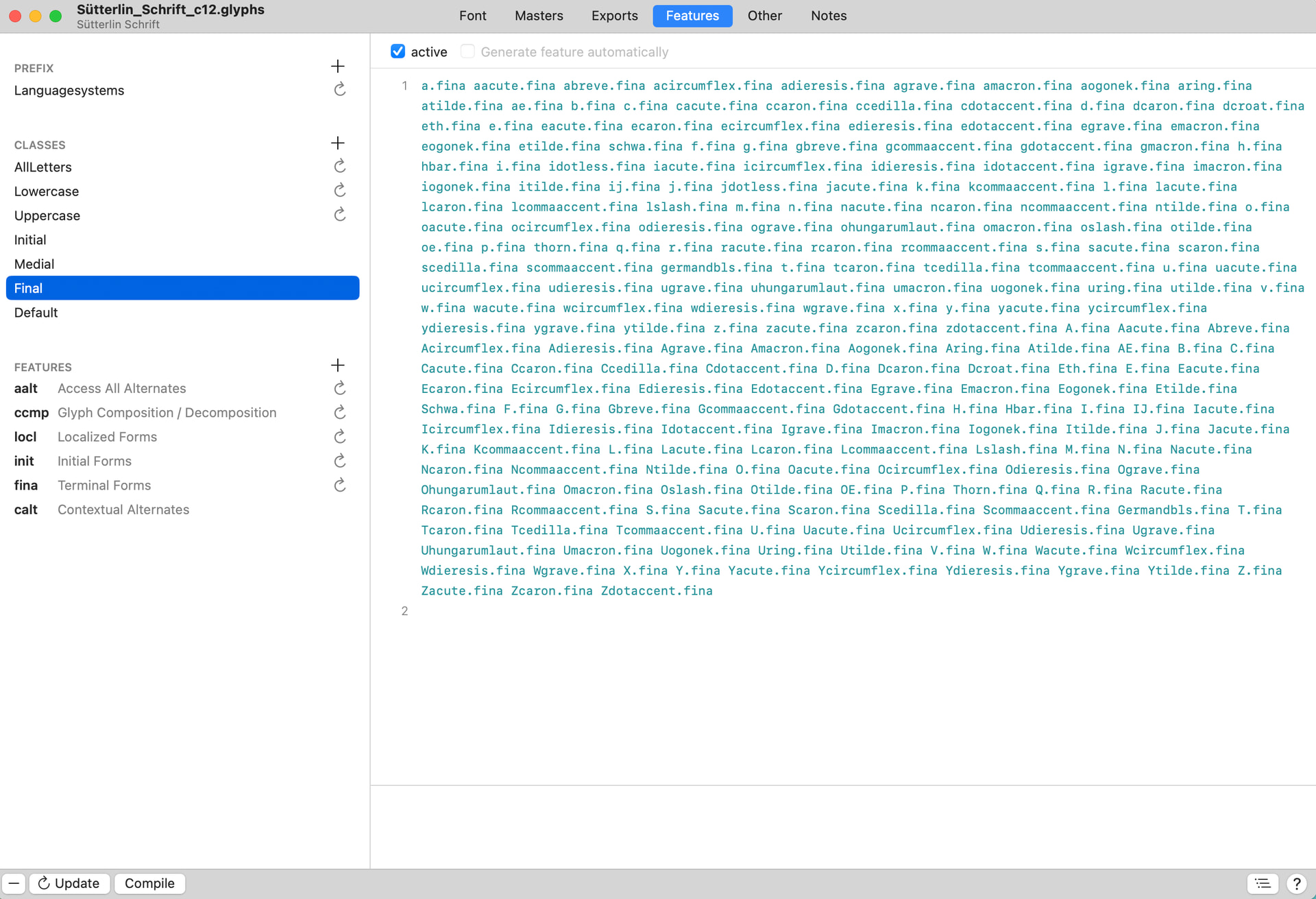
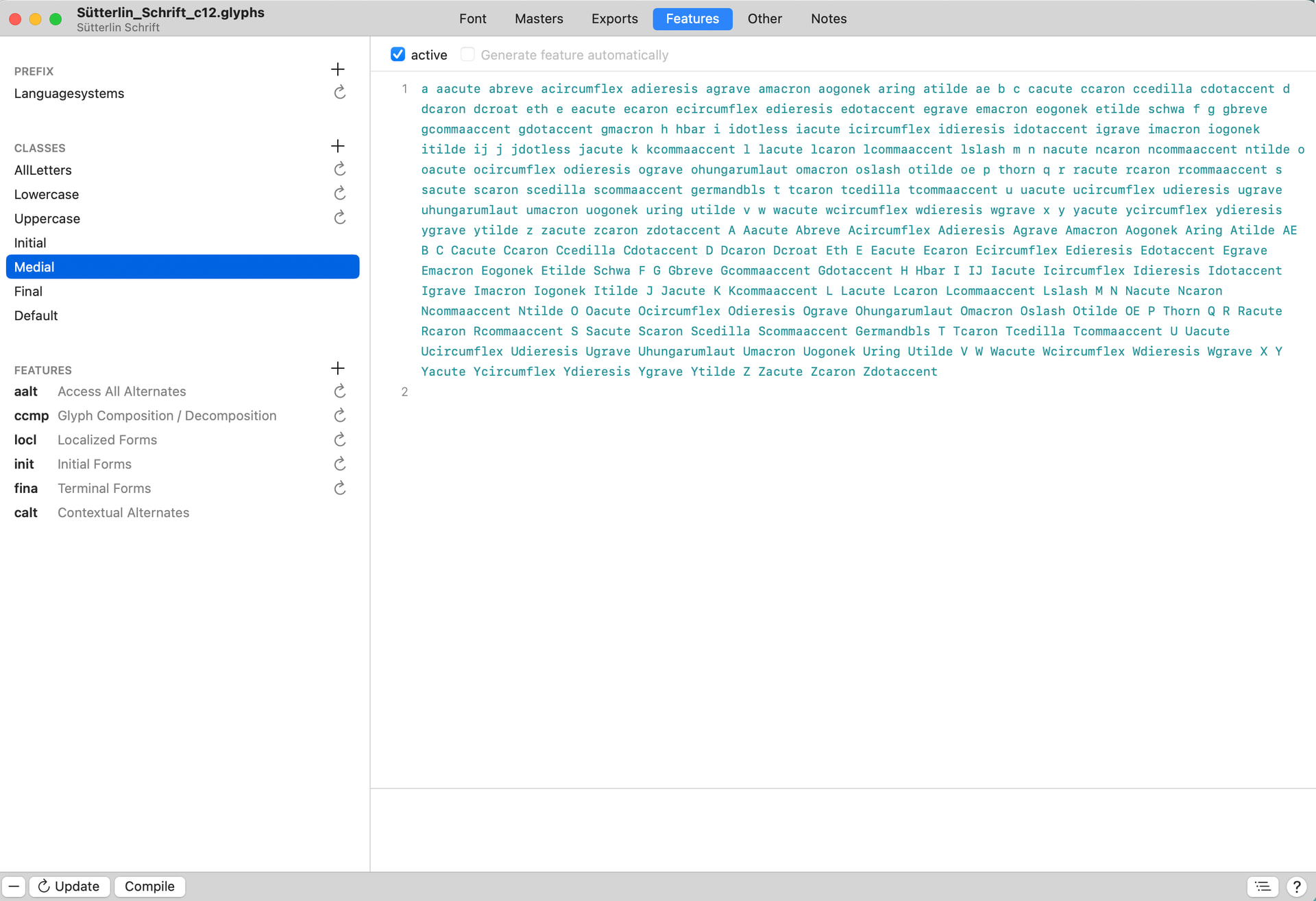
Hi Georg, attached are the class definitions. I wasn’t sure if I needed to add the UC to ‘Medial’, as I got an error in the calt when this happened. Should I create a class for ‘Default’ , then change my ‘Medial’ to ‘Default’ for UC/LC? Sorry, I’m kinda lost…
Default contains the letters without a suffix that contain the isolated shapes.
Initial = initial letters (e.g. A.init, connecting to the right)
Medial = middle letters (e.g. A.medi, connecting to both sides)
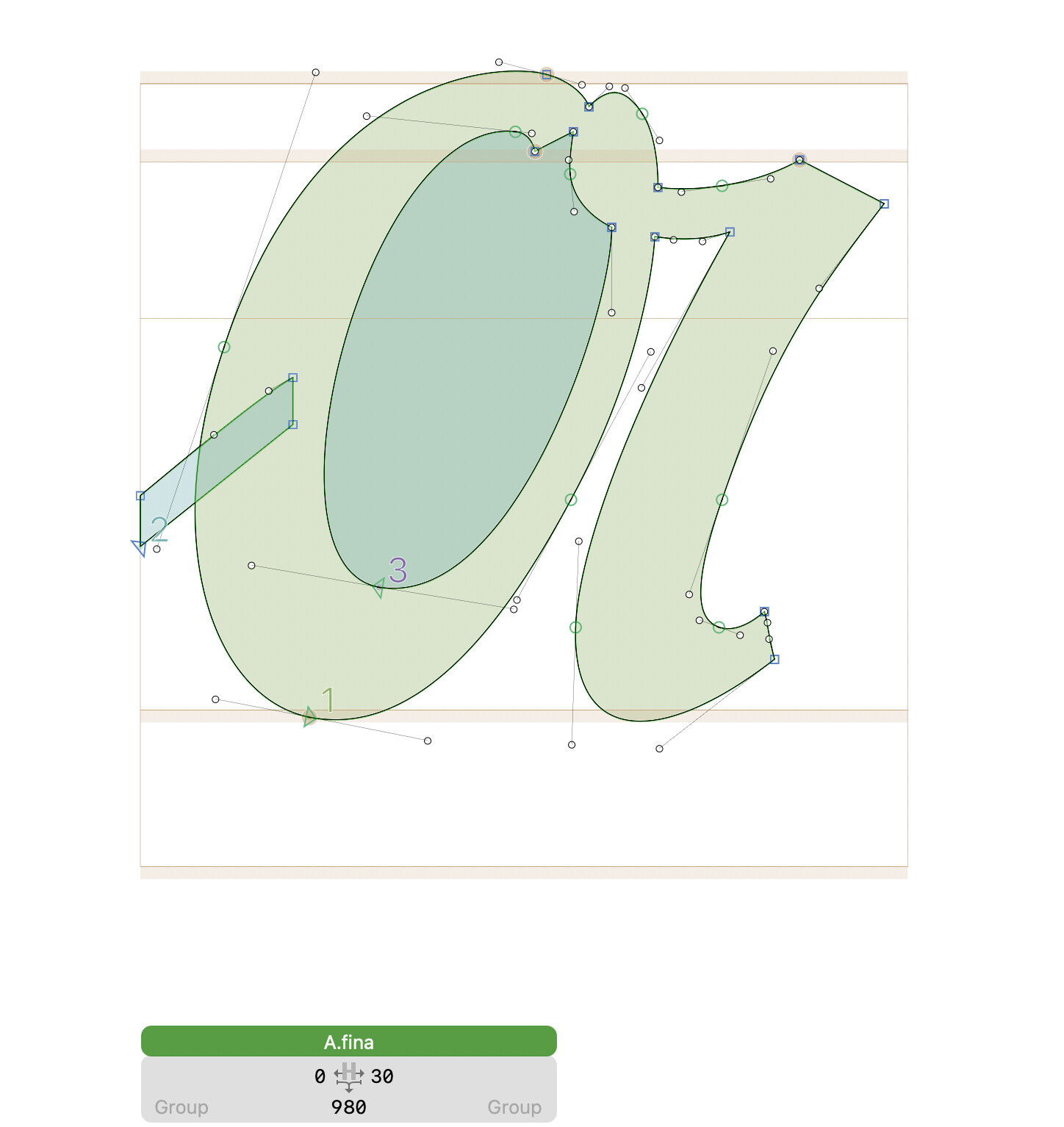
Final = final letters (e.g. A.fina, connecting to the left)
All four groups need to have the same number and order of members.
lookup l_medi {
	lookupflag IgnoreMarks;
	sub @default @default' @default by @medi;
	sub @medi @default' @default by @medi;
} l_medi;

lookup l_edge {
	lookupflag IgnoreMarks;
	sub @default' @Lowercase by @init;
	sub @default' @medi by @init;
	sub @medi @default' by @fina;
} l_edge;
Thank you! I re-arranged my classes and changed the Isol to Default. It looks like that Medial is still starting the UC, instead of the Default, which is what I want. The finals are not working correctly, they are ending with the medials. Where do I switch this around? Sorry, still trying to learn this stuff…
I was following the coding from the glyphs website prior: Features, part 4: positional alternates | Glyphs so is your coding an updated way to do things? Just trying to understand the difference between & how to move forward. Thank you…
Use the glyphs that have the none connecting glyphs without a suffix. So that when you type without openType features you get the none connecting shapes. Then name the connecting shapes according to their function.
Ok, that makes sense- currently I have my non-connecting set as ‘default’, which i will change to no suffix. Got it. What is the ‘default’ class supposed to be then? Should I change ‘Default’ to ‘Isolated’? Or get rid of ‘default’ altogether? Thank you!
Got it!!! Fixed almost everything, except when there are just two lowercase letters together…? Strings of words work, but 2 LC don’t seem to connect. Thanks all!
Yes, I use Library> Fonts to load my typefaces! I had a class incorrectly labeled. All seems to be well enow xcept lowercase letters (only 2) that don’t seem to want to connect. Thank you!