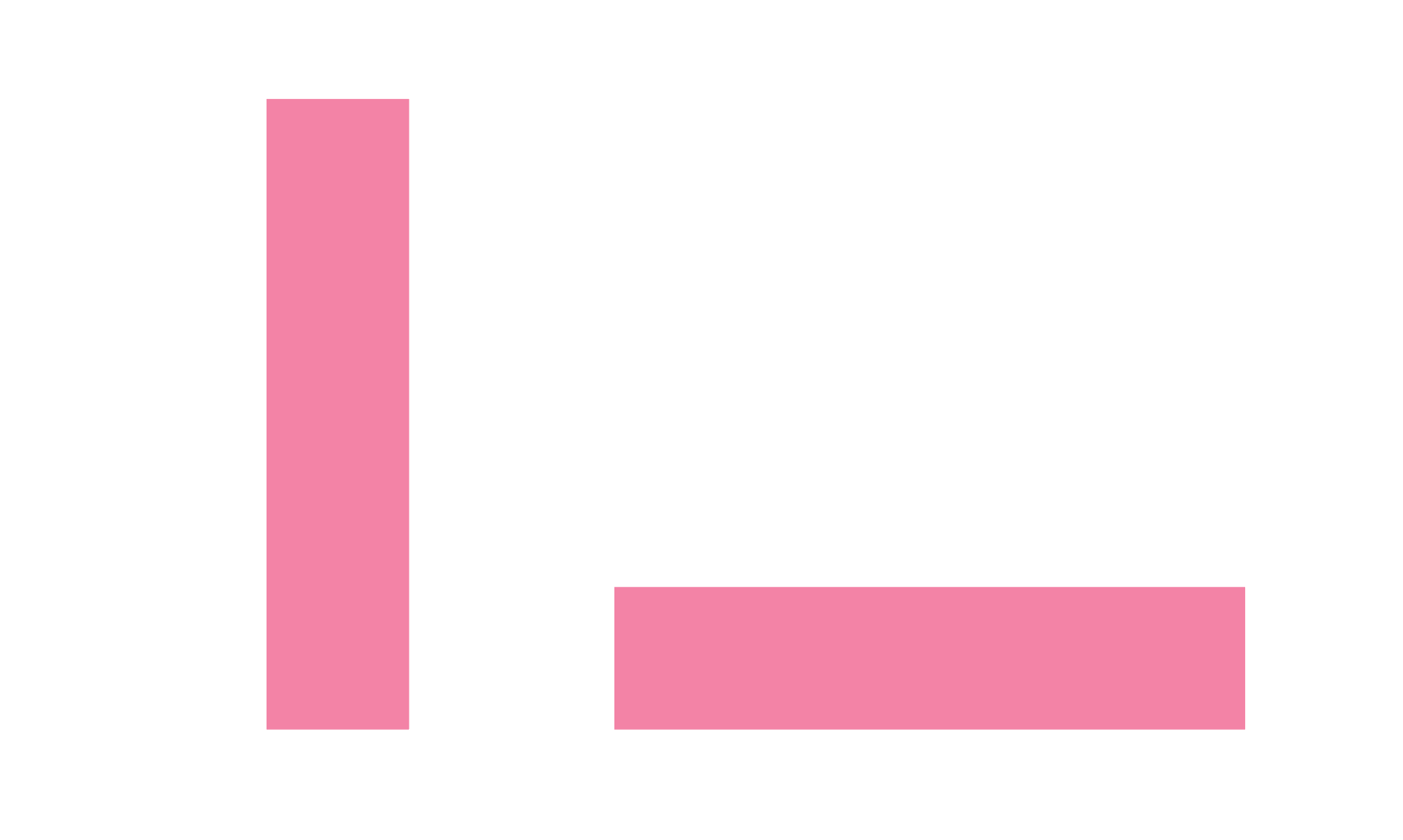
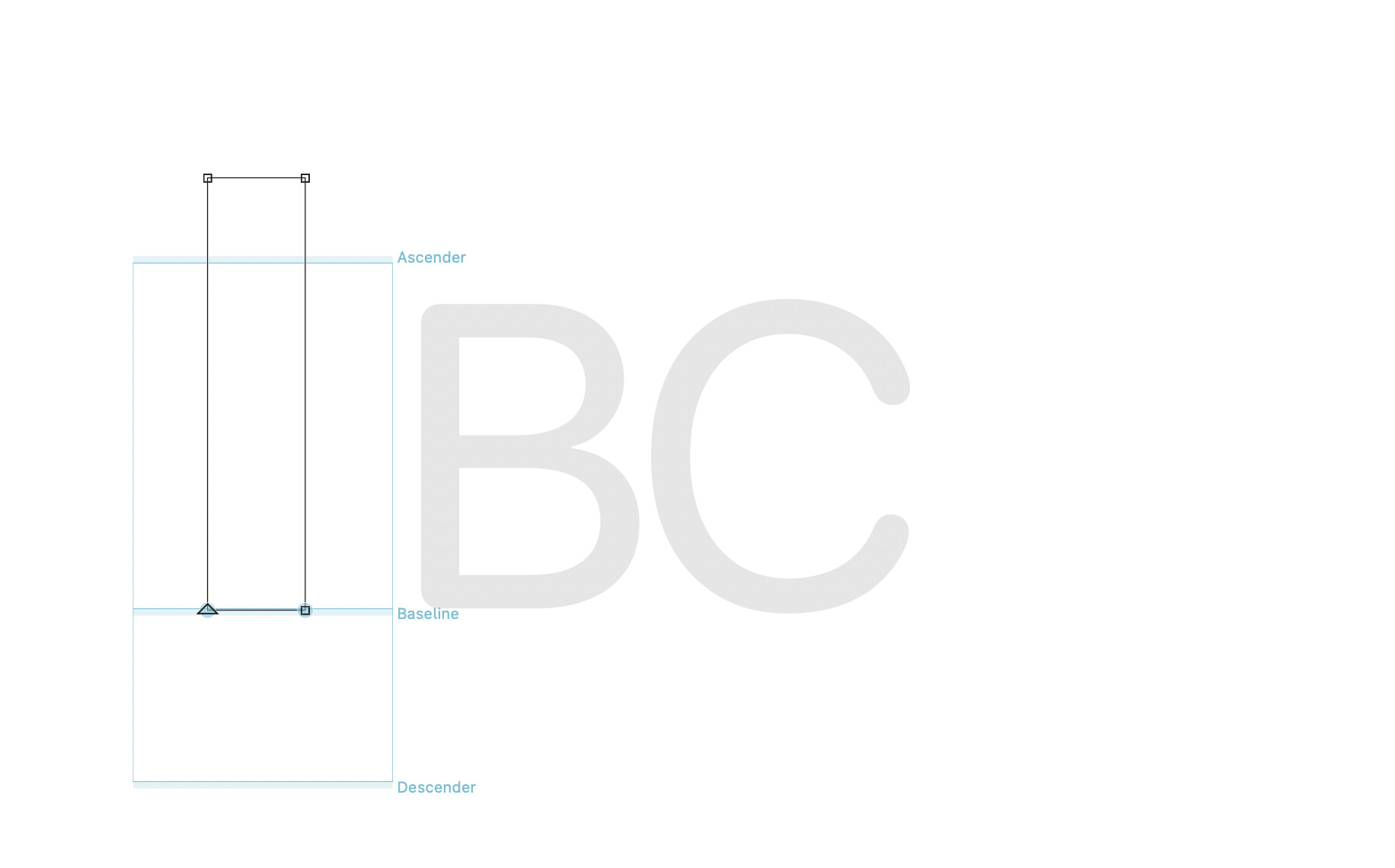
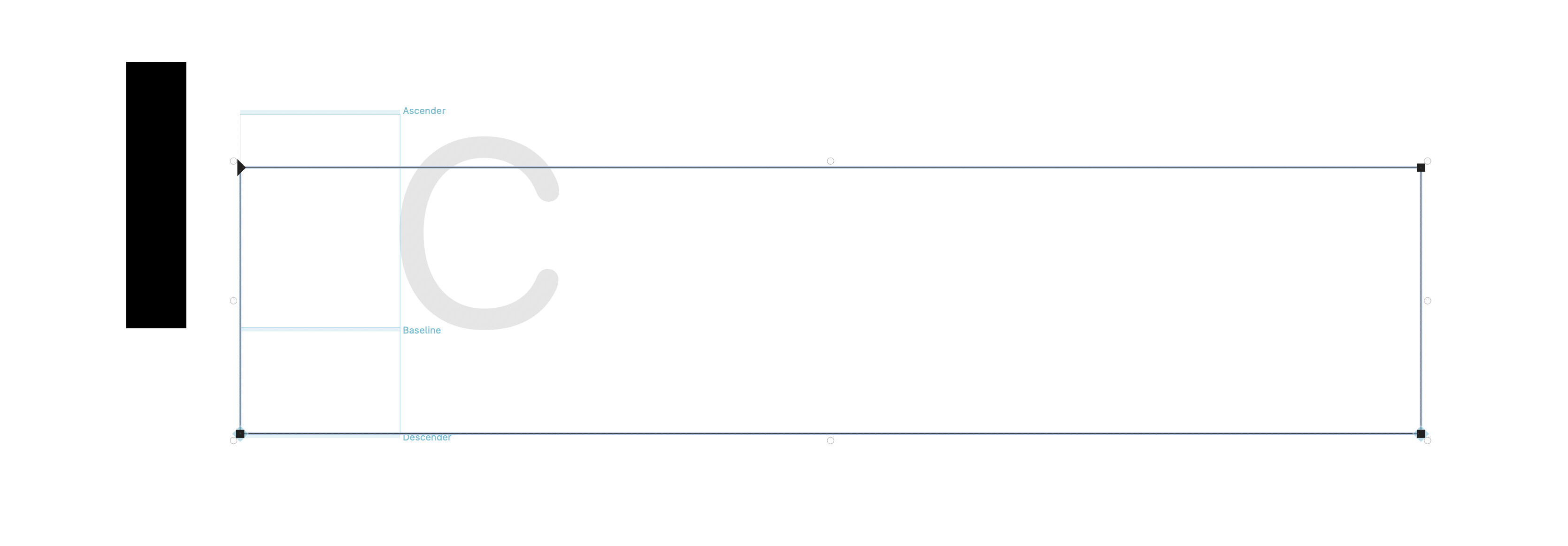
Hi, I’ve noticed that when I draw a path in Illustrator and then copy it to Glyphs, it resizes automatically, I think, according to the height of the path.
So, if I copy a tall drawing, it will be resized to a smaller size, and if I copy a wide drawing, it will be resized to a larger size.
I’ll show you an example of 2 identical boxes in Illustrator. They are solid color with an opacity of 70% and no stroke.
Illustrator uses different formats when putting stuff in the clipboard (e.g. pdf and svg).
Your shapes have a 70% opacity. That makes Illustrator renders the shapes as images in the pdf. Glyphs doesn’t read that and falls back to svg. But the svg is always scaled that the its bounds are as high as the UPM (you can control that by adding a rect around your drawing). The SVG importer should probably check the “GSScalePasteToUPM” setting, too.
So, if you make the shapes fully black (and remove the outline), it will work as expected.