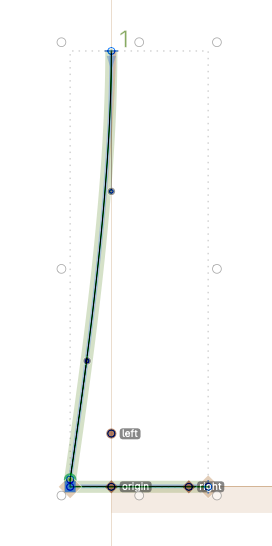
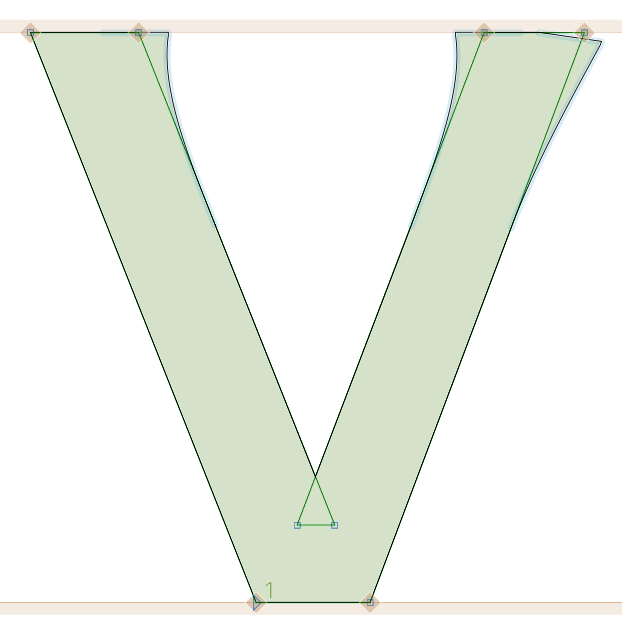
I’ve been working with a custom corner component that generally works perfectly across all letters. However, I’ve encountered a problem specifically with the outer corners of letters like V.
I’m using two different corner components:
one for inner corners (which works fine),
and another for outer corners (where the issue appears).
As you can see in the attached image, the outer corners of the “V” do not align or adapt properly, while the inner ones behave as expected.
I suspect it may be related to how the corner aligns with the host path or how the path direction interacts with the component. Has anyone else experienced this issue or found a good solution for outer corners in diagonal shapes like “V”?
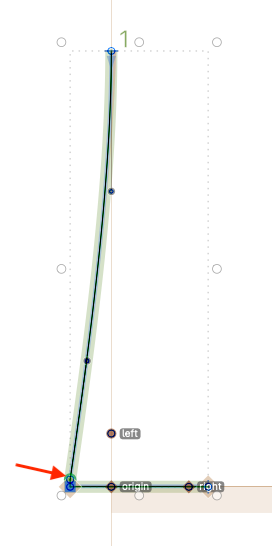
I had to create a different corner this time to get the desired result, because the previous one affected the other paths as well. I think smooth curves cause distortions in letters like the outer part of “V”. So I made a new corner component and adjusted the drawing accordingly.
I did what Knikola said. But because it affected the design, I had to create a different corner component. As I said, I think the soft corners on the outer edges of letters like v cause deviations.