This is an old issue I already had with Glyphs 3, but I see it’s still there with Glyphs 4.
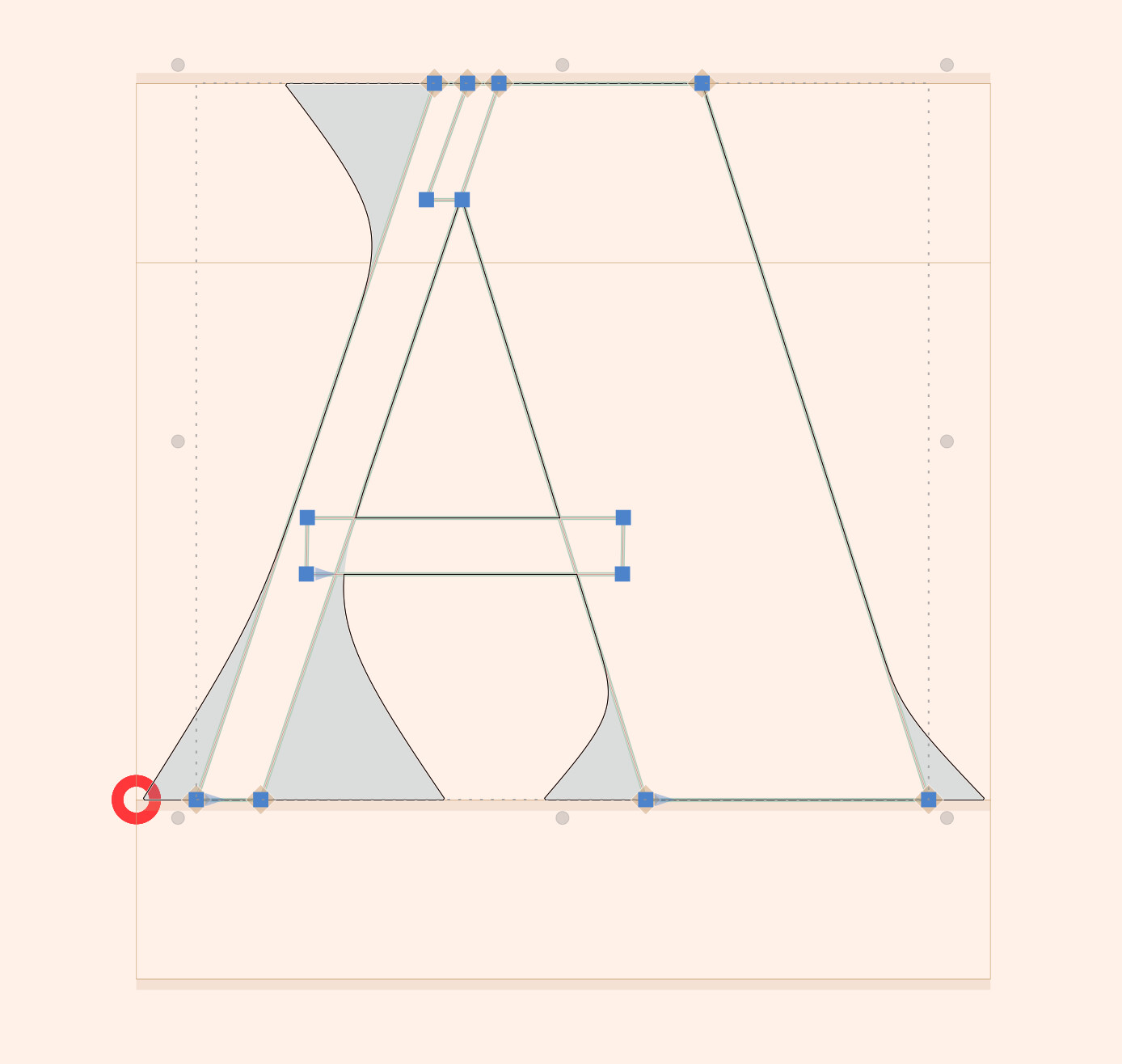
If I already have something in the background with corner components, when I press cmd+J for Selection to background, the previous background is cleared except for the corner components.
For example on this screenshot, the red circle is here because multiple components are assigned to the same corners:
Sometimes I use cmd+J with nothing selected to clear the background, it would delete everything except the corner components:
