Hello,
I’ve noticed two issues while using Glyphs 4.
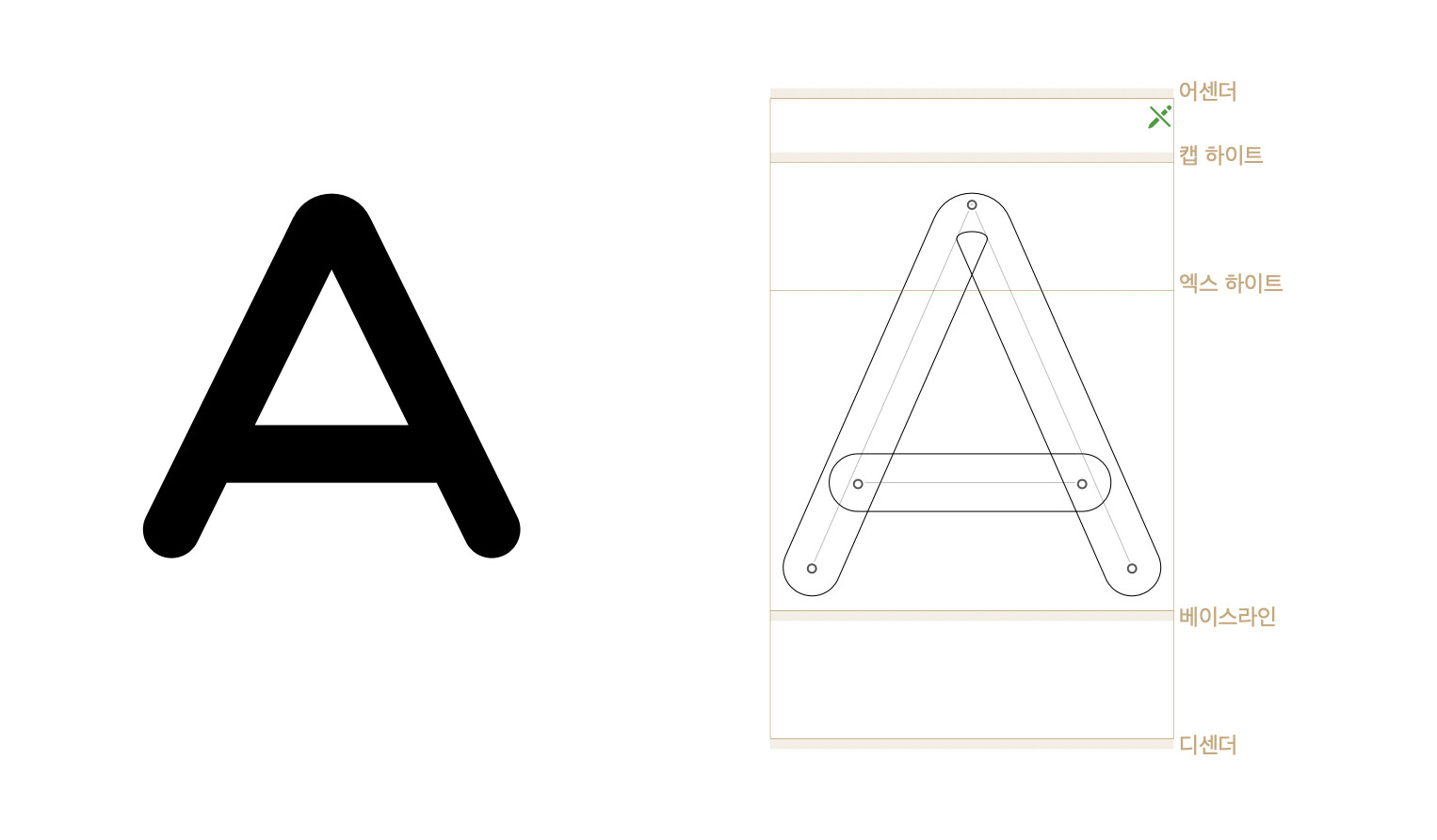
In the first screenshot I attached, the “A” on the left is a smart component whose name begins with _part. This smart component has multiple layers.
If one of those layers is selected and I then open a glyph that contains this smart component, the nodes and path outlines appear as if they were inactive, as shown in the screenshot. To get out of this state, I have to select the master layer in the Layers panel on the right.
From what I can tell, this seems to happen when the currently selected layer in the smart component does not exist in the glyph containing that component. Since I use smart components very frequently, this behavior is quite inconvenient.
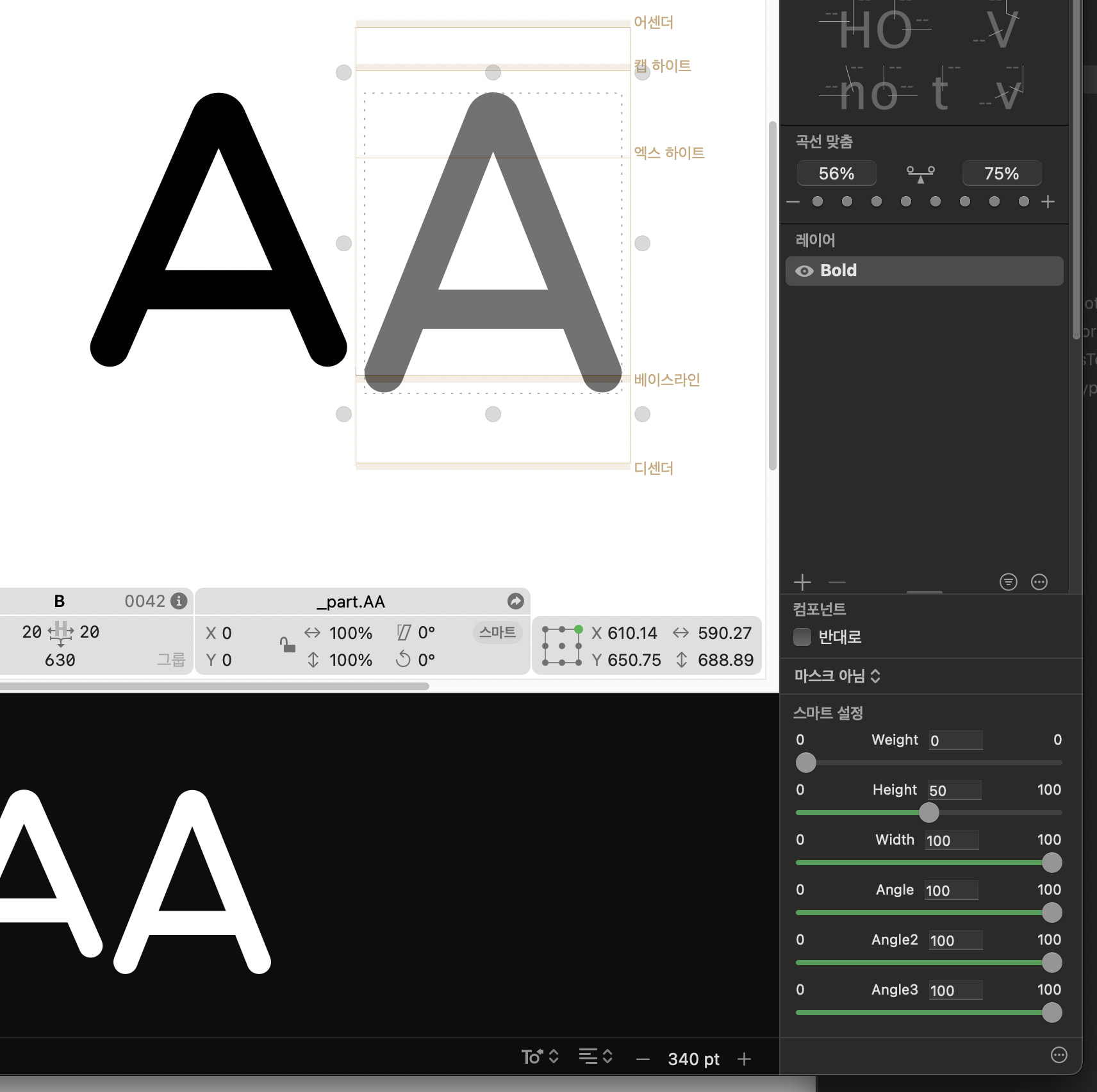
In the second screenshot, I copied the “A” component on the left and pasted it into the glyph on the right.
The “A” on the left has its Height value in the Smart Component Settings set to 50. When I copy and paste it into another glyph, the Smart Component Settings correctly show Height = 50, but the actual shape is rendered as if the Height were still at its default value of 100.
If I then save the file, the shape immediately updates and is rendered correctly with Height = 50. Alternatively, if I manually re-enter or change the smart setting value, the shape also updates correctly.
(The specific value of 50 is not important here; I’m simply using it as an example to demonstrate that a custom smart value has been set.)
It seems that the smart component settings themselves are being copied correctly, but the rendered shape is not being refreshed immediately after pasting.
Could you please take a look at these issues?
Thank you!