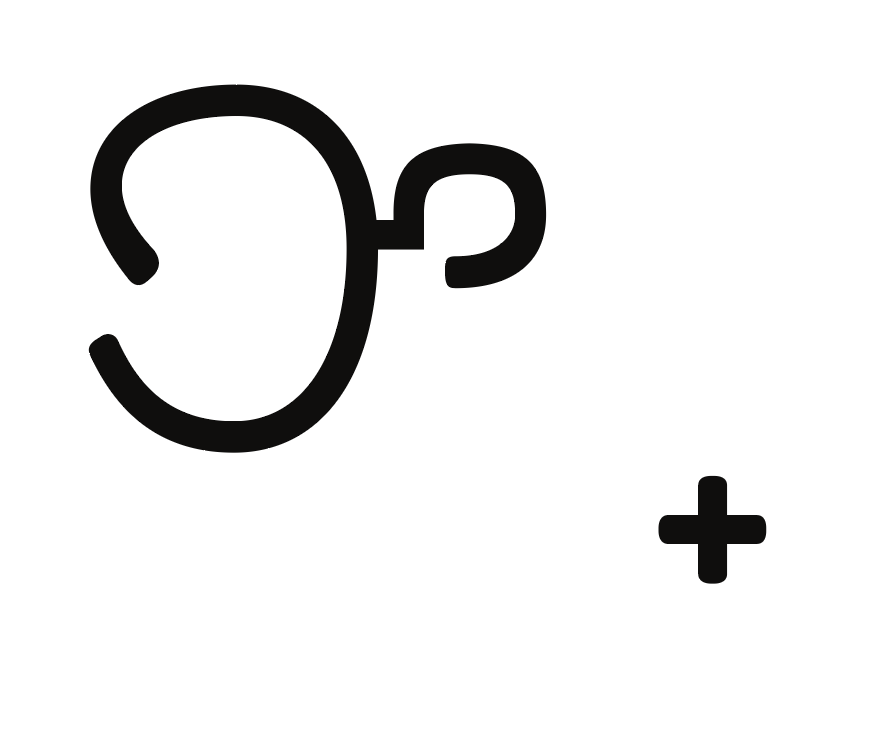
New to type design. I’ve designed a Tagalog language (baybayin) font and when I preview in Illustrator, the bottom diacritical marks are off-centered. Any thoughts on what could cause this? Thanks!
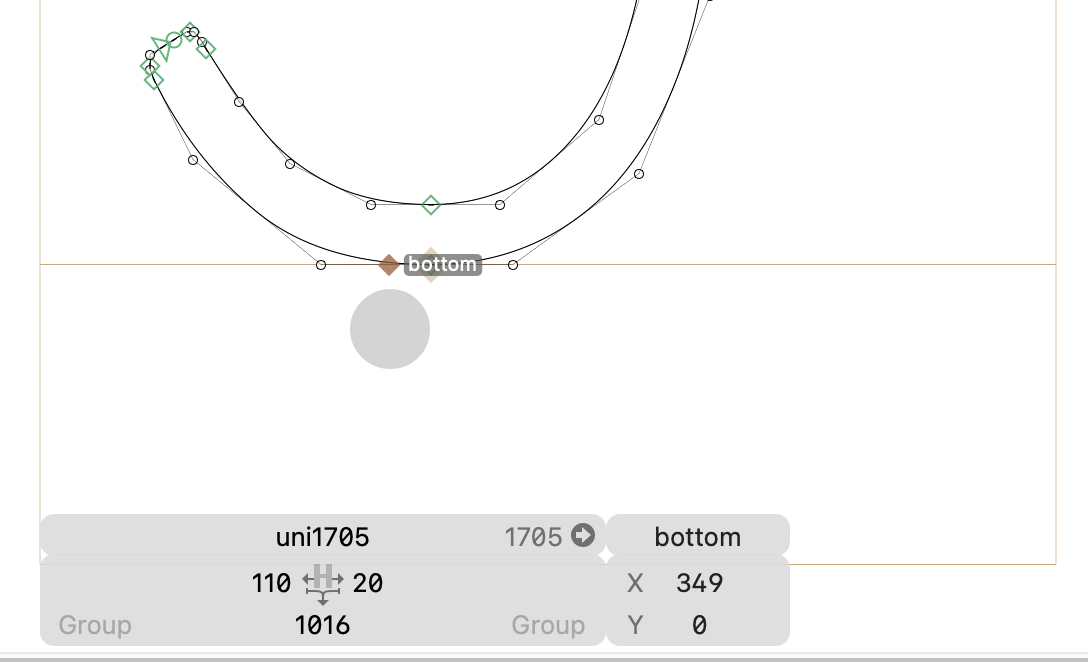
Why are you drawing with quadratic curves? Or did you open your exported .ttf in Glyphs again?
Do you have a _bottom anchor in your diacritics?
How are you testing your font? Does it work in, for example, fontgauntlet.com or FontGoggles?
I think I accidentally opened the exported file.
The diacritic was missing an underscore, works now. Thank you!