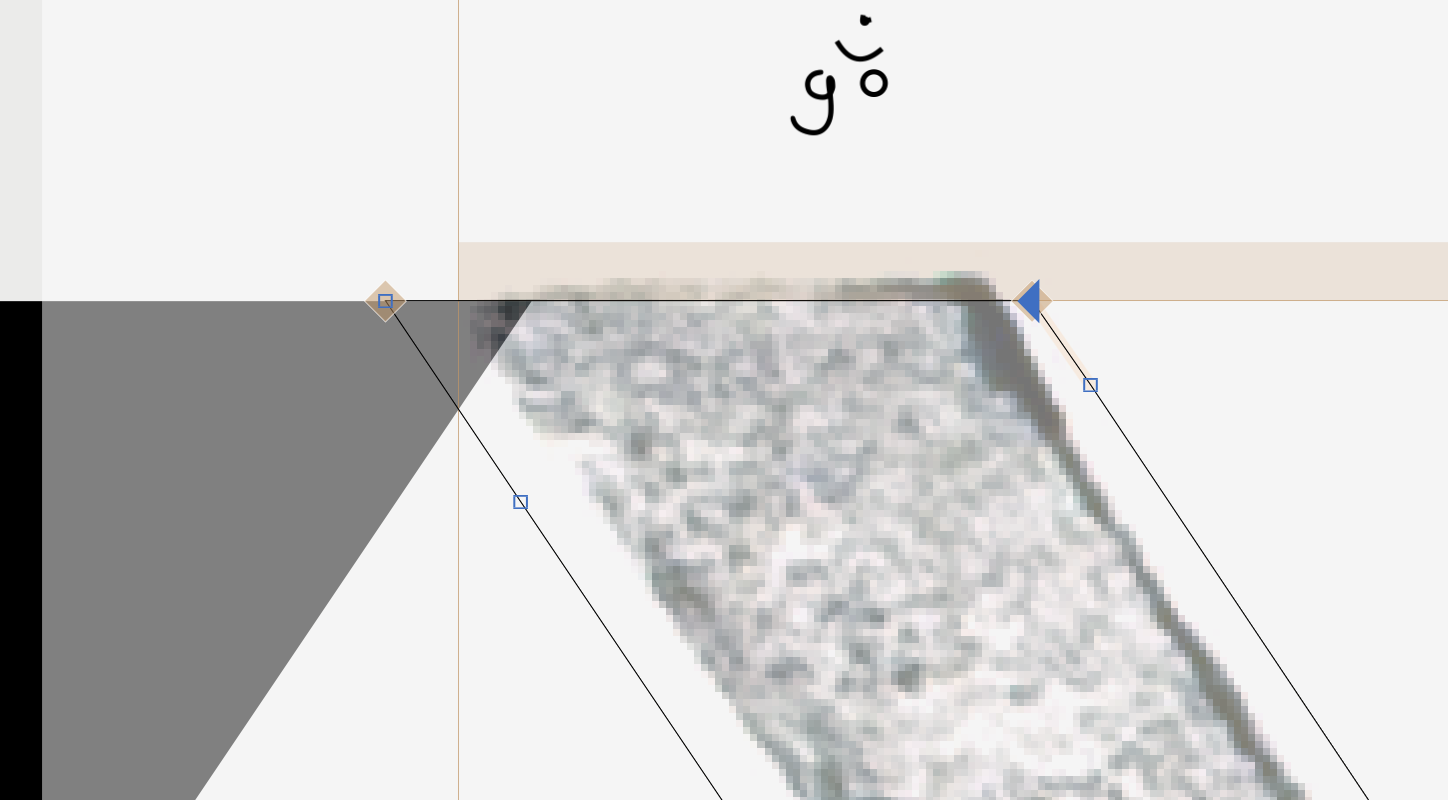
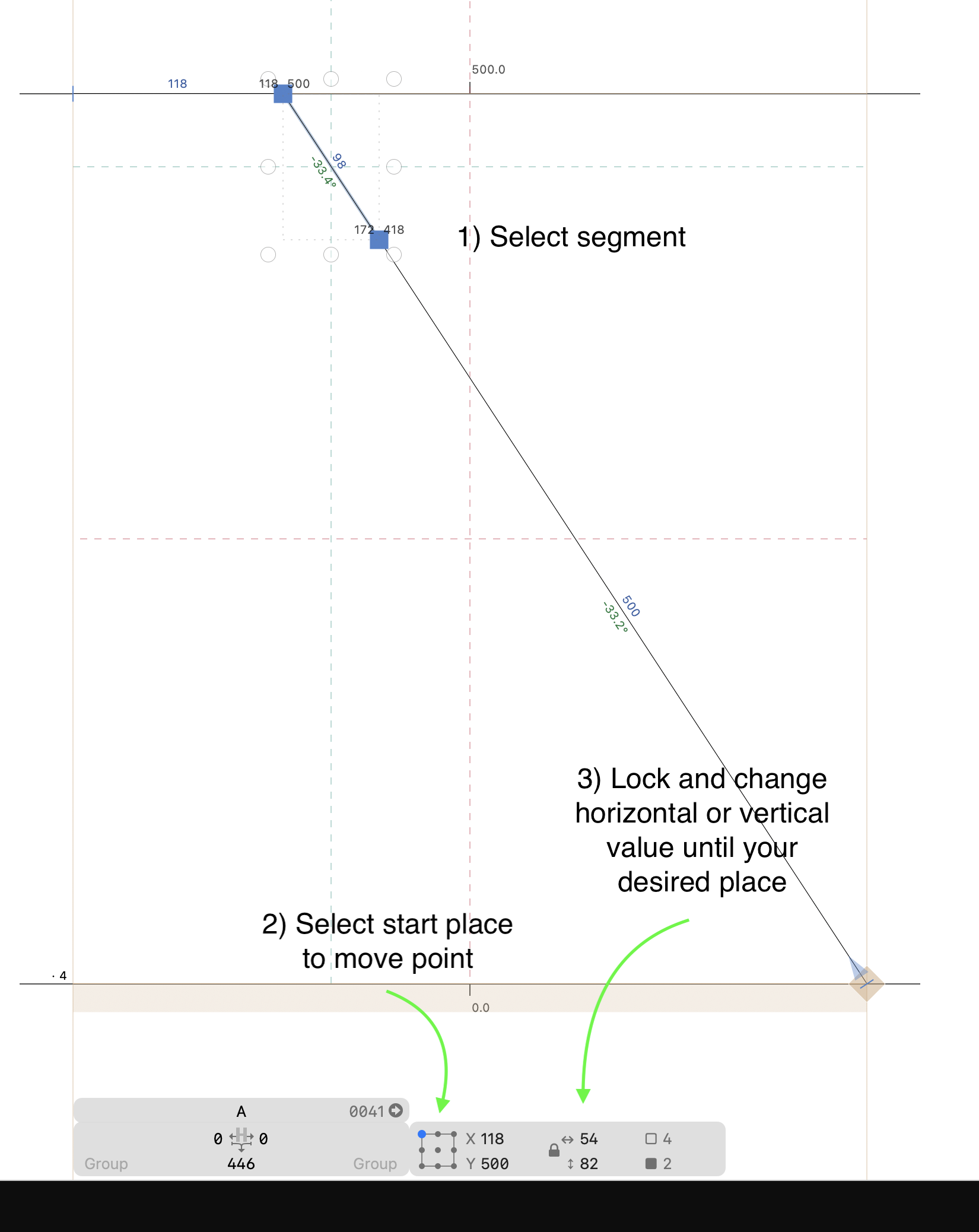
I stumbled upon something… see screenshot. Is there a way to drag the node (blue direction path triangle) so it stays on the same angle as the line? I tried all shortcuts (probably not all!?) but it does not snap/stays on the angle of the “foundation“ line. Maybe I need a plugin I didnt found yet? Would be really great a can also let it snap in a 90 degree angle to the other line too.
Thanks for the idea Etunni, always helpful to have extra tricks to do it with math/keyboard. That one feels really solid and reliable. Can you tell me which plugin or setting you use for showing the length and angle of the segment? I really like the subtle tiny typography of that one…
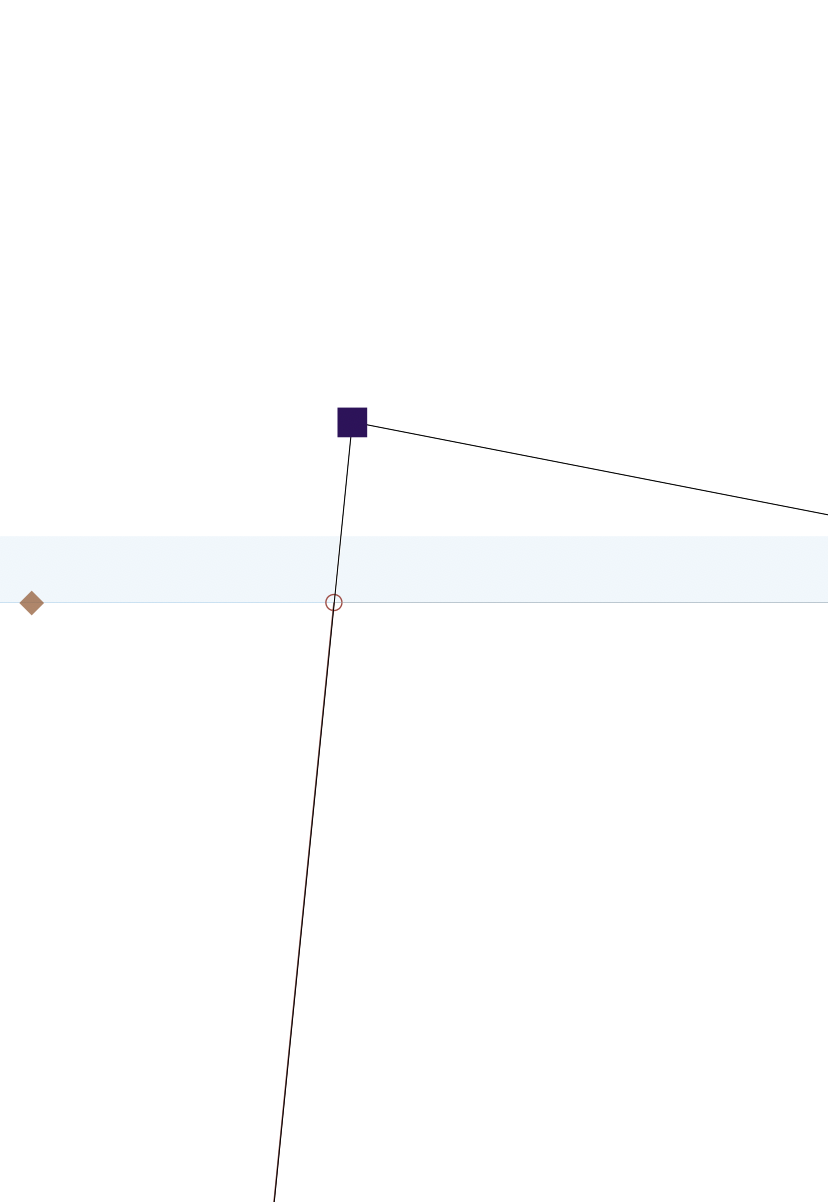
Thanks Georg. Do you mean the little circle that disappears after two or three “succesful“ snaps? I can have my pointer on multiple places and keep seeing the circle sometimes. So it feels like it is not detailed enough to be reliable. But it probably is… Or am I doing something wrong here?
 )
)