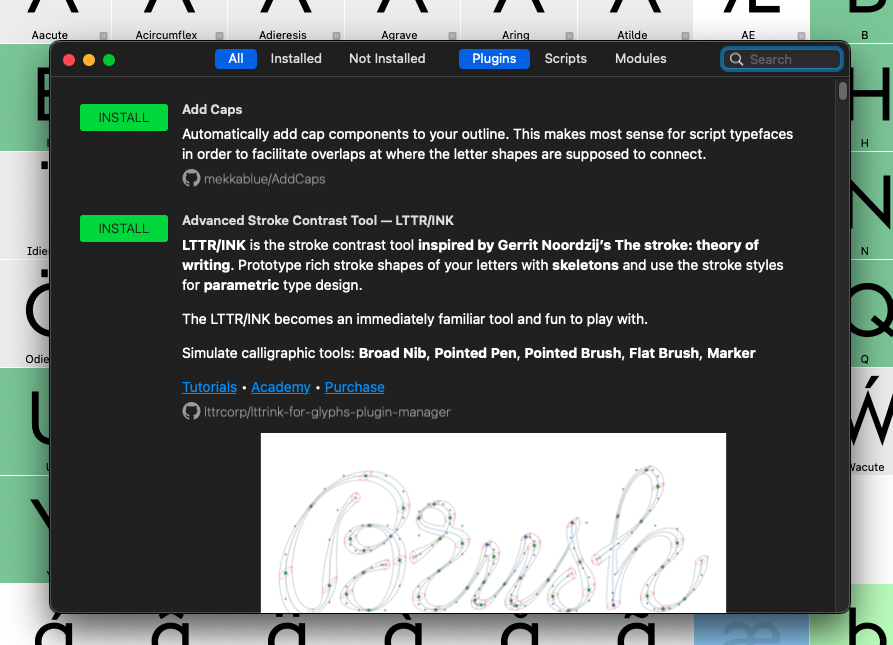
Hello!
I’m having an issue with Glyphs and I’m hoping someone can help me solve it.
Everything was working perfectly yesterday, but today the app started showing this error when I try to access the Plugins tab:
“The data couldn’t be read because it isn’t in the correct format.”
Screenshot:
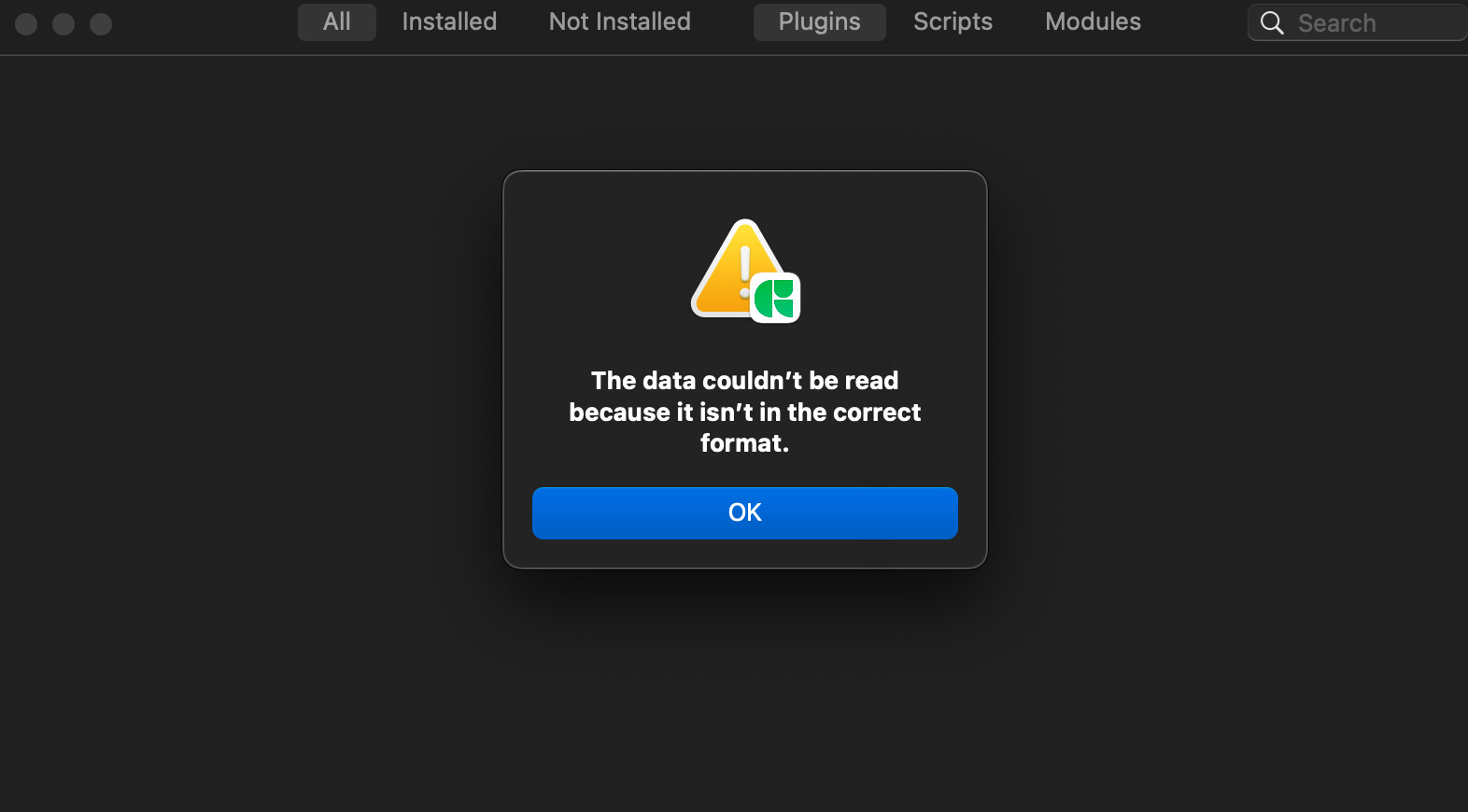
I searched the forum and found a topic describing a similar issue. I followed the suggested steps (including clearing the plugins folder/cache and reinstalling Glyphs), but unfortunately nothing worked — the error still appears every time I open the Plugins tab.
Does anyone have any other ideas or suggestions on how to fix this?
Thanks in advance!