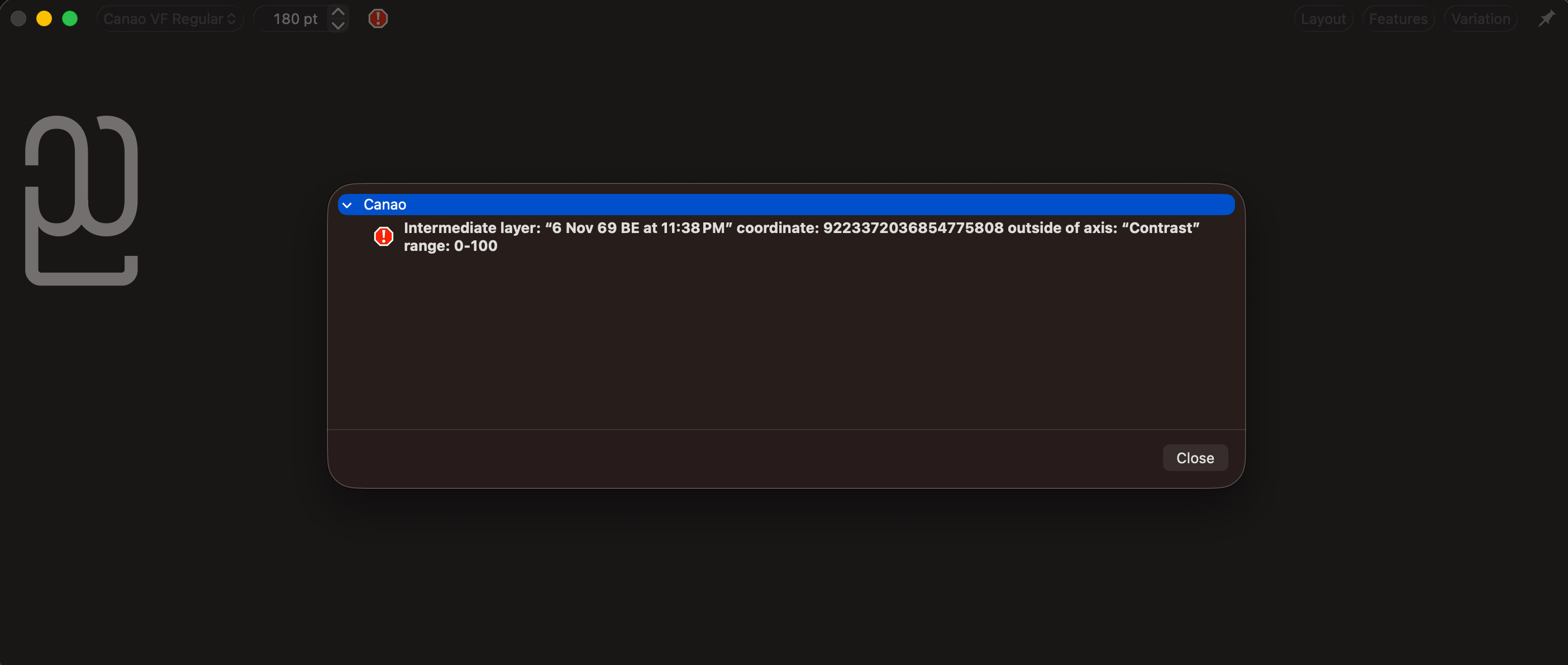
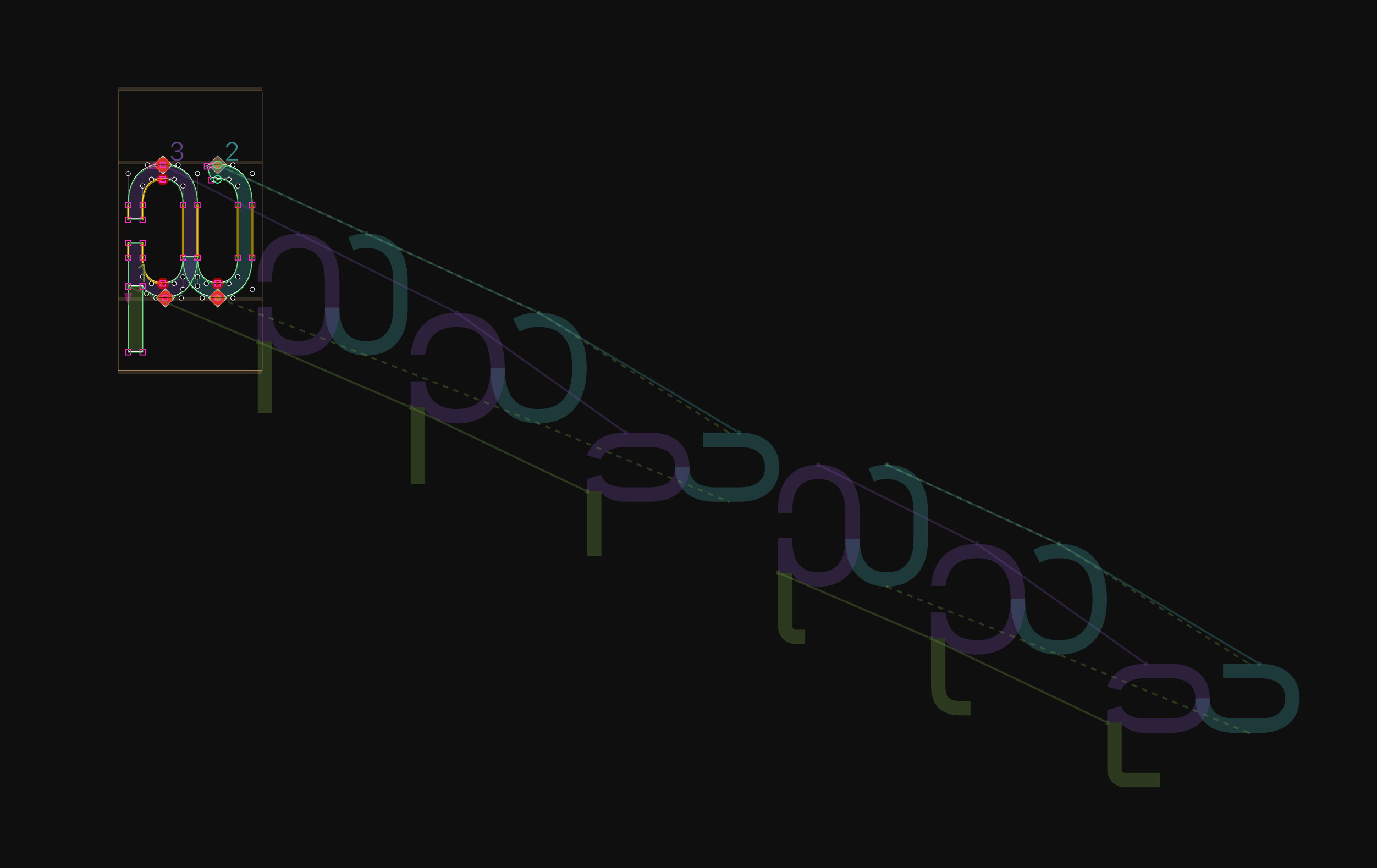
"Hello! I am currently using Glyphs 4.1 (4107). When exporting my Myanmar variable font, I encounter an error stating “Can’t convert to compatible TrueType curves,” along with rendering errors in the Text preview as shown in the attached image.
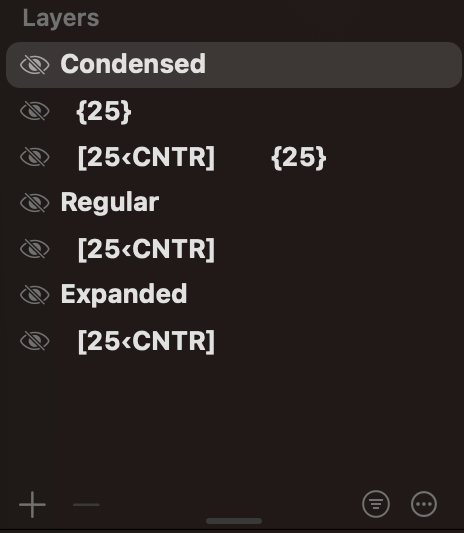
My variable font has three masters. While interpolation works smoothly in the Edit view, the errors only appear during export and when viewing in the Text preview. Most glyphs export without any issues, but the problem occurs exclusively with thennya.myanmar.alt02glyph. I suspect it might be due to how the layers are set up, because this specific glyph uses alternate and intermediate layers in addition to the standard three master layers. When I remove those alternate and intermediate layers, the errors disappear completely.
Update: The error coordinate ‘9223372036854775808’ shown in the second image appears as soon as the intermediate layer is added, and disappears once the intermediate layer is removed.
Since I am relatively new to Glyphs, could someone please help me figure out how to resolve this? Thank you very much in advance for your assistance!