Exporting 2 Weights - Only one showing in AI

Hi,

Thanks to all the amazing folks here for helping,

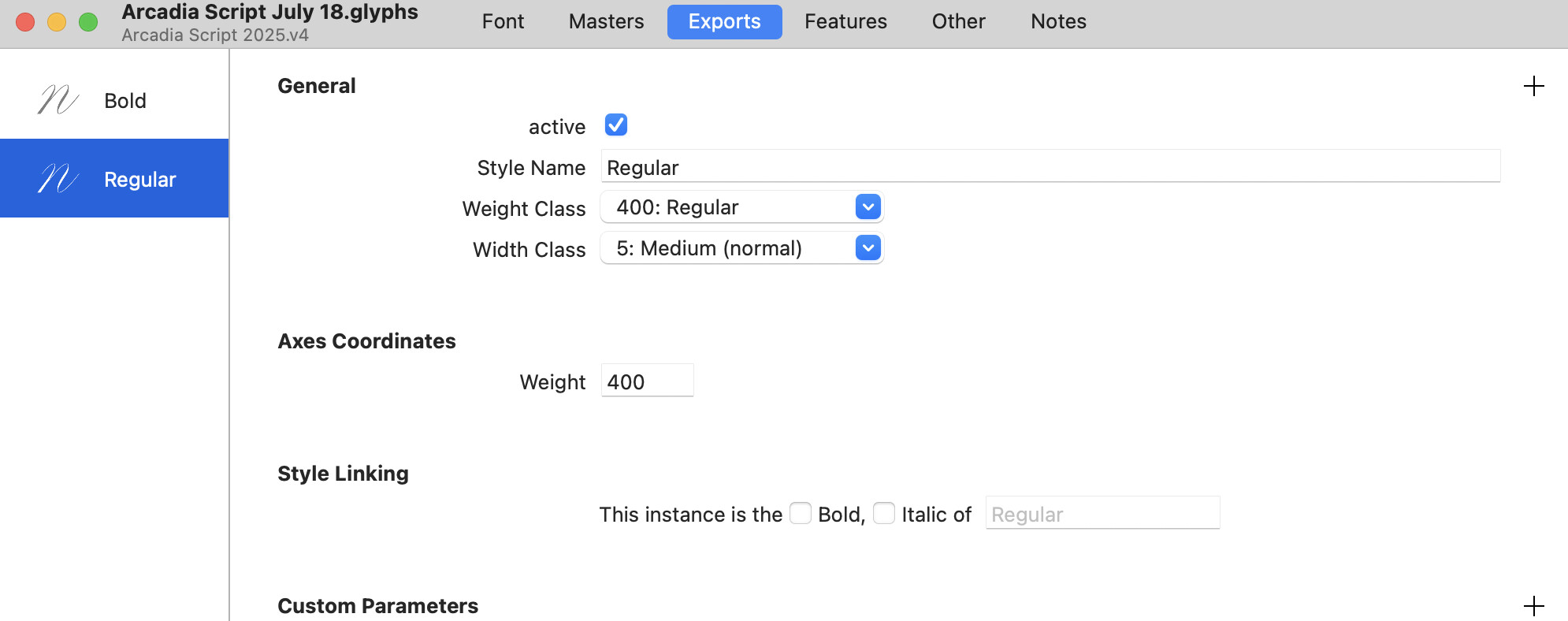
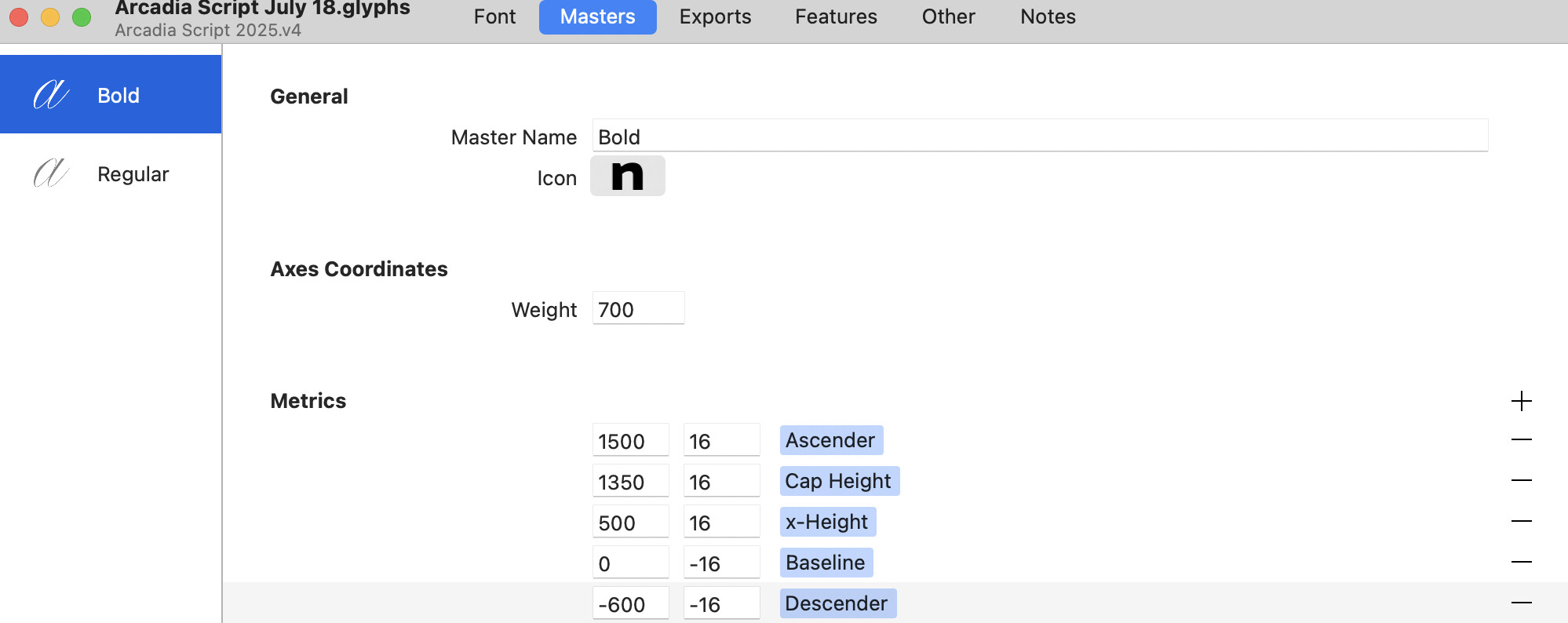
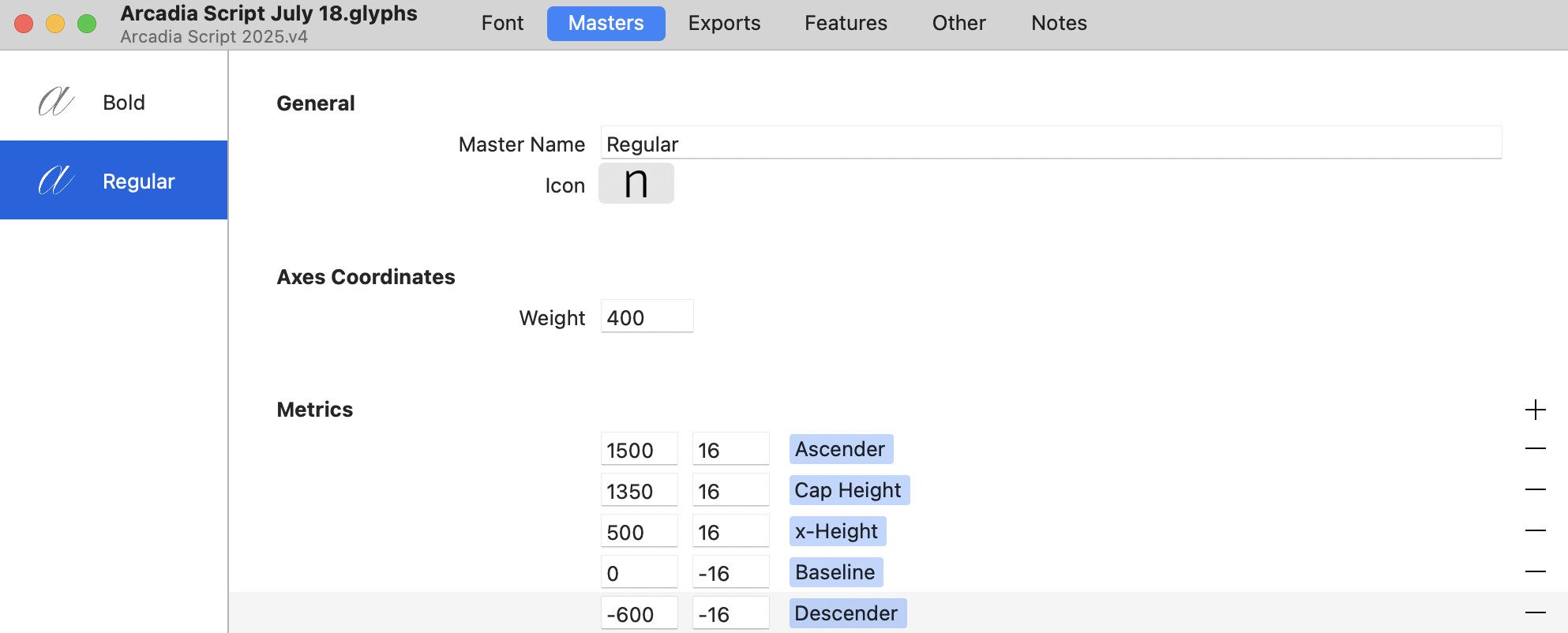
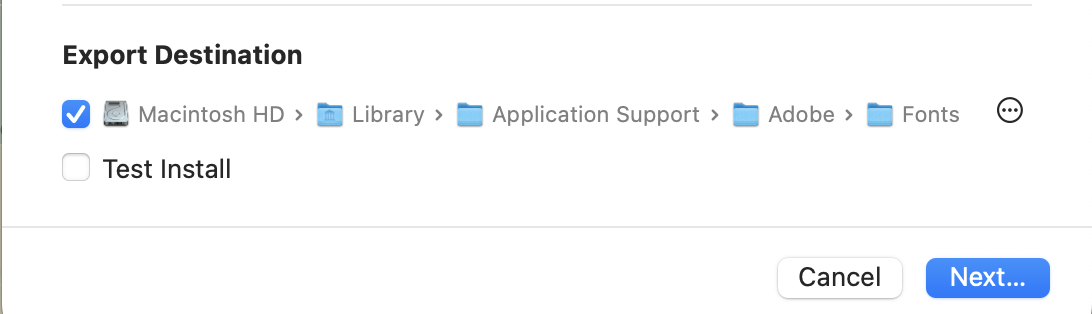
Something probably very basic but cannot figure it out. I have two masters a regular and a bold. I generated a instance for both of these under exports. They both export into the font folder however one weight will only ever appear.

I have run the script for clearing cache, restarting, removing and readding instances and nope still only one of the two weights appear. Seems like a lucky dip whether I get the option of bold or regular appearing in AI.

Attaching some screenshots in case there is something there you can spot, thanks for helping so much!


Which font folder are you using? If you’re using the system folder, you will unavoidably run into caching issues sooner or later (this may be one).

For testing in Adobe apps, you should be using the Adobe-specific fonts folder, which is re-read by apps every time they lose and regain focus (i.e., when you switch to another app and back again).
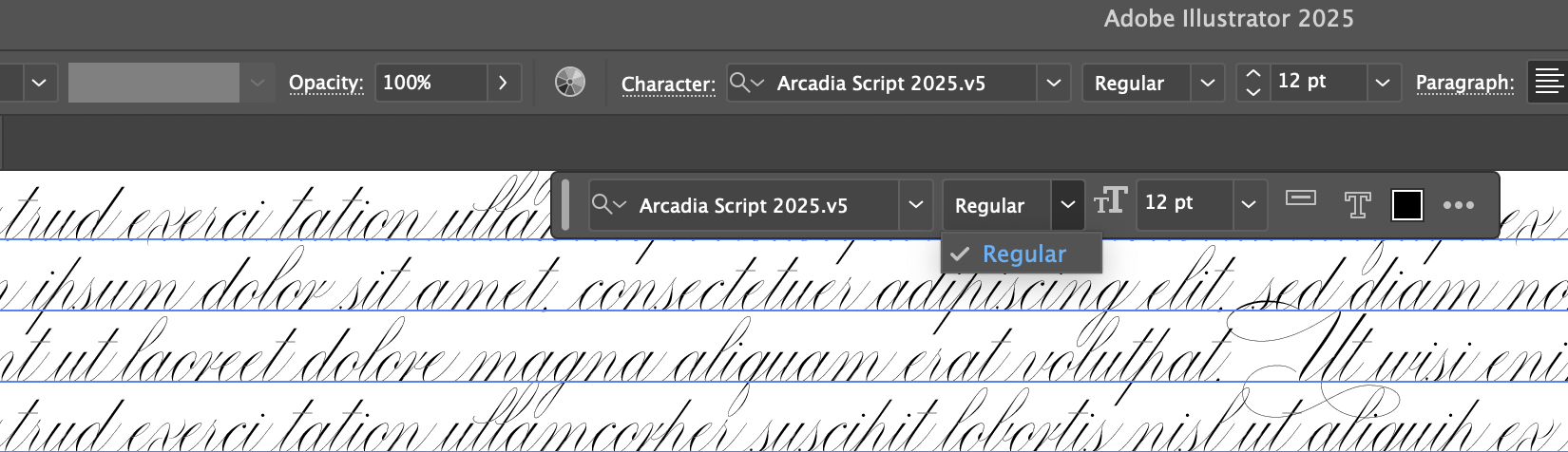
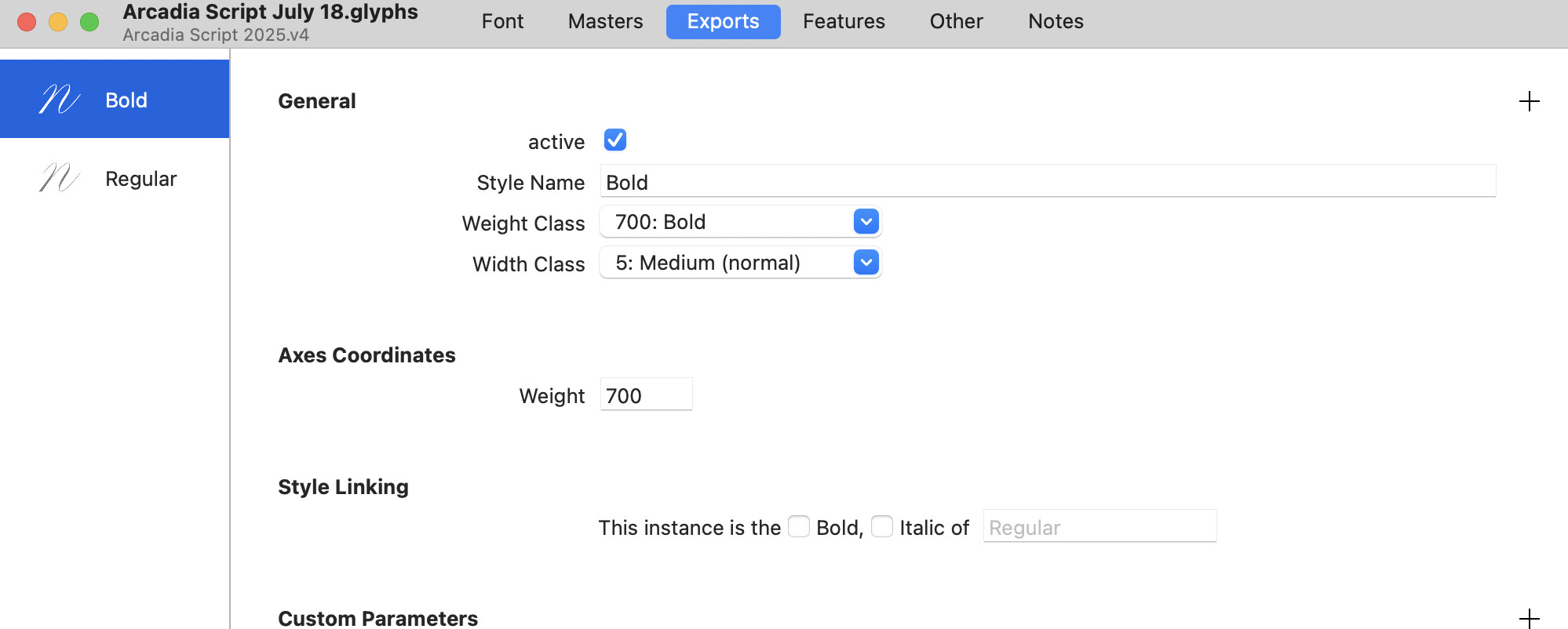
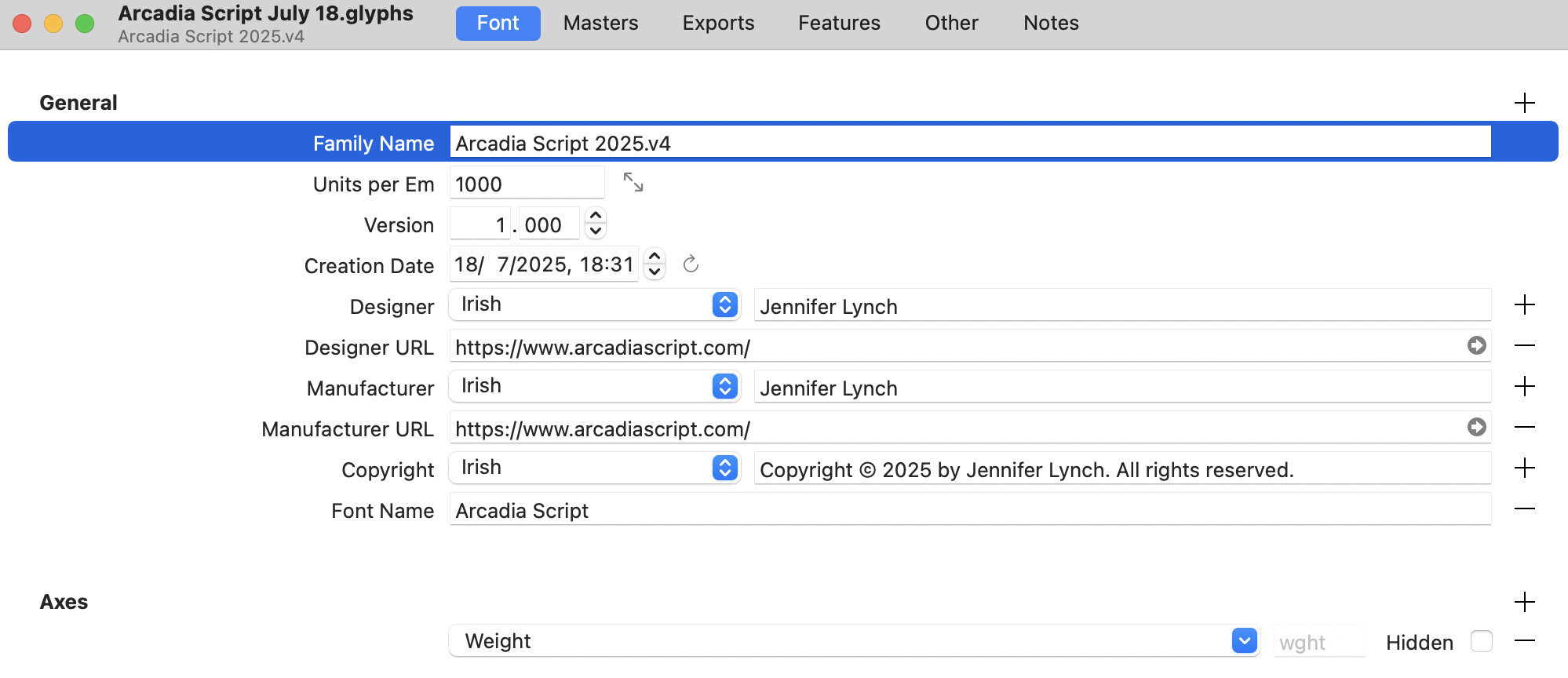
The Family Name in Illustrator has the ending “v5”, while the Family Name within the Glyphs File uses “v4”. Maybe that’s the reason?

And I am not sure if a “period” within the Family Name is valid.

Thanks Janus, I have it already set to that.

Nice catch Mooo, but took the screenshots as I was trying different things like clearing cache etc so its not the cause of it.

Remove all copies of the font until Indesign is not showing it any more. And try a shorter family name (without a period).

Hi Georg,

Thanks, came back to update incase it helps someone else in the future.

So with Mooo and Janus suggesting name and cache issues.

I reran the clearing cache script and cleared out the temp files in the temp glyphs folder.

Then I reduced the family name to just Arcadia Script and deleted the font name in the info tab.

Restarted mac and hey presto its working - thanks to everyone for helping!

Can end the day feeling I made progress and nearing the end :slight_smile: thank you!