Feature code question about position

I would like to add a feature to reposition a piece of text between two specific characters.

Until now I only made it to work on one character:

pos orn.start @All’ orn.end <0 300 0 0>

I couldn’t find how to do this for more characters between the ornaments (orn.start and orn.end) in this case). Would that actually be possible ?

can you try
pos orn.start @All’ orn.end <0 0 0 300>

But reading it again, you probably need:

pos orn.start @All’ orn.end <0 300 0 0>
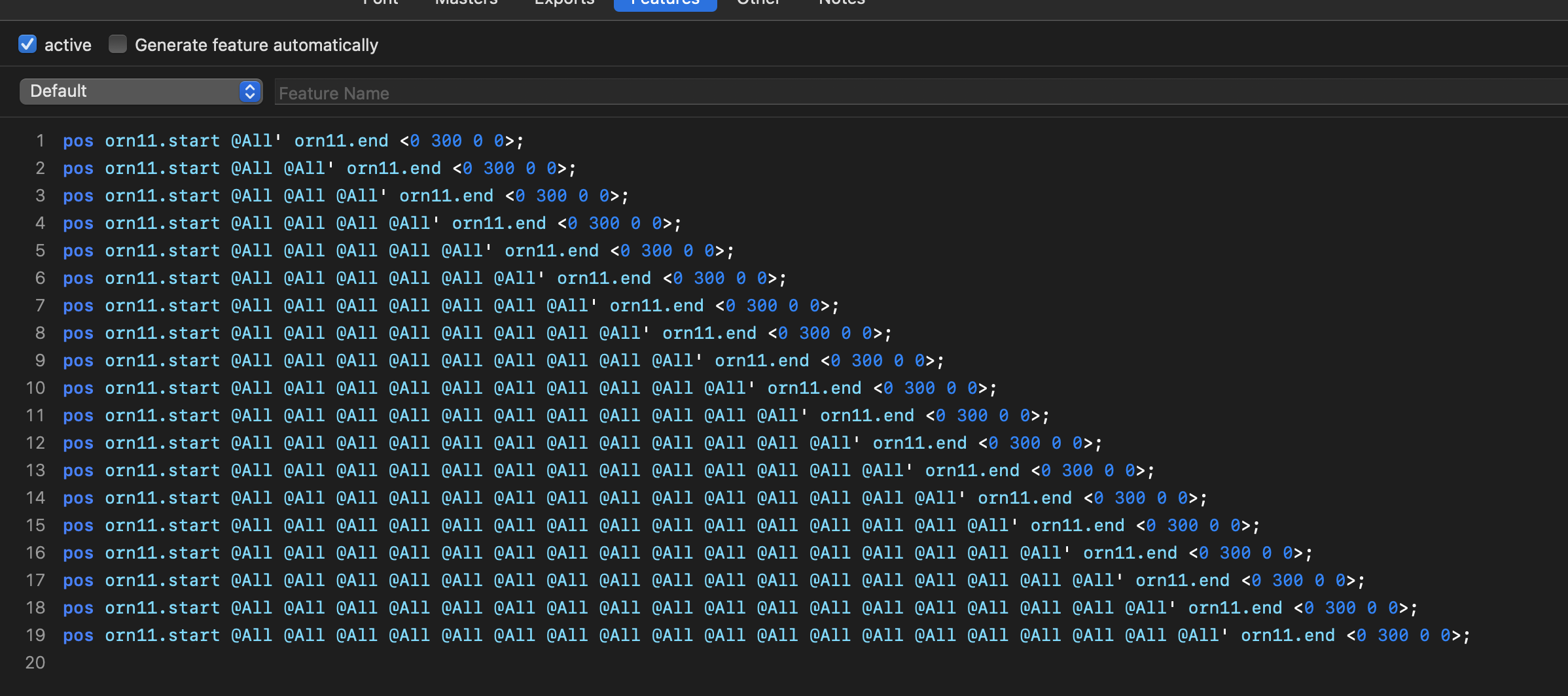
pos orn.start @All @All’ orn.end <0 300 0 0>
pos orn.start @All @All @All’ orn.end <0 300 0 0>
pos orn.start @All @All @All @All’ orn.end <0 300 0 0>
pos orn.start @All @All @All @All @All’ orn.end <0 300 0 0>
pos orn.start @All @All @All @All @All @All’ orn.end <0 300 0 0>

Or a variation of it.

I would like to move the characters in a vertical position.

Or do you want me to test something ?

Will try your suggestion with … @All

Unfortunately, your idea doesn’t work. When I type a word between the ornaments, only the last character moves up.

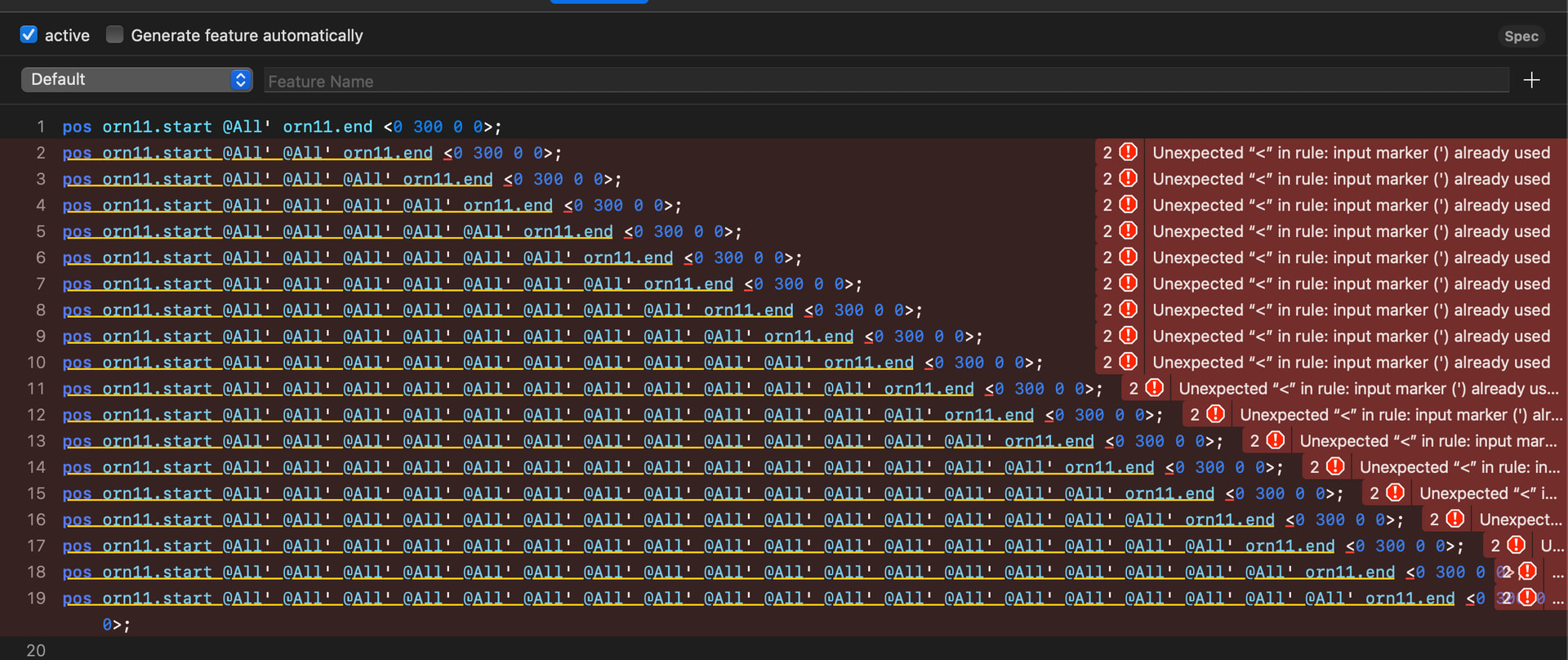
My Code:

what happens if you reverse the lines (the longest first)?

Unfortunately same result. In InDesign and Fontgoggles.

Wait a minute. All of them up? In each line, put the tick mark ' on all of the occurrences of @All.

And unfortunately, vertical positioning doesn’t work for Latin in all environments.

Like this ? GA code check flags it as wrong.

You would have to put the number sequence behind each tickmarked glyph. Actually, the most efficient way would be:

pos orn.start @All' <0 300 0 300>;
pos @All orn.end' <0 -300 0 -300>;

But that may not work nicely across a linebreak.

I don’t think line break would be an issue with the design I made.

Why do you move in the y direction in your solution ?

Before you stated, the vertical positioning might not work in all environments. In which will they probably not work ?

This works in Indesign and FontGoggles.

pos A B' Z <0 500 0 0>;

pos A B B' Z <0 500 0 0>;
pos A B' B Z <0 500 0 0>;

pos A B' B B Z <0 500 0 0>;
pos A B B' B Z <0 500 0 0>;
pos A B B B' Z <0 500 0 0>;

pos A B' B B B Z <0 500 0 0>;
pos A B B' B B Z <0 500 0 0>;
pos A B B B' B Z <0 500 0 0>;
pos A B B B B' Z <0 500 0 0>;

And it makes sense. The A B' Z is not applied for the first B in a longer context.

Thank you very much ! I will have a look.

I will send a pict @support. My question changed a little while trying to make it work and I don’t want to show it here.

(post deleted by author)

1 Like

I moved the y advance. Now, I do not know the design, so I am not entirely sure what you are trying to do. But I imagine something like this:

_/¯¯¯¯¯¯¯¯\_

Right? The two underscore/slash combos represent orn.end and orn.start, the top lines between them are all the glyphs from @All. Since they all need to be moved up, we might as well displace the advance.

I would test InDesign, both composers.

I am working on a design in which the characters are in an banner. The orn.end and. start are folds in the banner. Si it doesn’t need to advance in y.

I got it to work with your and Georgs suggestion. But it only works once in a sentence. So now I am thinking of adding (ssXX) features to move selected glyphs up and down.