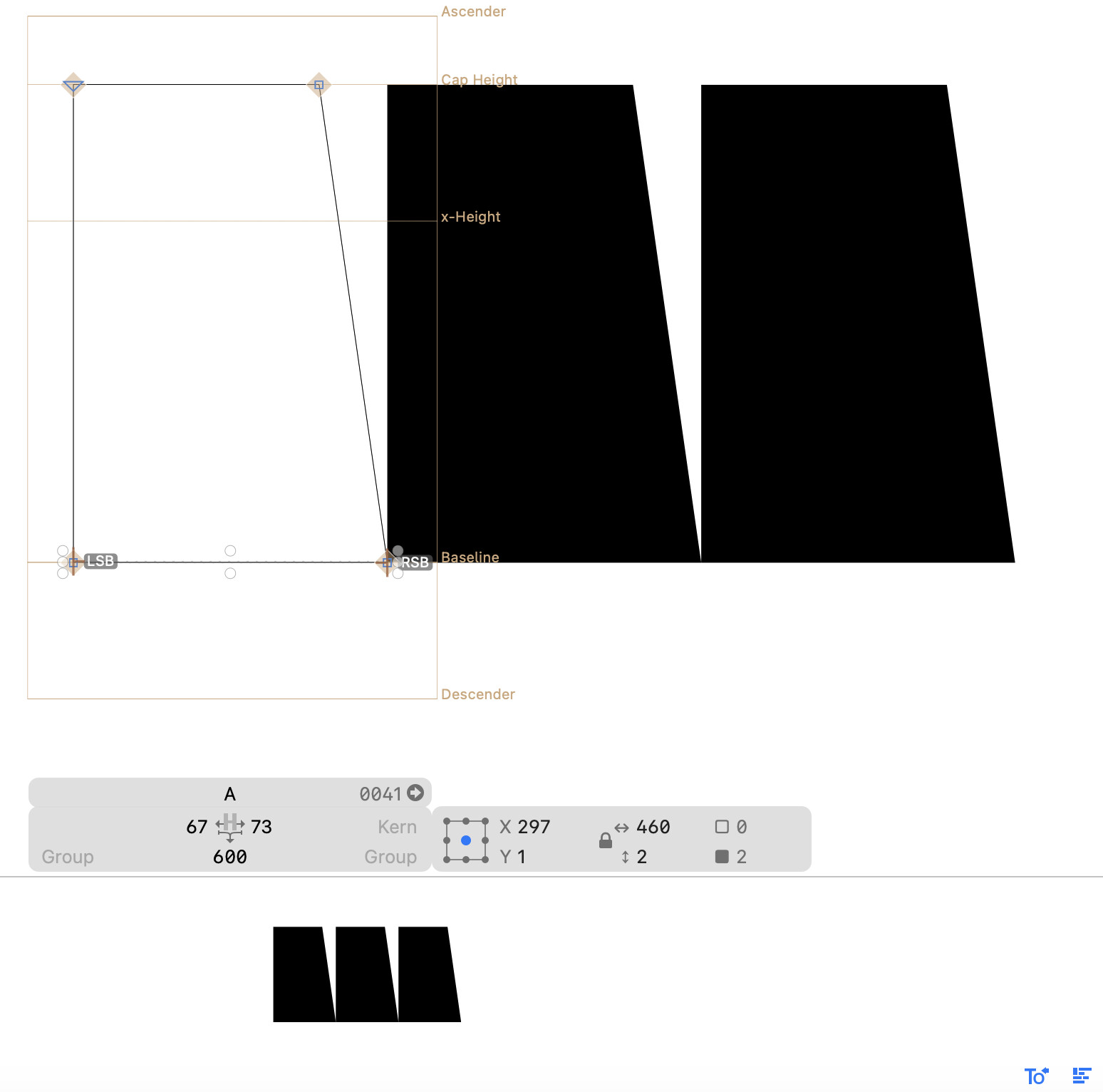
I’m now working on a Japanese typeface, which requires spacing defined by LSB/RSB/TSB/BSB anchors.
If my understanding is correct, text spacing defined by the anchors is not reflected in the preview box (the area below the editing area) or the preview panel.
I understand that the result can be seen in Edit View, but the preview areas seem to show only kerning results, without the intended side-bearings.
If I’m misunderstanding this, could you please let me know how to reflect the anchors in the preview areas? Otherwise, it would be very helpful if the app could support previewing with side-bearing anchors in the future.