I’ve seen threads about zooming, but I haven’t seen a request for a keyboard Zoom to Selection feature, nor a definitive answer that says this feature can’t be implemented. So I wanted to share my thoughts in the hope of reviving the topic and perhaps inspiring the addition of this IMHO very useful feature to Glyphs in the future.
Professional users heavily use keyboard, and using the keyboard is also recommended in Glyphs. That’s why adding a Zoom to Selection option via Cmd +/- keys would be a natural step toward further improving the workflow in this excellent type design app.
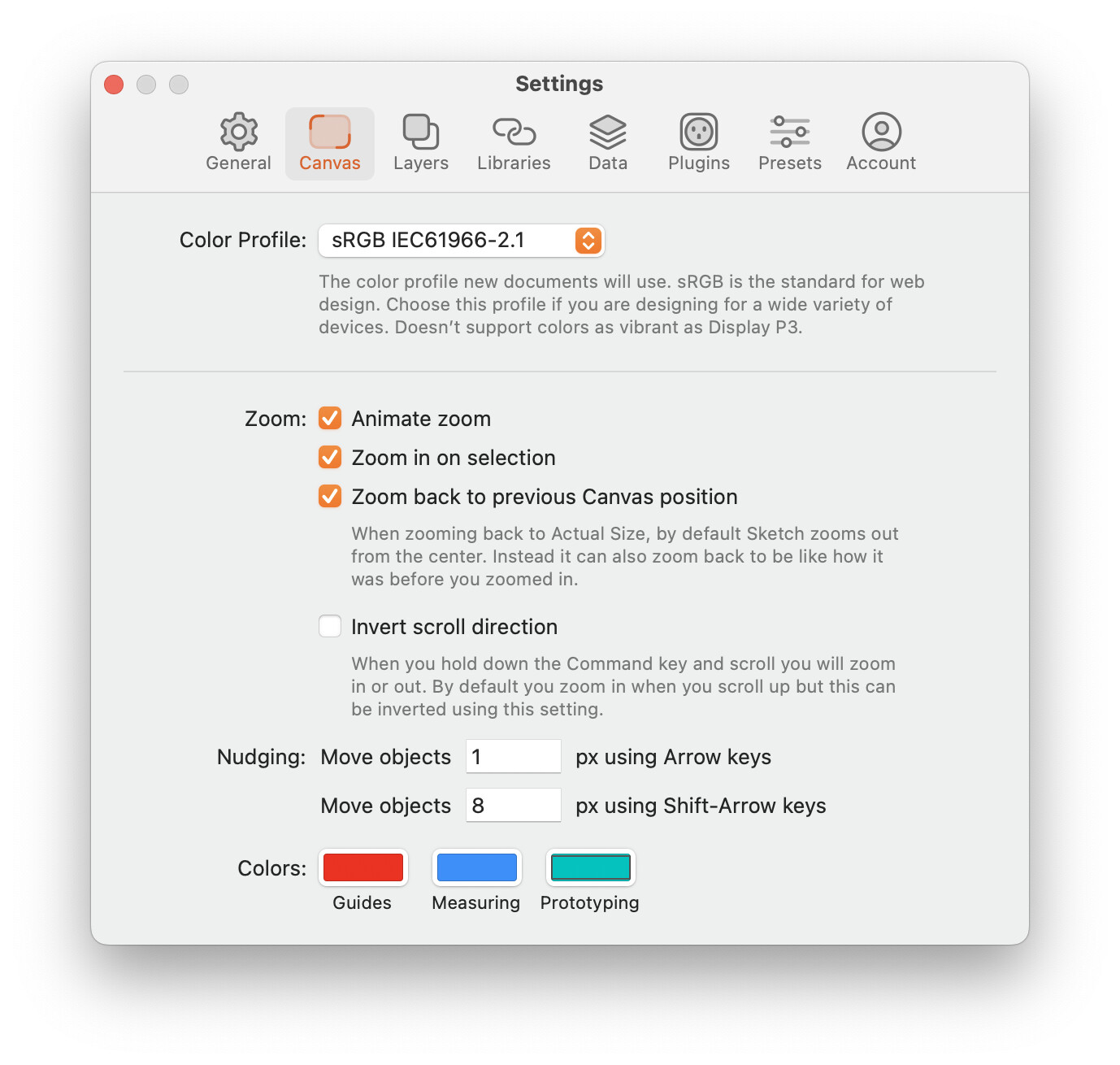
In this short video, I wanted to show how this functionality works in the Sketch* design app. As you can see, I have two nodes selected in the upper left stem of the letter H, and by pressing Cmd +, I’m zooming in directly on the selected nodes. Would it be possible to consider adding a Zoom to Selection feature as shown in the video?
that plugin is a great temporary solution, and I’ll definitely use it a lot. It would be even better if it would include the Cmd + / – keyboard functionality, which is the crucial part.
Here’s what I mean: imagine you’re in Font View, looking at a sentence of 20 letters at 100 pt. Further to the right, a few glyphs before the end of the line, you notice one that needs fine-tuning, so you use the arrow keys to move the cursor to it. Then by pressing Cmd +, the glyph becomes centered and zoomed in by an increment.
You don’t want to use Cmd + 0, because Zoom to Active Layer zooms in too much — you lose sight of the overall context. You’d like to zoom incrementally, so you can still see plenty of the surrounding glyphs while focusing on the one in the center of your screen.
Glyphs is already a great piece of software, but I believe that a workflow like imagined above could further enhance designers’ focus and help them better evaluate the glyphs they’re working on. I hope that makes sense.
I’m aware of that, but I want to use the mouse only when I have to. I also use a tablet, and I can zoom by using the touch ring which behaves exactly the same as the mouse. But I’d like to use keyboard because it’s still faster — the whole operation, moving the cursor and zooming, can be done by using only one hand (Apple extended keyboard). Correction: it’s not only one hand, you need to hold Cmd, but the keys on the right hand side are so close to each other that it makes it very fast opetation.