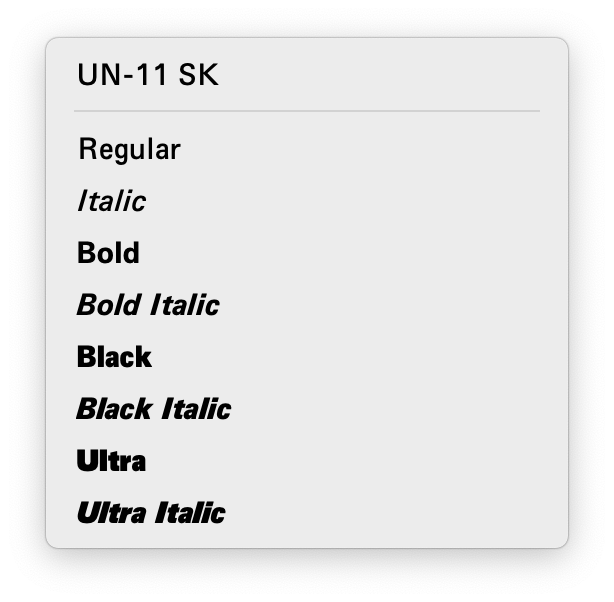
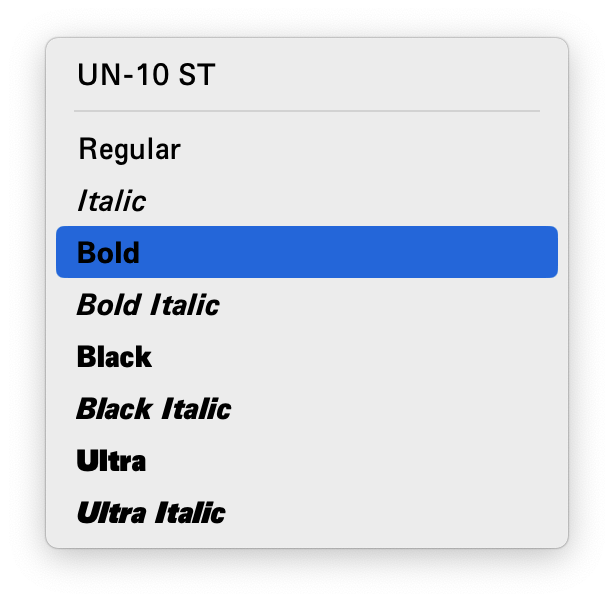
The ‘Italic’ and ‘Bold Italic’ names break, BUT
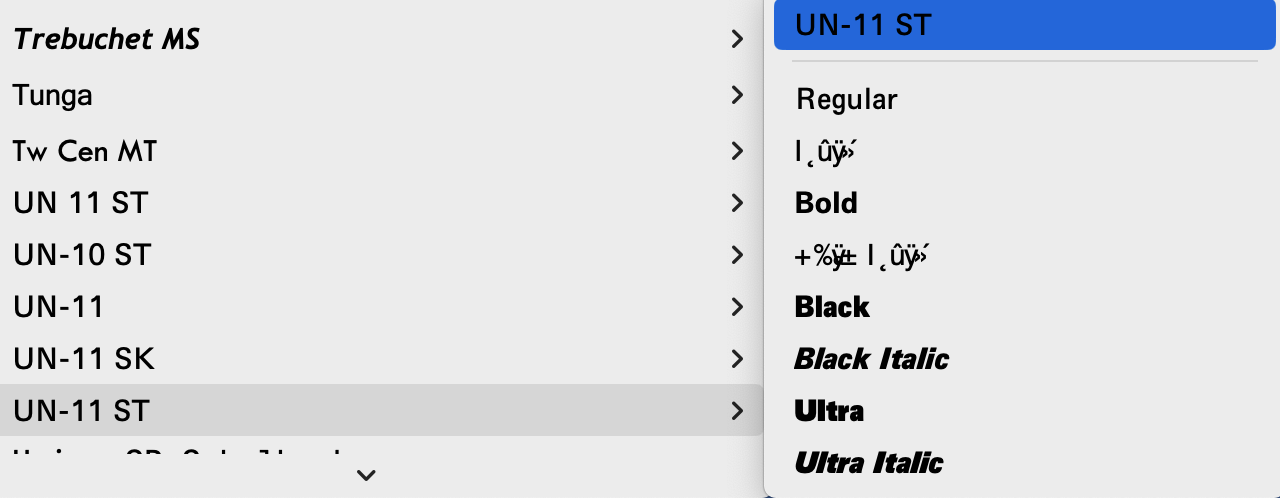
But similar name don’t break it, what is special about -11 ST:
The ‘Italic’ and ‘Bold Italic’ names break, BUT
But similar name don’t break it, what is special about -11 ST:
Font cache issues can cause this.
Hmm I restarted the computer but it still had this problem. I’ll try restarting a few more times maybe…
IIRC Mac Office used to have its own cache. You can try two things:
There use to be a way to zap Office caches, not sure if that is still possible. Perhaps you’ll find something on the internets.
I have restarted and deleted the folder based on these instructions:
~/Library/Group Containers/UBF8T346G9.Office/FontCache
I have also tried changing the filename.
The problem still persits. There seems to be something strange about the name.
Also try to export under another font family name, not just another file name. If the problem persists, then the problem is not in cache.
I’ve tested the font on other machines and the problem does not show up, somehow the cache is still persisting if anyone else has this problem.