I there a way I could export all the glyphs per masters in an excel sheet (maybe even connect the two?)
I know I can export a comma separated list but I was wondering if someone has already set up a system like that I could copy
Or anyone willing to share their workflow with me 
What do you mean by “export all glyphs per master in an excel sheet”? Do you mean outlines? Glyph names? If you mean outlines, in what format? If you mean glyph names, why per master?
A general question: what do you need this for? There might be a more efficient solution to the overall problem you’re facing.
Not outlines, no. I mean names.
I am dealing with a very large file with many masters and alternate styles.
I take notes but I keep forgetting what I’ve already done and I end up making mistakes
also I miss some corrections
so I fantasise about having some kind of sheet(s) with lists and a colour scheme like Done/Progress/Review/…
but you’re right there might be a more efficient way
that’s why I am asking 
Have you considered noting things in GitHub issues? Would this work for your case?
I published a plugin that allows you to write and manage them right within Glyphs, and let’s you mention glyph names and specific masters so that they are directly clickable from within the plugin.
Yes I saw that, I must try it
but I think I am looking for something more visual and low tech.
How do you make sure you go systematically through all the amends, per masters, per styles, etc?
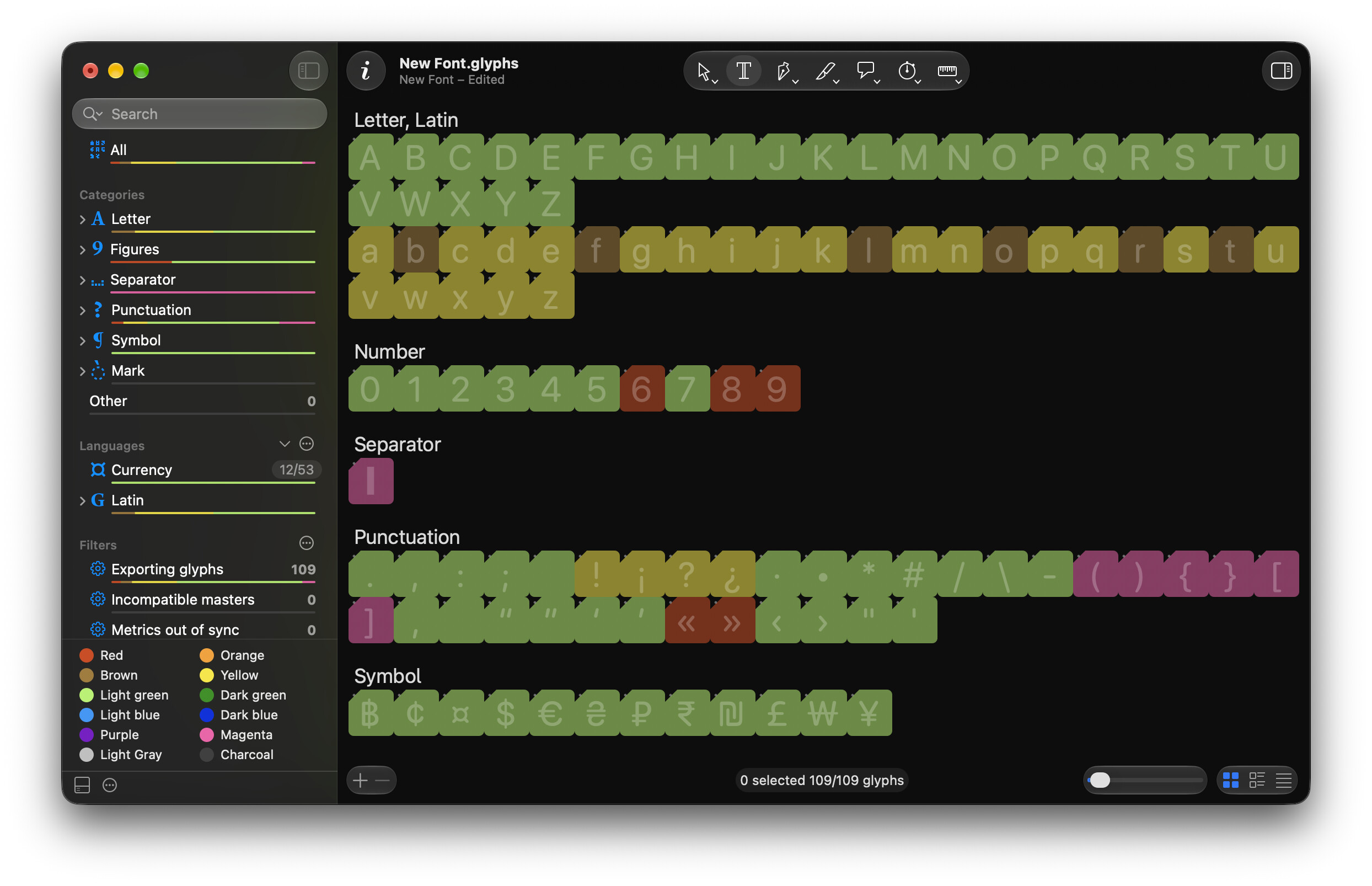
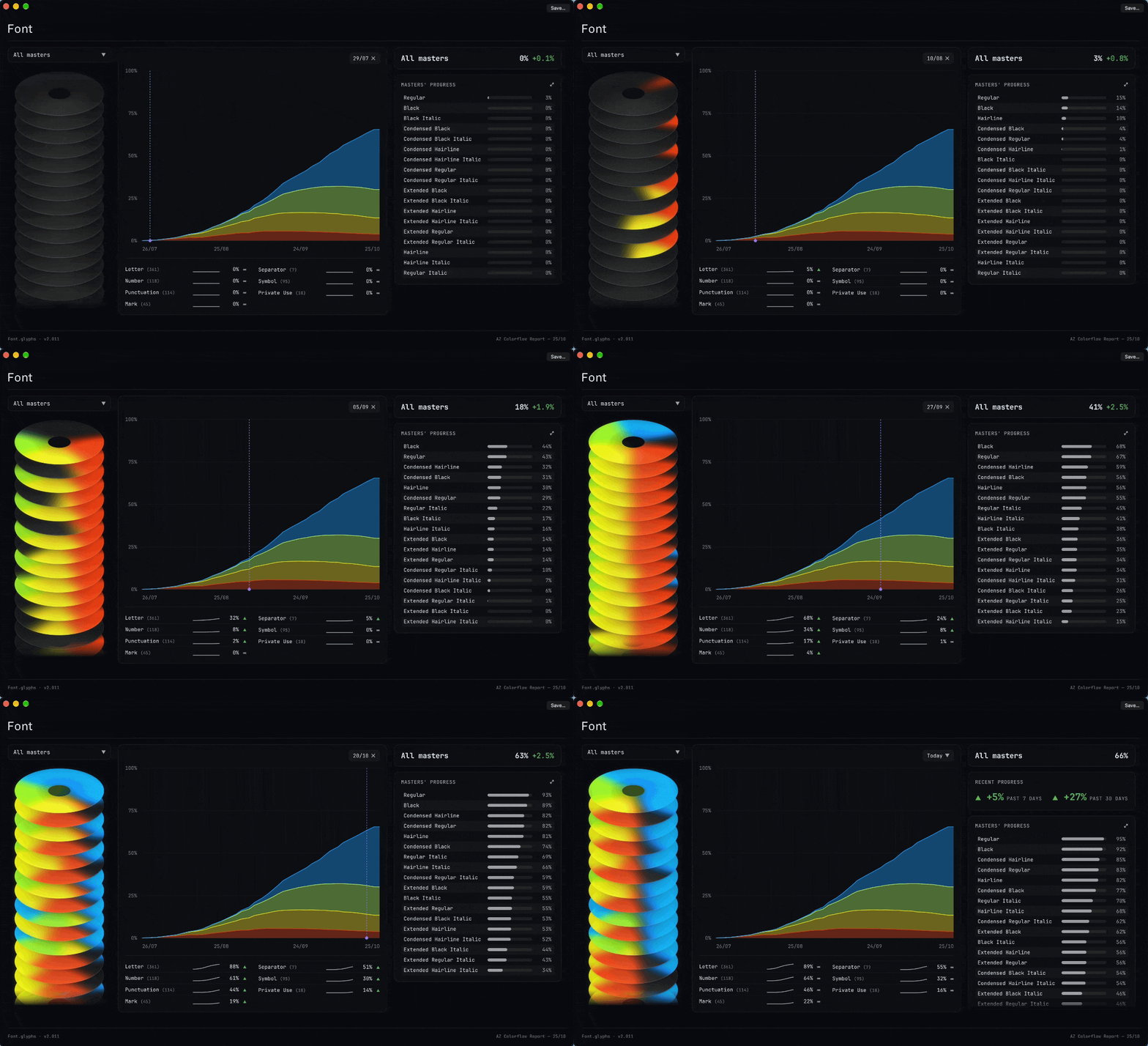
2 Likes
This is actually a good question. That makes me think whether this can be sensibly integrated into the plugin. I’ll have a think.
1 Like