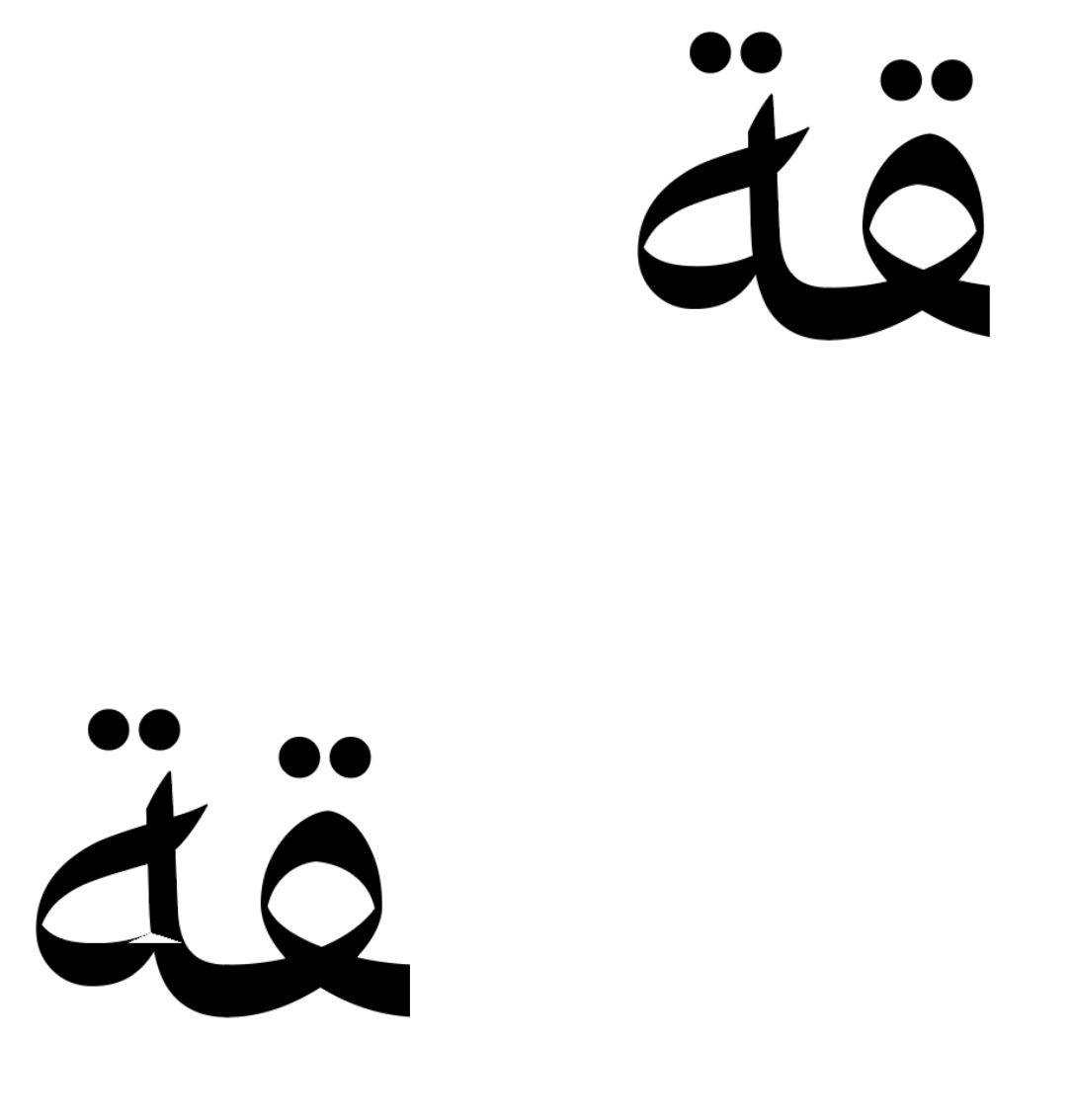
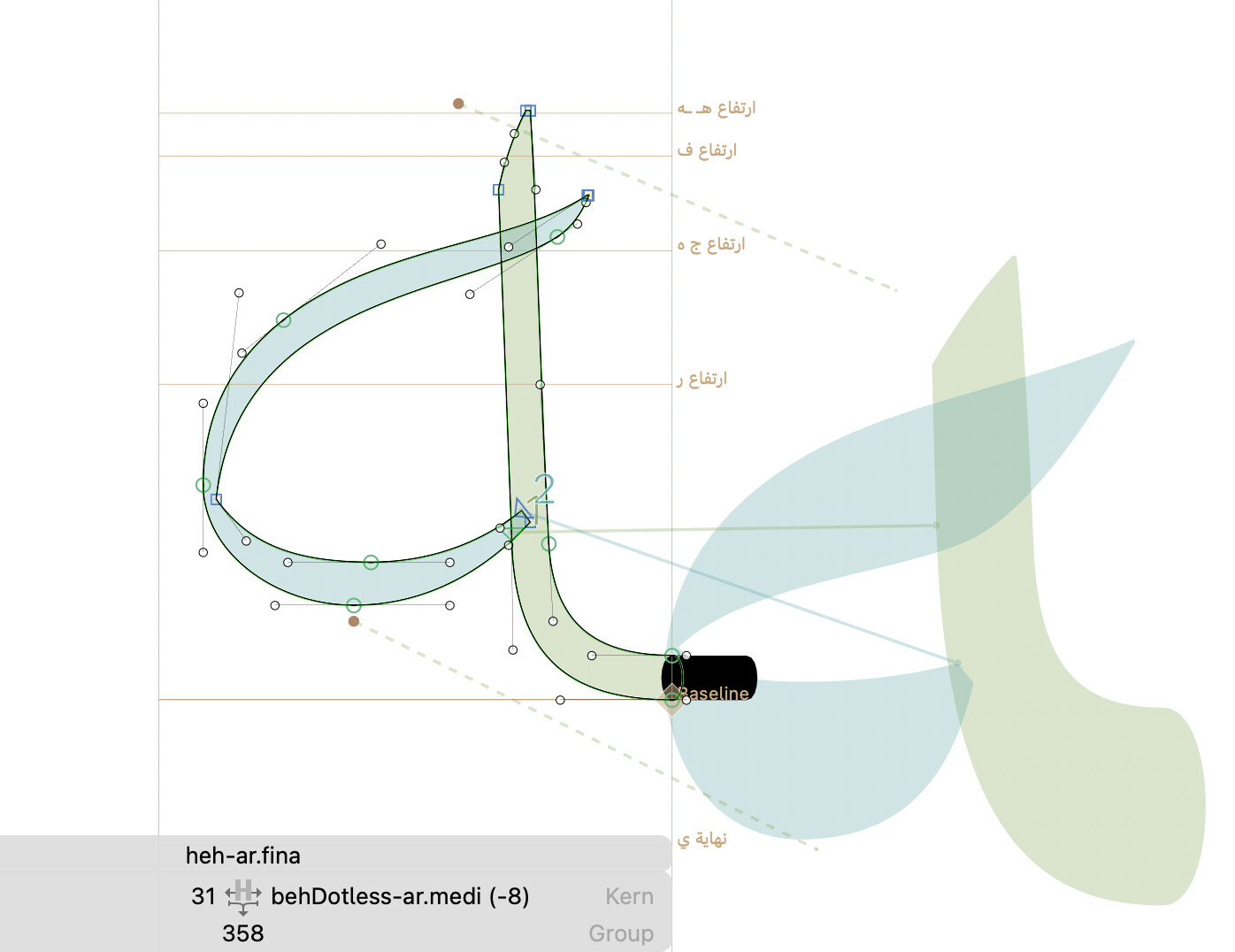
Hmm, odd. I can’t see anything wrong with your path directions (at least not in most glyphs, some glyphs do have wrong path direction set). However, quite a few glyphs show these artefacts, and they all occur on overlapping path segments (including open corners). Closing these open corners fixes the issue. The exported variable font has these open corners and overlapping paths still included. This is standard, however, so I don’t see why this is leading to rendering problems in Adobe app.
Good rule of thumb: if it works everwhere except for in Adobe apps, it’s an Adobe bug. Nothing much you can do about that.
That is indeed something I wanted to add: The first node was always at a very untypical spot. Try using the automatic path direction correction, which will move the first node to the bottommost leftmost node.