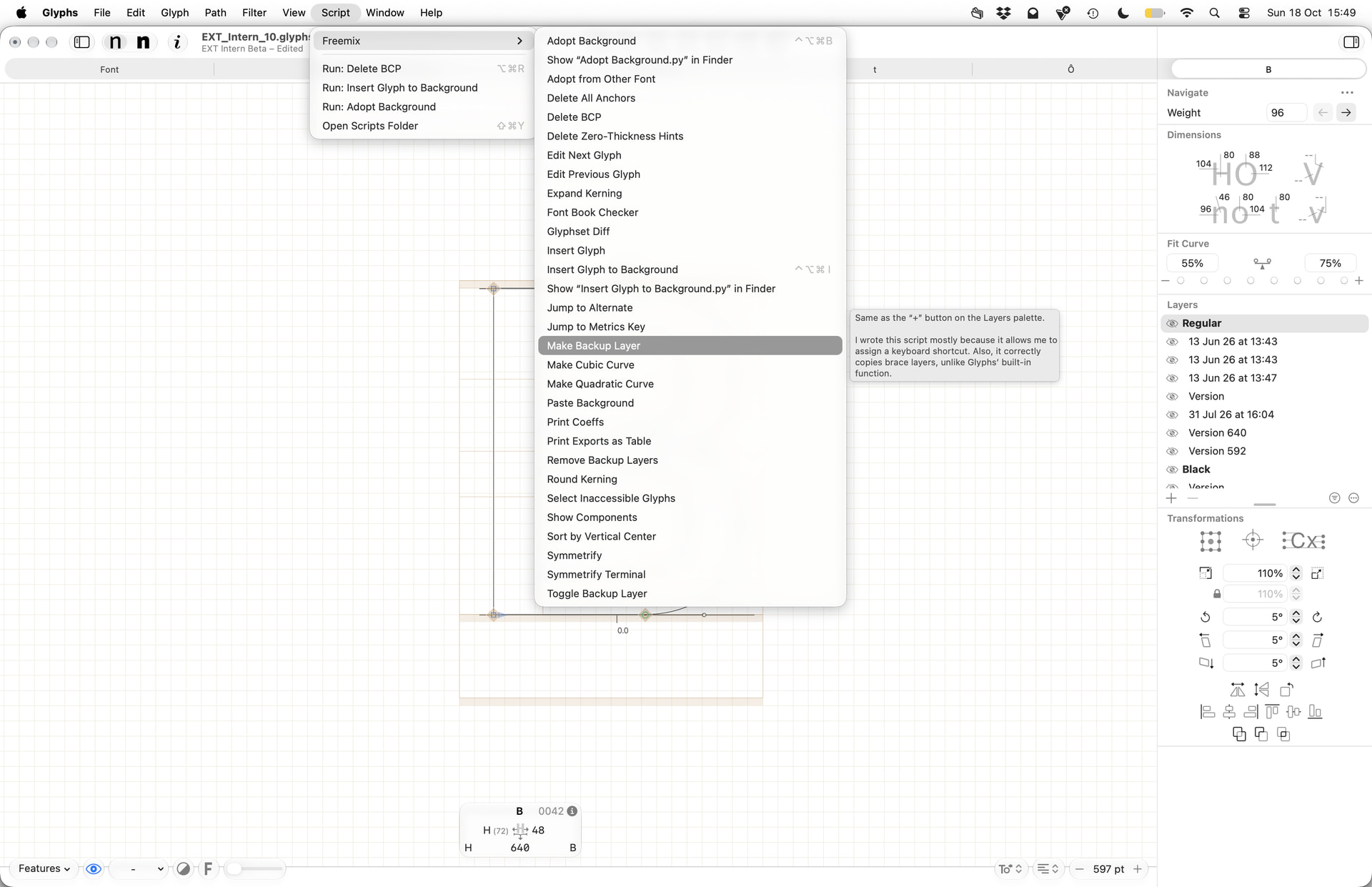
Hi,
Atm I’m switching form Glyphs 3 to Glyphs 4. I recently installed the Free Mix Script. Seems like everything is installed correct, but somehow Insert Glyph to Background isn’t working. What could the problem be?
Any output in Window > Scripting Window?
@TimAhrens will be interested in this topic.
I will be highly interested once I switch to Glyphs 4! 
Just finishing my current project, which I want to do in Glyphs 3, but I will start actively using Glyphs 4 soon.
@mekkablue Yes, thats the strange thing.. Other functions, for example Adopt Background, do work properly
Some scripts might be compatible already and some were fixed.
So I just have to wait?
As Tim stated above, he will get around to fixing remaining compatibility issues soon.
all right, wasn’t sure if I can do anything atm 
Not really. Complaining here is already a good reminder that these things need attention.
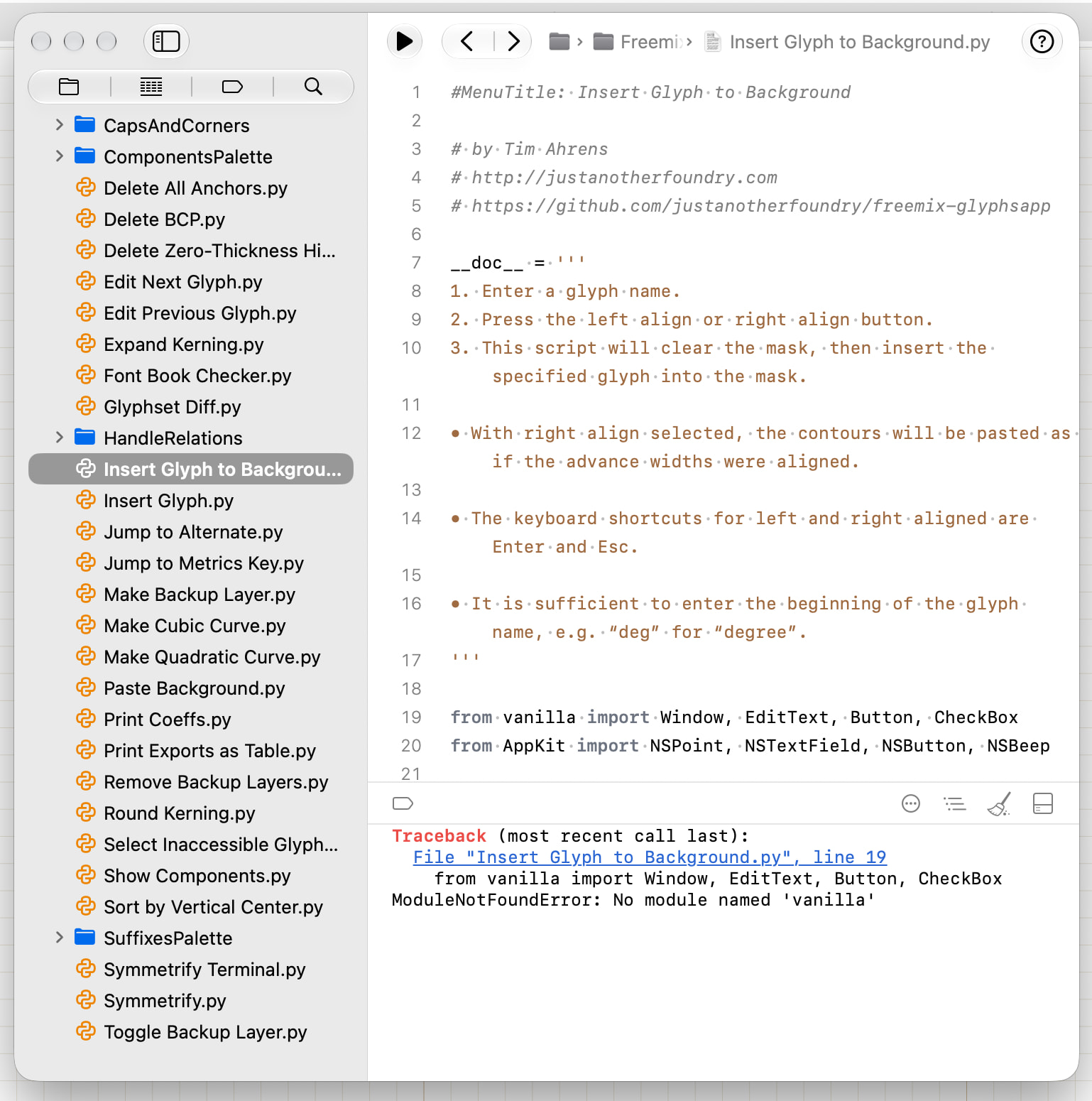
You can help by pasting what is shown in Window > Macro Panel at the bottom. There should be some error message when you run the broken script.
Did you install vanilla from Plugin Manager > Modules?
No, but now I did
Seems to work.. Exept when Insert as component is activ, then I get the following error message:
Traceback (most recent call last):
File “vanillaBase.py”, line 539, in action_
self.callback(sender)
~~~~~~~~~~~~~^^^^^^^^
File “Insert Glyph to Background.py”, line 193, in buttonCallback
insert_paths( layer, other_layer, alignment, as_component_is_checked, clear_contents_is_checked )
~~~~~~~~~~~~^^^^^^^^^^^^^^^^^^^^^^^^^^^^^^^^^^^^^^^^^^^^^^^^^^^^^^^^^^^^^^^^^^^^^^^^^^^^^^^^^^^^^
File “Insert Glyph to Background.py”, line 36, in insert_paths
to_layer.background.components.append( GSComponent( from_glyph_name, NSPoint( shift, 0 ) ) )
^^^^^^^^^^^^^^^^^^^^^^^^^^^^^^^^^^^^^
AttributeError: ‘GSProxyShapes’ object has no attribute ‘append’
App:4.1.1-4108 System:27.0.1 Python:3.14
You could fix the script yourself. Click the blue text. That should open the script in a code editor or TextEdit. Then find the line it complains about and replace the .components with .shapes.
I tried, but that didn’t fixed the problem.. Yet, I need to admint, I’m not sure if I managed to follow your advice properly.
May I send you the file?