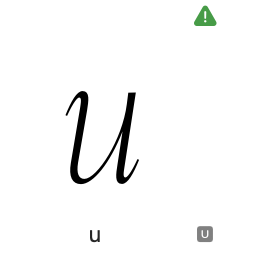
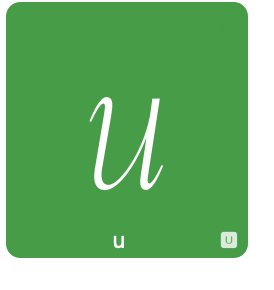
Info icons in the top right corner of a letter (such as “metrics discrepancies”, “note” etc) are green. When you select that letter, the selection is green too so the icon disappears. Should the selection change the icon color to be visible over the green (just the way unicode icon changes its color)?
1 Like
that is only a problem when you have Preferences > Advances > “Draw Layer Color” active I I usually have that off. I’ll have a look.
I fixed it. Thanks.