It’s a low importance question but why this small note/document icon is showing up for each and every letter in a font that was initially created in Glyphs 3? I’ve checked Edit-Info for Selection - there is nothing there.
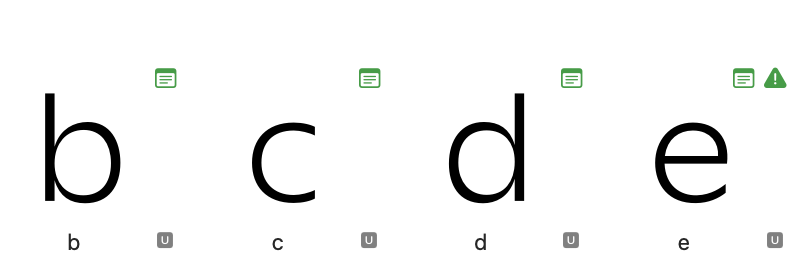
This is the glyph note, visible in either List View, using the Glyph Note plug-in or in the API with glyph.note. Is this an exported font file (OTF/TTF) that you opened or a source file (.glyphs(package), .ufo)?
That’s the thing - there is no notes or at least there weren’t any when I worked on this font in Glyphs 3. The icon is there in every font file that was initially created in Glyphs 3. It is a .glyphs file.
When switching to the list view - there is a letter name corresponding to the actual letter’s name in the Note field. Here:
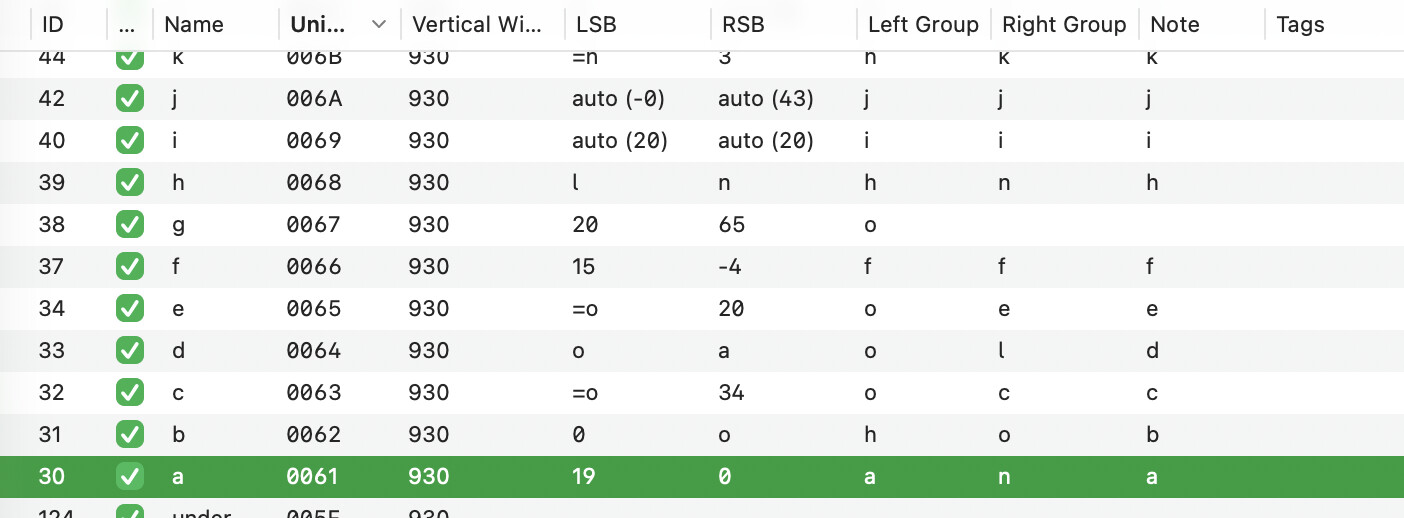
Glyphs puts the original glyph name into the note when importing an OTF/TTF file since those glyph names can be changed during import to fit the Glyphs naming scheme.
For source files, that should not happen. Either this already happened in Glyphs 3 and it just did not display the note icon or this is a bug in Glyphs 4 where it also saved the glyph names in notes for files where that is not needed. I’ll have a look.
1 Like
I’ve checked the Glyphs 3 files and there is no icon displayed but there is “letter name” note in the list view. Weirdly enough, I have found a glyphs 3 file (of a relatively new font-in-works) that doesn’t have that “letter name” note and it doesn’t have that green icon when opened in Glyphs 4. My guess is that it might depend on when (what built) the file was initially created.
As Florian said, that note is set when opening a .otf file. On some point you seem to have done that.
1 Like
could’ve been the case. A weird thing though - they only appeared on the basic latin, not on the other glyphs with the font.