I usually use the variation feature to preview intermediate state between two or more master.
For that I like to draw in a master while looking at the effect on intermediate preview in the preview panel (I did that using the Variation plugin in Glyphs 3).
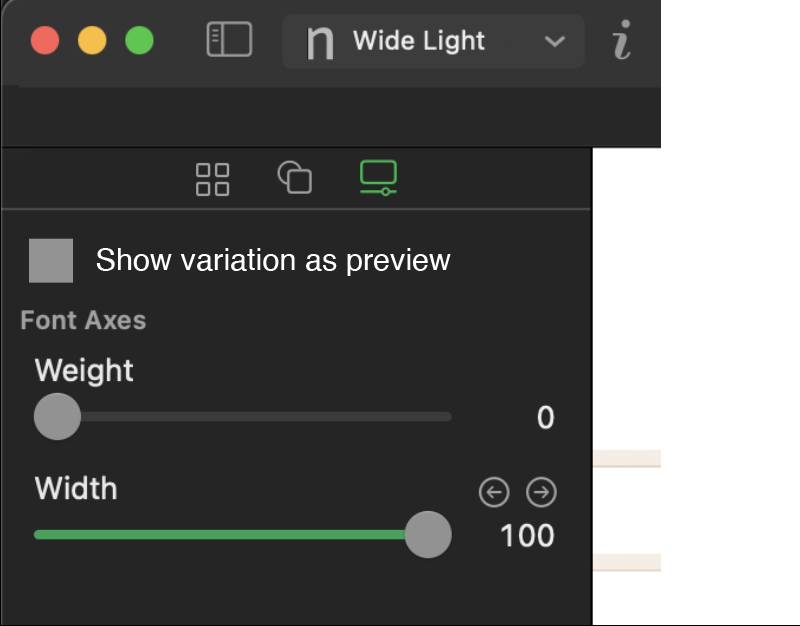
In Glyphs 4 the variation sliders change the view immediately in the master window.
I can see the potential for such a feature.
For example, adding an intermediate layer using the axis parameters and design of the selected left tab when clicking + in the layer panel.
(This is another feature idea i would love to see implemented)
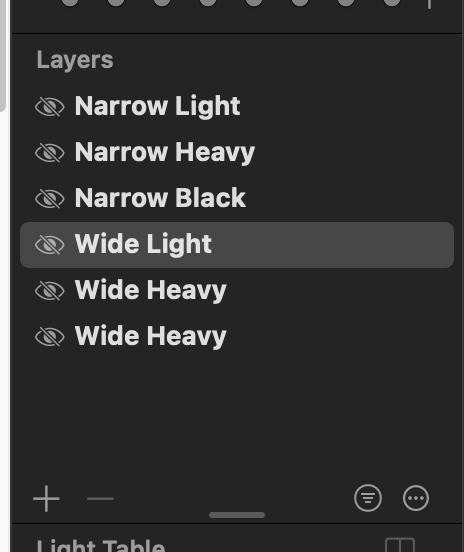
But that is not what I am looking for in most cases, and this seems to be the default behaviour right now.
When using the axis sliders, I am usually looking for a preview, not changing masters.
Ironically the preview drawer is not refreshed live while dragging the axis in the left panel.
What I would like is a checkbox (or similar UI) above the axis, that allows the user to select whether the variation is only shown as a preview in the drawer (and potentially as a low opacity background in the master tab), or also the master/canvas (as it is today).
I don’t know if I am super clear explaining this. Let me know if I’m not.