I’m experiencing weird problem/bug.
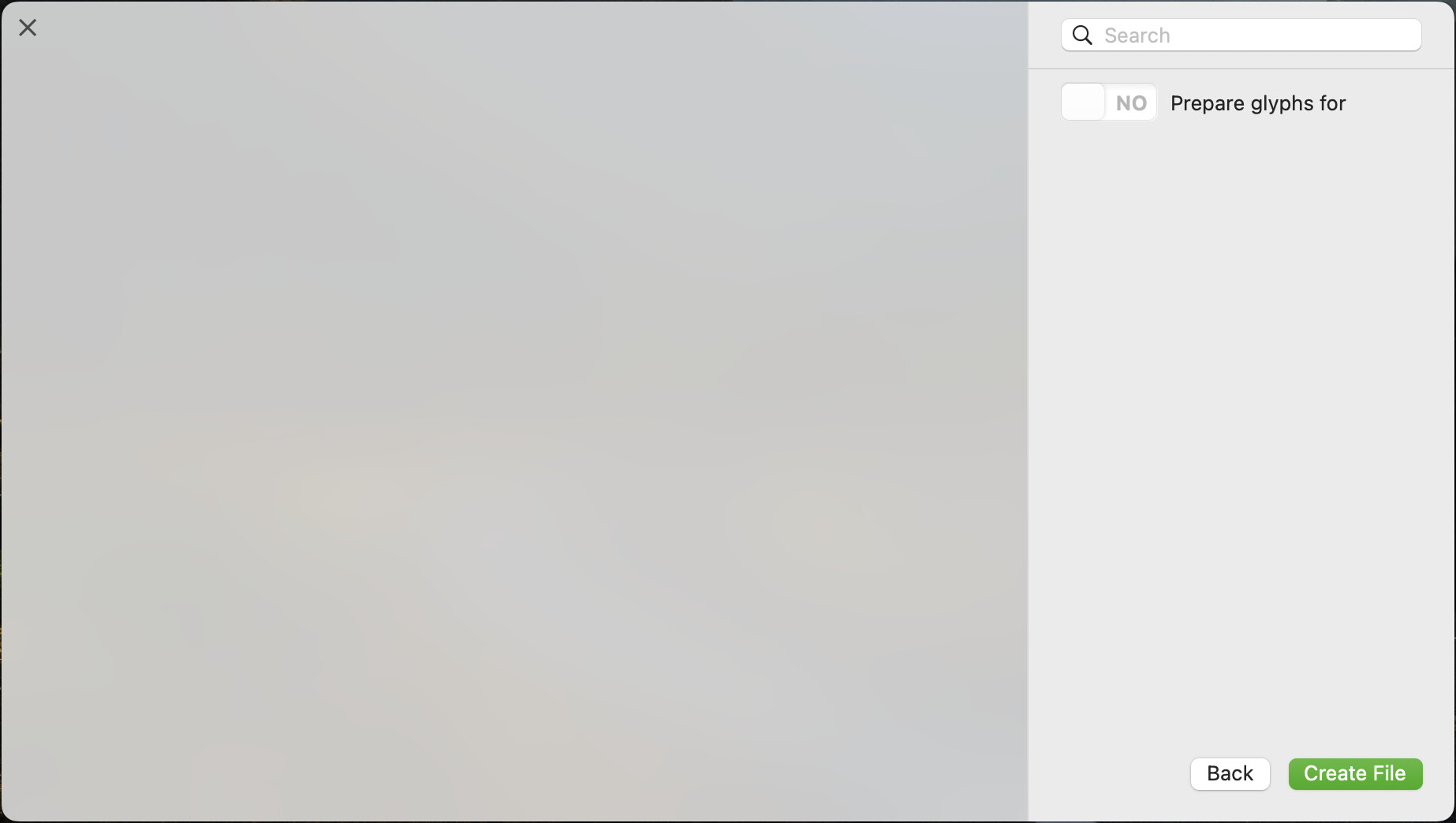
When I open Glyphs and want to start a new file, Glyph sets (Latin, Arabic, etc) are not showing. I can’t press the button YES/NO Prepare glyphs for
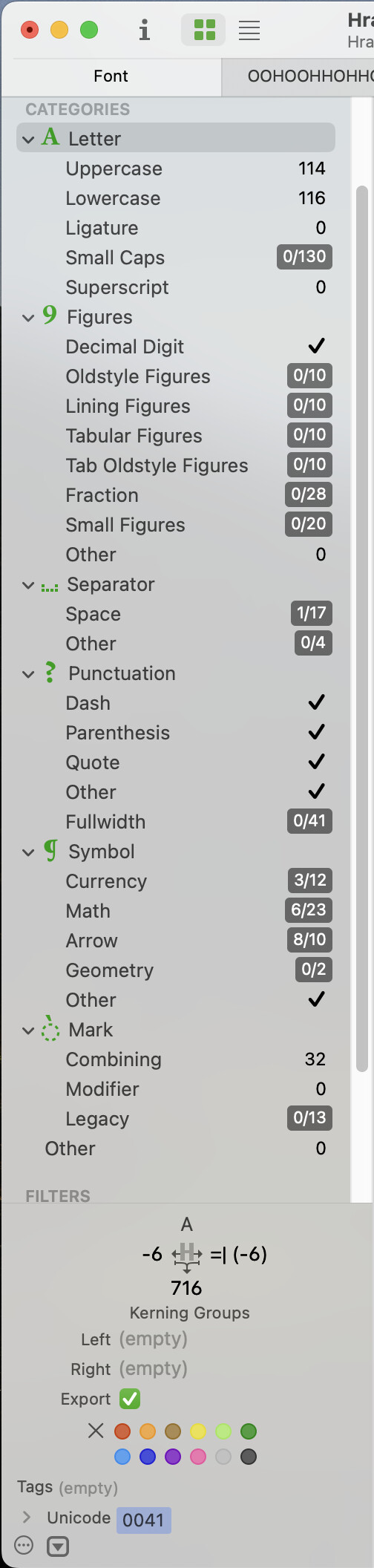
Also language features (in my case Latin) disappeared from the side bar.
Also File > New from Glyph Sets… is not working. When I select it, nothing’s happening, no new file is opening.
I noticed that I don’t have a Glyphs folder where it supposed to be: ~/Library/Application Support/Glyphs/Info/. Instead it’s here: ~/Library/MyName/Library/Application Support/Glyphs – and it’s empty. Here I have also folder Glyphs 3, and this one is with scripts (mekkablue, Toshi Omagari, etc).
I checked this topic: Custom sidebar entries in font view | Glyphs . But I’m not sure if I should make a folder Info in this one: ~/Library/MyName/Library/Application Support/Glyphs or should I create a new Glyphs folder here: ~/Library/Application Support/Glyphs (then maybe something more will be missing and I should add it too).
Just recently discovered this problem, never saw/experienced it before.
Glyphs 3.5 (3524)
MacOS Sequoia 15.7.3
