I’ve noticed Glyphs 4 does not appear to have the same behavior as 3 in terms of pasting vectors from Affinity, regardless of if Affinity’s setting for SVG paste is on or off. The scaling, which has always been odd, seems to be further inflated, and isn’t affected by changing the units per em settings. So before realizing I needed to scale a given letter up to 5,000+ pixels to get in the ballpark, I repeatedly would smack command-z to undo the paste, which now consistently produces an immediate app crash. I can provide the report if it’s helpful.
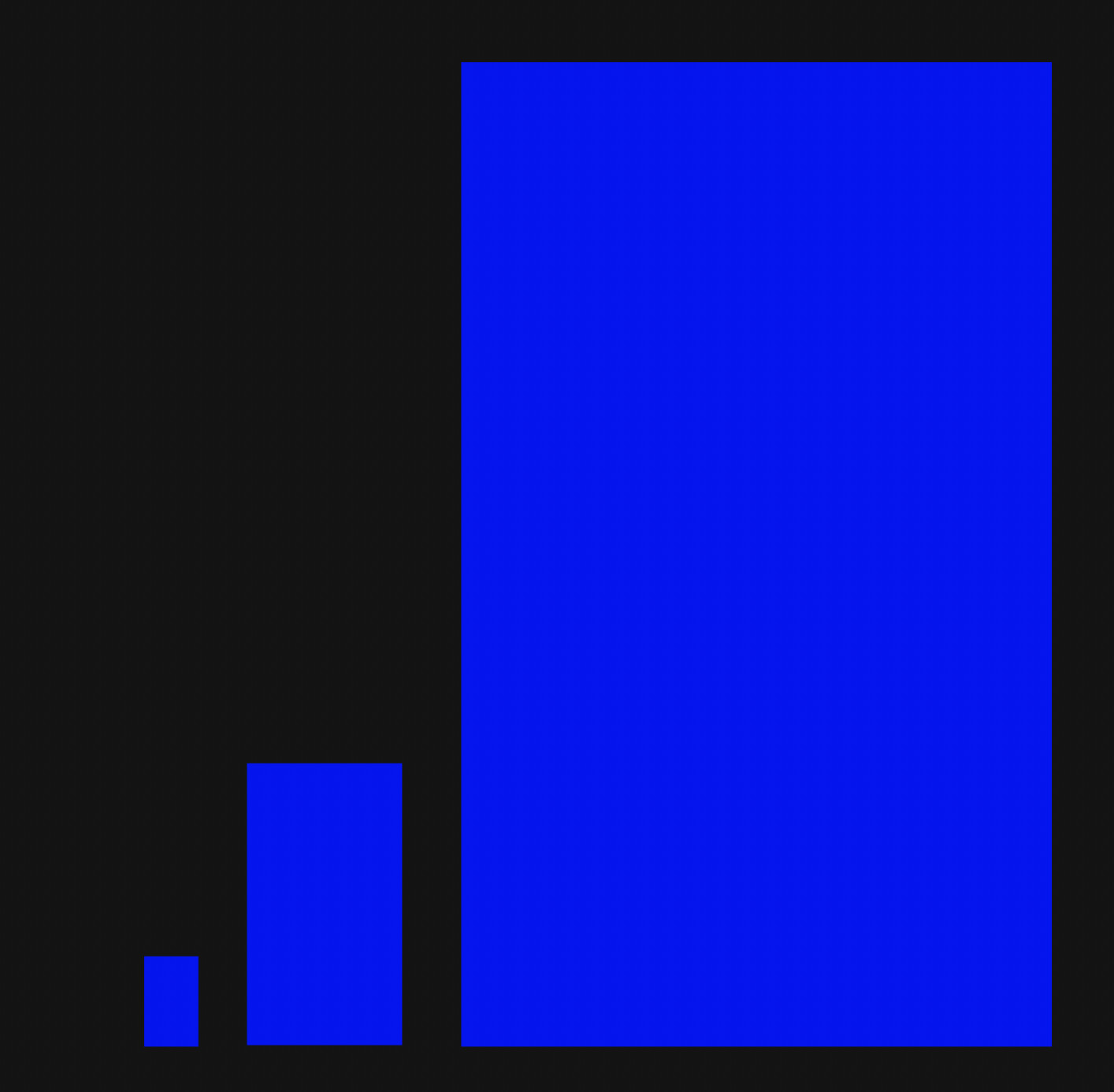
Edit: to clarify, I’ve been familiar with the scaling discrepancies for some time, but the behavior I’m seeing now is best illustrated by the screenshot below. On the left is the ascender to descender box I drew my letters to in Affinity. The middle is the box I drew in Glyphs 4 and pasted back to Affinity so I could try scaling up when I noticed things seemed off. Scaling to that box pasted as a still tiny shape in Glyphs 4. The final box on the right is what I scaled my letters to by trial and error to get close to the full size when pasting in Glyphs 4.