Glyphs 4 - Having trouble switching the UI language

Hey!
I just want to say congratulations for the release, really excited to try.

I’ve been messing a bit, so far no major problems, although for some reason in this version I’m not being able to change the language, even with the disable location checked on the app is on Portuguese instead of English like Glyphs3. It’s not major, but I just wanted to give a quick heads-up!
Maybe I’m doing something wrong I don’t know…

Thanks and keep up with the good work!

Hi Leandro,
Try this:
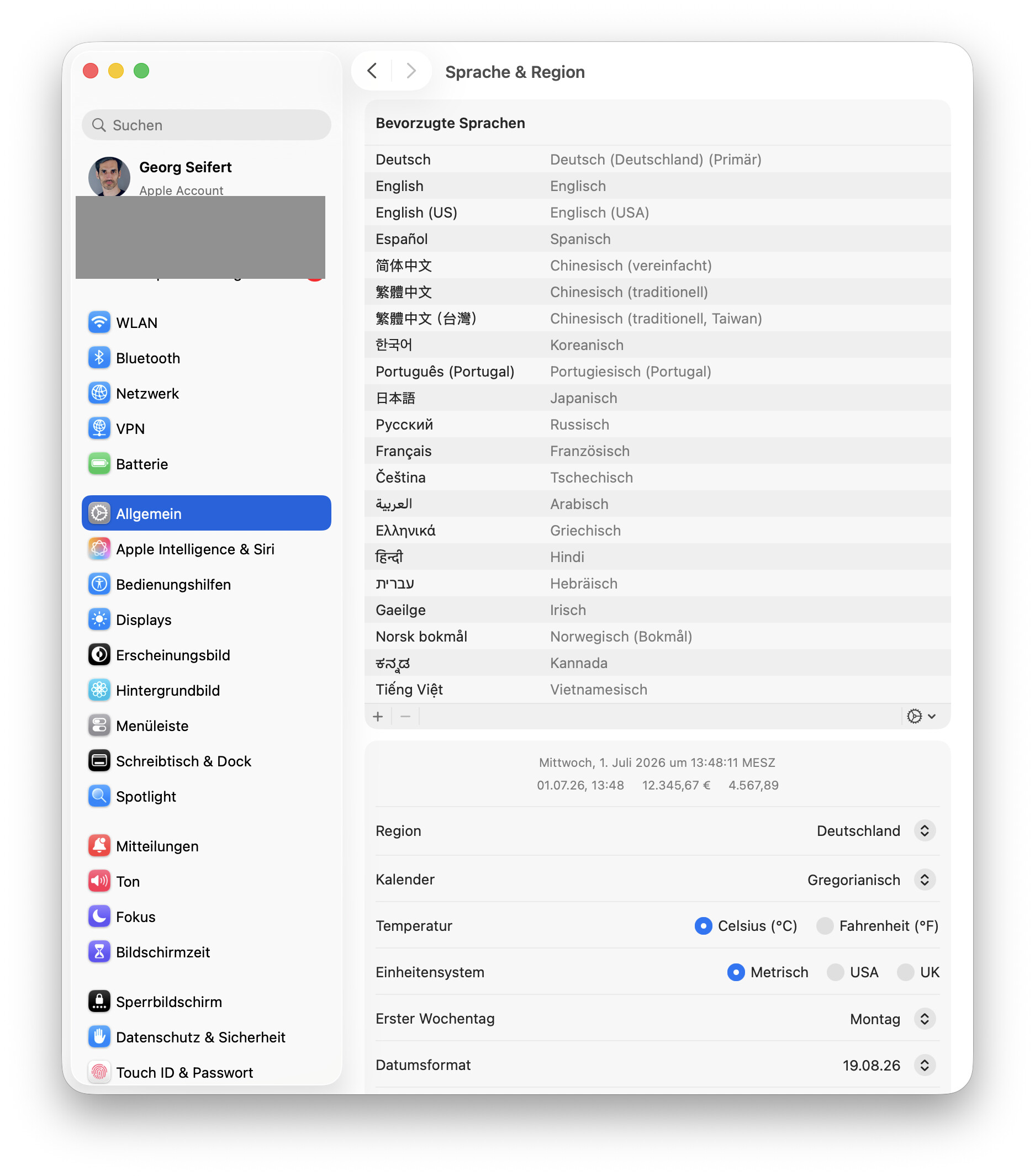
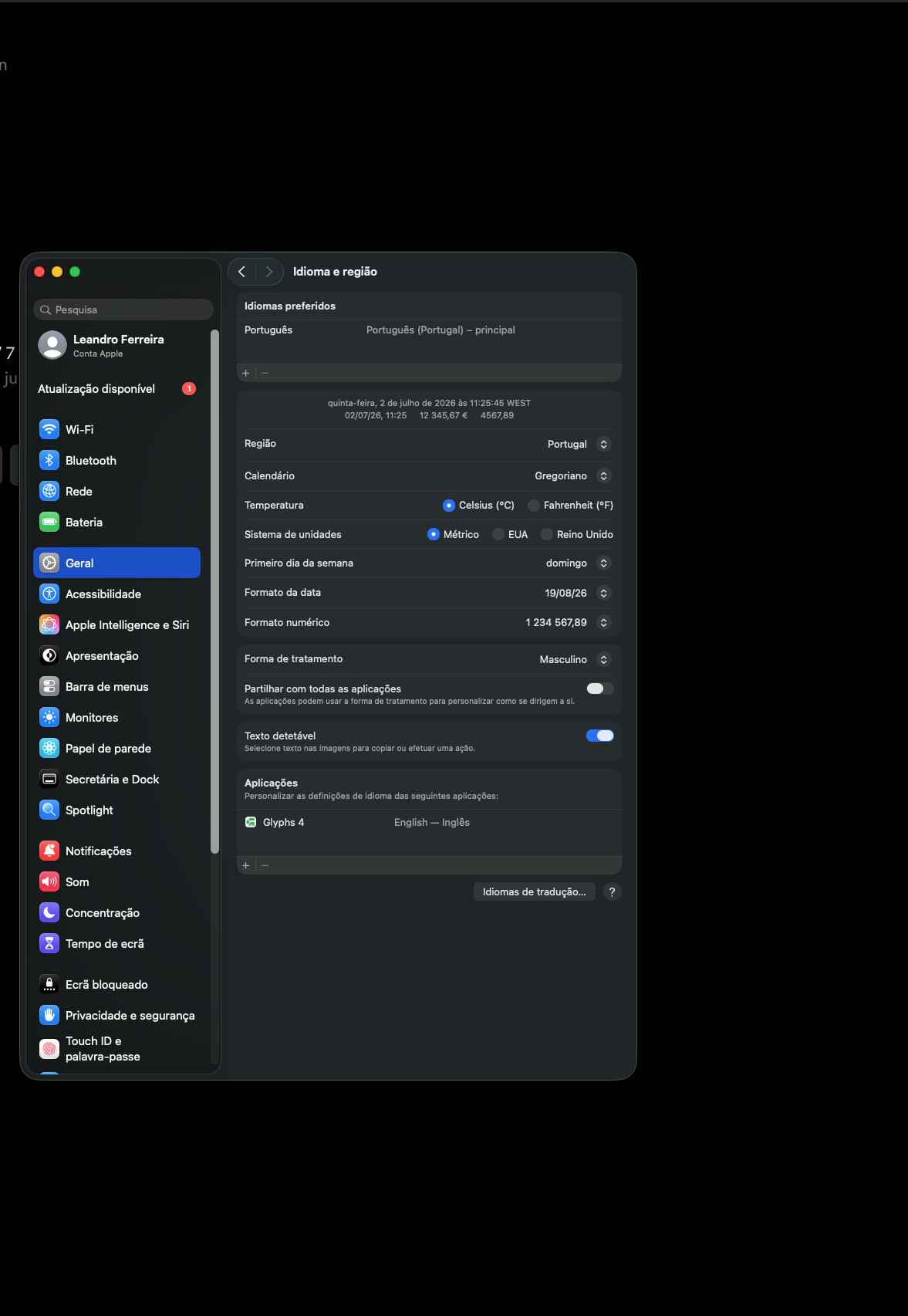
In MacOS, in System Settings > Language & Region, scroll down to App, add Glyphs 4 here and set it to English Language. That should force Glyphs 4 (or any other app) to use the language you set here—if the app has this kind of language included, of course.
–Thomas
2 Likes

Hey Thomas!
Thanks it worked, I didn’t know we have this option on mac settings.

1 Like

But the checkbox in Preferences should work the same way as in Glyphs 3.
Can you run this in the Macro window

print(Glyphs.defaults["AppleLanguages"])

and can you post a screenshot of your language settings from System Settings?

It works for me as it did in Glyphs 3. German OS language, “Disable Localization” switches Glyphs 4 to German.

Do you mean to English? Otherwise it does not work as expected.

Oops, yes of course. Disable Localization switches Glyphs 4 to English.

1 Like


The print result is this ``` python(
“en-PT”,
“pt-PT”
)

You need to have Englisch in that list. Otherwise it falls back whatever is in the list.

Okay, I already added.
Thanks!