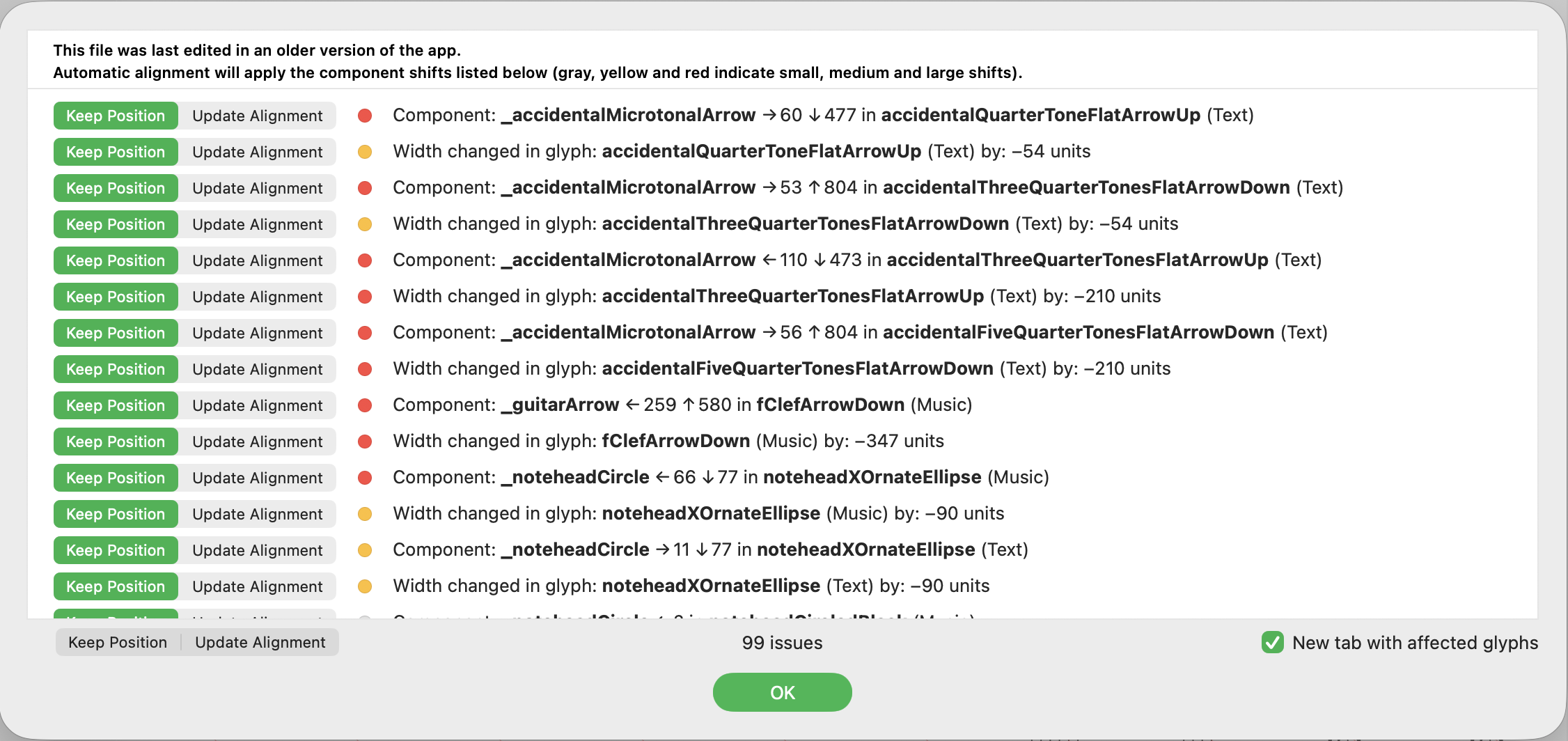
I opened a Glyphs 3 project in Glyphs 4. It starts with this warning window, and even if I choose “Keep Position”, the components get shifted.

Can you send me the .glyphs file?
Thanks. Sent via DM.
In the latest 4.0 (3876), it still displays a window asking to apply automatic alignment.
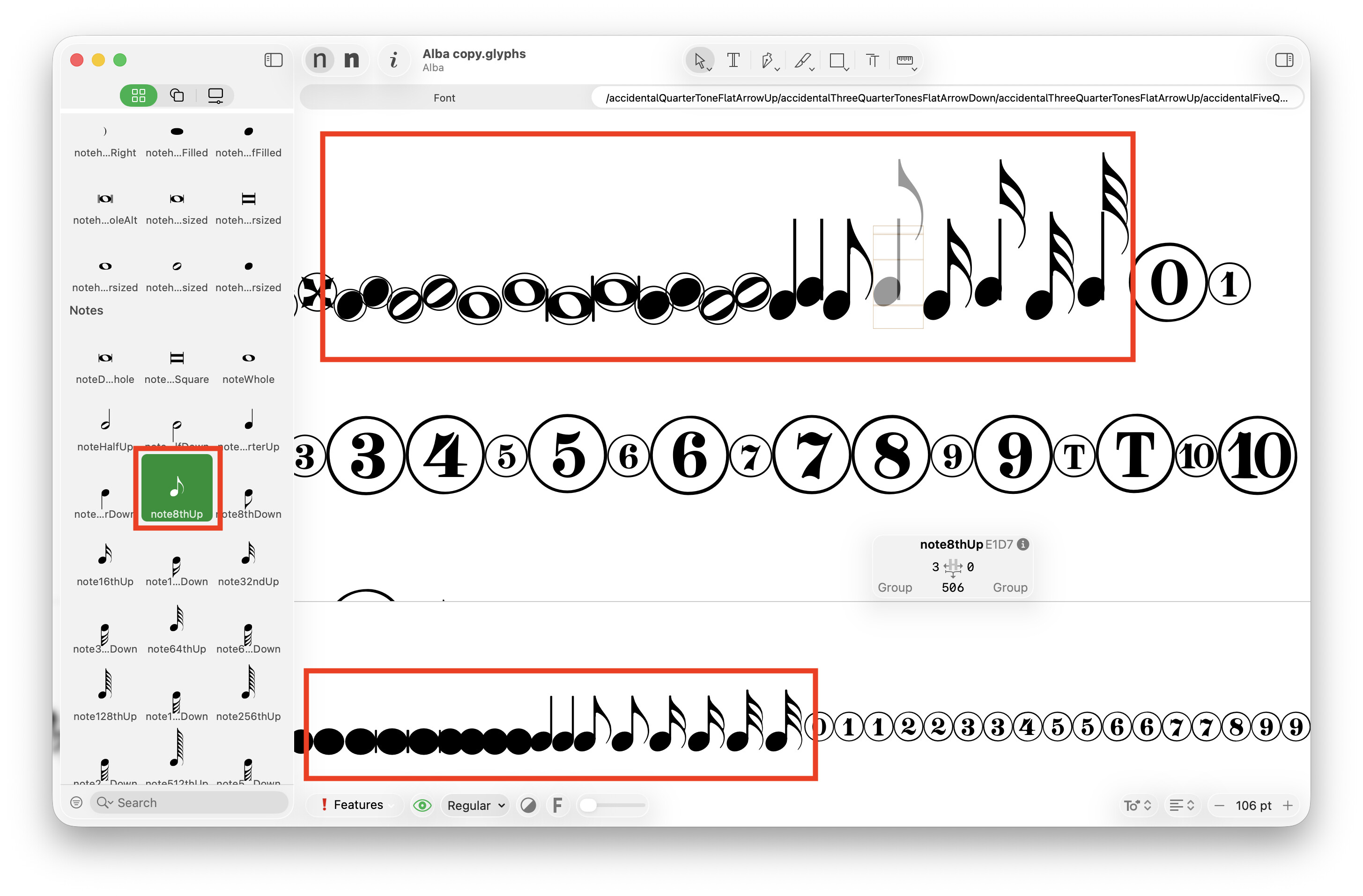
Some of the glyphs (e.g. E1D7) display with shifted components. However, the preview area and the glyph list on the left shows the same symbol correctly, without displacement.
The preview of noteheads (e.g. E0E9) shows them as solid black.
Could you send me the .glyphs file (in the state before you open it in Glyphs 4).
sent.
The note you mentioned looks identical in Glyphs 3 and 4. The jumping baseline is because the it alternates between the Music and Text layers. And the Text notes sit higher than the Music.
I see what’s happening. The highlighted note displays an older layer, not the master.
This doesn’t explain the blacked out noteheads in the preview area though.
I missed the filling issue. I’ll have a look.
1 Like