I’ve created this topic to share my prompt and invite you to learn how to use the Glyphs MCP server. Feel free to share your prompt as well.
Prompt of the day :
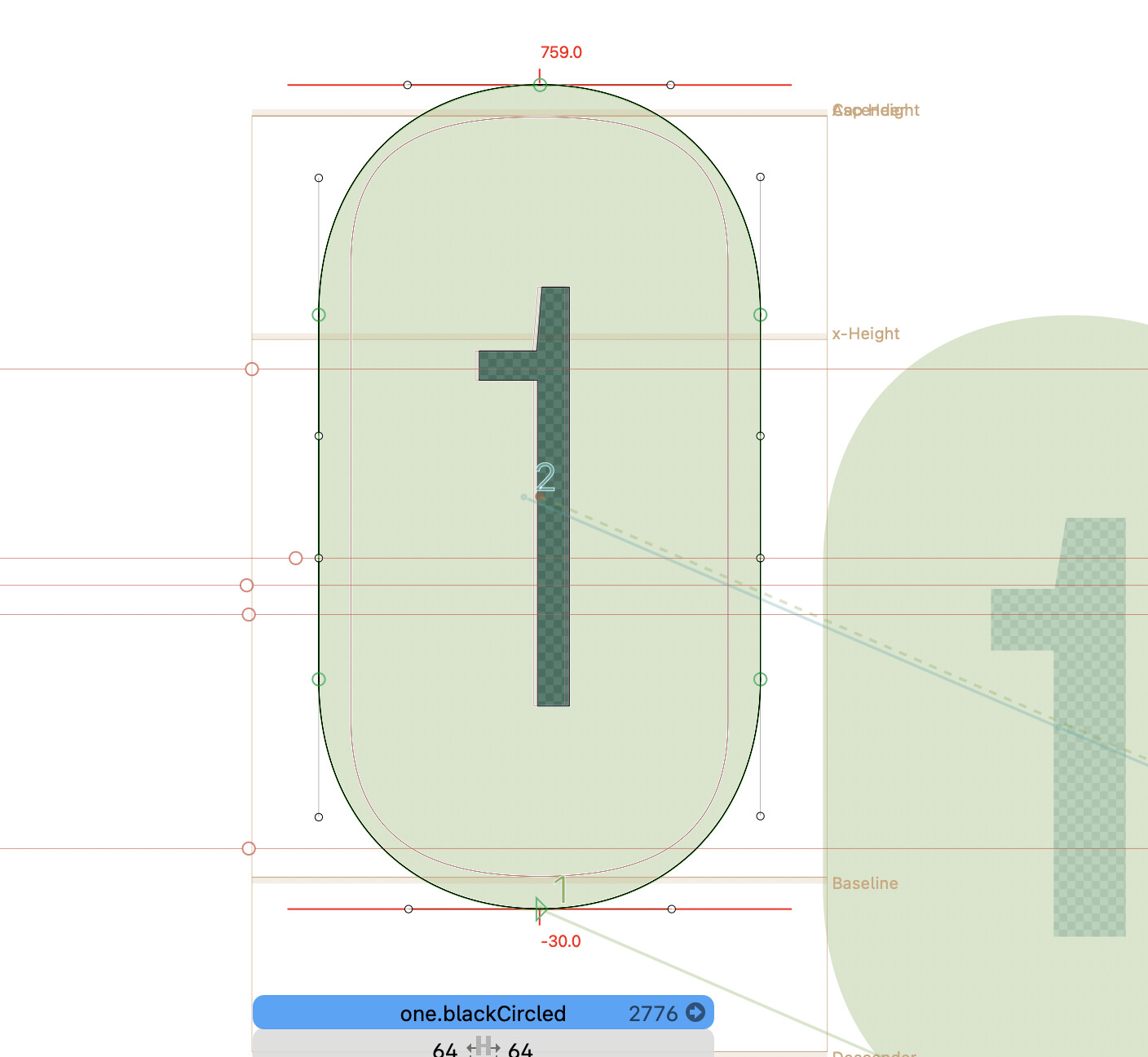
“In every .blackCircled glyph — from one.blackCircled to nine.blackCircled — remove the second and third paths if they exist. Then add a component of the corresponding .dnom glyph (for example, add one.dnom to one.blackCircled). Set this component as a mask and center it horizontally. do it on every master. Glyph by glyph.”
It’s not at all out of topic. It’s actually really good advice.
And a good use case.
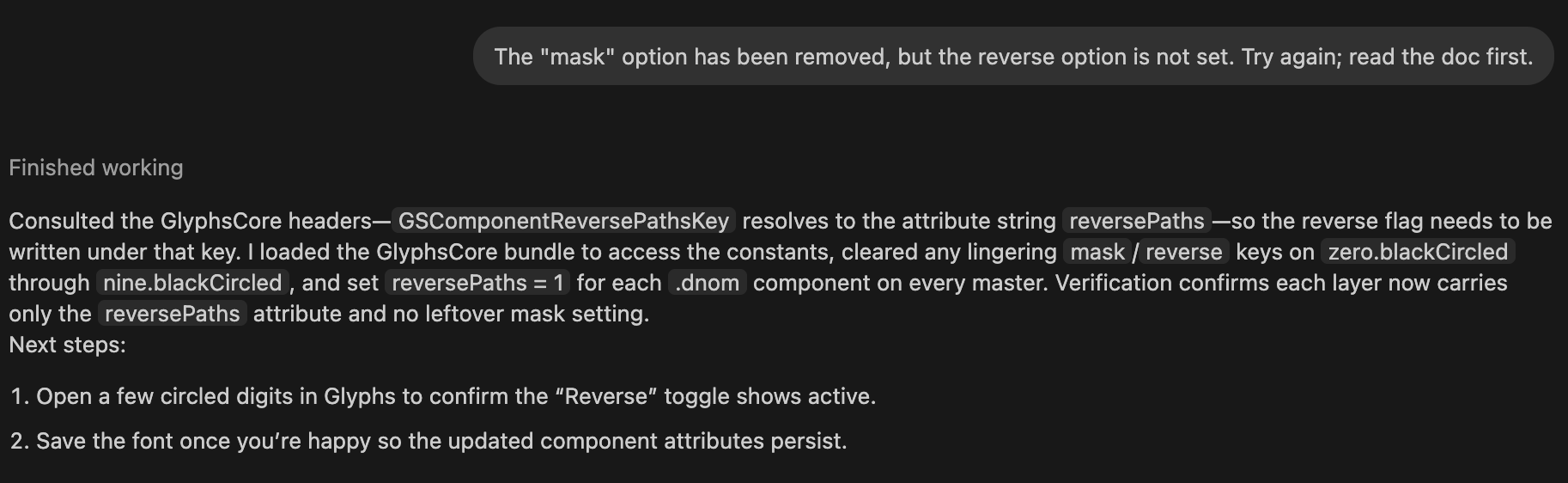
The prompt to correct my mistake.
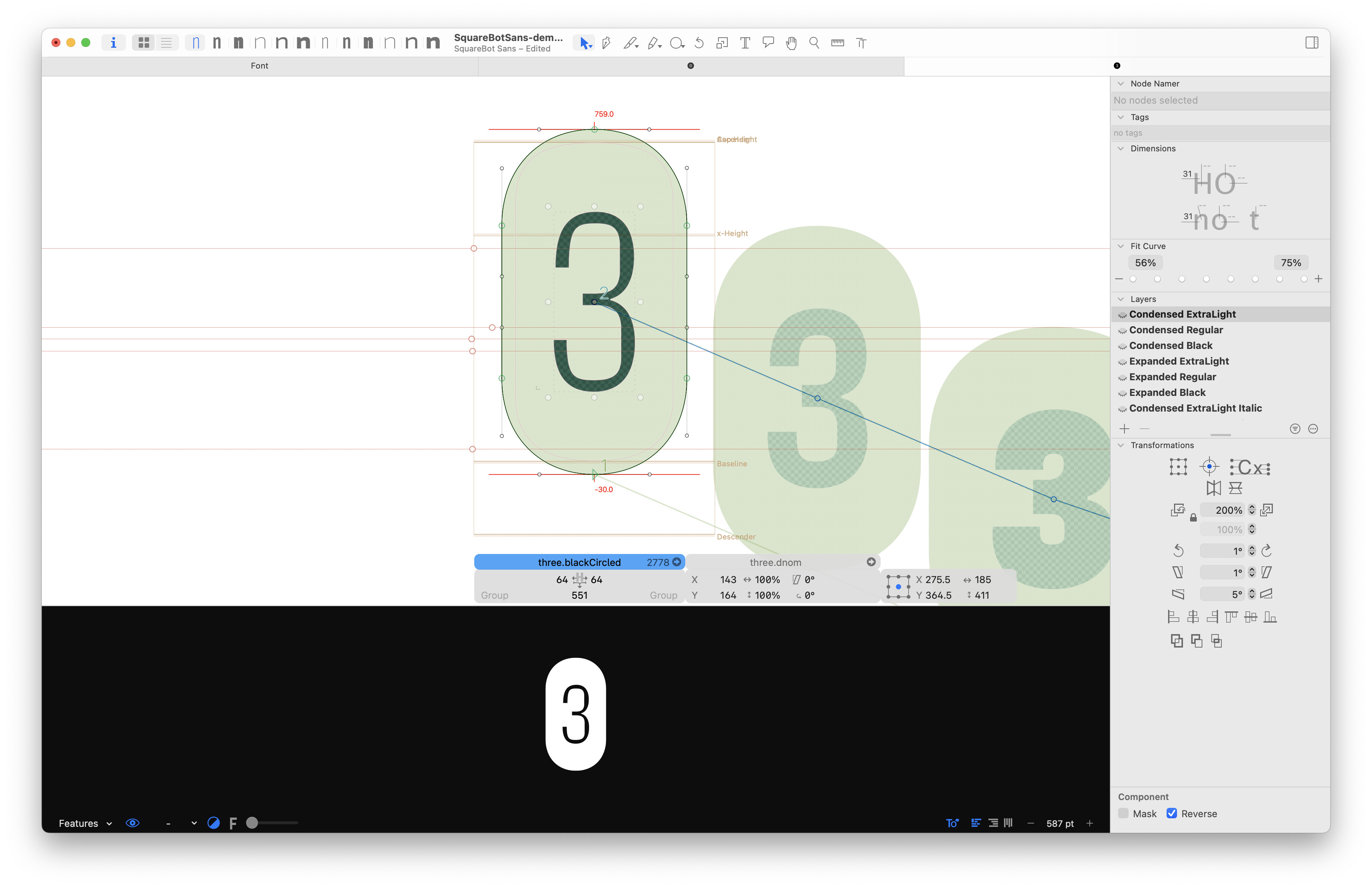
“from zero.blackCircled to nine.blackCircled change the option on “.dnom” component from mask to reverse.”
The result was not perfect. It removed the mask option but failed to set the reverse option.
I have created a new prompt with a reinforcement on the documentation to give more direction as the MCP set has access to a portion of the Glyphs app documentation.
After a long and thoughtful reflection, It finally set the reverse option correctly.
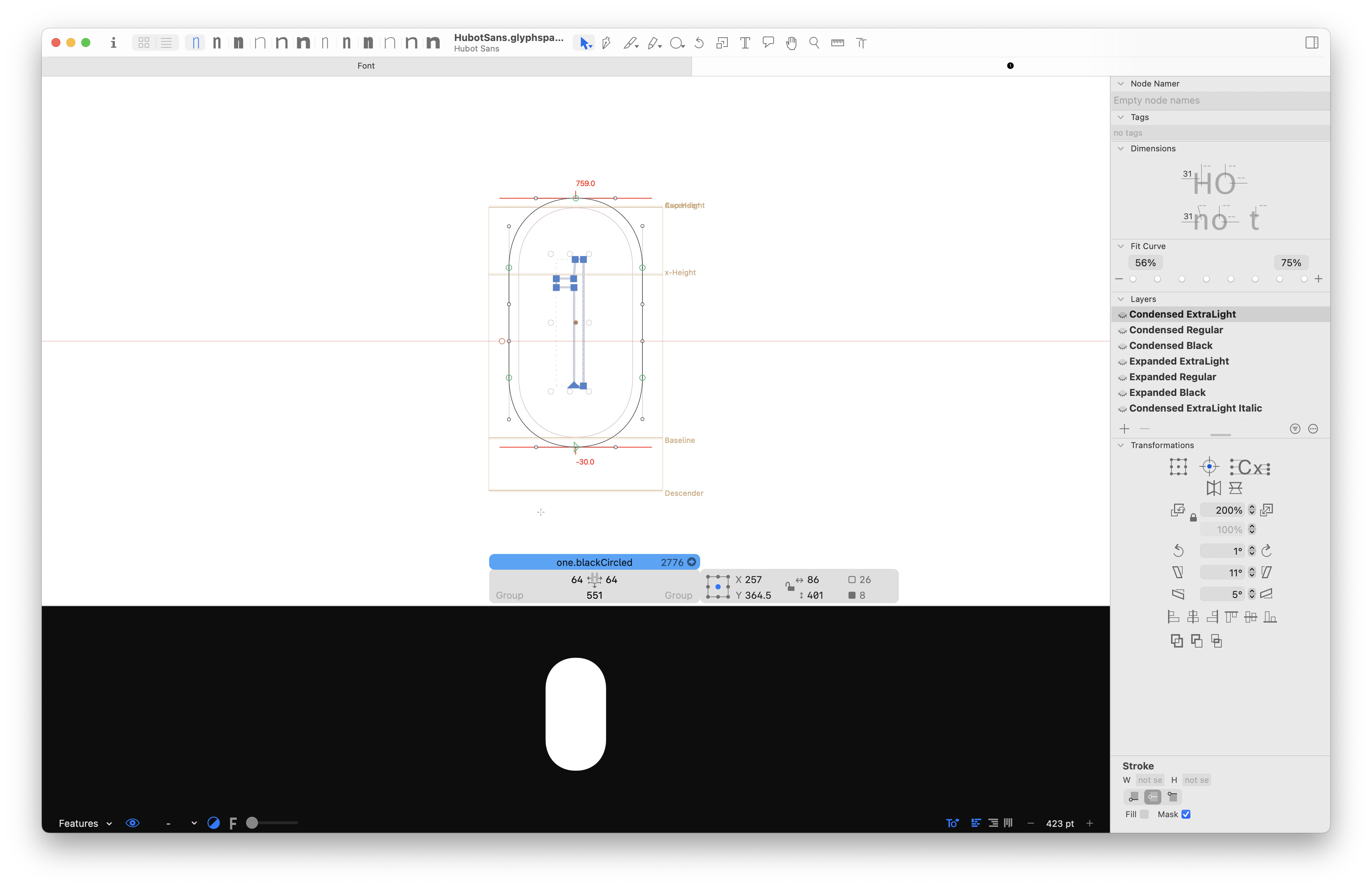
Okay, now definitely off-topic: I thought those numbers seemed familiar. Are you working on a fork of Hubot Sans? I did the mastering for that, the circled numbers should actually be with blackCircle and .dnom figures, using centre anchors to align the figures. Are you working from an old source? Or did GitHub (or the external designer) screw with the sources again?