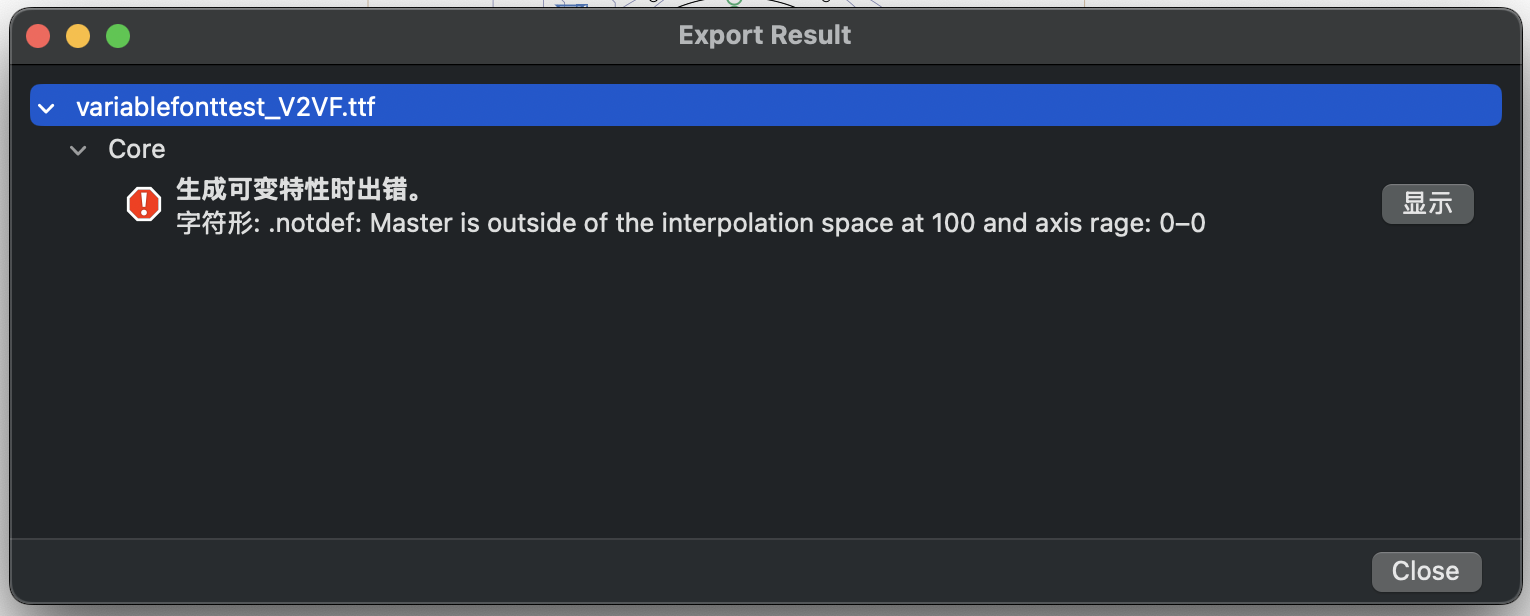
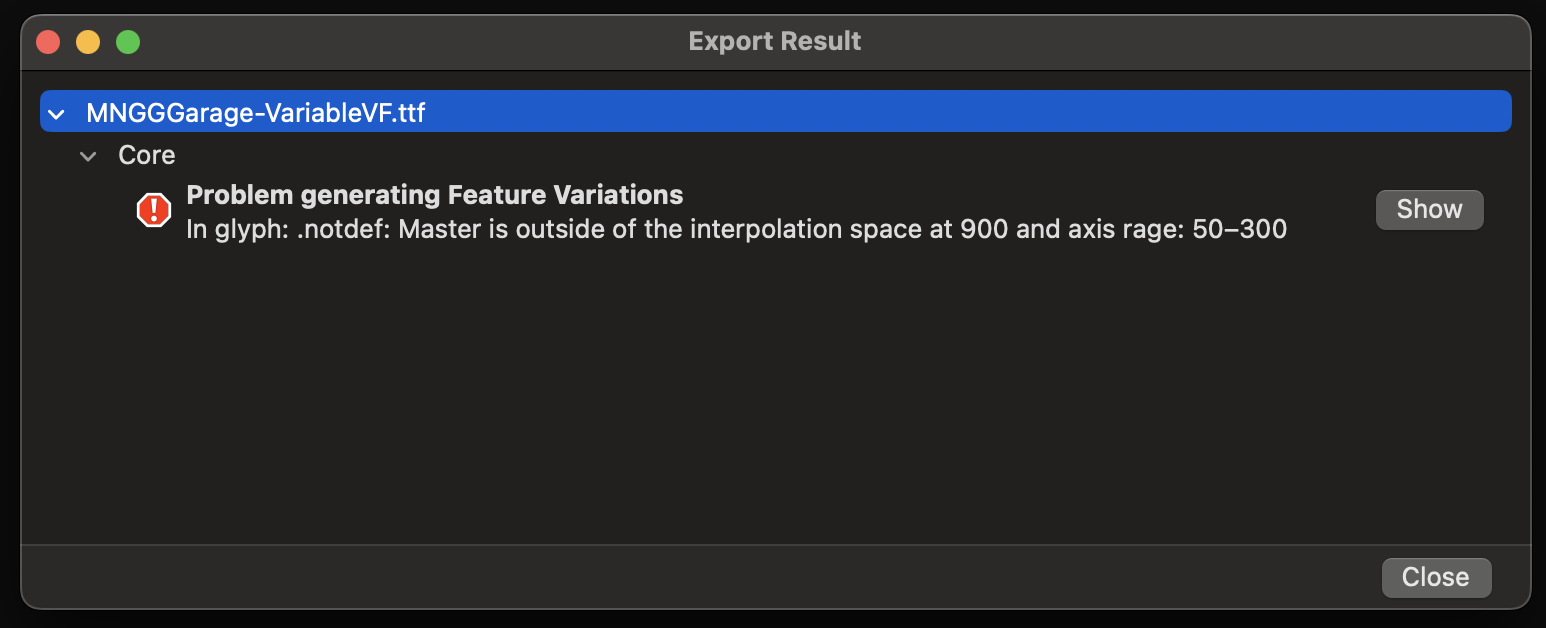
hi, I got some problem when I export variable Font:
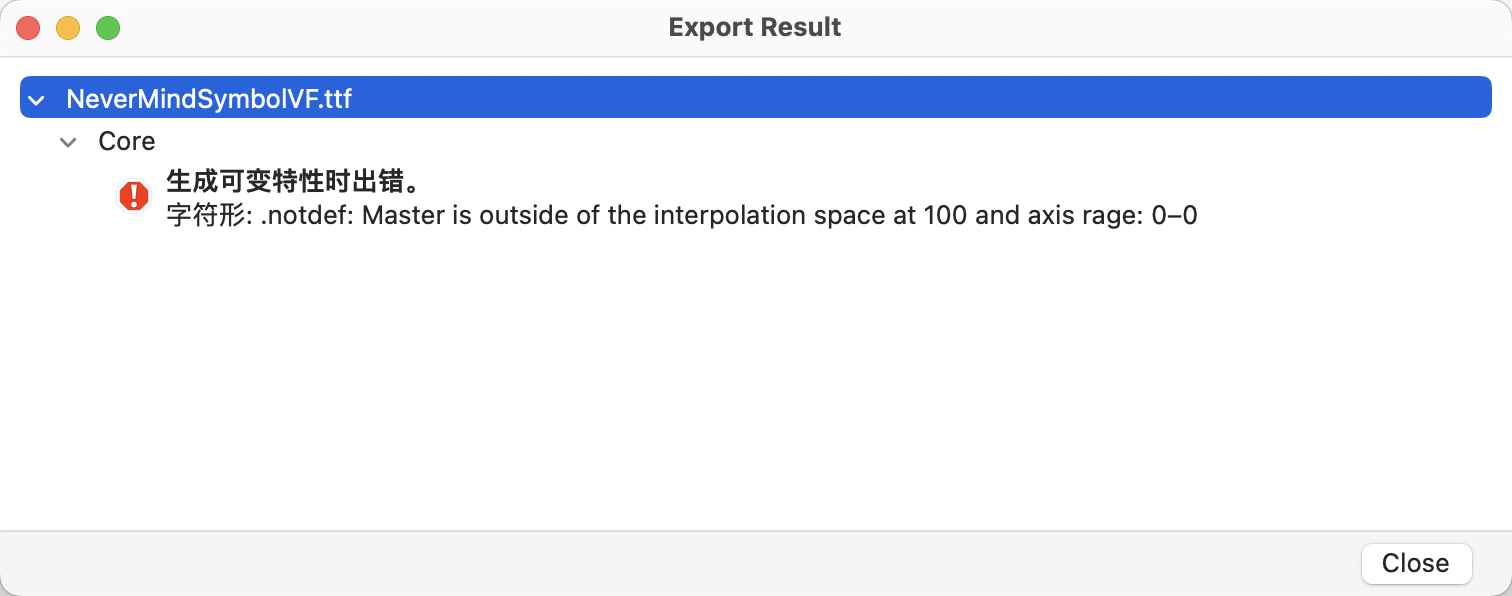
Here is my glyphs file:
symbol-test.glyphs (2.5 MB)
hi, I got some problem when I export variable Font:
Here is my glyphs file:
symbol-test.glyphs (2.5 MB)
The error message is a bit misleading.
The problem is that the masters are not on a rectangular setup. For variable fonts, both Thin, both Regular and both Bold master need to be at the same Weight value.
Thank You so much! it works for me.
Hello, I have a similar issue:
I’m working on a typeface with 2 axes (optical size and weight) and 4 masters.
The masters sharing the same weight have the same weight value, but the problem persists.
What is the problem and how to solve it?
Thank you
MNGG_Garage.glyphs (147.6 KB)
I can’t look at your file right away, but do you have any alternate/intermediate layers? Make sure they are within the interpolation space defined by your masters. What exactly are your four masters’ coordinates?
Thank you for telling me to check the coordinates, the optical size value of the Black master was at 900 instead of 300 like the Thin master 
It works now!
I have the same problem, and I can’t see where it went wrong..
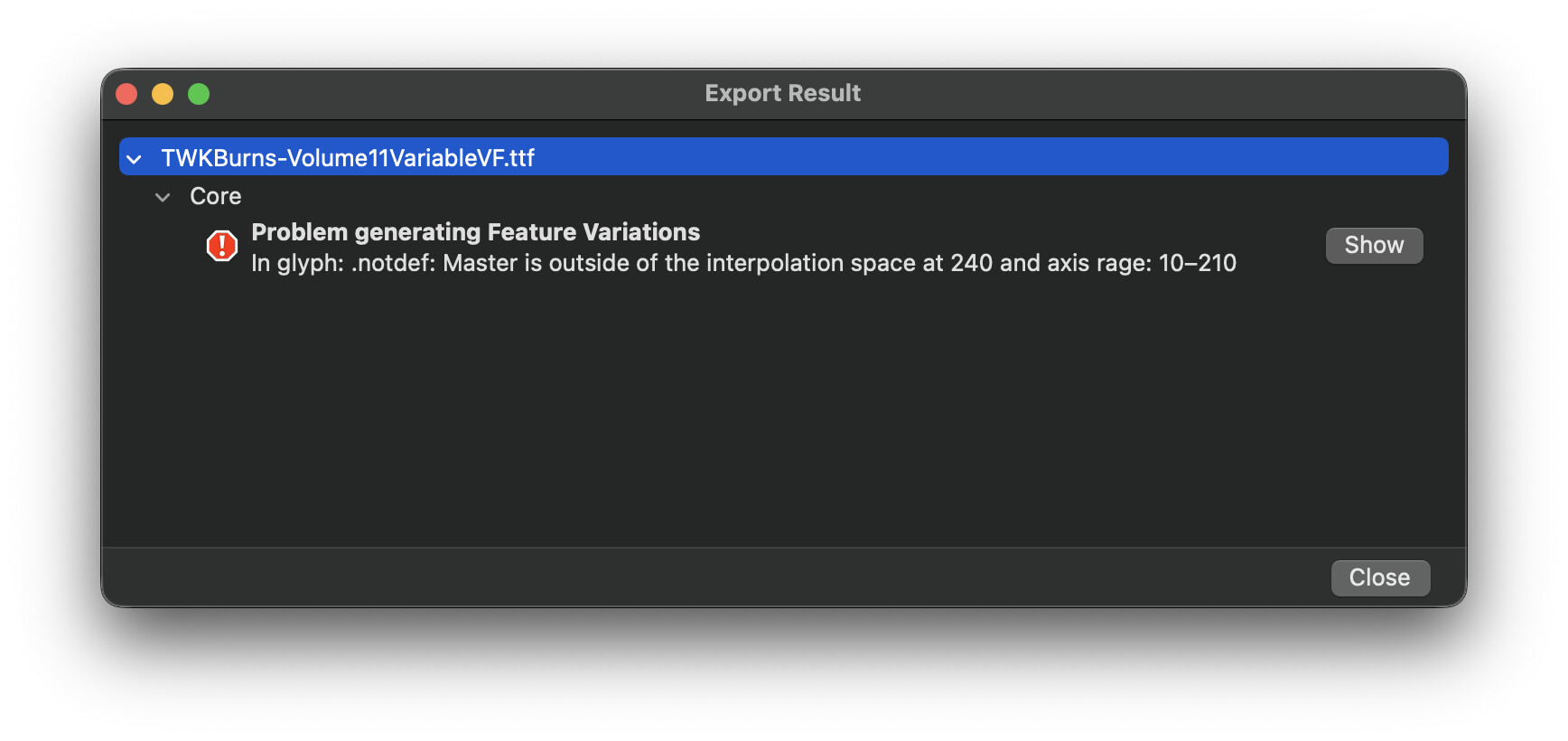
Problem generating Feature Variations
In glyph: .notdef: Master is outside of the interpolation space at 1000 and axis rage: 100–100
Any alternate/intermediate layers? Is your design space rectangular?
Do you have any special layers, that maybe have axis locations outside of your design space?
If you want, you can send me the file (in a private message) and I will have a look directly.
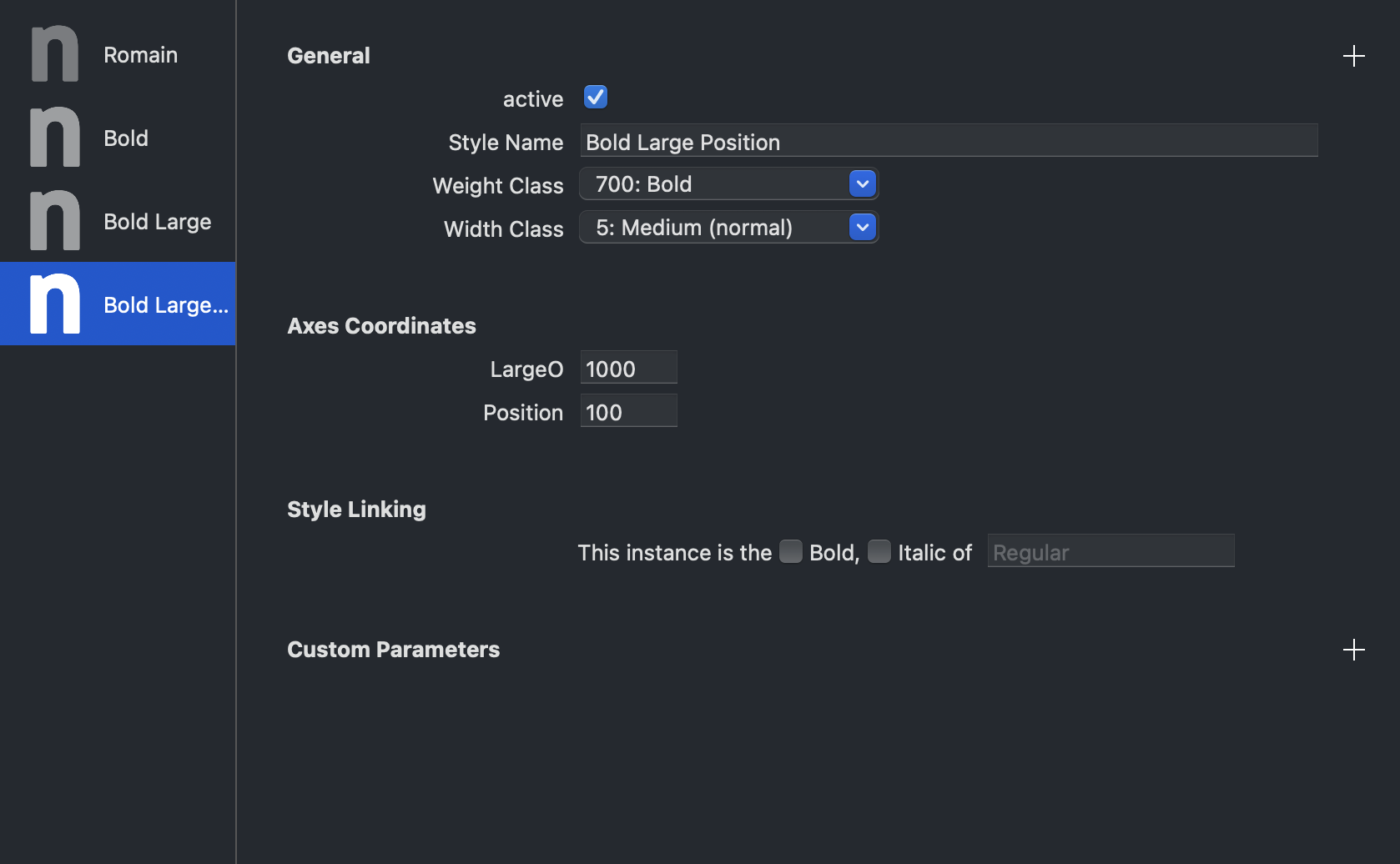
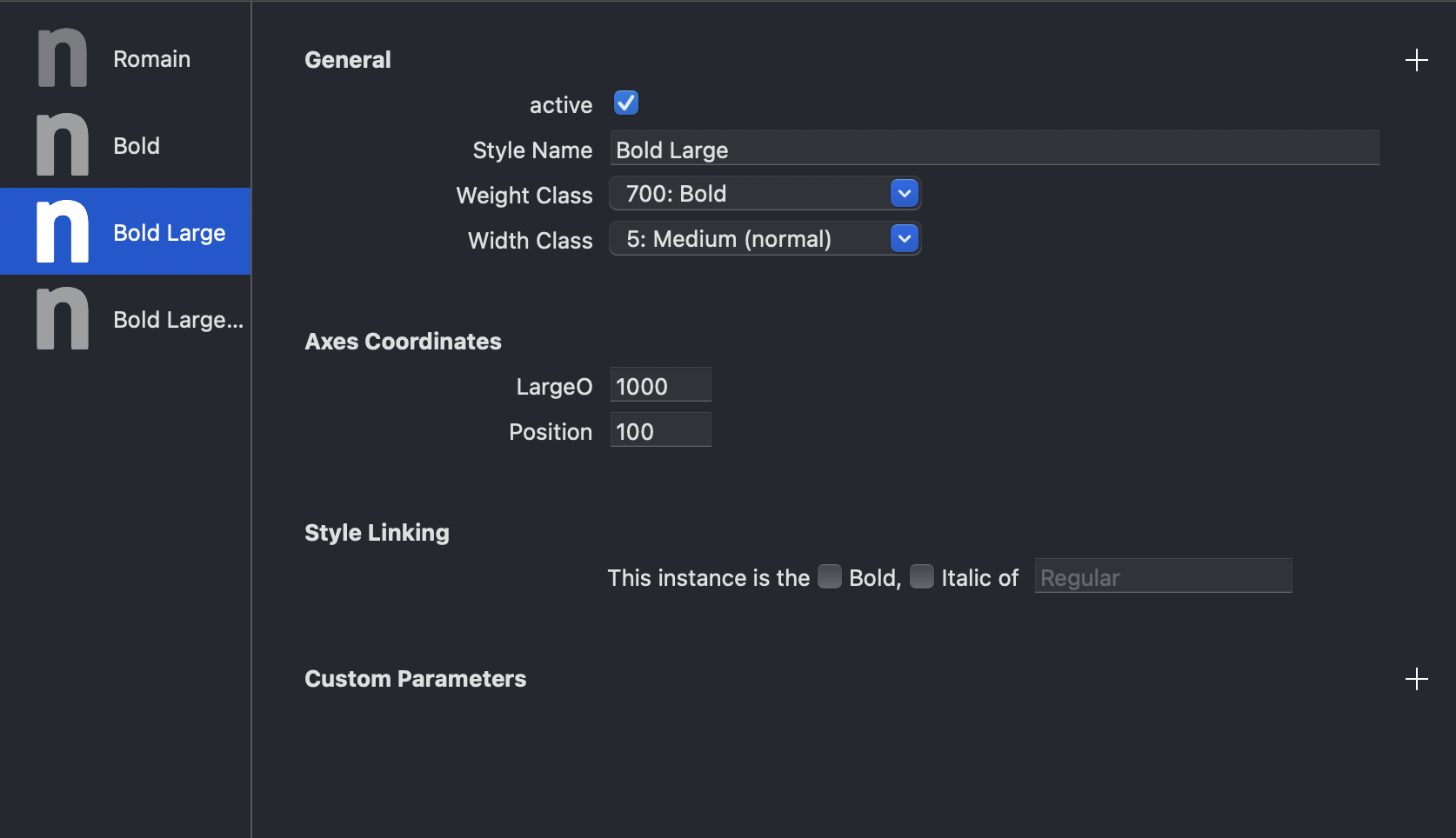
Can you show the coordinate of all your masters?
Thanks for the screenshots. When you set your masters like this, you need to define the “Bold Large” as your Origin. There is a custom parameter in the font settings for this.
Sorry, I tried to go through the previous replies to solve this problem, but I didn’t understand them. 
This error means that some of the glyphs have intermediate layers and their coordinates do not match the axes in your font. Often happens after you add or remove an axis, or change master coordinates.
Set up a smart filter that gives you all glyphs with “special layers”. Then step through the glyphs and examine their layer structure.
If the error is in the .notdef, it is most likely a none rectangular master setup.
I got it!
Thank you so much for the help. 
Can you explain what you changed?